- Category
- Image Upscaler
- Alternatives
- 6 similar tools
- Last updated
- 4 days ago
- Source
- Official site ↗︎
AI Collection Top Picks

Image Upscaler Category Picks

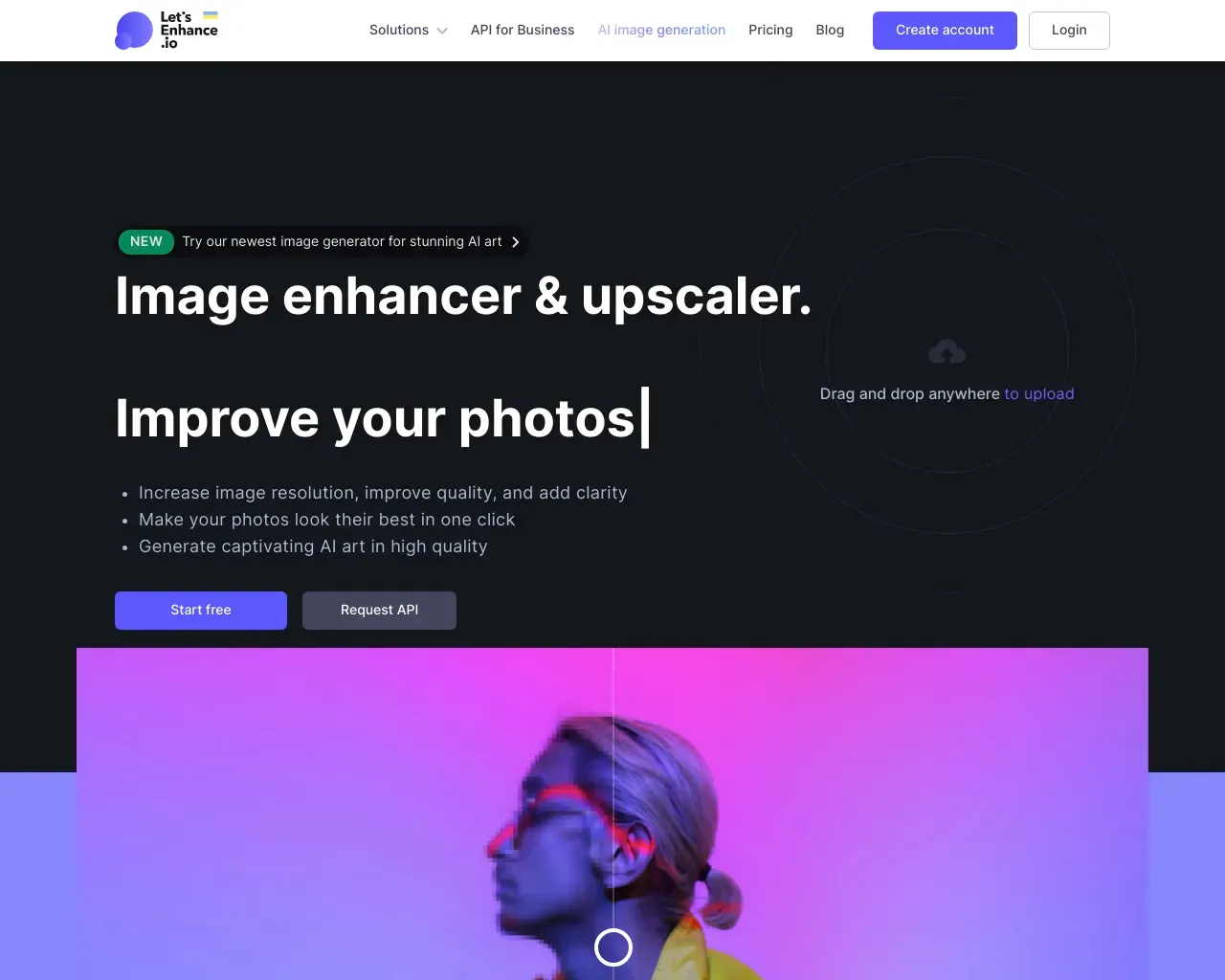
Online AI Image Enhancer that Improves Photo Quality by Upscaling, Denoising, Restoring, Face Refinement, and More

About Image upscaler
Enhance your images with Image Upscaler - an AI-powered tool that increases image resolution and quality in seconds. Try it now!
What you get
Additional Information
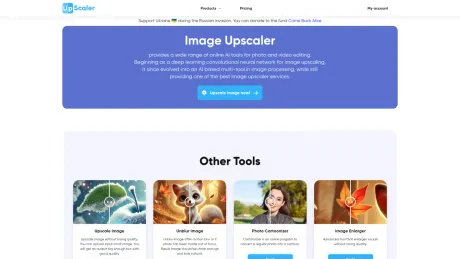
Image Upscaler is an online platform leveraging advanced Artificial Intelligence to enhance image quality. It began as a deep learning convolutional neural network focused on image upscaling and has since grown into a comprehensive AI-based multi-tool for image processing. Users can upload images or videos and utilize a variety of tools to improve visuals without losing quality.
The platform supports numerous functionalities including upscaling images, removing backgrounds, inpainting, and converting images to cartoon styles. Each tool is designed to address specific image problems, such as low resolution, unwanted objects, or JPEG artifacts, ensuring effective and natural-looking results. Targeted toward users ranging from bloggers and designers to students and businesses, Image Upscaler enhances visuals for diverse applications including social media, marketing campaigns, and personal projects.
Designed for ease of use, Image Upscaler operates entirely online, allowing users to upload their content through a browser without the need for additional software. The processing is carried out on the platform’s servers, ensuring a fast and efficient workflow. With a focus on security, user images are processed and deleted after a short period, maintaining privacy standards.
Frequently asked questions
What is Image upscaler used for?
Image Upscaler - Upscale Your Photo for Free with AI.Is Image upscaler free?
Pricing for Image upscaler varies — see the Pricing section for details.What are alternatives to Image upscaler?
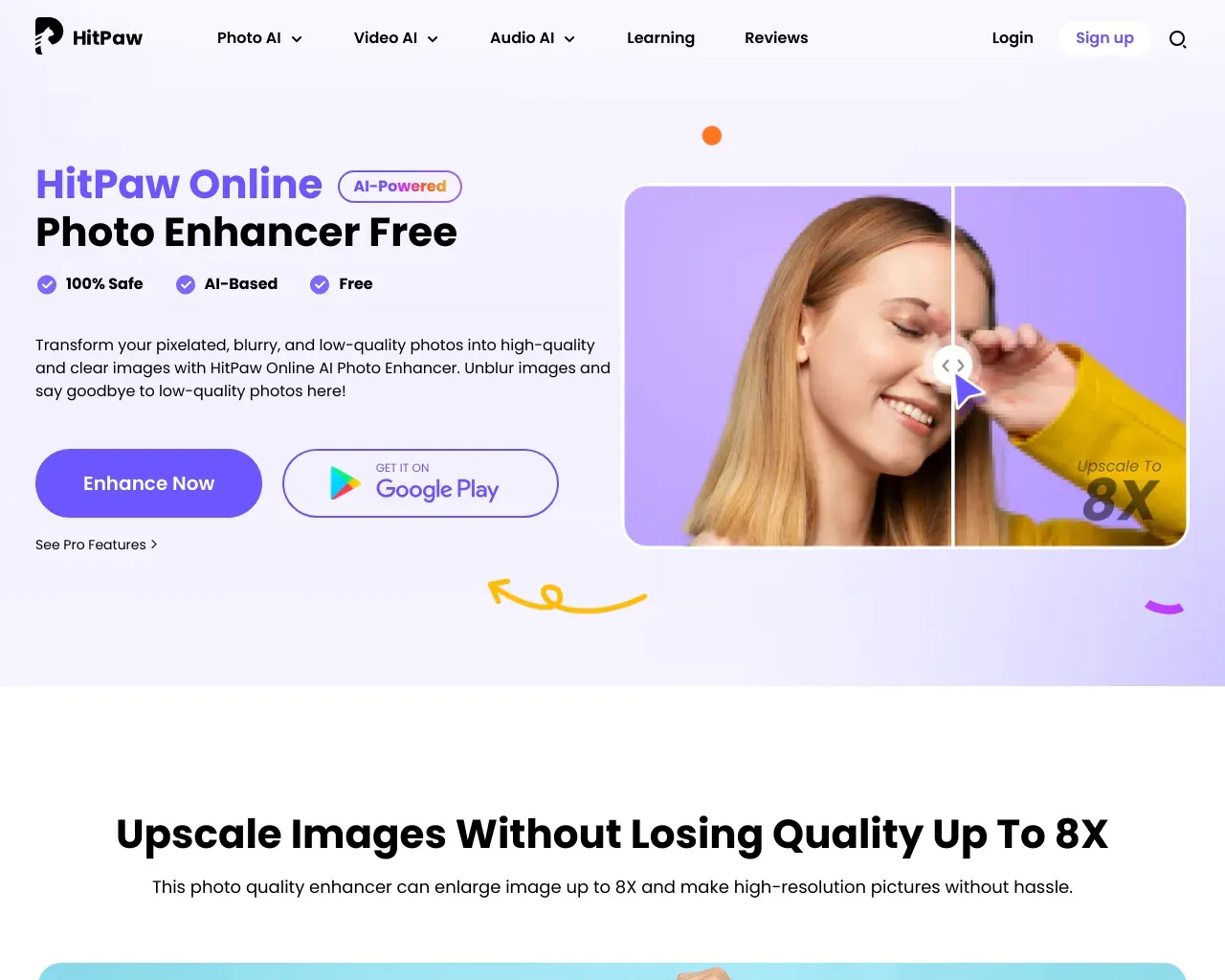
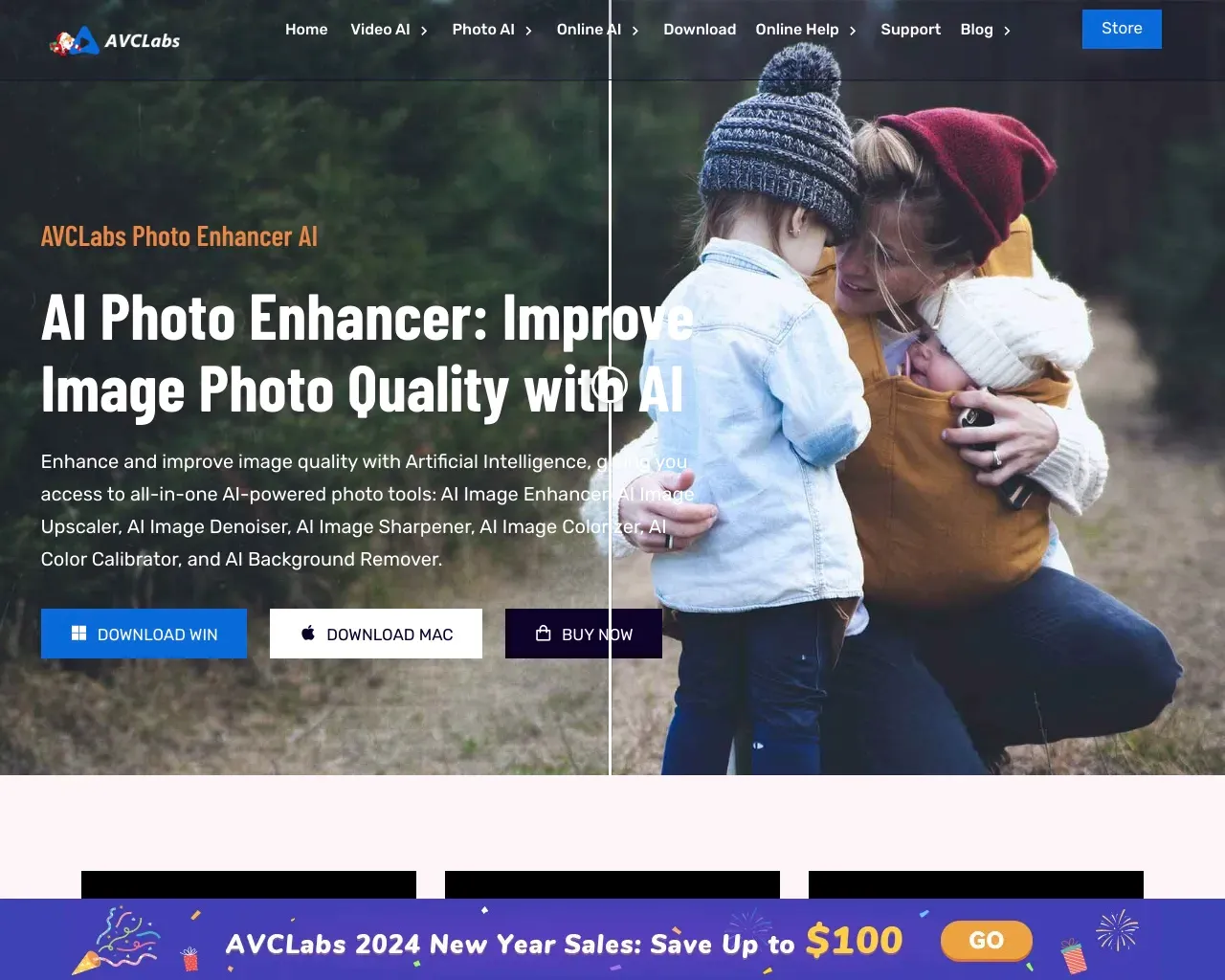
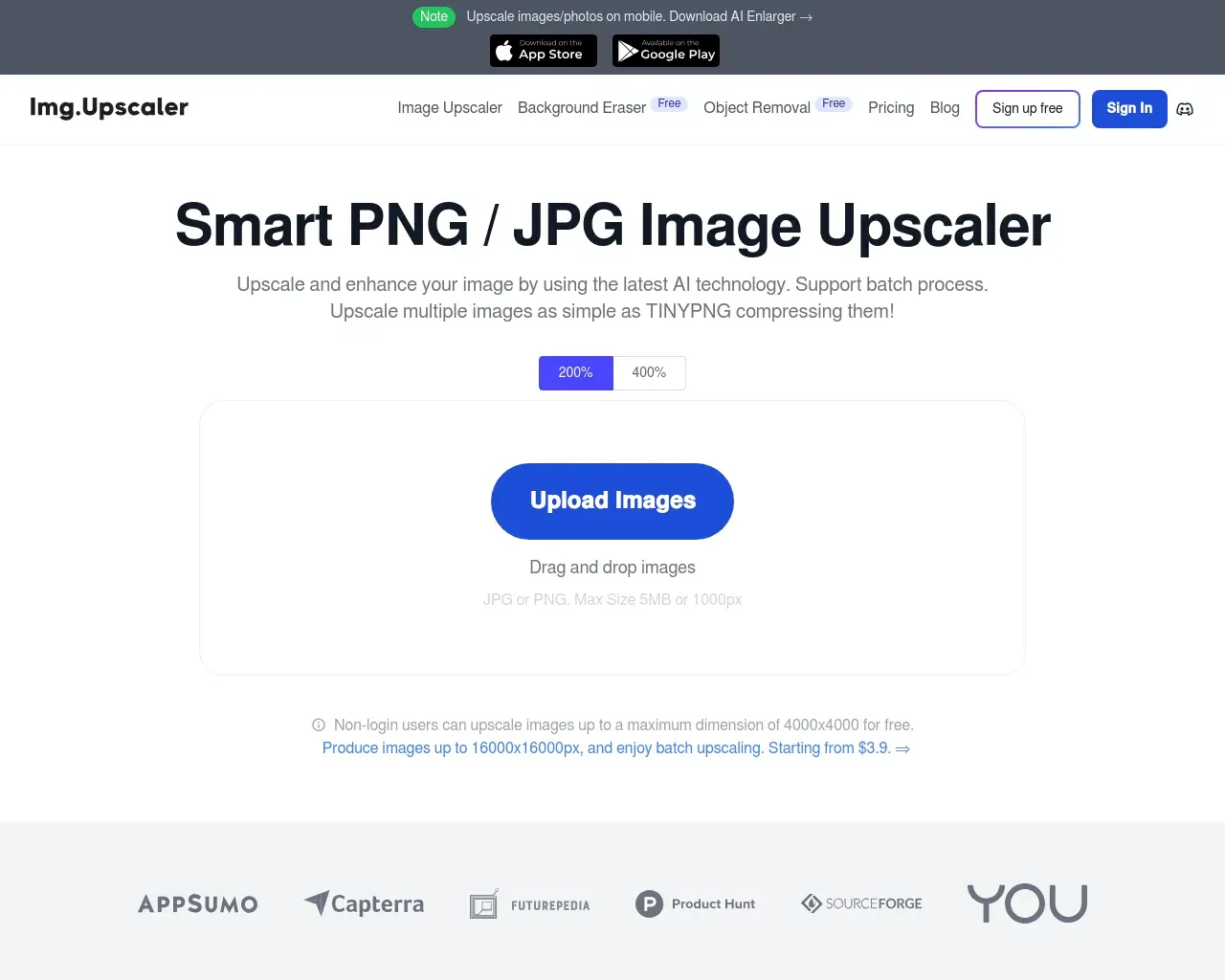
Top alternatives to Image upscaler include HitPaw Online Photo Enhancer, AVCLabs Photo Enhancer AI, AVC AI, Imgupscaler, AI Image Enlarger.Where can I get Image upscaler?
Image upscaler is available at https://imageupscaler.com/.What category is Image upscaler in?
Image upscaler is listed in Image Upscaler.Limited-Time Bonus: What are the 5000 free credits?
For a limited time, all users receive 5000 free credits to use across our AI tools. You can use them for Image Upscaler, Background Remover, Image Enhancer, and more. No credit card is required to get started, and the offer may change or end at any time.What is Image Upscaler?
Image Upscaler is an online platform designed to enhance the quality of images using advanced Artificial Intelligence techniques. In addition to upscale image and basic photo editing software, Image Upscaler now offers a variety of tools including the ability to convert videos into cartoons and generate AI images. The platform is based on Deep Learning convolutional neural networks, ensuring that the results are both impressive and natural-looking.What becomes available after Image Upscaler subscription?
You can subscribe to Image Upscaler and receive an additional 50 to 1000 credits monthly to use on any current and upcoming software. To use your free monthly credits you'll need to sign out.What kind of image problems can be fixed with Image Upscaler?
Image Upscaler is designed to fix image problems such as low resolution, unclear details, textures, unwanted objects, and jpeg artifacts on the photo. The advanced AI upscaling technology ensures perfect photo enlargement.Is the Image Upscaler safe?
Uploading photos to Image Upscaler is completely secure. The photos are processed and deleted after 30 minutes once the enhancement is complete, ensuring their privacy.Which image formats can I use for editing?
Our tools support a wide range of image and video formats commonly used for web, photography, and digital content. Supported image formats: JPEG (.jpg, .jpeg), PNG, WebP, HEIC, BMP, TIFF, AVIF, JFIF, and PDF. Supported video formats: MP4 and AVI.Can I use Image Upscaler tools for my business needs?
Absolutely! Image Upscaler is suitable for a variety of users, including Instagram, Facebook, Twitter, Pinterest bloggers, website owners, designers, photographers, self-development coaches, students, managers, and many others. Its tools can enhance visuals for presentations, ads, websites, and social media posts.Do I need to install any software to use the tools?
No, all tools are available online and work directly in your browser. You simply upload your image or video, choose the tool you want to use, and the processing happens automatically on our servers.
Compare Image upscaler with…
Pick any tool to see a structured side-by-side: pricing, deployment, capabilities, and content policy.