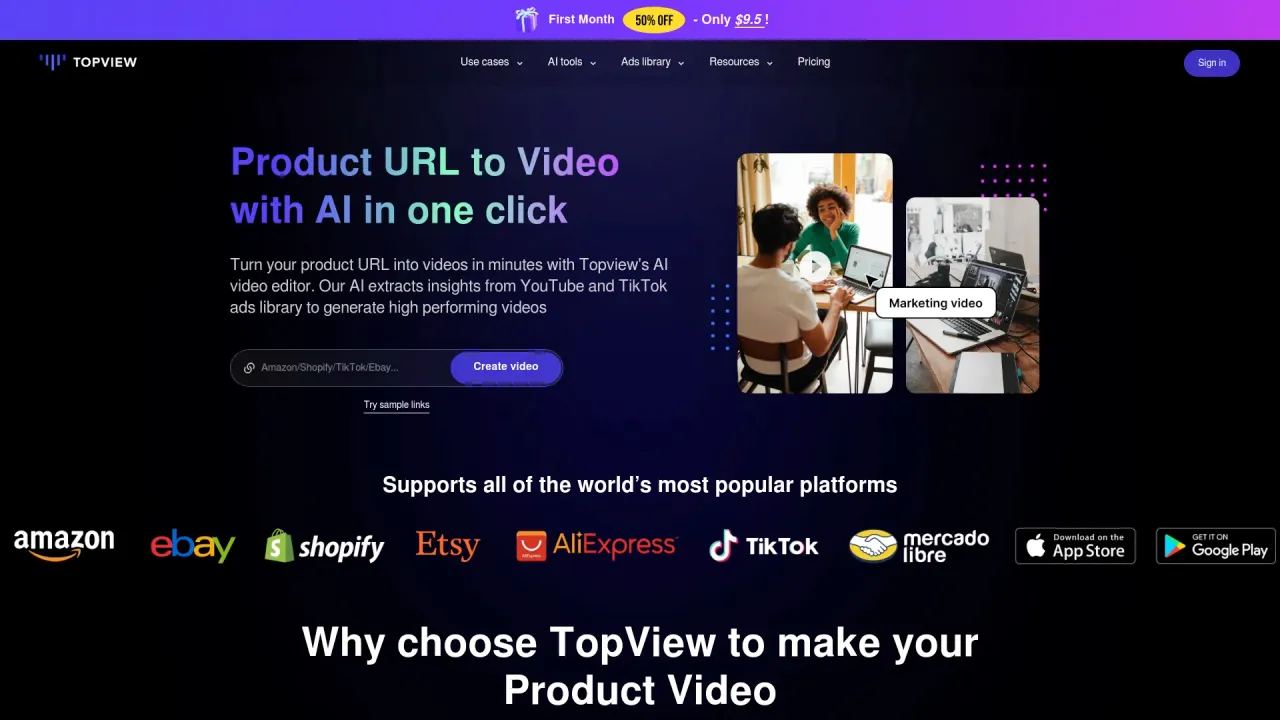
kling 3
King AI Video & Image Generator | Free, No SignUp, No Limits.
- Category
- Video Editing
- Alternatives
- 6 similar tools
- Last updated
- 1 months ago
- Source
- Official site ↗︎
AI Collection Top Picks

Video Editing Category Picks

About kling 3
Create cinematic AI videos from prompts, images, keyframes, and mixed references with King AI, an online video generator for creators, marketers, and teams.
Frequently asked questions
What is kling 3 used for?
King AI Video & Image Generator | Free, No SignUp, No Limits.Is kling 3 free?
Pricing for kling 3 varies — see the Pricing section for details.What are alternatives to kling 3?
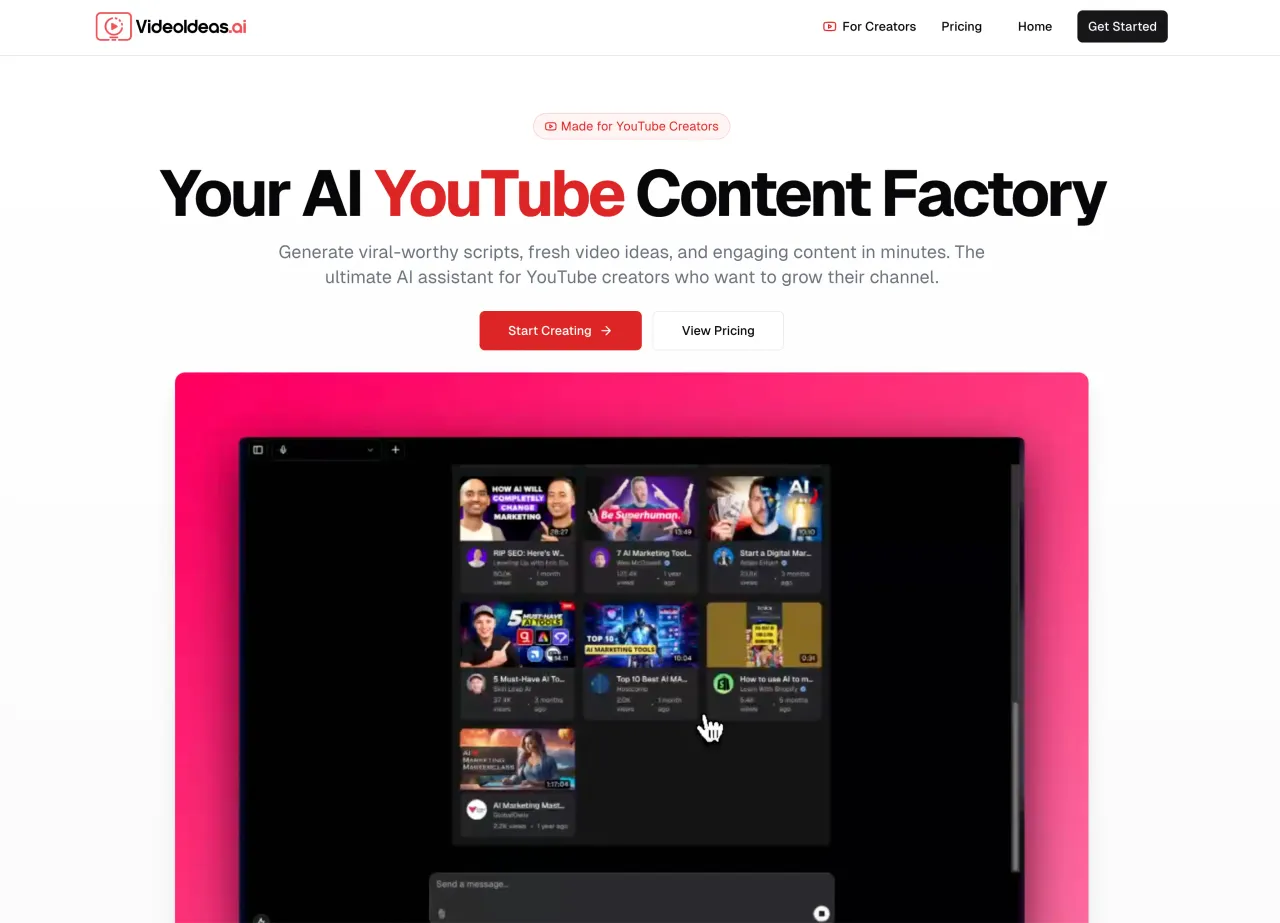
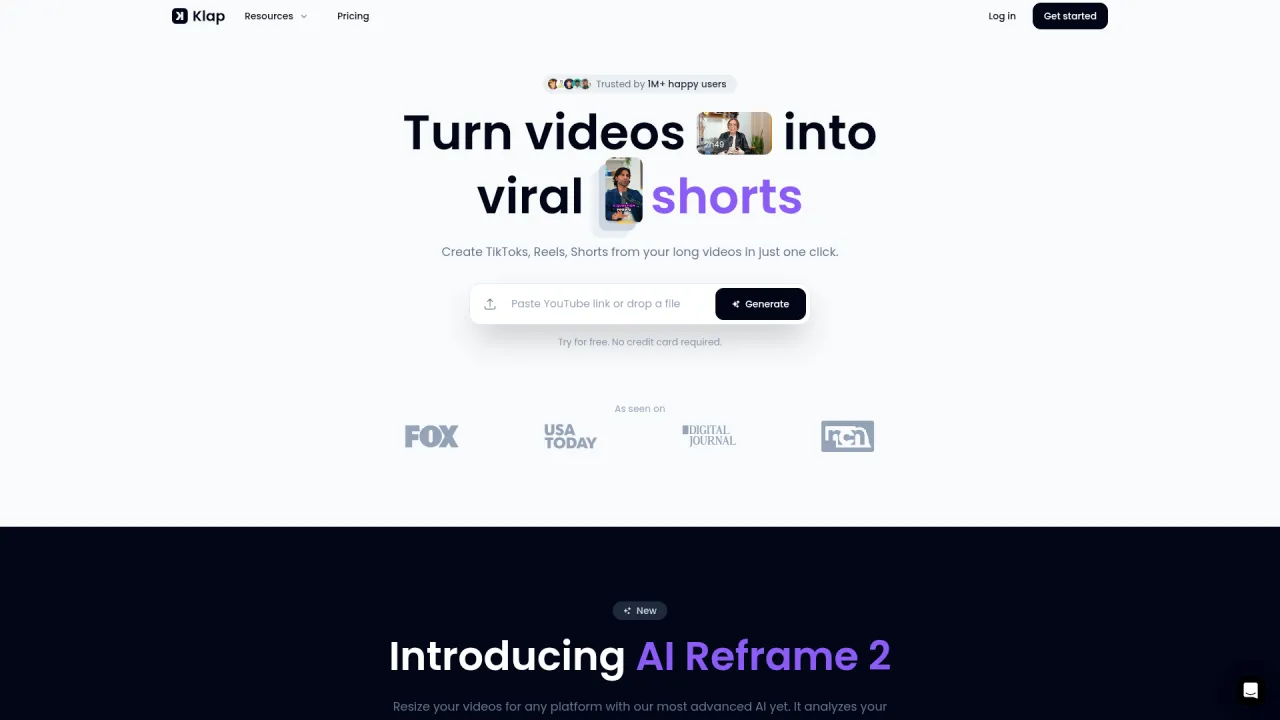
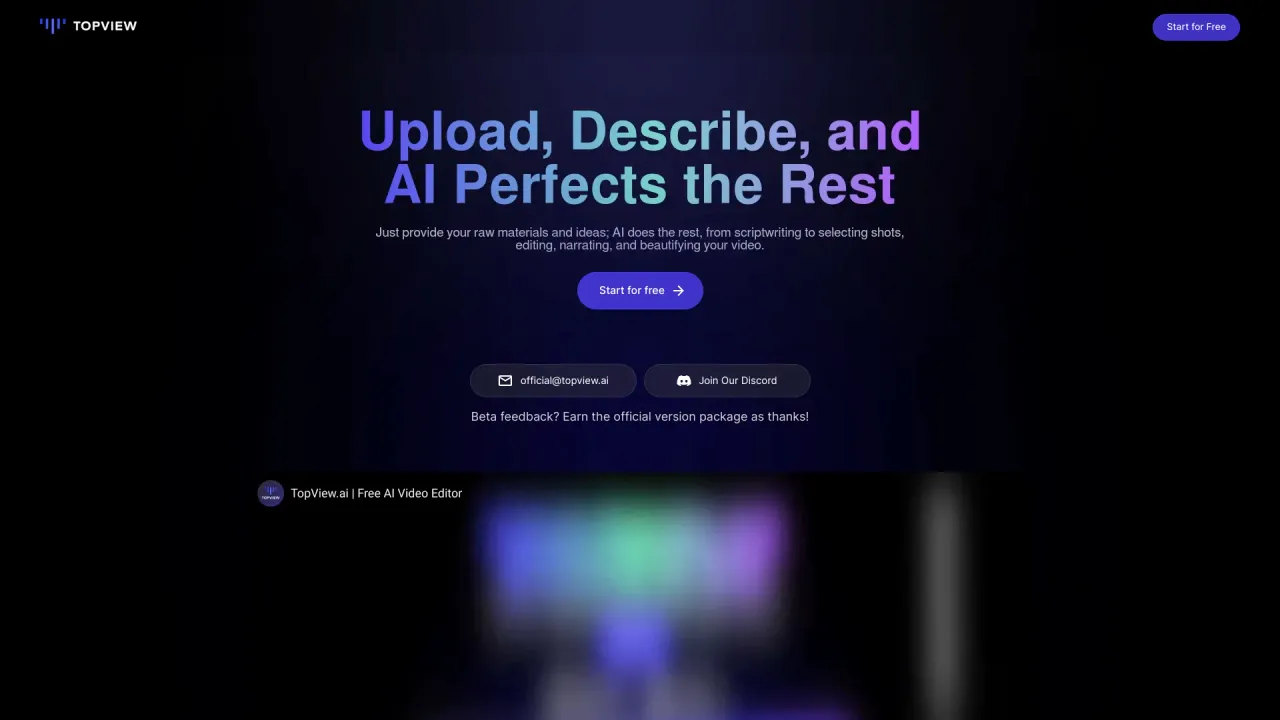
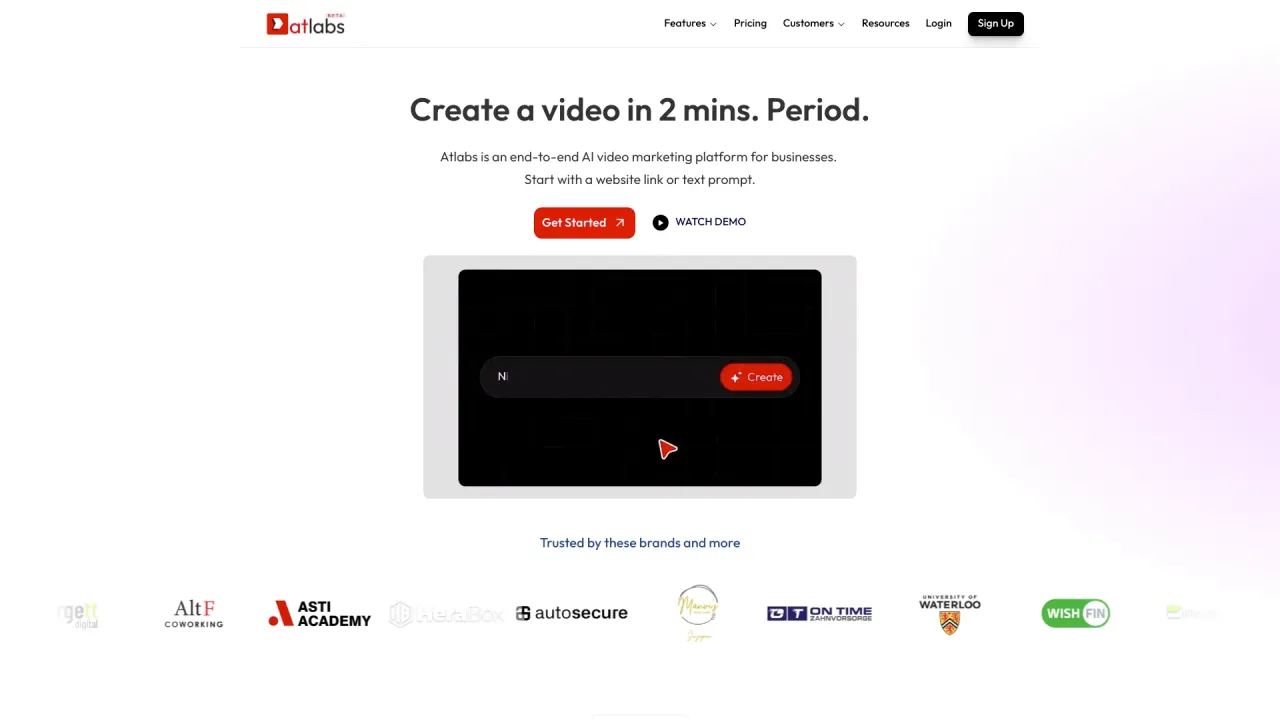
Top alternatives to kling 3 include Klap App, AI video editor, Atlabs AI, Topview AI URL to Video, Colossyan.Where can I get kling 3?
kling 3 is available at https://kling3.net/.What category is kling 3 in?
kling 3 is listed in Video Editing.What is Kling 3 AI and who should use it?
Kling 3 is an advanced AI video generation platform powered by cutting-edge neural networks. Kling 3 ai creates professional videos from text and image inputs with ultra-high resolution, physics-accurate motion, and cinematic aesthetics. Designed for marketing teams requiring campaign assets, content creators maintaining consistent output, e-commerce brands scaling product demonstrations, and developers integrating kling ai video generation into custom applications. From independent creators to enterprise organizations, kling 3 technology adapts seamlessly to any production scale.What are Kling 3 pricing plans and free options?
Kling 3 ai offers a generous free tier with initial credits for platform exploration—generate videos, download high-definition content, and use commercially. Paid subscriptions start at $19.90 monthly, delivering enhanced resolution exports, expanded credit allocation, priority queue access for kling 3 video generation, advanced capabilities including batch operations and API integration. Annual subscriptions receive 40% savings on kling ai services.How does Kling 3 AI differ from other video generation tools?
Kling 3 video technology distinguishes itself through advanced AI architecture and sophisticated neural processing. Key advantages include superior physics modeling producing authentic motion with minimal artifacts, exceptional character consistency maintaining visual coherence throughout sequences, intelligent scene composition, and ultra-HD resolution output. The kling 3 ai platform delivers professional broadcast-caliber results exceeding comparable tools, making kling ai ideal for premium commercial projects requiring maximum quality.Can Kling 3 convert static images into animated videos?
Yes. Kling 3 ai Image-to-Video capabilities transform static photographs into dynamic animated sequences. Upload product images, artwork, concept designs, or reference screenshots—kling 3 video technology analyzes spatial depth, object relationships, and compositional elements to generate physically realistic motion. Control animation parameters, movement trajectories, and cinematic aesthetics through descriptive text prompts, producing professional kling ai video animations from any static image source.What output formats and resolutions does Kling 3 AI support?
Kling 3 AI video exports support MP4 (universal compatibility), MOV (Apple ecosystem optimization), and WebM (web-optimized streaming) formats. Resolution options reach up to 4K with 60fps frame rates for kling 3 ai generations. Standard aspect ratio support includes 16:9 landscape, 9:16 vertical portrait, 1:1 square, plus 4:3 and 3:2 ratios. Premium kling ai subscriptions enable custom dimension specifications for specialized production requirements.Do users retain ownership of Kling 3 AI generated content?
Absolutely, 100% ownership guaranteed. All kling 3 video content generated through the platform includes complete commercial usage rights. Utilize kling 3 ai creations for client projects, advertising campaigns, product demonstrations, social media marketing, broadcast distribution, print materials—unlimited applications. No royalty fees, attribution requirements, or usage restrictions apply to your kling ai generated content.How quickly does Kling 3 AI generate videos?
Kling 3 AI video generation typically produces 5-10 second clips within 30-90 seconds. Premium subscribers receive priority queue access for accelerated kling 3 ai processing. Batch operations execute parallel processing—generating 50 kling ai videos doesn't require 50x time investment. Cloud infrastructure scales dynamically to handle high-volume workloads efficiently, ensuring consistent generation speed regardless of project scope.Is Kling 3 AI compatible with mobile devices and tablets?
Kling 3 AI provides complete cross-device compatibility through responsive web design. Works seamlessly on Chrome, Safari, Firefox, and Edge browsers across desktop computers, tablets, and smartphones. Cloud-based kling 3 video processing ensures device specifications don't impact output quality—generate professional kling ai videos on mobile devices with identical results to high-end workstation production.Does Kling 3 AI support collaborative team workflows?
Yes. Kling 3 AI video platform includes collaborative project workspaces enabling team members to share prompts, generated assets, and style configurations. Version control tracks complete kling 3 ai generation history for review, comparison, and rollback capabilities. Kling 3 workspace features support creative teams, agencies, and enterprise organizations managing multi-stakeholder content approval processes efficiently.Is there a Kling 3 AI API for developer integration?
Kling 3 AI provides comprehensive RESTful API with Python and Node.js SDKs. Integrate kling 3 video generation directly into SaaS products, content management systems, e-commerce platforms, or proprietary applications. The kling ai API supports batch submission workflows, custom parameter configuration, webhook callback notifications, and secure API key authentication. Complete developer documentation with code examples available through dedicated portal.What languages does Kling 3 AI support for prompts?
Kling 3 AI video technology processes prompts in English, Chinese, and numerous additional languages with high accuracy. Describe creative concepts in your native language—kling 3 ai interprets meaning and intent precisely. For international teams, kling ai multilingual support enables creators across different regions to work in preferred languages without requiring translation services, streamlining global content production workflows.Can users control camera movements and cinematic aesthetics in Kling 3 AI?
Absolutely. Kling 3 AI supports detailed camera direction specifications including pan movements, dolly zooms, crane shots, handheld shake effects, orbital tracking, and aerial perspectives. Specify cinematic style references like noir lighting, documentary naturalism, or genre-specific aesthetics. Kling 3 AI video generation translates these creative directions into precise visual execution with professional kling ai cinematography.What if Kling 3 AI generation results don't meet expectations?
Regenerate unlimited times using identical or modified prompts. Each kling 3 video generation produces unique variations—typically achieving desired results within 2-3 iterations. Kling 3 AI enables iterative refinement to perfect output. Advanced users can lock preferred elements while varying specific aspects, providing precise control over kling ai video generation outcomes.How does Kling 3 AI protect user data and privacy?
The platform implements enterprise-grade encryption: TLS 1.3 for data transmission and AES-256 for storage. Your uploads, prompts, and video generations remain private by default. Content never trains AI models without explicit user consent. Infrastructure maintains SOC 2 compliance standards with kling ai. Users control complete data deletion through account settings anytime, ensuring absolute privacy protection.Can Kling 3 AI generate longer videos or extend existing clips?
Yes. Kling 3 AI video supports seamless extension capabilities—generate initial clips then continue sequences while preserving visual consistency. Chain multiple kling 3 ai extensions to construct extended narratives. Advanced kling ai technology maintains character appearance, lighting conditions, and motion style coherence across all connected segments, enabling professional long-form video production.Does Kling 3 AI offer enterprise pricing for bulk operations?
Yes. Kling 3 AI provides customized enterprise plans for high-volume content production. Benefits include dedicated infrastructure allocation, elevated rate limits, volume-based pricing discounts, and priority technical support. Contact kling 3 video sales team to discuss specific organizational requirements and receive tailored kling ai enterprise pricing proposals matching your production scale.What AI technology powers Kling 3?
Kling 3 leverages cutting-edge AI research and advanced neural networks optimized for video synthesis, motion prediction, physics simulation, and scene composition. The kling 3 ai platform continuously integrates latest algorithmic breakthroughs to enhance output quality and generation speed. Premium kling ai subscriptions access multiple model variants optimized for different quality-speed tradeoffs, providing flexibility for diverse production requirements.What is King AI?
King AI is a browser-based AI video generator that turns text, still images, keyframes, or mixed references into short motion concepts. It gives creators and teams a focused route from brief to reviewable clip.How does King AI create video from text?
Choose text-to-video, then describe the subject, action, camera, lighting, pace, and ratio. A precise brief gives the model stronger direction and makes variations easier to compare.Can King AI animate a still image?
Yes. Upload a product shot, portrait, illustration, or approved campaign image, then direct what moves and what stays stable. Image-to-video works best when composition already has approval.How does King AI compare with stock footage and a timeline editor?
Stock footage is quickest when an existing shot fits. A timeline editor offers detailed manual assembly. This generator fits original concepts, reference-led animation, and early creative comparisons.Who should use King AI?
Online sellers animate products, creators test hooks, agencies visualize briefs, and product teams build launch loops. Filmmakers can also use the workspace for previsualization before a larger shoot.Can I use King AI output for commercial projects?
Yes, the workflow supports ads, product pages, social campaigns, and client concepts. Review current plan terms, own every uploaded reference, and check any platform-specific disclosure requirements before publishing.How should I choose a King AI plan?
Estimate drafts and review variations, not only final clips. Solo creators may prefer a lighter cadence; agencies may need more credits, faster queues, privacy controls, and concurrent work.Is KingAI the same name as King AI?
Yes. KingAI is the compact search spelling used when the space is omitted. KingAI is not a separate editor or model; the interface keeps the spaced brand while mentioning KingAI for search clarity.Does the search phrase Kings AI refer to this video workspace?
Kings AI is a pluralized query, not a separate product. People typing Kings AI often want this kind of generator. We mention Kings AI for recognition, while the interface uses the canonical name. A saved Kings AI or Kings AI video query can point to the same workflow.Why do some users type King IA?
King IA reverses the initials, often where IA abbreviates artificial intelligence. King IA is a search variation, not another account or feature set. A King IA query can reach this context, but tools are not renamed King IA or King IA video.King AI vs KingAI vs Kings AI vs King IA: which name is official?
King AI is the official two-word brand. KingAI is the compact form, Kings AI is a pluralized query, and King IA is a transposed-language variant. Use King AI in published references; searches for KingAI, Kings AI, or King IA still describe the same video context.When should I choose text-to-video vs image-to-video in King AI?
Choose text-to-video for broad exploration from a written idea. Choose image-to-video when a subject or composition must stay anchored. Use keyframes when both the opening and destination matter.
Compare kling 3 with…
Pick any tool to see a structured side-by-side: pricing, deployment, capabilities, and content policy.