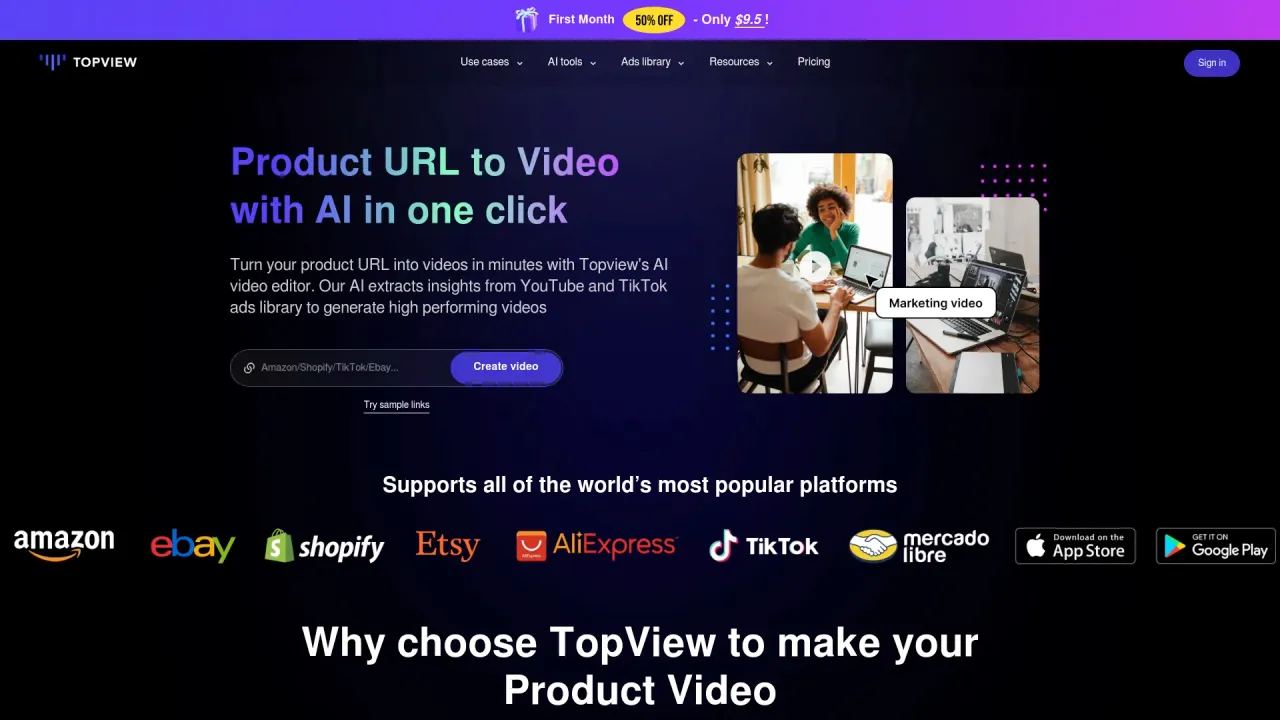
kling motion control
AI Motion Control for Image to Video.
- Category
- Video Editing
- Alternatives
- 6 similar tools
- Last updated
- 4 weeks ago
- Source
- Official site ↗︎
AI Collection Top Picks

Video Editing Category Picks
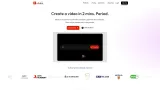
About kling motion control
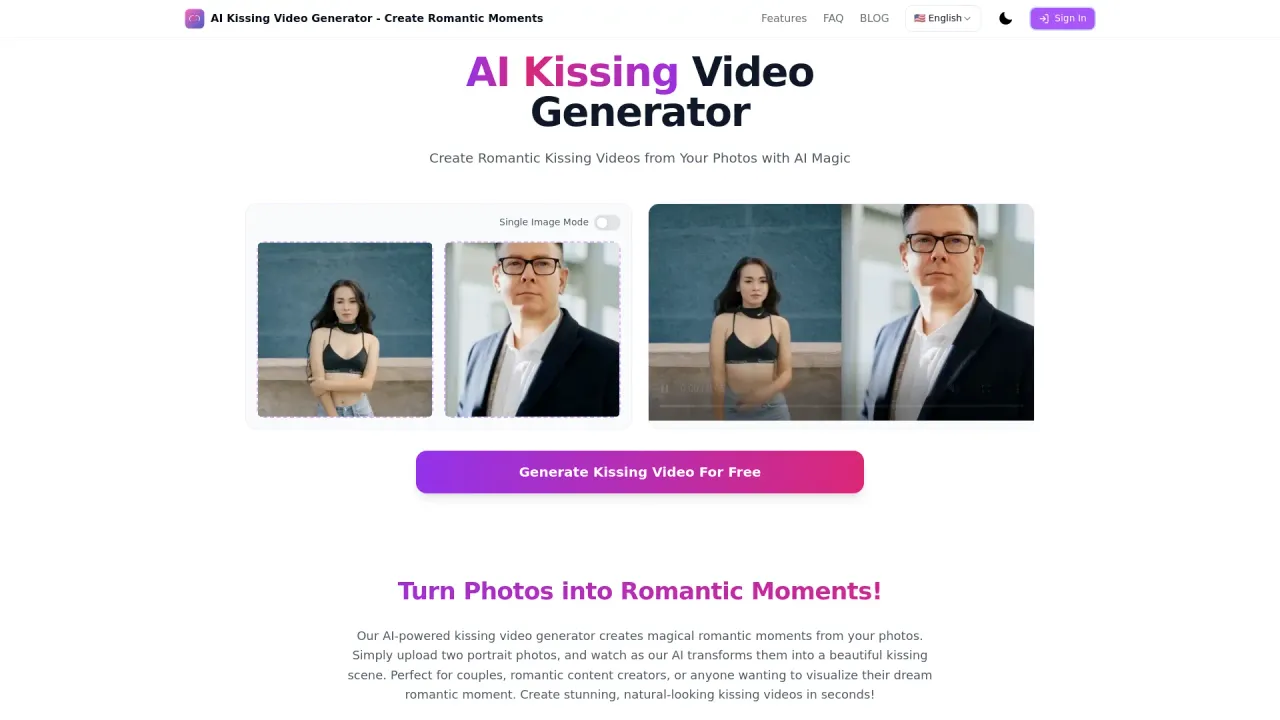
Use Kling Motion Control to turn images into cinematic videos with precise AI motion control. Upload an image and motion reference video to create frame-accurate motion transfer, stable character consistency, and controllable camera movement in minutes.
What you get
Additional Information
Kling Motion Control is an AI tool designed for image-to-video generation, allowing users to convert static images into dynamic videos while maintaining motion accuracy. By uploading an image alongside a motion reference video, users can create videos that exhibit controllable movements and strong character consistency. This tool is specifically crafted for creators looking to blend still photography with video productions seamlessly.
At its core, Kling Motion Control offers features such as precise AI motion control, which enables users to guide subject movement with frame-level accuracy. This ensures that the generated video closely follows the intended action and timing, producing results that feel intentional rather than random. The tool preserves facial features and visual identity throughout the video, providing a stable character representation that is critical in character animations.
Additionally, Kling Motion Control facilitates complex action handling, allowing for the generation of subtle gestures and demanding motions. This makes it an ideal solution for content creators, filmmakers, and marketing teams who want to explore creative possibilities without the constraints of traditional animation methods.
The platform is user-friendly and designed for rapid video generation, enabling users to create final outputs in a matter of minutes. This allows for quick iteration and testing of creative ideas, making it a valuable asset in any video production workflow.
Frequently asked questions
What is kling motion control used for?
AI Motion Control for Image to Video.Is kling motion control free?
Pricing for kling motion control varies — see the Pricing section for details.What are alternatives to kling motion control?
Top alternatives to kling motion control include Klap App, AI video editor, Atlabs AI, Topview AI URL to Video, Colossyan.Where can I get kling motion control?
kling motion control is available at https://motioncontrol.app.What category is kling motion control in?
kling motion control is listed in Video Editing.
Compare kling motion control with…
Pick any tool to see a structured side-by-side: pricing, deployment, capabilities, and content policy.