- Category
- Image Editing
- Pricing
- Paid
- Alternatives
- 6 similar tools
- Last updated
- 1 weeks ago
- Source
- Official site ↗︎
AI Collection Top Picks
Image Editing Category Picks
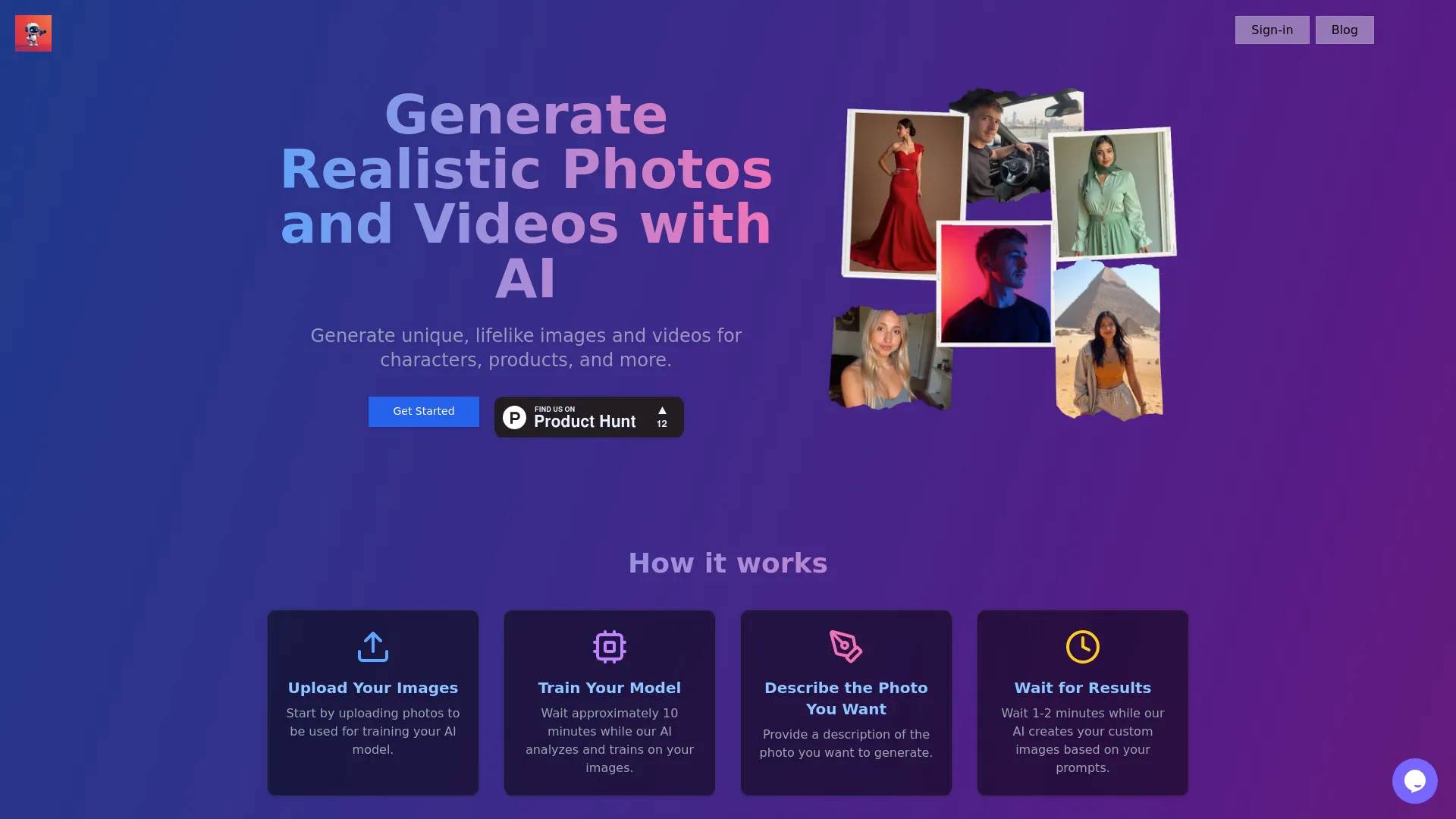
About PicTools.AI
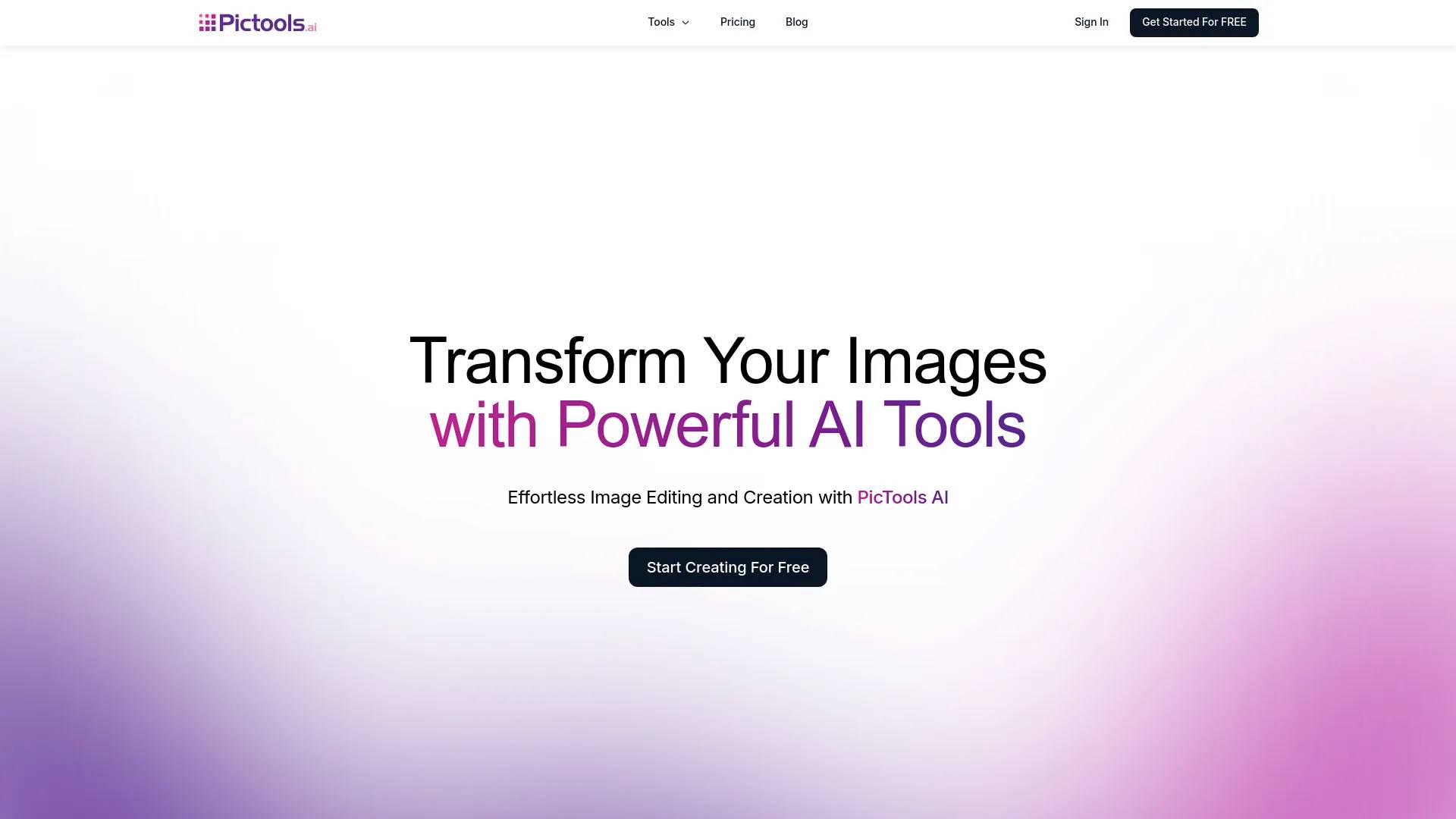
Free AI image editor online. Upload a photo, describe the edit in plain words, and AI does it in seconds. 100+ one-tap filters. Nothing to install.
PicTools.AI's Pricing Plans
PicTools.AI may change prices at any time. Here's our latest information:
PicTools.AI Pricing Plans
Pay As You Go
Credits starting at $1.75
$3,5
2 credits
- Access to multiple AI-powered image tools
- High-quality images
- Flexible use
- High-priority processing
- Standard support
- Early access to new tools and features
Pro Subscription
Subscription starts at $9 (0.23 per credit).
$9
Monthly
- Access to multiple AI-powered image tools
- High-quality images
- Extensive use
- High-priority processing
- First priority support
- Early access to new tools and features
- Cancel anytime
Frequently asked questions
What is PicTools.AI used for?
Free AI Image Editor Online | Edit Any Photo in Seconds.Is PicTools.AI free?
PicTools.AI is a paid product. See the Pricing section for current plans.What are alternatives to PicTools.AI?
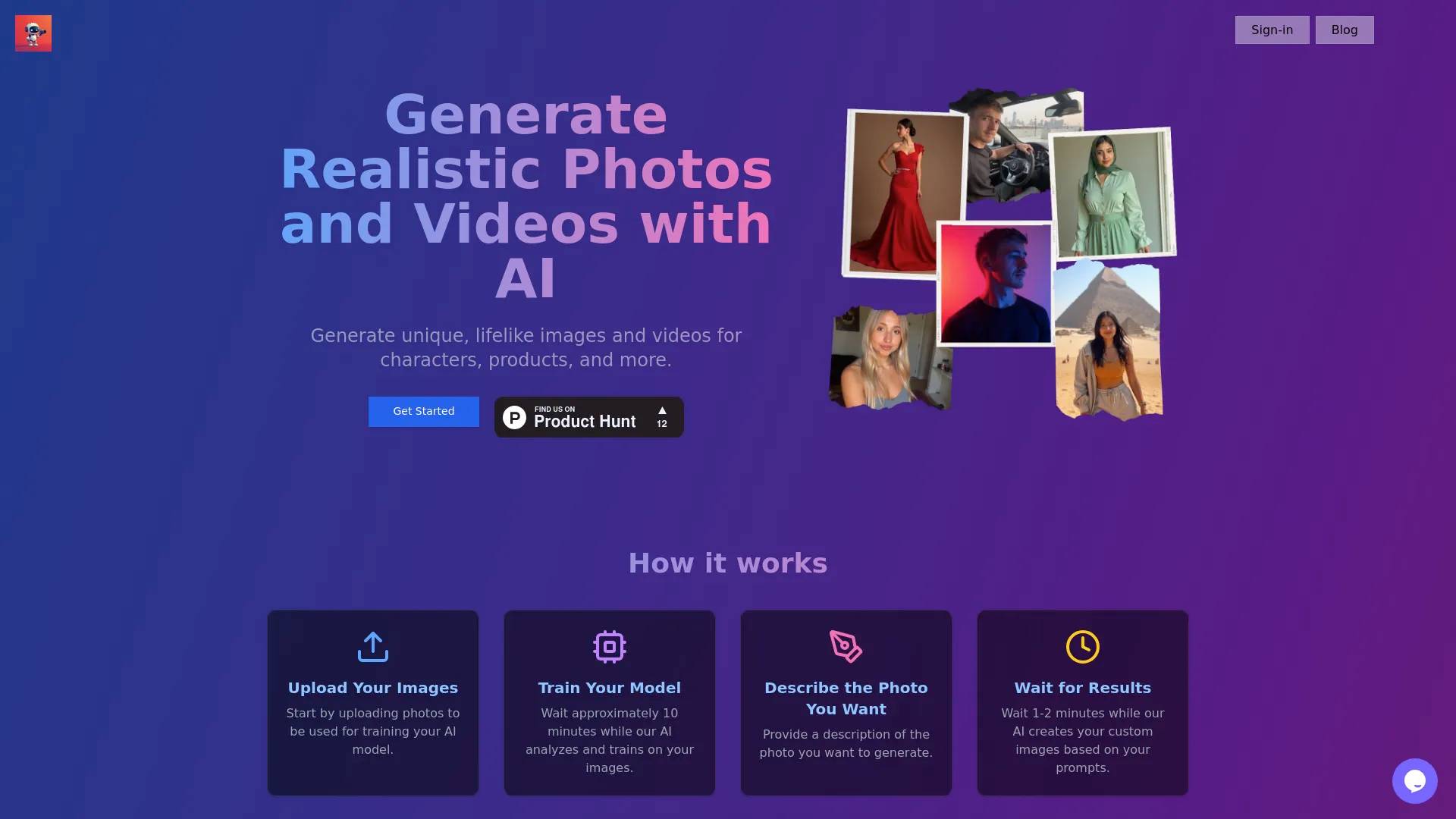
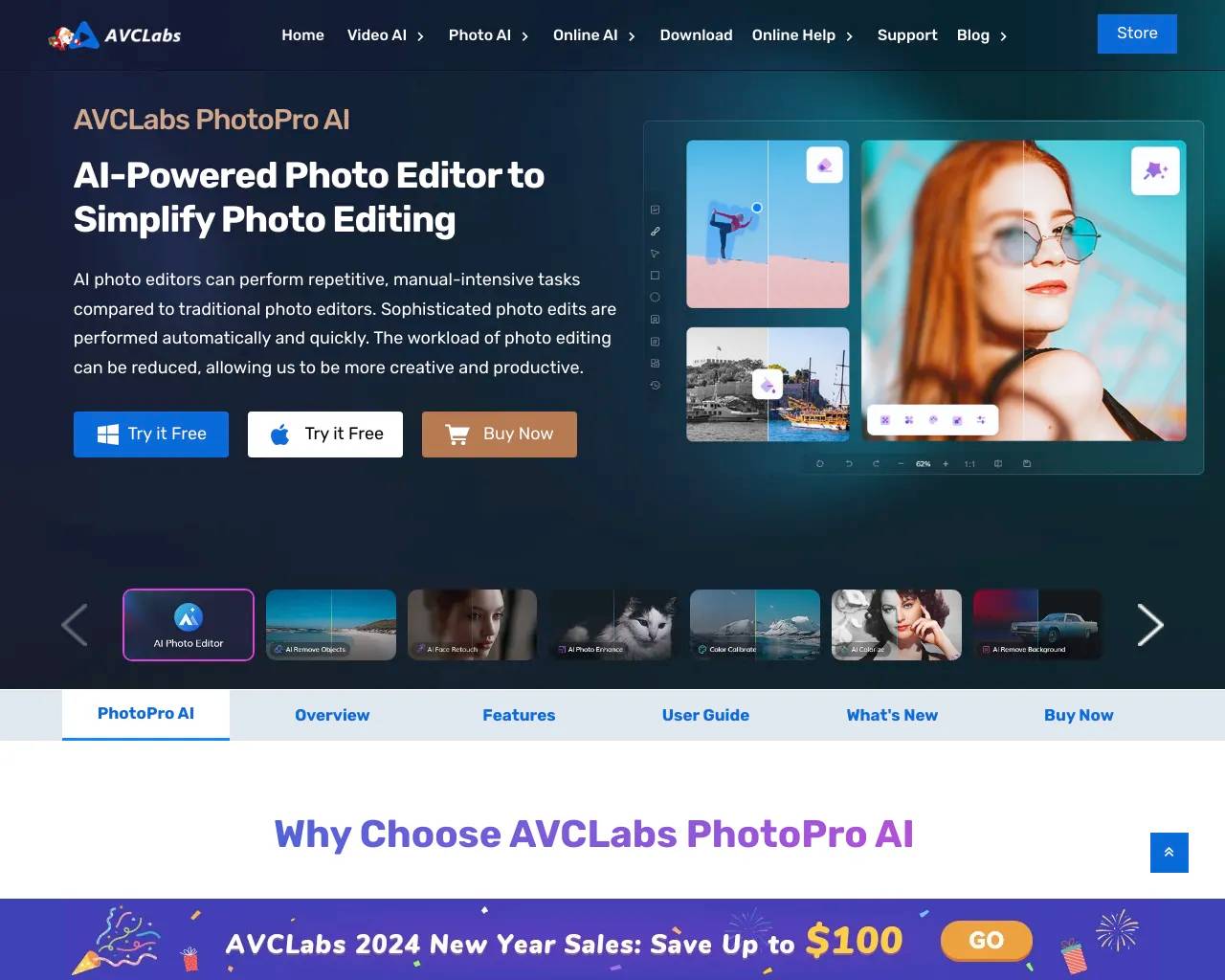
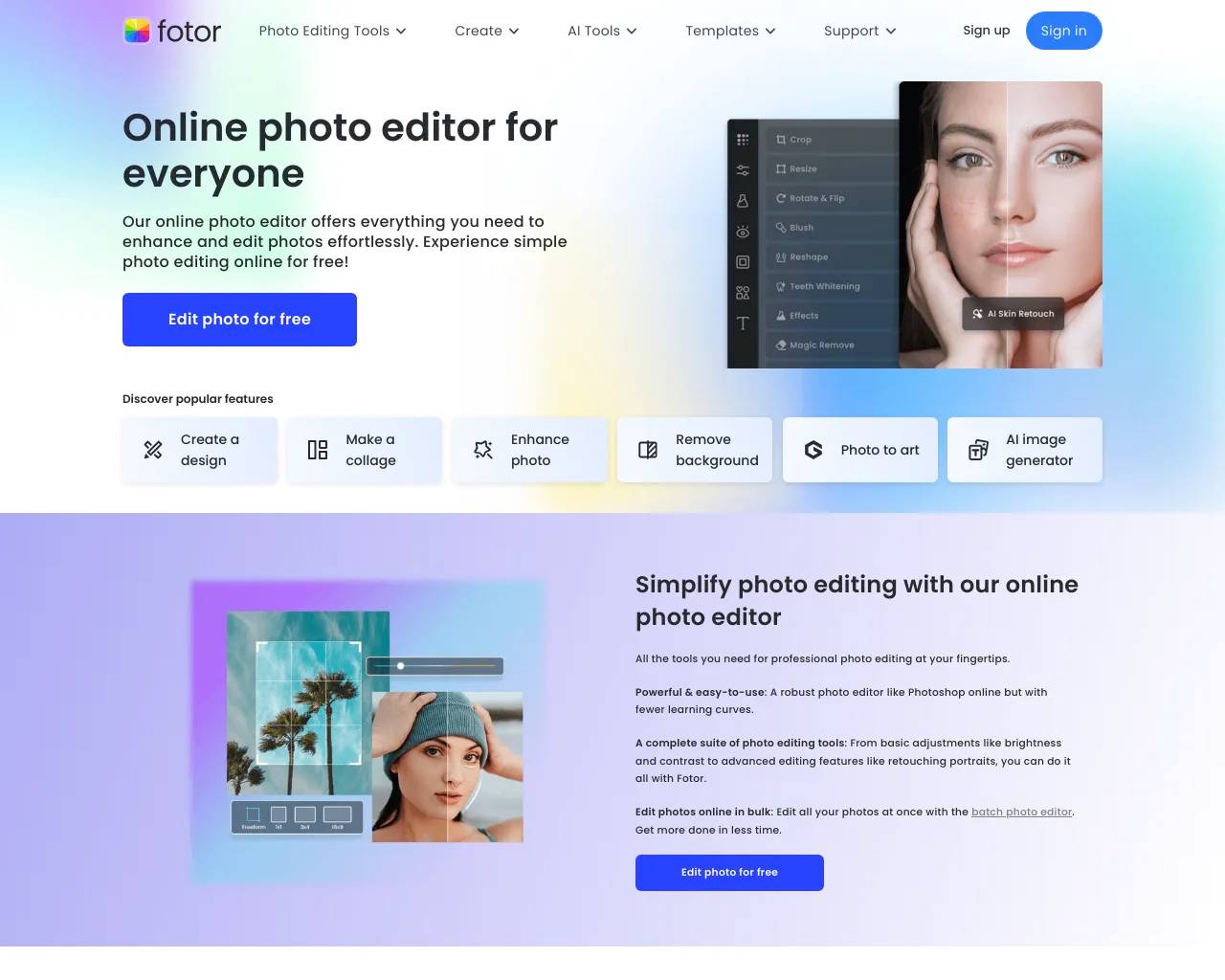
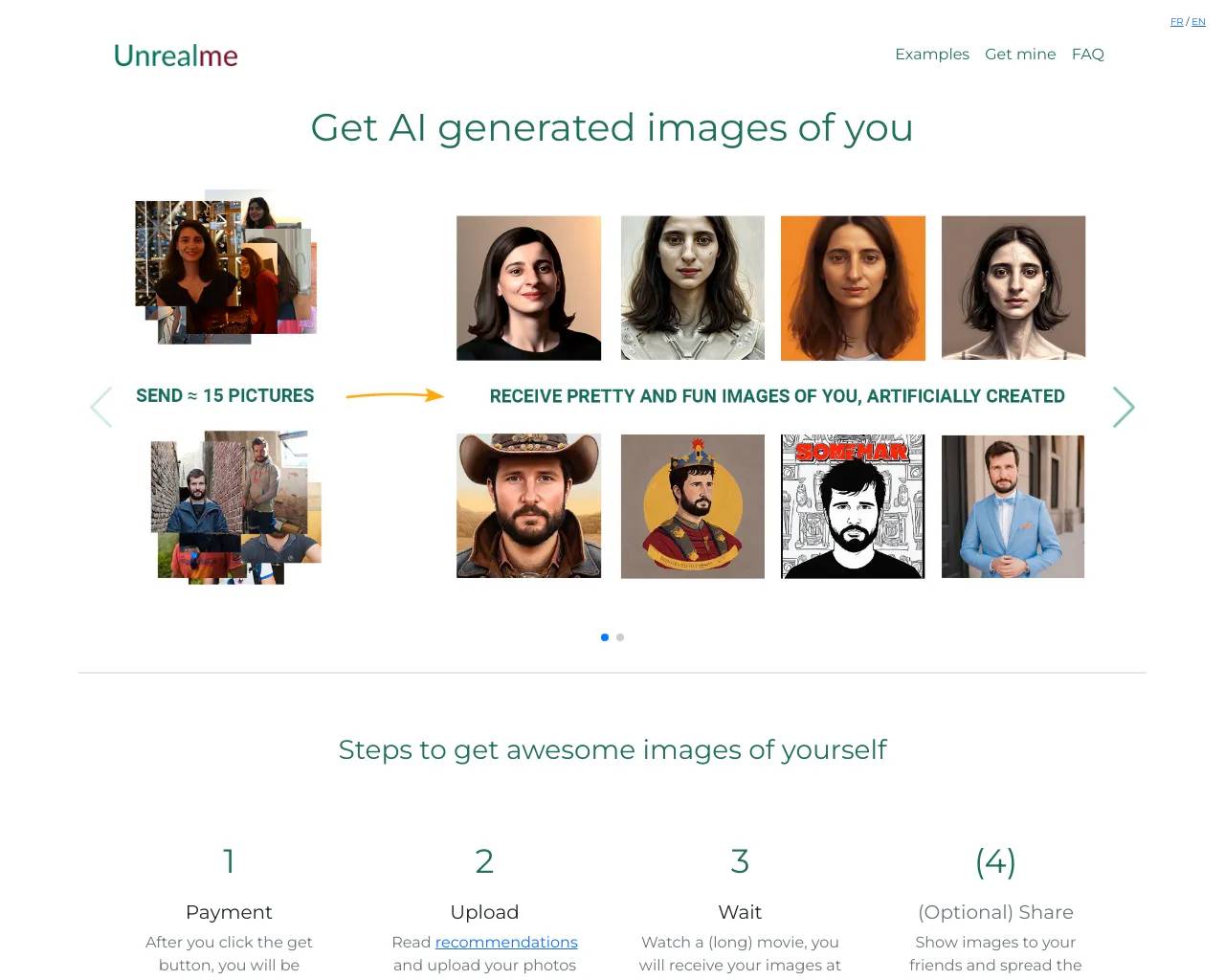
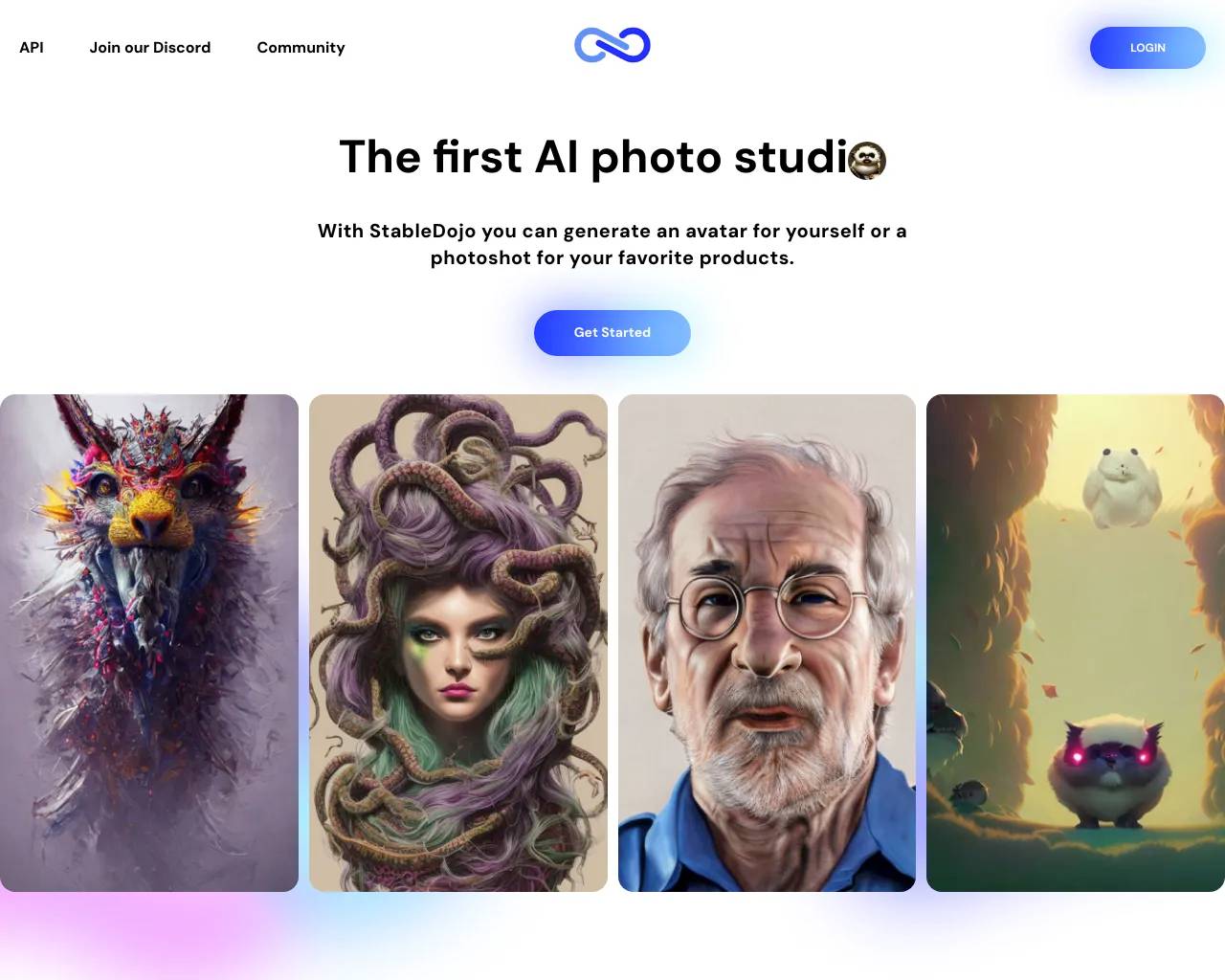
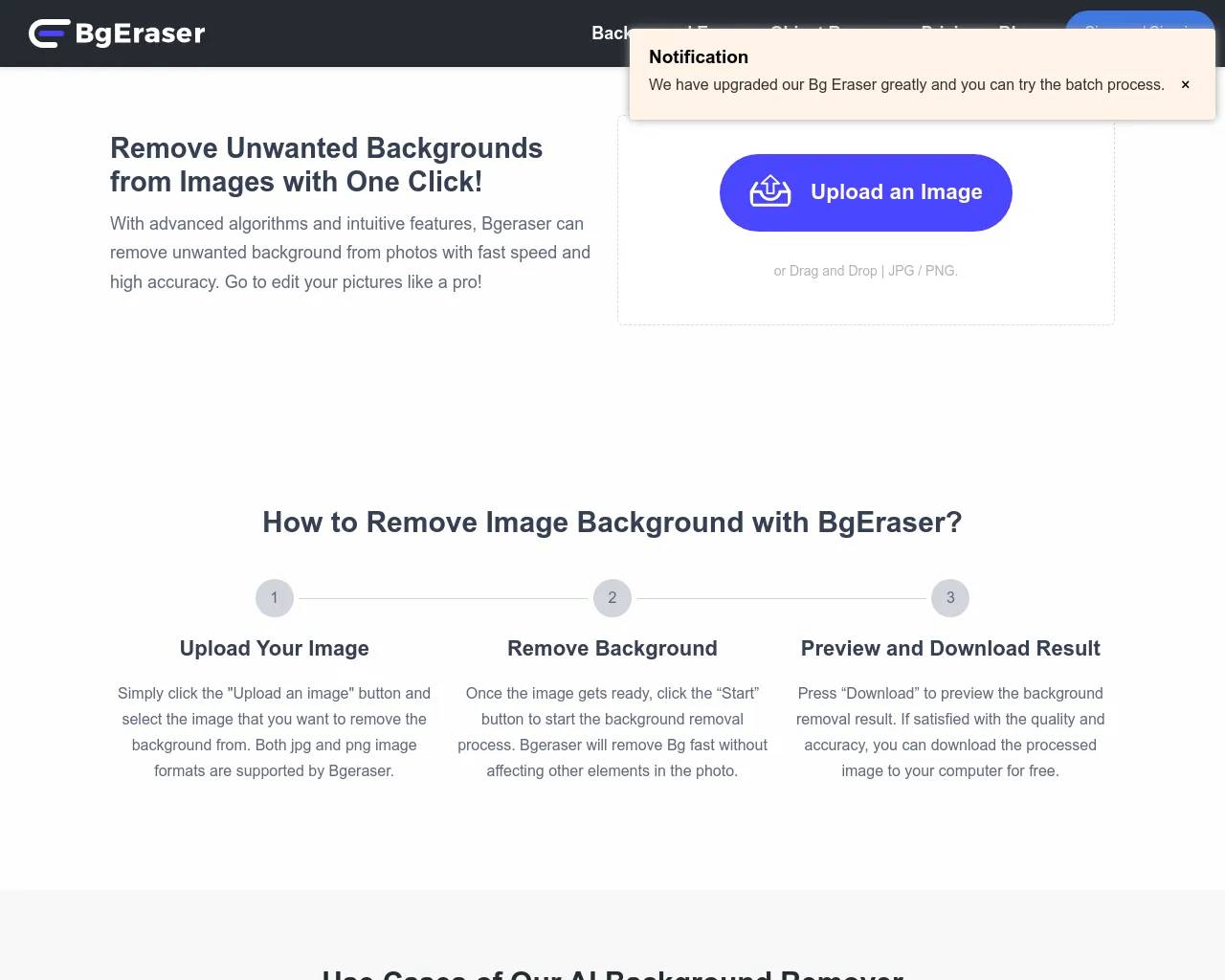
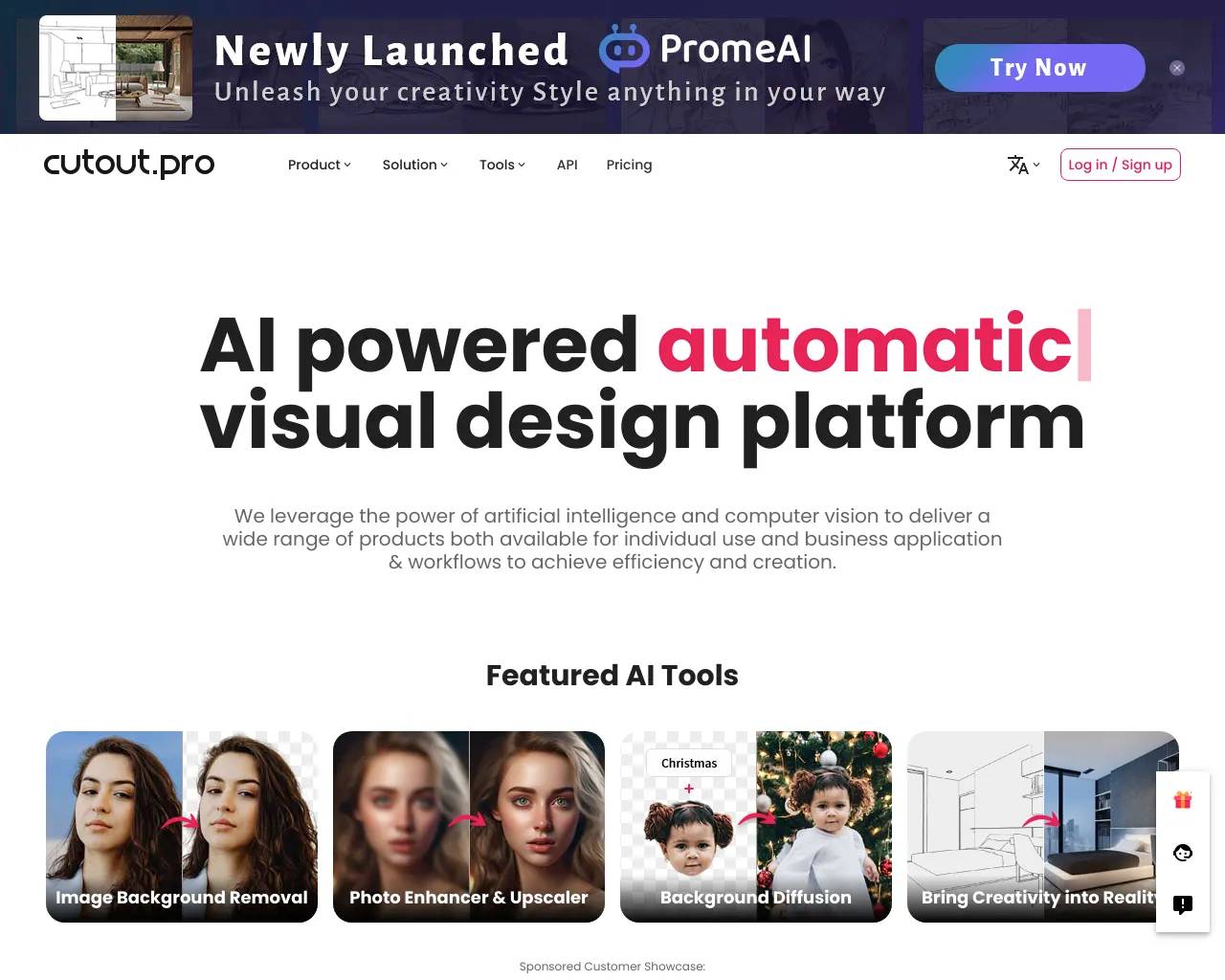
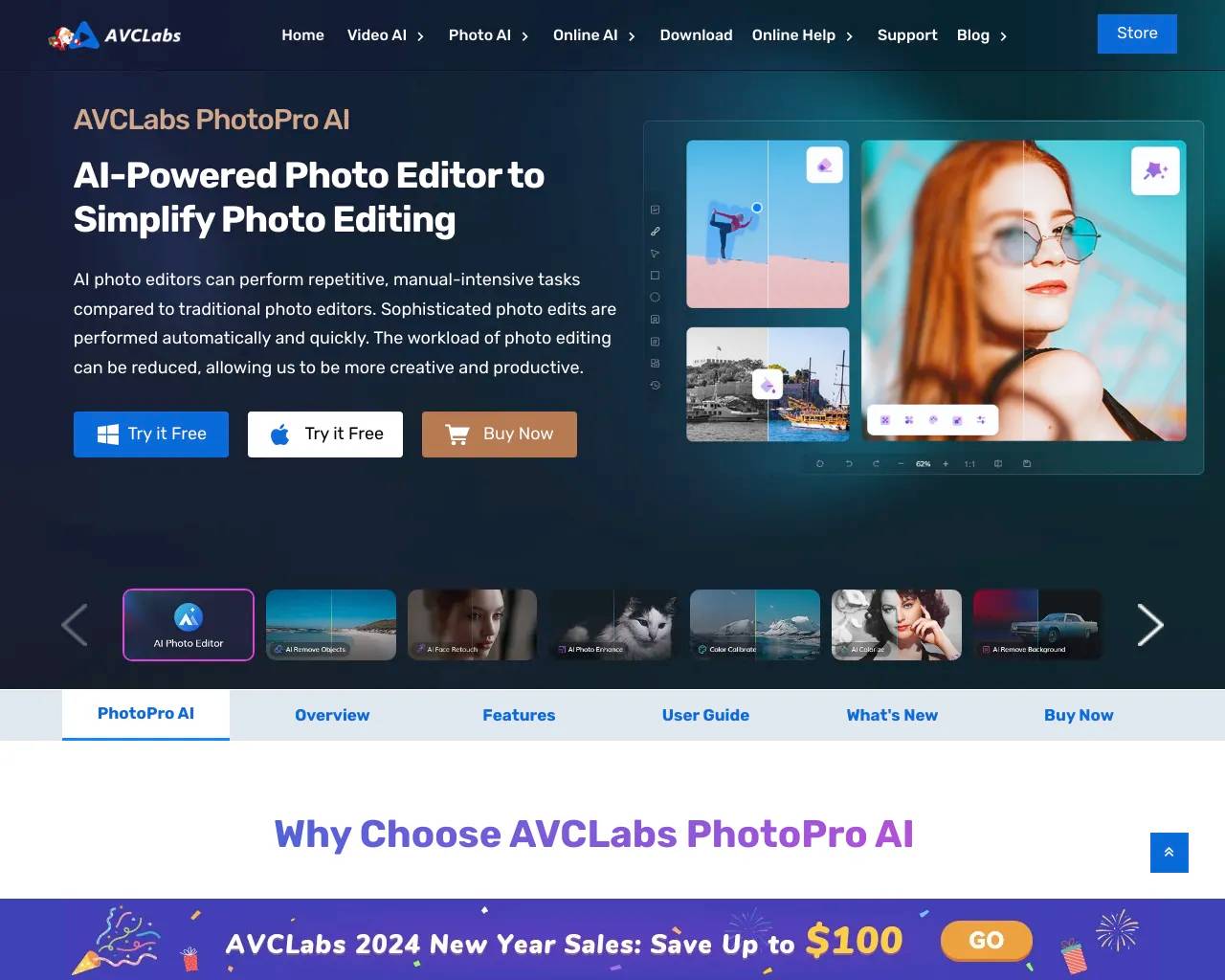
Top alternatives to PicTools.AI include ProductScope AI, AI Photos Editor, AVCLabs PhotoPro AI, Fotor, Unrealme.Where can I get PicTools.AI?
PicTools.AI is available at https://pictools.ai/.What category is PicTools.AI in?
PicTools.AI is listed in Image Editing.What is PicTools.AI?
PicTools.AI is an online platform powered by AI that makes editing and creating images fast and simple. You can remove or change backgrounds, blur them, or generate stunning visuals from text descriptions.Is PicTools.AI free to use?
Yes! New users receive free credits upon creating an account, allowing you to explore and test all tools at no cost.How does PicTools.AI work?
You can remove, change, or blur backgrounds with our tools. Results are ready to download in high-quality PNG format within seconds. If you want to create impressive images, describe your idea, and the AI Image Generator will transform your text into a unique, professional-quality visual using cutting-edge technology.Features of PicTools.AI
- **AI Image Generator**: Turn text descriptions into stunning, professional-quality visuals. - **Background Remover**: Instantly create clean, transparent backgrounds. - **Background Changer**: Replace backgrounds with colors, patterns, or custom designs. - **Blur Tool**: Highlight your subject with a soft, professional background blur. - **High-Quality Downloads**: Get results in sharp PNG format, perfect for any use. - **Free Credits**: New users can explore all tools at no cost.Key Use Cases
- **Marketing & Branding**: Create polished visuals for ads, presentations, and campaigns. - **E-Commerce**: Enhance product photos with clean or blurred backgrounds. - **Social Media**: Design eye-catching posts and stories with unique visuals. - **Creative Projects**: Edit and design personalized images for blogs or gifts. - **AI Art Creation**: Bring ideas to life with the AI Image Generator for custom artwork.
PicTools.AI combines ease of use with advanced AI to deliver professional-quality results in seconds, perfect for all your creative or professional needs.How do I use AI to edit my photos?
Upload your photo and type what you want to change — for example "remove the background", "change my outfit to a red dress", or "make me smile". The AI applies your edit instantly.What are AI filters?
AI filters are one-click styles that transform your photo instantly — no prompt needed. Choose from 100+ options like Studio Ghibli, Anime, Vintage, AI Makeup, and more. Each filter uses 1 credit.Can I use PicTools.AI for commercial projects?
Yes. Marketing, websites, social media, you name it. Just make sure you own the rights to any images you upload.Is my information safe with PicTools.AI?
Yes. Your images are never used to train AI models or sold to third parties. They are only accessible through your account. You can delete any image at any time.How do I edit a photo with PicTools.AI?
Upload your photo and type what you want to change - for example "remove the background", "change my outfit to a red dress", or "make me smile". The AI applies your edit instantly.Do I need to install anything?
No. PicTools.AI is an online AI photo editor that runs in your browser on any device. Nothing to install.Do I need to sign up to edit a photo?
You can upload a photo and look around without one, but generating an edit needs an account. It is free: one tap with Google, or an email and a password, and you land back where you were with 2 free credits waiting.Can I download my edited photo without a watermark?
Yes. Buying any subscription or credit pack removes the watermark for good. Until then, downloads have a PicTools.AI watermark.How do credits work?
Most edits use 1 credit, and combining several photos in one edit costs 1 credit per photo. Subscriptions come with a monthly allowance, and credit packs are one-off top-ups that never expire. Current prices are on plans and credit packs.Can I cancel anytime?
Yes. Cancel from My Account, under Plan & Credits. You keep access to the end of your paid period, and you are not charged again.Are there restrictions on what I can edit?
Creative editing is open. Styles, outfits, backgrounds, fantasy and horror looks, dramatic makeovers: if you can describe it, the AI will try it, and how you word the prompt matters more than any list of rules. There are limits, and they are the ones you would expect from a tool people use on real photographs of real people. They are listed in our Terms. If a prompt is refused, the attempt does not use a credit.
Compare PicTools.AI with…
Pick any tool to see a structured side-by-side: pricing, deployment, capabilities, and content policy.