The Best AI Image Editing Tools in 2026
By: AI Collection
At a glance




Photo editing used to mean learning masks, layers, and a stack of keyboard shortcuts before you could remove one stray object. AI editors moved most of that work to a text box: you upload a picture, describe the change, and the model does the retouching. That shift is why so many people now search for an image editor that skips the software entirely — background swaps, object removal, old-photo restoration, and headshot clean-ups that once needed a desktop suite now run in a browser tab.
The tools below all sit in our Image Editing category, and they cover a wide span of what "editing" means in 2026 — from quick prompt-driven fixes to a full online studio with dozens of separate tools.

How we picked
This is a ranked shortlist drawn from our directory's editorial picks and the catalog data we keep on each tool, sharpened by a visit to each product's own site. It isn't a lab test with side-by-side output comparisons. We also left out a few tools that rank in the category but are no longer reachable or have quietly pivoted away from photo work, because a best-of list is only useful if every entry actually opens and does what it says. Prices are what each site published at the time of writing; check the current plan before you pay.
PicTools.AI — the fastest way to edit by describing
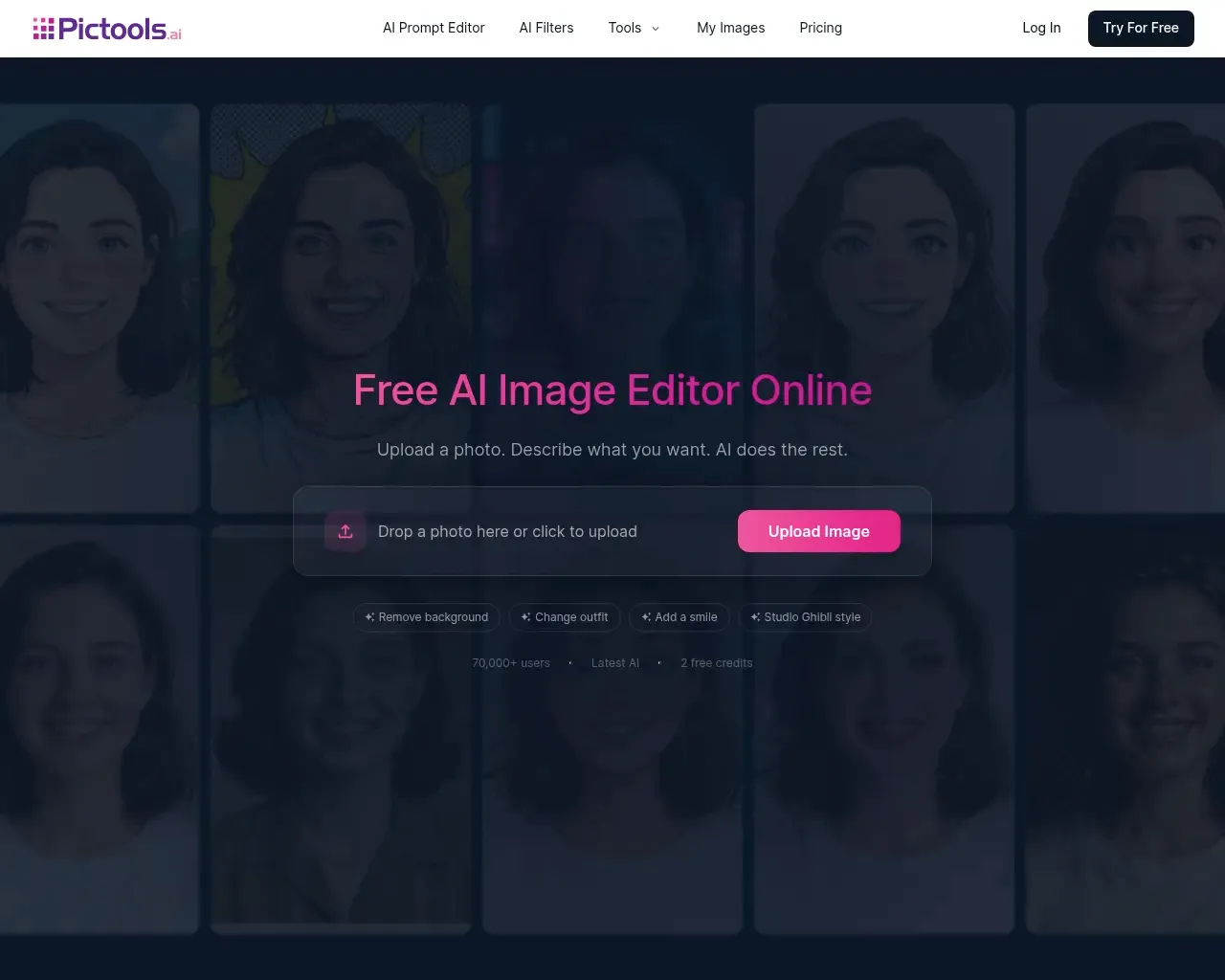
PicTools.AI is the most literal take on "editing by conversation." You drop in a photo, type the change in plain words, and it applies the edit to your image — no layers, no masks, nothing to install. It handles the common jobs well: cutting or replacing a background, removing watermarks, text, and objects by pointing at them, restoring faded or cracked scans in their original colours, and turning a phone selfie into something closer to a LinkedIn headshot. There's also a set of more playful moves, like changing an outfit or hair colour while keeping the person and pose intact, plus over a hundred one-tap filters if you'd rather not describe anything.
It works with JPG, PNG, and WEBP, and paid plans export at HD. You get two free credits to try it, then it's either pay-as-you-go credits (starting around $1.75) or a Pro subscription from $9 a month. The site reports more than 70,000 users. For anyone who wants a single edit done quickly without opening real software, this is the one to start with.
AI Photos Editor — trained on your own face
AI Photos Editor works differently from a general editor. Instead of tweaking one photo, you upload a batch of your own pictures, wait about ten minutes while it trains a model on you, and then generate new images from a text description. The output leans toward personal and professional portrait scenarios: polished headshots, travel shots in places you haven't been, hair and outfit experiments, fitness "after" previews, and a few novelty ideas like imagining a future baby. On the business side it pitches product visualisation and showing clothing on varied models without a photo shoot.
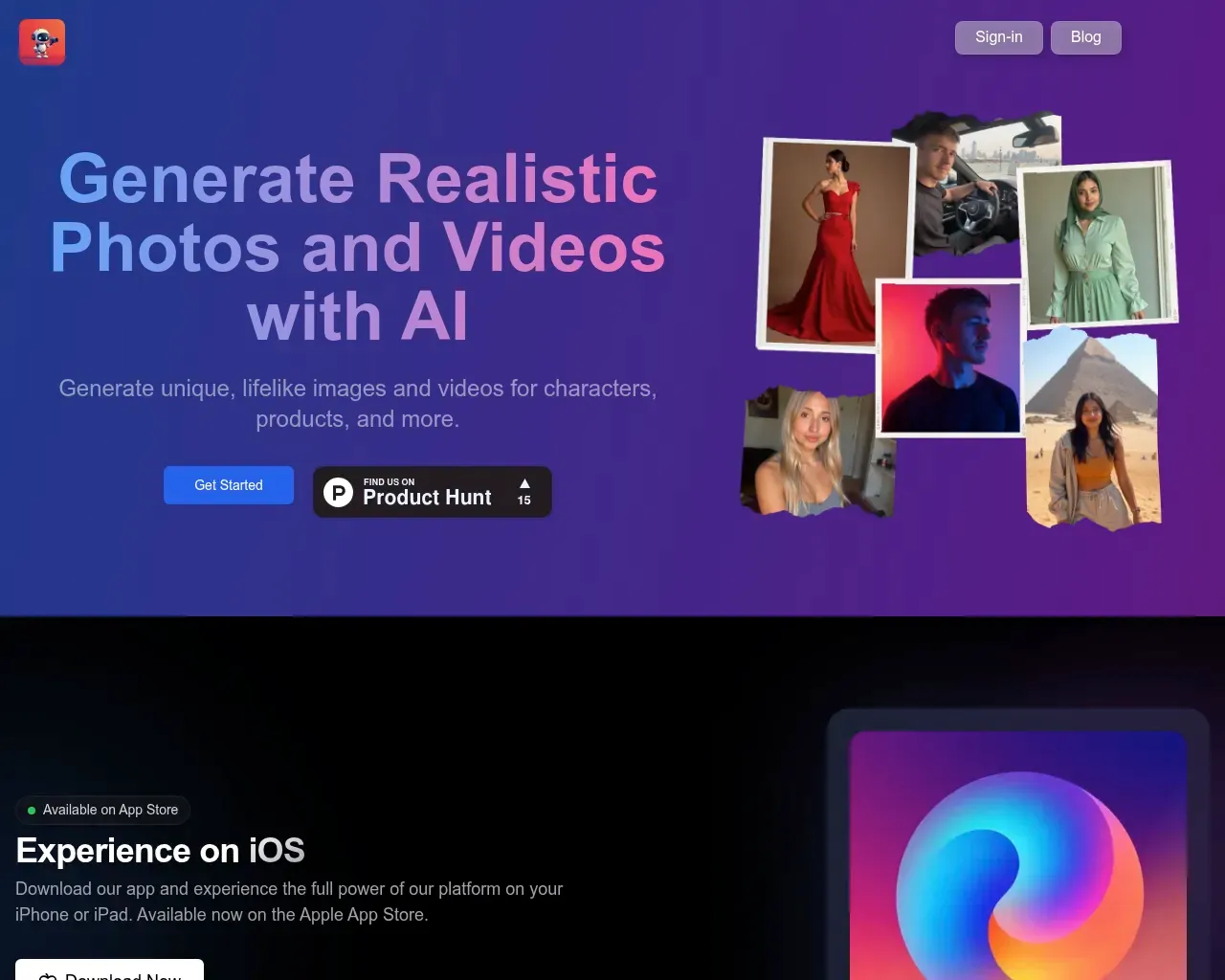
Pricing is usage-based rather than a subscription: roughly $5 to train a model, then about $0.10 per generated photo, with a suggested $10 starting deposit. There's an iOS app if you'd rather work from a phone. Treat it as personalised photo generation with editing-style controls, not a Photoshop replacement — it's strongest when the subject is you or a specific product.
AVCLabs PhotoPro AI — a desktop editor for heavier retouching
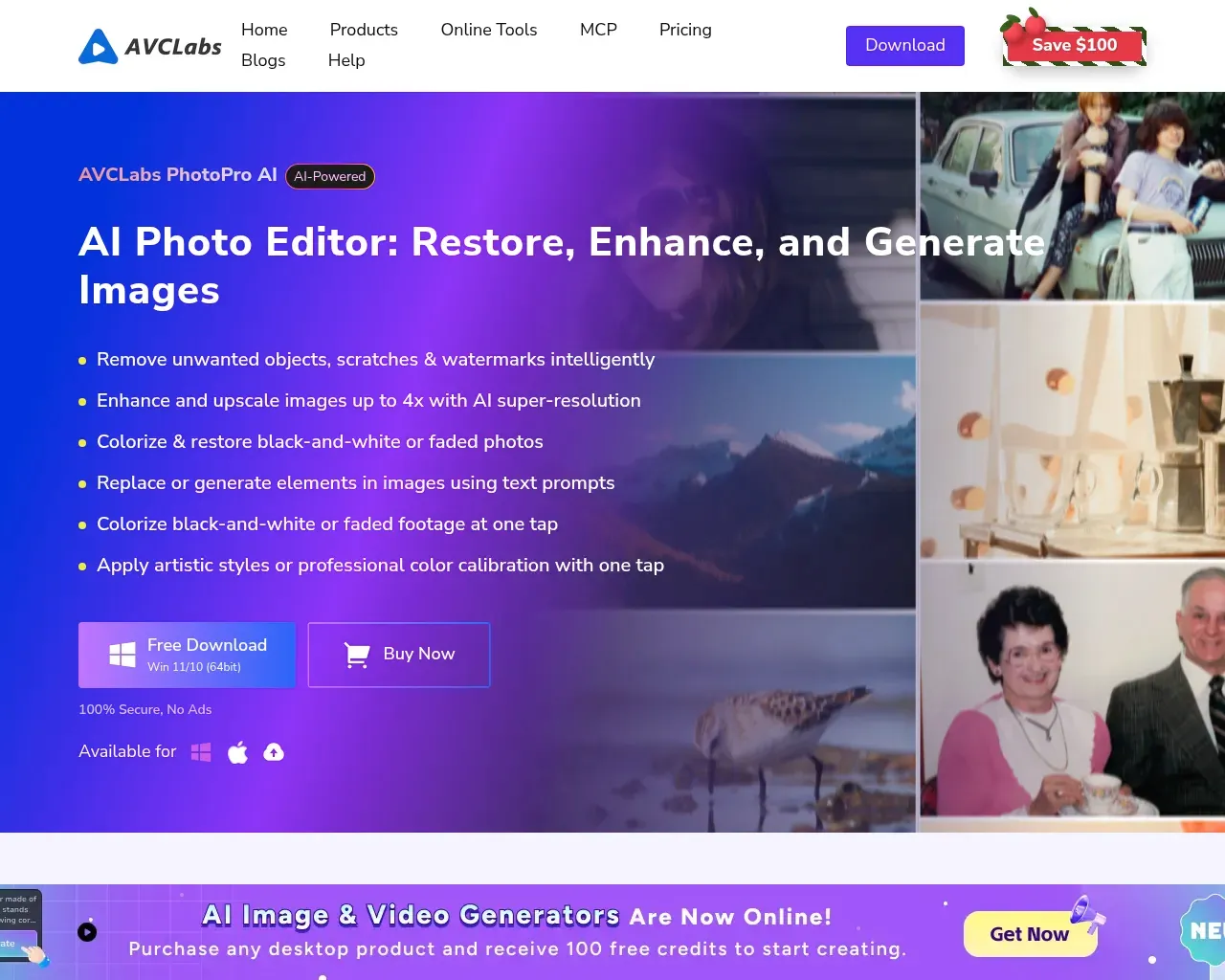
AVCLabs PhotoPro AI is the most traditional "pro tool" of the group, part of AVCLabs' wider family of photo and video software. It's a downloadable editor aimed at the fuller edit: removing objects and backgrounds, enhancing quality, increasing resolution, colourising black-and-white photos, retouching portraits, and stylising images. If your work runs to batches of images or you want the results to live on your own machine rather than a web session, a desktop app fits that better than a browser tool.
AVCLabs didn't list a clear price for PhotoPro AI on the page we checked, so budget-conscious buyers should confirm the current cost and whether there's a trial before committing. It's the pick here for someone who already thinks in terms of a photo-editing application and wants AI features layered into that familiar shape.
Fotor — the broadest online toolkit
If PicTools is the quick single edit, Fotor is the opposite: a sprawling online editor with a separate tool for nearly everything. The menu alone runs long — image enhancer and upscaler, unblur and sharpen, photo restoration, colourise, background remover and replacer, object, person, watermark, and text removal, an in-image text editor, plus style effects like photo-to-anime, cartoon, sketch, watercolour, and a Ghibli filter. There are portrait-specific tools too, including a hairstyle changer and a clothes changer.
Fotor keeps a free tier, with Pro at $8.99 a month and Pro+ at $19.99 a month for heavier use and higher-quality exports. The trade-off for that breadth is that it's less of a "describe it and go" experience and more a set of individual utilities you pick from — but if you edit photos often and want one place that covers most tasks, the range is hard to match.
Stylized — photos into artwork
Stylized is the narrowest entry, and that's the point. It turns your images into distinct artistic styles rather than doing corrective edits, which makes it a fit when you want a creative transformation — a stylised version of a product shot or a personal photo — instead of a clean-up. Grounding here is thinner than for the others, so try it on a couple of images and judge the output for your particular use before you rely on it.
Which one to choose
For most people the answer is PicTools.AI: it does the everyday edits — backgrounds, objects, restoration, headshots — with the least friction, and two free credits let you see the quality before paying. The runner-up depends on how you work. If you edit photos regularly and want one place that covers nearly every task, Fotor's toolkit is the deeper pick, and its free tier makes it easy to test. Choose AVCLabs if you'd rather run a proper desktop application, and AI Photos Editor if the subject is consistently you or your products.
FAQ
Can any of these replace Photoshop? For quick edits and one-off jobs, yes — PicTools and Fotor cover most of what casual users open Photoshop for. For precise, layer-level control over a complex composite, a dedicated professional editor still has the edge; these tools trade some control for speed.
Are there genuinely free options? Fotor has a standing free tier, and PicTools gives you two free credits to start. The others are paid or usage-based, though several let you test before you commit a larger amount.
Do I need to install anything? Mostly no. PicTools, Fotor, and Stylized run in the browser, and AI Photos Editor also has an iOS app. AVCLabs PhotoPro AI is the exception — it's a desktop download.
How is the pricing structured? It varies. Fotor and PicTools use monthly subscriptions (with a pay-as-you-go credit option on PicTools), while AI Photos Editor charges per generated photo after a small training fee. Always check the live pricing page before buying.
Published on: September 2, 2026