- Category
- Face Swap
- Pricing
- Free
- Alternatives
- 6 similar tools
- Last updated
- 1 months ago
- Source
- Official site ↗︎
AI Collection Top Picks
Face Swap Category Picks
About PixNova AI
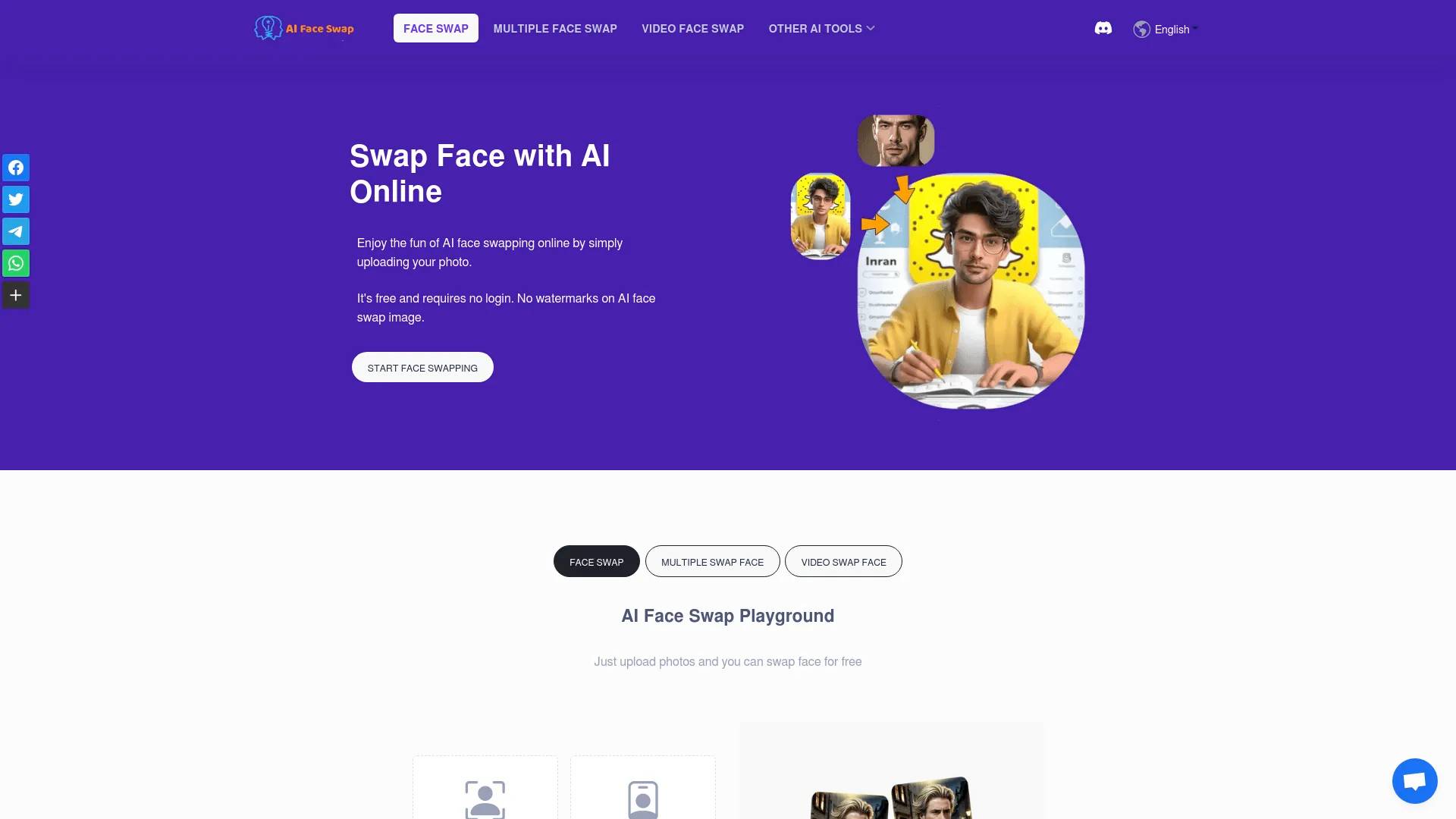
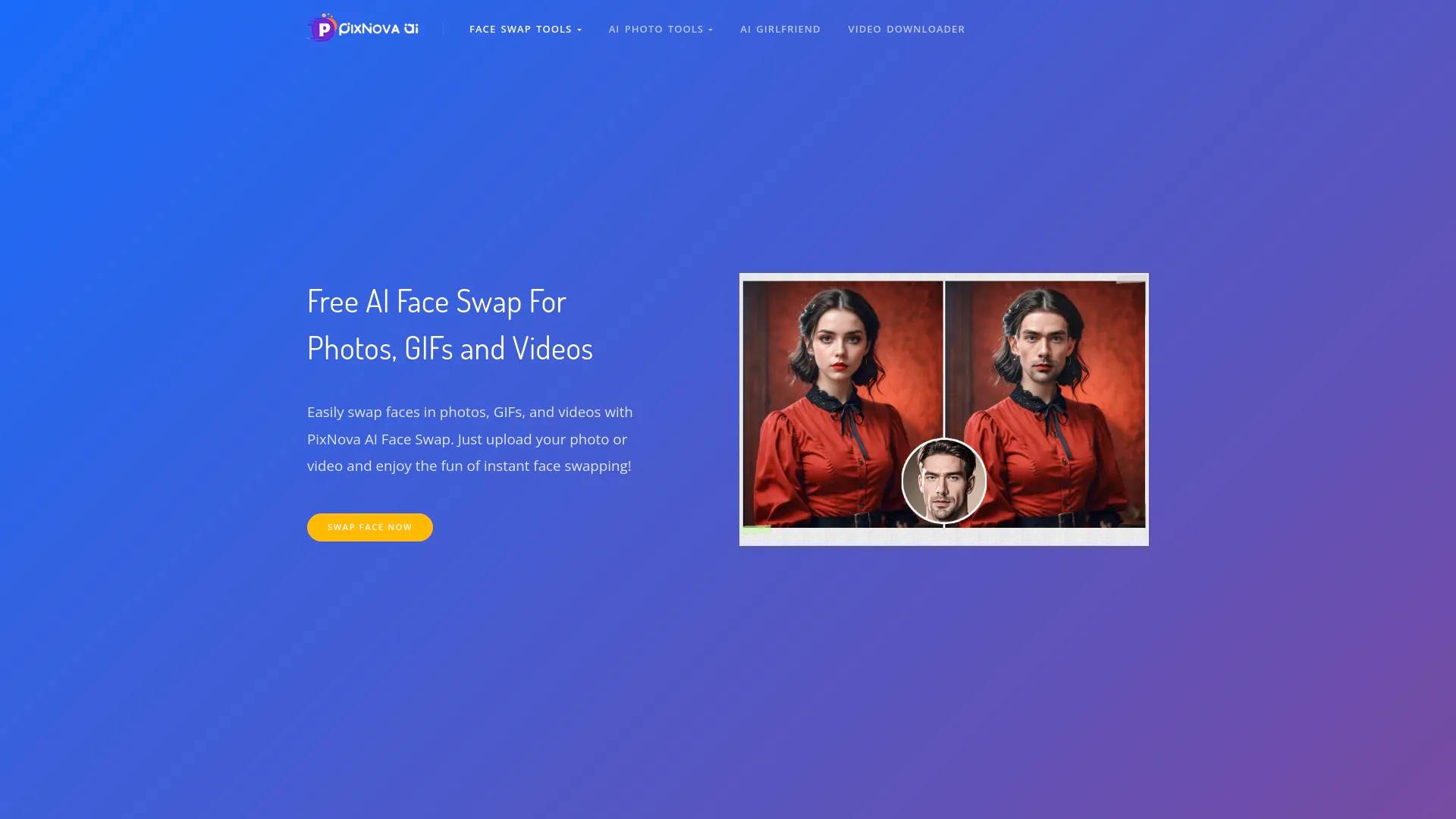
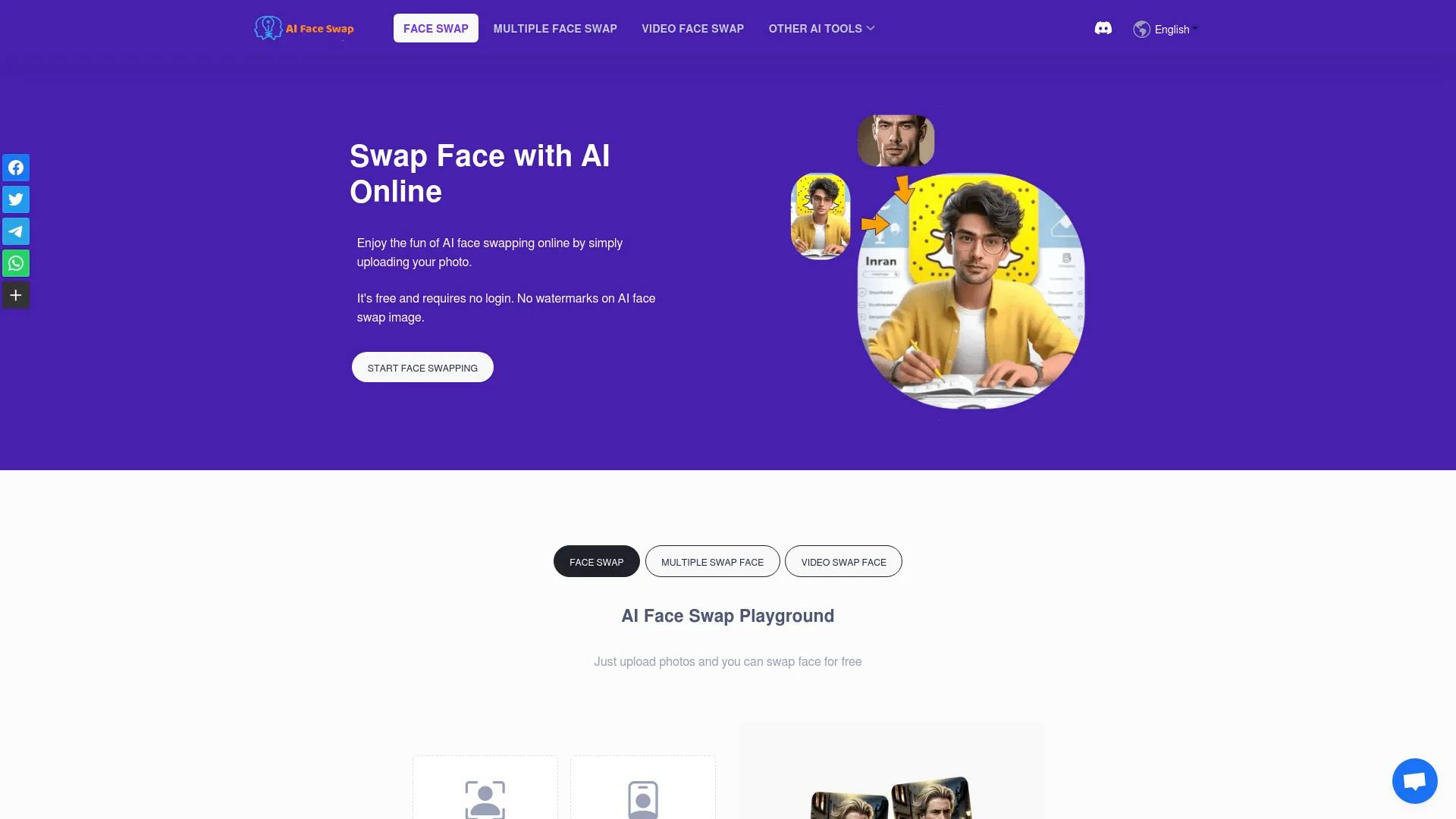
Create stunning HD face swap videos and photos online with PixNova AI. Try our free AI face swap tool to easily replace faces in any video or photo.
What you get
Additional Information
FAQs
What is Pixnova AI?
Pixnova AI is a comprehensive AI photo generator and editor that enables users to effortlessly create stunning images, enhance photos, and perform face swaps in photos, GIFs, and videos. With Pixnova AI, you can easily generate high-quality images based on your specific prompts—whether you need particular styles, facial expressions, or poses—and edit them using robust AI-driven tools. Designed for both creative endeavors and practical photo enhancements, it provides a seamless experience for all users.
What are the Pixnova Face Swap features?
- AI Face Swap: Swap face for photos, videos and GIFs.
- Multiple Face Swap: Change single or multiple face in a group photo.
Can I try Pixnova fac swap free?
Sure. You can try our Pixnova face swap tools for free.
Other Features of Pixnova AI
- AI Body Generator
- AI Photo Enhancer
- AI Face Enhancer
- AI Image Upscaler
Frequently asked questions
What is PixNova AI used for?
Create stunning HD face swap videos and photos online with PixNova AI.Is PixNova AI free?
PixNova AI is free to use.What are alternatives to PixNova AI?
Where can I get PixNova AI?
PixNova AI is available at https://pixnova.ai/ai-face-swap/.What category is PixNova AI in?
PixNova AI is listed in Face Swap.What is Pixnova AI?
Pixnova AI is a comprehensive AI photo generator and editor that enables users to effortlessly create stunning images, enhance photos, and perform face swaps in photos, GIFs, and videos. With Pixnova AI, you can easily generate high-quality images based on your specific prompts—whether you need particular styles, facial expressions, or poses—and edit them using robust AI-driven tools. Designed for both creative endeavors and practical photo enhancements, it provides a seamless experience for all users.What are the Pixnova Face Swap features?
1. AI Face Swap: Swap face for photos, videos and GIFs. 2. Multiple Face Swap: Change single or multiple face in a group photo.Can I try Pixnova fac swap free?
Sure. You can try our Pixnova face swap tools for free.Other Features of Pixnova AI
1. AI Body Generator 2. AI Photo Enhancer 3. AI Face Enhancer 4. AI Image UpscalerWhat is an AI Face Swap?
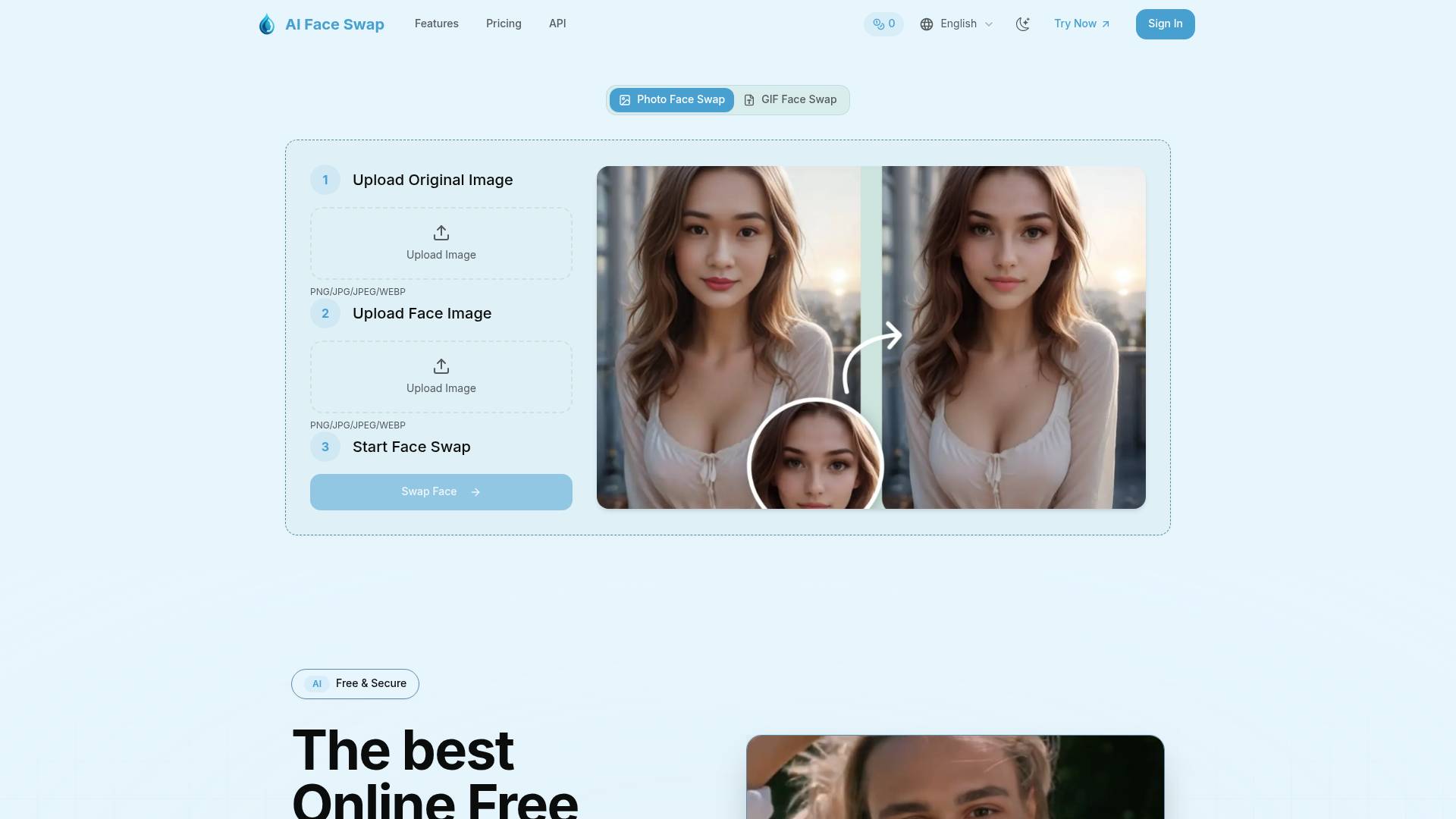
An AI Face Swap is a technology that uses AI to seamlessly replace one person's face with another in photos, videos, or GIFs. Powered by advanced machine learning models, AI face swap tools analyze facial features, expressions, and lighting to create natural, realistic face-swapped results.How to swap a face in a photo using the AI Face Swapper?
Simply upload your photo to the AI Face Swap Playground. In the 'Source Image' section, upload the photo where you want to swap the face. Then, in the 'Face Image' section, upload the face you want to use for the swap. Our AI tool will process both images and perform the face swap for you instantly!Is there a time limit for video face swaps?
Of course, due to limited server resources, video face swaps currently support a maximum length of 10 seconds.How many faces can be swapped in a multi-face swap?
Our face swap AI currently supports swapping up to 5 faces.Is AI face swapping legal in my country?
Online creative tools are legally permissible when content rights are respected and owner consent is obtained. The creation of deepfakes or deceptive media using AI is strictly banned.
Compare PixNova AI with…
Pick any tool to see a structured side-by-side: pricing, deployment, capabilities, and content policy.