- Category
- Text to Video
- Pricing
- Paid
- Alternatives
- 6 similar tools
- Last updated
- 1 months ago
- Source
- Official site ↗︎
AI Collection Top Picks

Text to Video Category Picks

About Pixo
AI agents that research, script, and edit your videos. You direct — they deliver.
Pixo's Pricing Plans
Pixo may change prices at any time. Here's our latest information:
Simple, credit-based plans
Starter
For creators getting started
$12.90
/month
- 200 credits included at signup
What you get
Additional Information
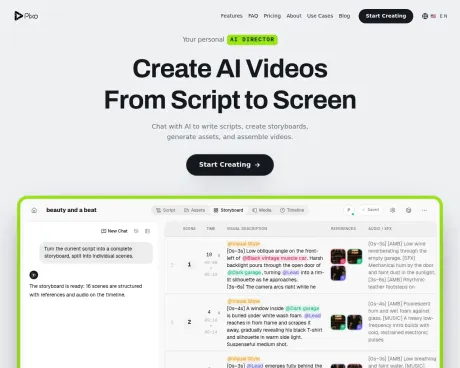
Pixo is an agentic AI video platform designed to facilitate the entire video production process. Users start by sharing their ideas, audience, style, and length preferences in a chat interface. Pixo then generates a script and production plan, directing every shot with the aid of AI agents who handle the writing, storyboarding, and production tasks. This allows users to focus on the creative aspects while Pixo manages technical elements.
With Pixo, video creation is structured and straightforward. It breaks the production into manageable panels or scenes, where each can have its own unique video generation, image references, voiceover, and sound effects. Users can review, regenerate, and refine each panel independently, providing full creative control over the final output.
The platform supports multiple AI models from various providers, enabling users to mix techniques and styles within a single project. This flexibility ensures that specific visual and auditory elements can be tailored to each shot, enhancing the overall quality of the video. Once the video is ready, users can easily export it as a high-quality MP4 suitable for various platforms like YouTube or Instagram.
Pixo retains ownership for users on a paid plan, allowing for commercial use of the generated content. The platform is ideal for content creators, marketers, and anyone in need of high-quality video production without the intensive traditional processes.
Frequently asked questions
What is Pixo used for?
Pixo - Your AI Film Crew.Is Pixo free?
Pixo is a paid product. See the Pricing section for current plans.What are alternatives to Pixo?
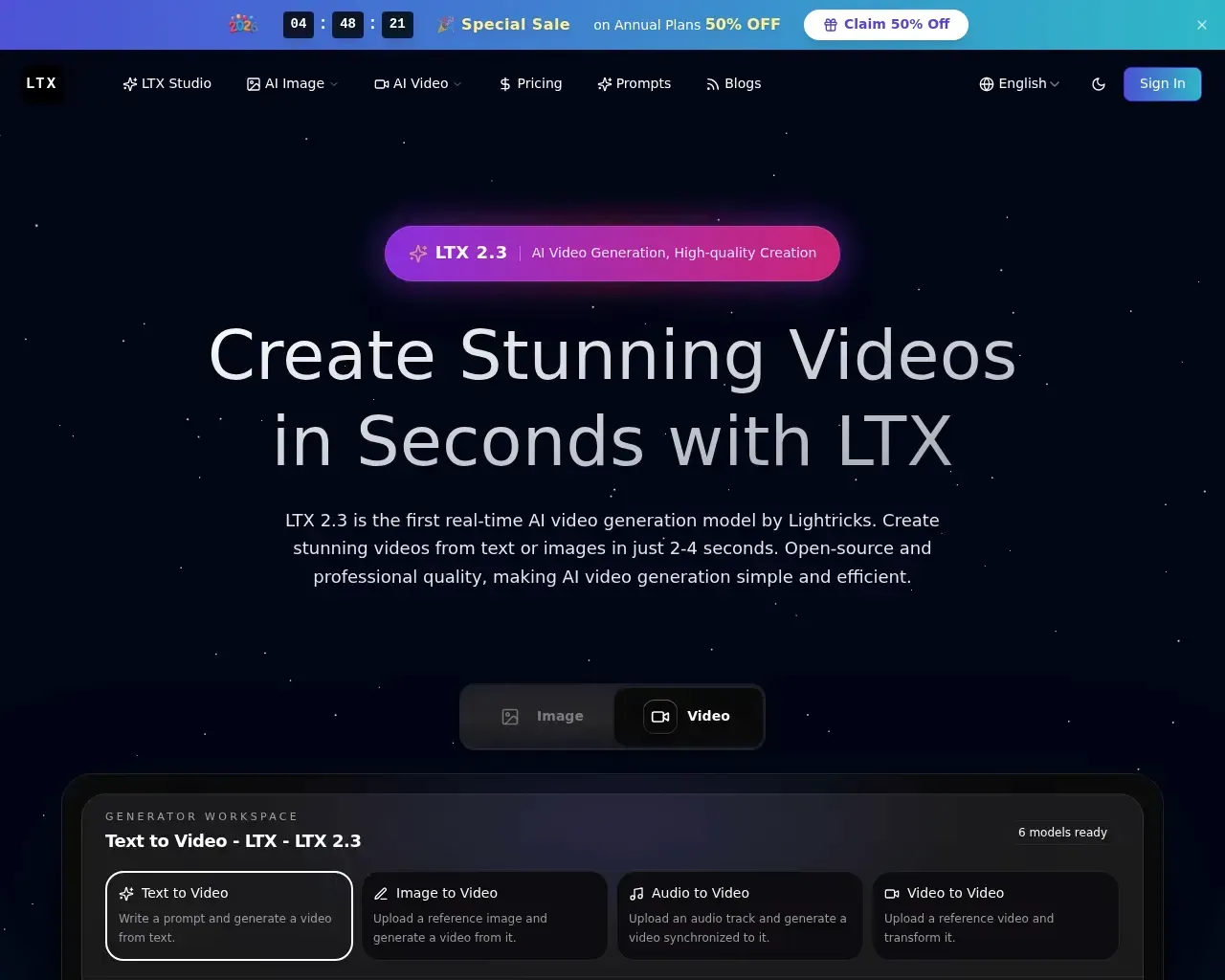
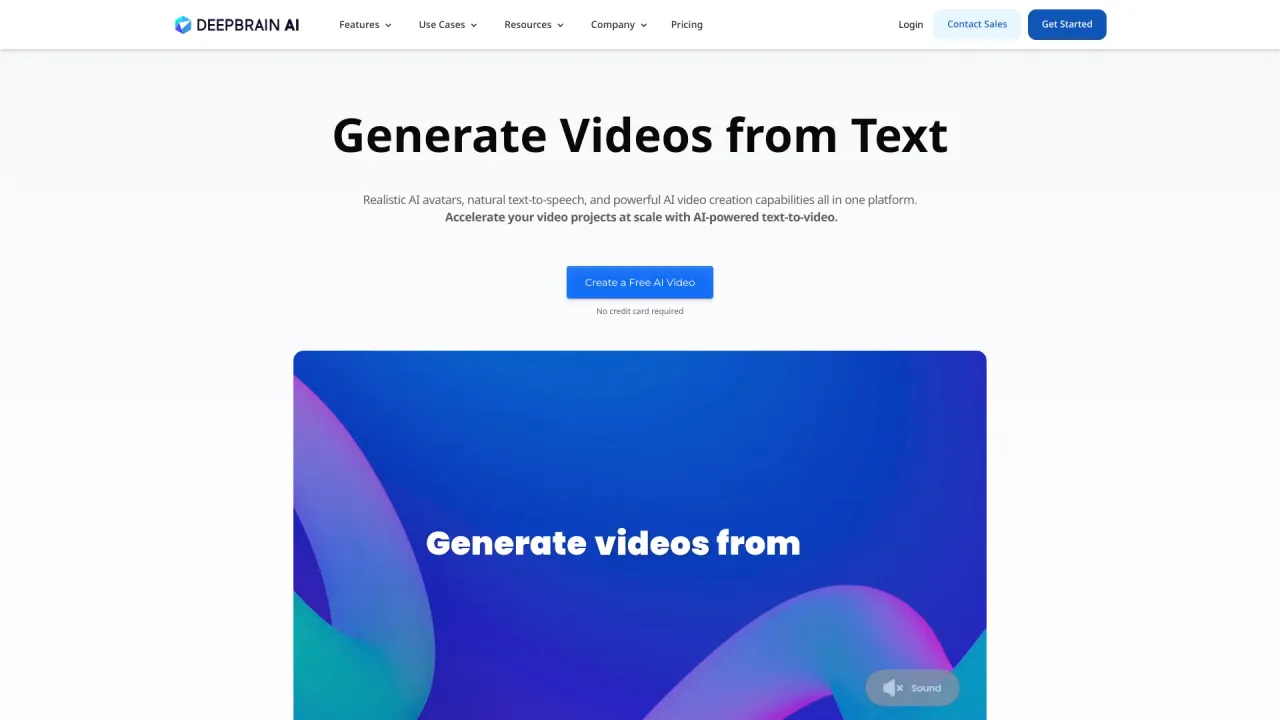
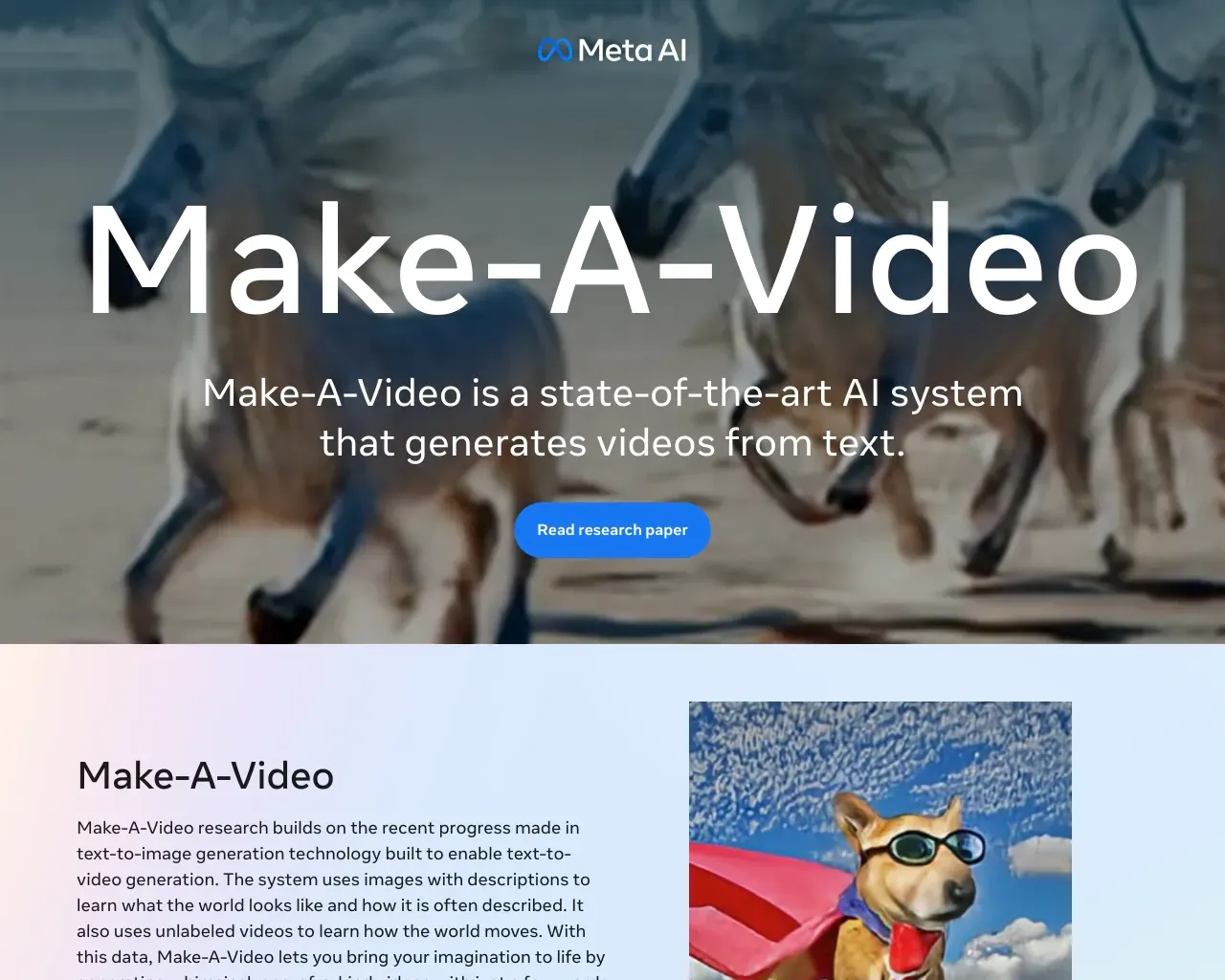
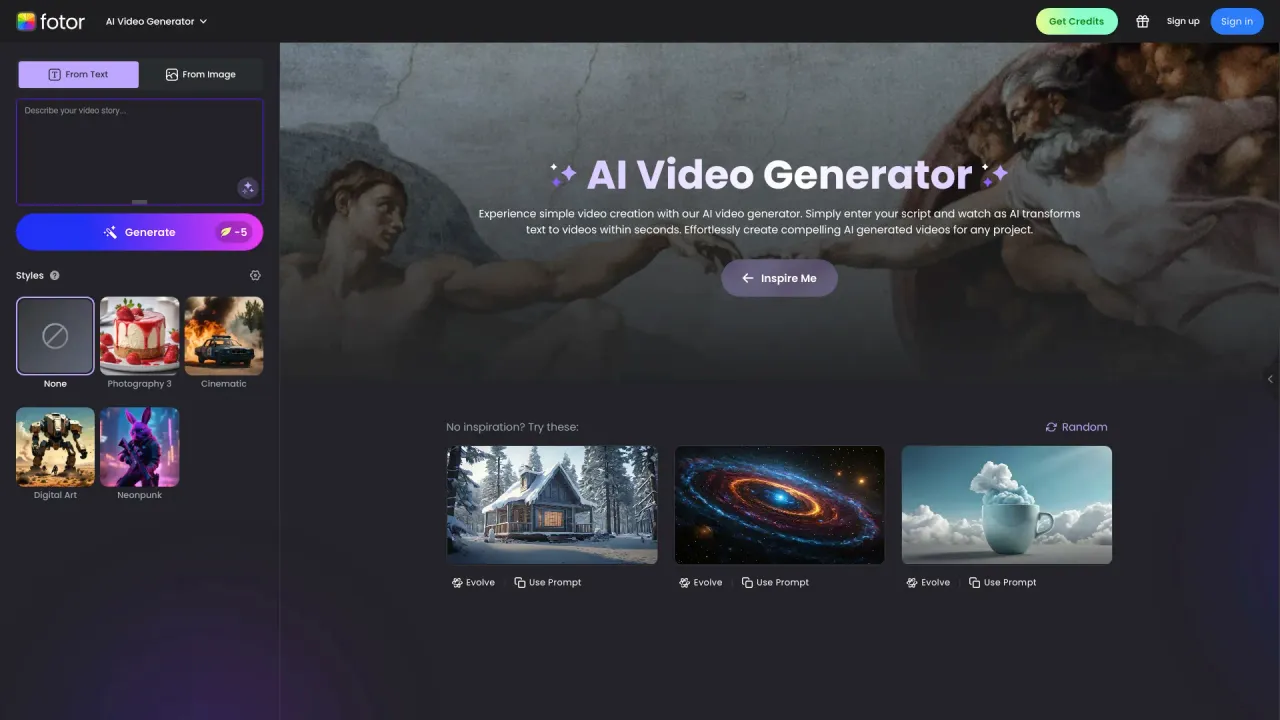
Top alternatives to Pixo include DEEPBRAIN AI, LTX, Make a Video, Sora Town, Fotor AI video generator.Where can I get Pixo?
Pixo is available at https://pixo.video.What category is Pixo in?
Pixo is listed in Text to Video.What is Pixo?
Pixo is an agentic AI video platform that takes you from idea to finished cut. Describe what you want and Pixo's agents write the script, break it into a storyboard of panels, then generate the video, images, voiceover, sound effects, and music for each panel using the best model for that shot. You review, regenerate, and refine at every stage, arrange the result on a timeline, and export a finished video.Can I export my videos?
Yes. Pixo assembles your panels — video, voiceover, sound effects, and music — into a single high-quality MP4, ready for YouTube, Instagram, TikTok, and anywhere else. You can also export individual clips if you'd rather finish the edit in your own tool.What AI models does Pixo support?
Pixo runs the current flagship from every major lab, and adds new ones as they ship. Video: VEO 3.1 and Omni Flash from Google, Sora 2 from OpenAI, Seedance 2.5 and Seedance 2.0 from ByteDance, Kling 3.0 from Kuaishou, MiniMax H3 and Hailuo 2.3, WAN 3.0 from Alibaba, Grok Imagine from xAI, LTX 2.3 Pro, and PixVerse. Image: Nano Banana Pro and Imagen 4, Seedream 5.0, Flux 2, GPT Image 2, Ideogram V3, Qwen Image 2, and Recraft V3. Audio: ElevenLabs and MiniMax for voiceover, voice cloning, and sound effects; Suno, ElevenLabs Music, and Lyria 2 for music. Plus lipsync and Topaz upscaling.Can I use the videos commercially?
You retain ownership of what you create on Pixo, and generated content on a paid plan can be used commercially — YouTube monetization, marketing campaigns, client deliverables, product demos. Because generations run on third-party models, each provider's own terms also apply to its output; see our Terms for the details.Can I use multiple AI models in one project?
Yes — this is the point of Pixo. You can mix video models inside a single storyboard and pick the right one per shot: Kling for a cinematic wide, Seedance for multi-shot continuity, Hailuo for fast action. The same goes for image, voice, and music models. Nothing locks you to one vendor.How does the storyboard workflow work?
You start with a script or idea, which Pixo's AI agents break into individual panels (scenes). Each panel can have its own video generation, reference image, voiceover, and sound effects. You review and iterate on each panel independently — regenerate a clip, swap the AI model, adjust the prompt — before assembling the final video. This panel-by-panel approach makes long-form video production manageable and gives you full creative control.How is Pixo different from other AI video tools?
Most AI video tools are single-clip generators: you type a prompt and get one clip back. Pixo is built for the whole production — script, storyboard, multi-scene video, voiceover, sound effects, and music in one project. Three differences matter most: you choose a different model for every shot instead of being locked to one vendor; the storyboard keeps long-form work structured and reviewable panel by panel; and AI agents handle the repetitive passes while you approve every checkpoint.
Compare Pixo with…
Pick any tool to see a structured side-by-side: pricing, deployment, capabilities, and content policy.