- Category
- Text to Video
- Alternatives
- 6 similar tools
- Last updated
- 1 months ago
- Source
- Official site ↗︎
AI Collection Top Picks

Text to Video Category Picks
About speechtovideo
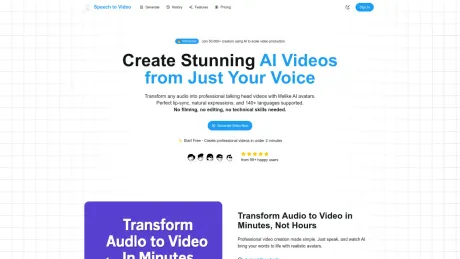
Create stunning AI-powered videos from just your voice. Upload audio, add custom avatars, and generate professional video content in minutes with advanced speech-to-video technology.
What you get
Additional Information
Speech to Video AI is a revolutionary platform that allows users to generate talking head videos using their audio input. With over 100 AI avatars to choose from, users can transform any audio into professional-quality videos without needing to film or edit. The software supports more than 140 languages and allows for various audio input methods, including direct recording, audio file uploads, and text-to-speech.
The platform prides itself on its advanced lip-sync technology, which ensures that the avatars' mouth movements align perfectly with the spoken words, resulting in natural-looking video content. Customization options include the ability to create personalized avatars from user photos, ensuring brand consistency in videos. Additionally, users can customize backgrounds, logos, and fonts to suit their brand identity.
Designed for content creators, educators, marketers, and businesses, Speech to Video AI simplifies the video creation process, making it efficient and user-friendly. The tool is especially useful for those looking to produce high-quality video content quickly, as videos can be created in under two minutes. The platform is trusted by over 50,000 creators worldwide, making it a reputable choice for video production.
With features like shared workspaces and analytics, the platform also facilitates team collaboration, catering to both individual users and larger agencies. Whether for social media content, educational videos, or marketing materials, Speech to Video AI provides the tools needed to enhance content strategy and engagement.
Frequently asked questions
What is speechtovideo used for?
Transform Your Voice into Videos.Is speechtovideo free?
Pricing for speechtovideo varies — see the Pricing section for details.What are alternatives to speechtovideo?
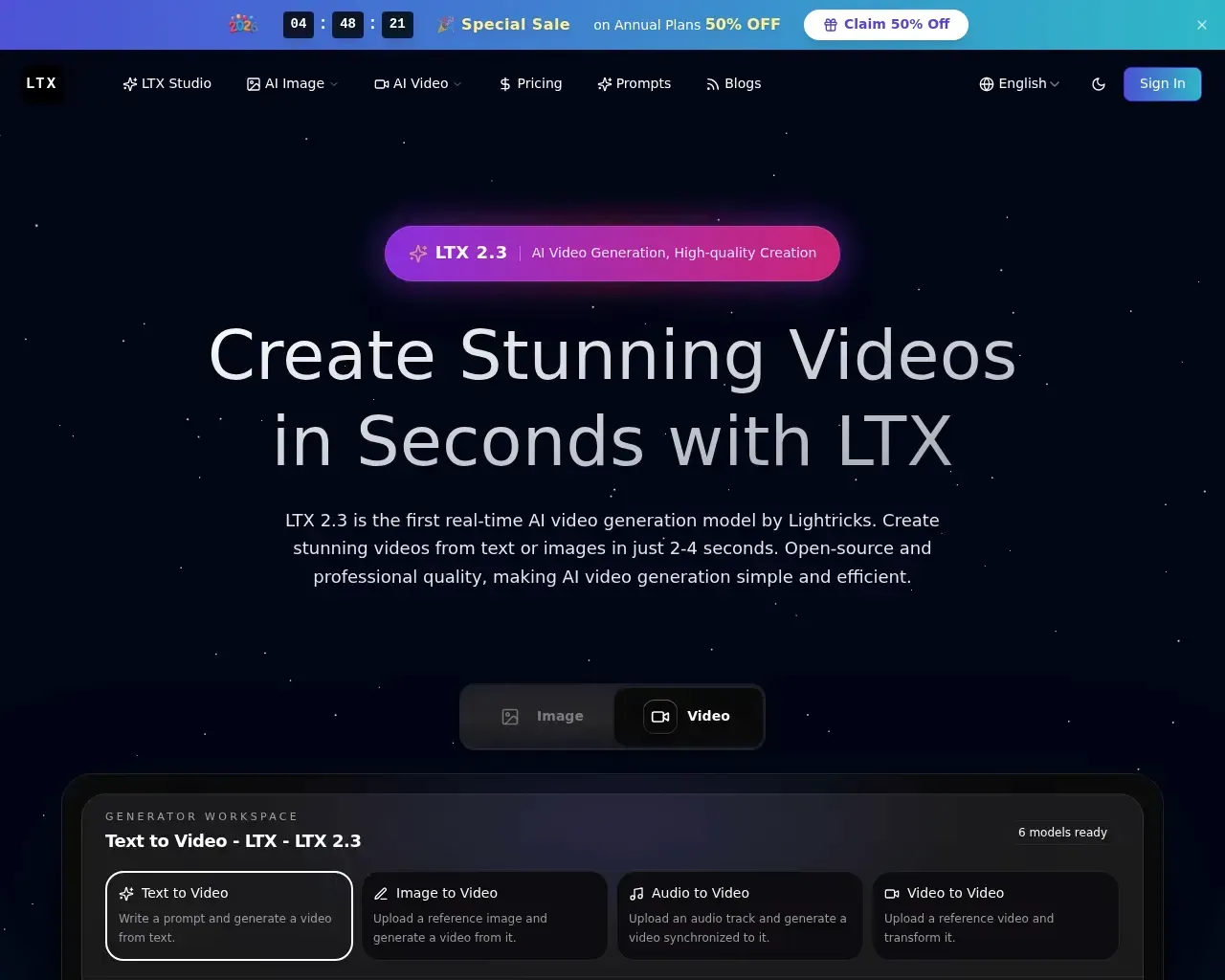
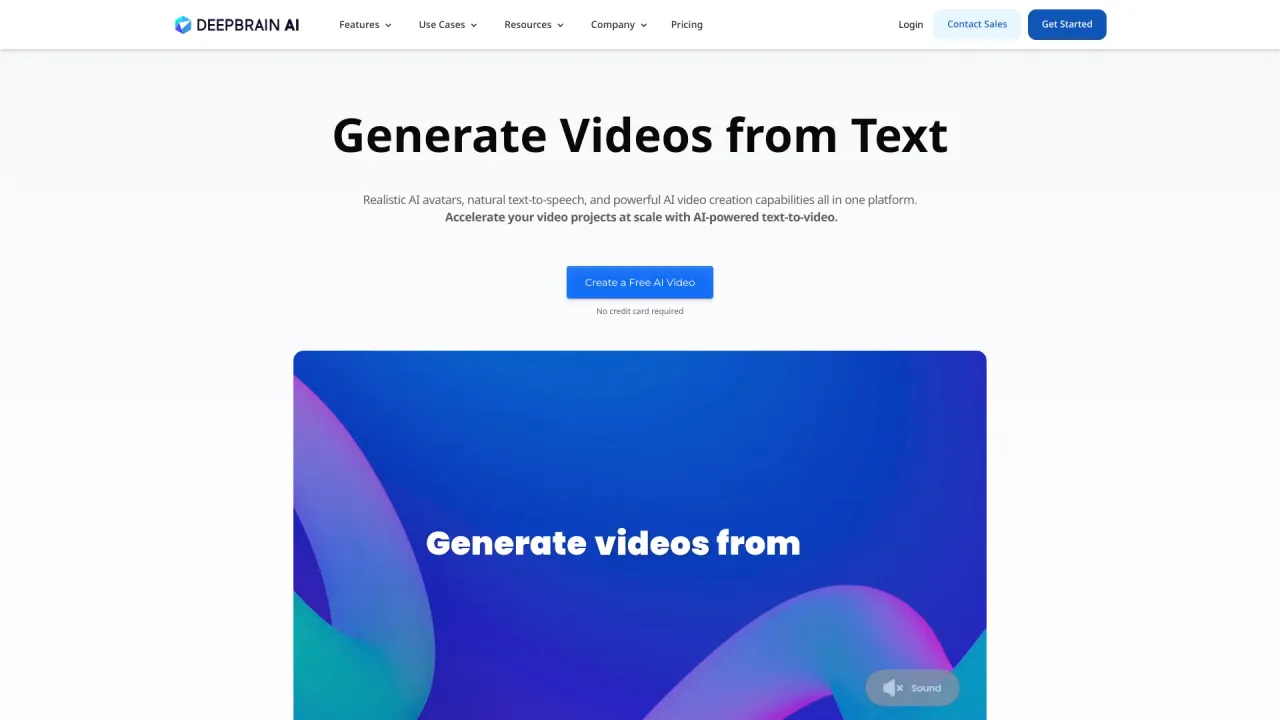
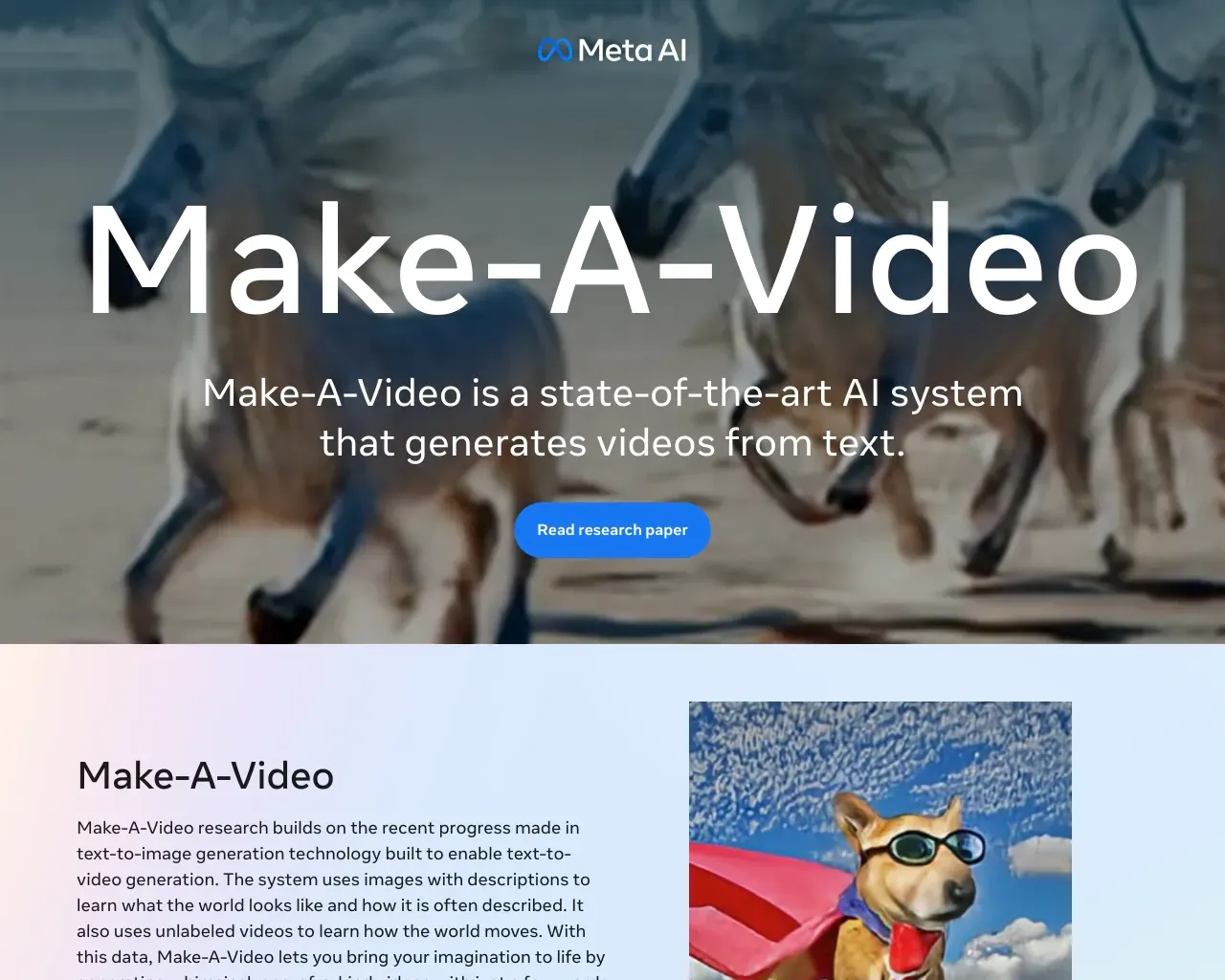
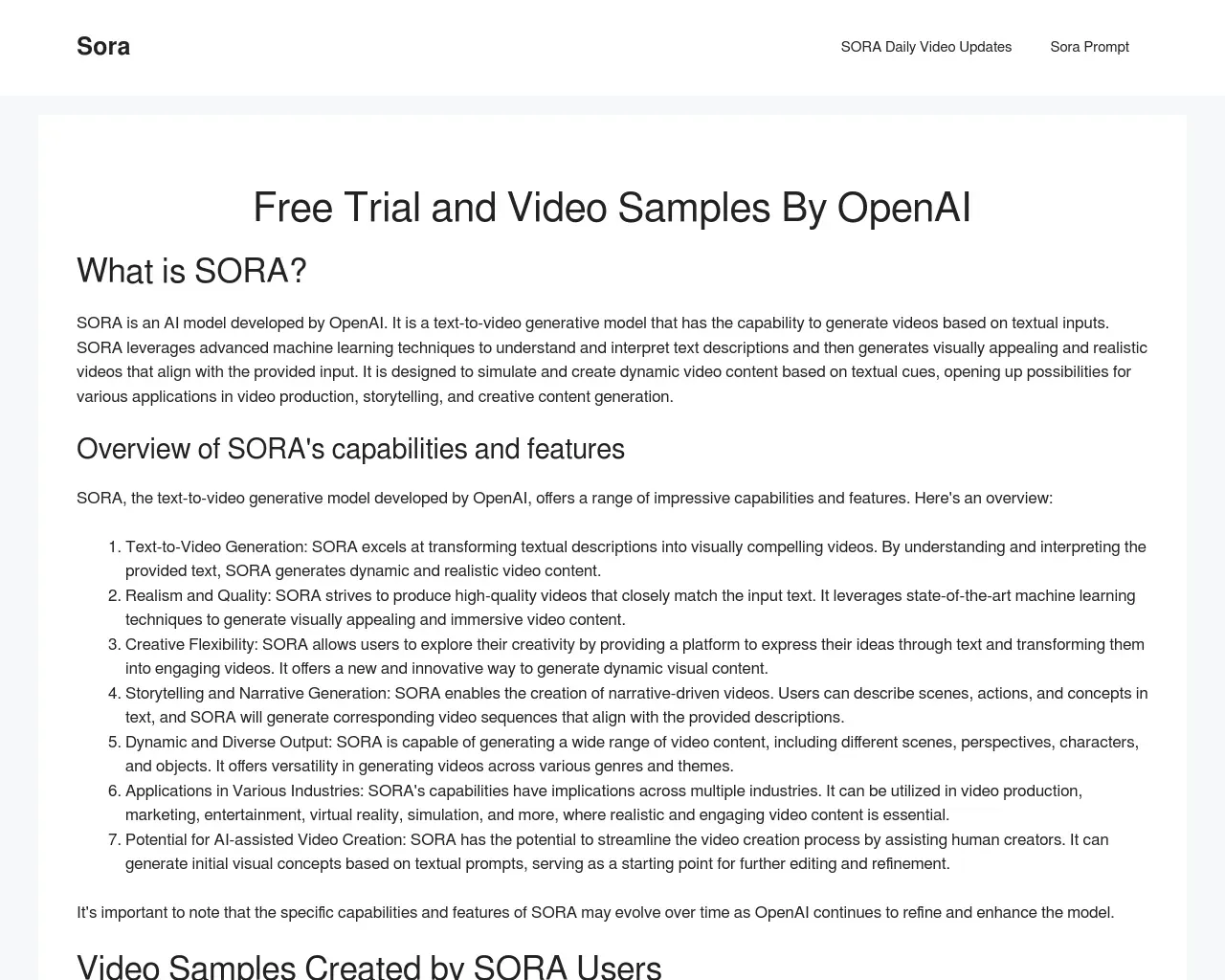
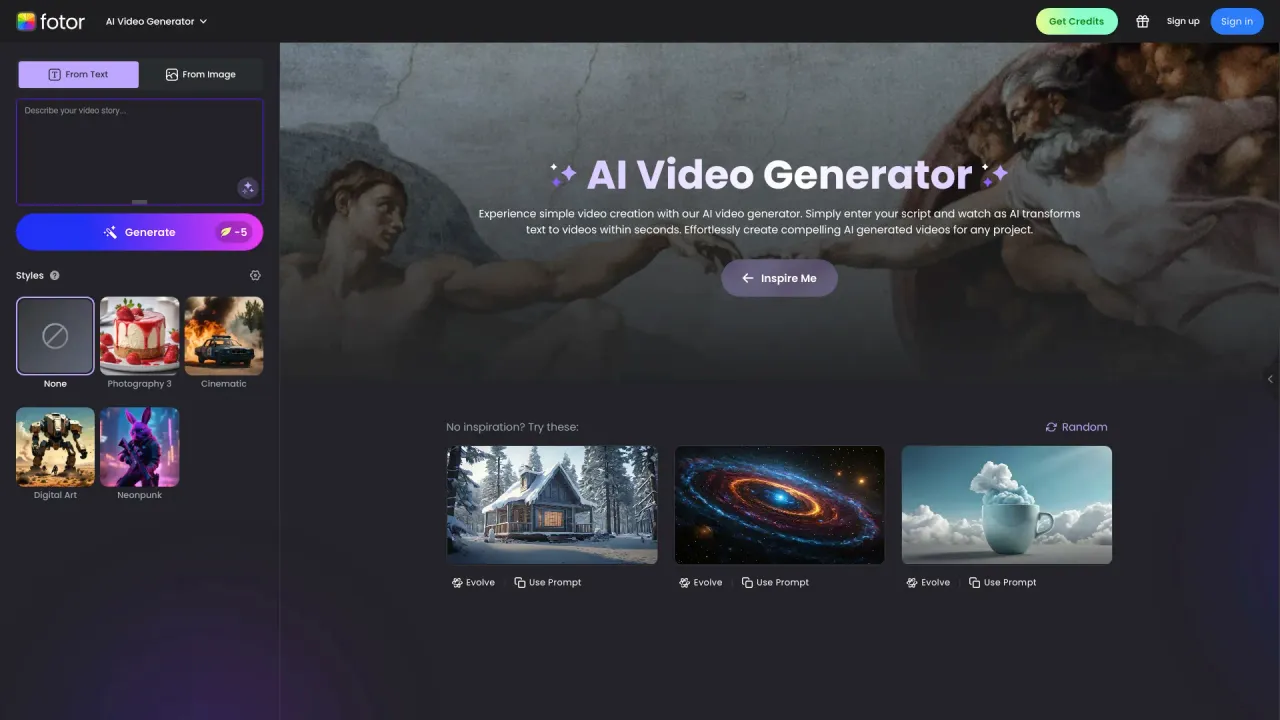
Top alternatives to speechtovideo include DEEPBRAIN AI, LTX, Make a Video, Sora Town, Fotor AI video generator.Where can I get speechtovideo?
speechtovideo is available at https://speechtovideo.run/.What category is speechtovideo in?
speechtovideo is listed in Text to Video.How does the speech-to-video AI work?
Our AI analyzes your audio input, extracts speech patterns, and generates synchronized video with realistic avatars. The system uses advanced lip-sync technology to match mouth movements with your speech, creating natural-looking video content.What audio formats do you support?
We support most common audio formats including MP3, WAV, M4A, OGG, and more. You can also record audio directly in your browser using our built-in recording feature. Maximum file size is 50MB per audio file.Can I use my own avatar or face?
Yes! You can upload reference images to create personalized avatars that look like you. The AI will use your image to generate a digital version that speaks your audio content. We support JPG, PNG, WEBP, and GIF formats.Can I use the videos commercially?
Yes, all generated videos can be used for commercial purposes including social media marketing, presentations, courses, and business content. You own the rights to videos created with your audio input.
Compare speechtovideo with…
Pick any tool to see a structured side-by-side: pricing, deployment, capabilities, and content policy.