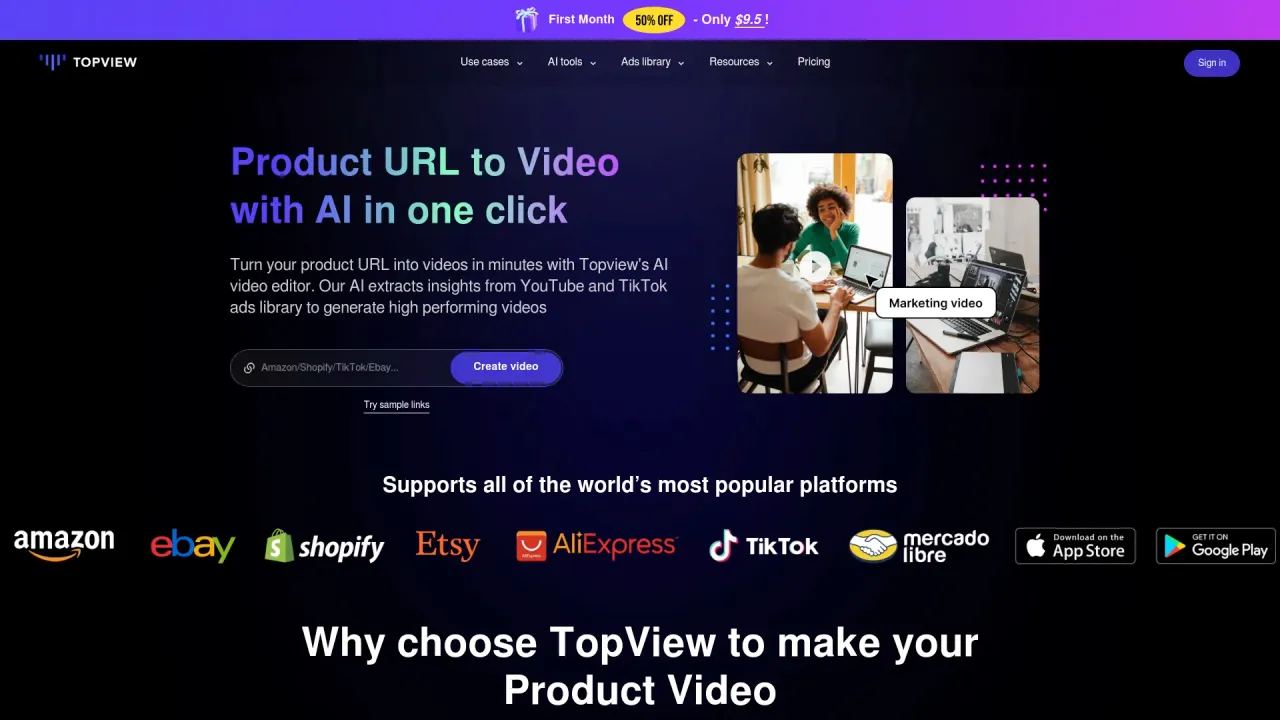
VeeGen AI - Free image to video AI
Create Amazing Videos with AI.
- Category
- Video Editing
- Alternatives
- 6 similar tools
- Last updated
- 1 months ago
- Source
- Official site ↗︎
AI Collection Top Picks

Video Editing Category Picks
About VeeGen AI - Free image to video AI
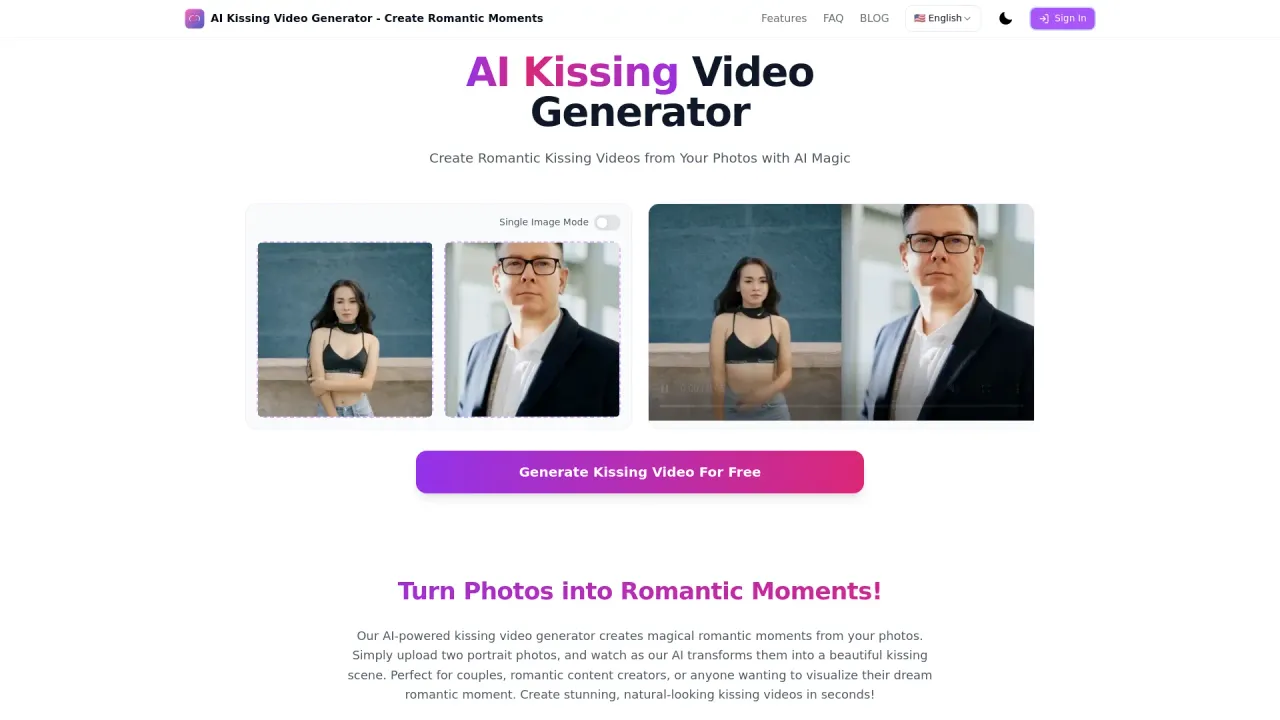
Use VeeGen free image to video AI to instantly turn photos into dynamic videos online, no watermark. Create stunning animations for TikTok, Ins, YouTube without any skills.
What you get
Additional Information
VeeGen is an AI-powered tool designed to convert static images into dynamic videos quickly and easily. By simply uploading an image or entering a prompt, users can select from a variety of styles to create professional-looking animations. With no prior editing experience required, it's targeted at creators, marketers, and anyone looking to enhance their digital presence through video content.
This tool supports an array of functionalities including cinematic transitions, character consistency, and controlled animations that allow users to emphasize specific elements in their images. It also features a local mode, which enables users to dictate what parts of their visuals should be animated, ensuring unique and personalized outcomes.
VeeGen’s comprehensive suite supports multiple video output resolutions and utilizes powerful models to cater to different video requirements. Whether for social media marketing, storytelling, or turning sketches into animations, VeeGen aims to streamline the video creation process while maintaining high quality.
The platform allows for image uploads in formats such as JPG, PNG, and WEBP, and generates videos in MP4 format, making it compatible with major platforms. Users can also add background music and effects post-generation, enhancing the final product further.
Frequently asked questions
What is VeeGen AI - Free image to video AI used for?
Create Amazing Videos with AI.Is VeeGen AI - Free image to video AI free?
Pricing for VeeGen AI - Free image to video AI varies — see the Pricing section for details.What are alternatives to VeeGen AI - Free image to video AI?
Top alternatives to VeeGen AI - Free image to video AI include Klap App, AI video editor, Atlabs AI, Topview AI URL to Video, Colossyan.Where can I get VeeGen AI - Free image to video AI?
VeeGen AI - Free image to video AI is available at https://veegen.ai/.What category is VeeGen AI - Free image to video AI in?
VeeGen AI - Free image to video AI is listed in Video Editing.What kind of images can I use?
Photos, sketches, illustrations, and even anime stills work well. JPG and PNG formats over 300×300 px are recommended for the best results.How fast is the video generation?
Most videos take 30–60 seconds to generate. It depends on how complex your image or prompt is, but overall, it’s pretty quick.Can I animate a hand-drawn sketch?
Absolutely. Our platform includes a sketch-optimized mode — great for turning static drawings into fluid, eye-catching animations.Do I need editing skills to use this?
Nope. This tool is made for everyone. Just upload an image or type a prompt — the AI takes care of the rest.Can I create before-and-after animations?
Yes. Some models support both a starting and ending frame, which makes it perfect for transformations, comparisons, or visual storytelling.Is commercial use allowed?
Yes, you can use videos made with our image to video AI in both personal and commercial projects. Just make sure you follow our terms of service.What formats can I upload and download?
You can upload JPG, PNG, or WEBP files. Videos are exported in MP4 or WebM, compatible with all major platforms.Can I add music or effects to my videos?
Yes! After generating your video, you can add BGM, transitions, subtitles, and more directly in our online editor.What styles are available?
We support a wide range — from cinematic to cartoon, anime, Ghibli-inspired, ink, sci-fi, and more. The image to video AI adapts the style based on your selection.How is this different from text-to-video tools?
Image to video AI starts from a static image and adds motion, while text-to-video generates the whole scene from scratch. Both are powerful — just depends on your starting point.How do I start?
Just upload an image or paste a prompt, choose your preferred style, and hit generate. That’s it — no app, no editing software needed.
Compare VeeGen AI - Free image to video AI with…
Pick any tool to see a structured side-by-side: pricing, deployment, capabilities, and content policy.