Remove video background
Video Background Remover - Remove Background from Video Online.
- Category
- Background Remover
- Alternatives
- 6 similar tools
- Last updated
- 4 days ago
- Source
- Official site ↗︎
AI Collection Top Picks

Background Remover Category Picks



About Remove video background
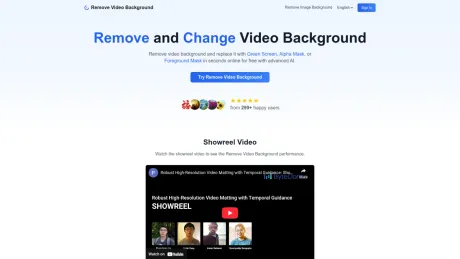
AI video background remover. Remove background from video instantly online. No green screen required. Fast, simple, and HD export available.
What you get
Additional Information
Video Background Remover is an AI-powered tool that allows users to remove unwanted backgrounds from videos effortlessly. With no need for green screens, the service provides fast processing and high-definition export options. Users can create professional transparent background videos, perfect for overlays and modern video production tasks. The platform offers multiple modes for video background removal, including Transparent Background, Green Screen, Alpha Mask, and Foreground Mask, catering to various content creation needs.
The service ensures pixel-perfect accuracy through advanced edge detection capabilities and machine learning models trained on millions of images. Users benefit from real-time processing powered by optimized cloud infrastructure, enabling quick video edits without needing advanced technical skills or expensive equipment.
Video Background Remover supports various standard video formats, including MP4, MOV, and WebM, accommodating files up to 500MB while maintaining original quality. Whether users are content creators, marketers, or casual video enthusiasts, the platform simplifies video editing processes, allowing for professional-grade results in minimal time.
The security of uploaded content is a priority, with robust encryption practices ensuring user privacy. Additionally, all files are automatically deleted after processing, ensuring that videos are not stored or shared without consent. Many satisfied users have noted significant improvements in their video production workflows and editing efficiency after integrating this tool into their process.
Frequently asked questions
What is Remove video background used for?
Video Background Remover - Remove Background from Video Online.Is Remove video background free?
Pricing for Remove video background varies — see the Pricing section for details.What are alternatives to Remove video background?
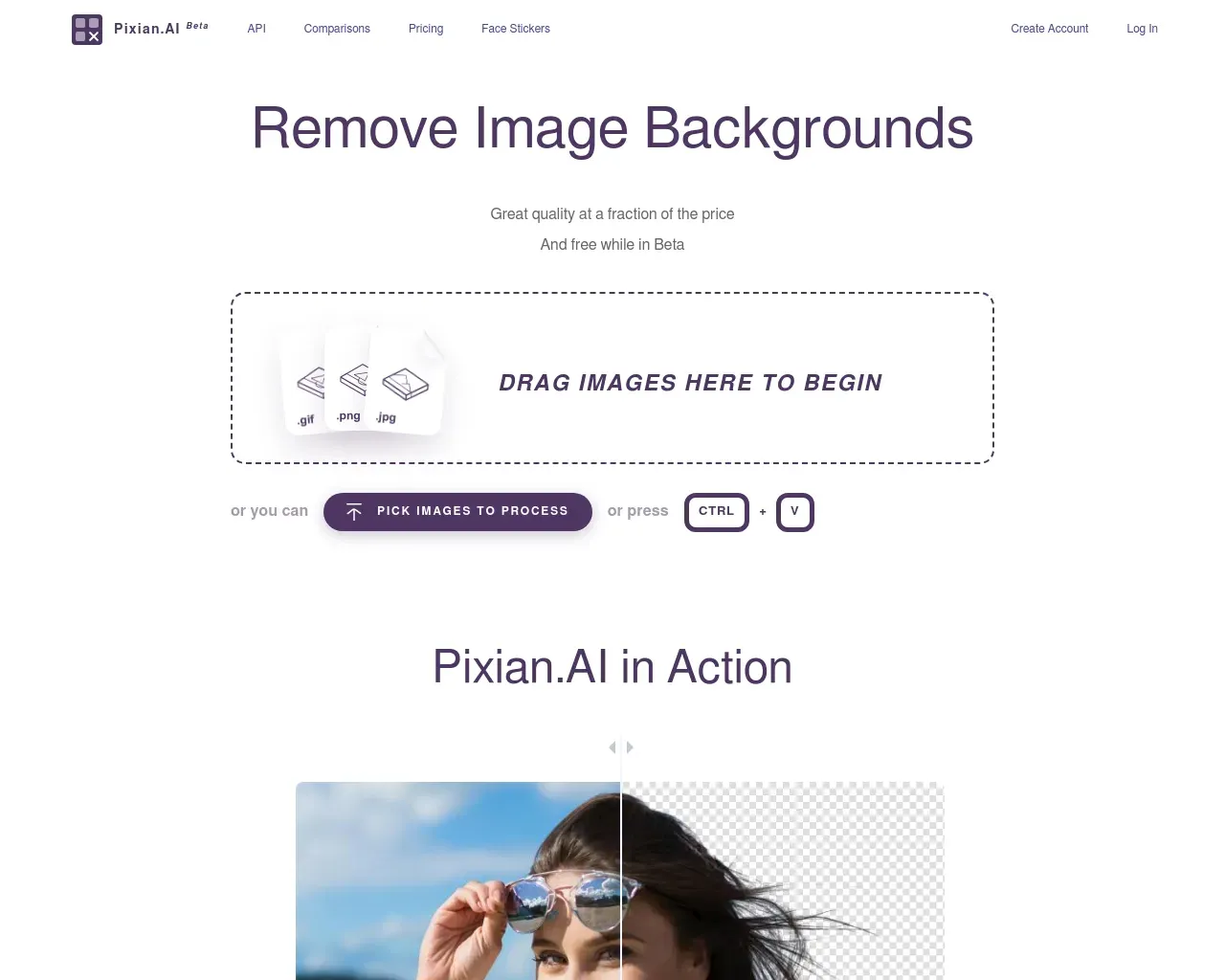
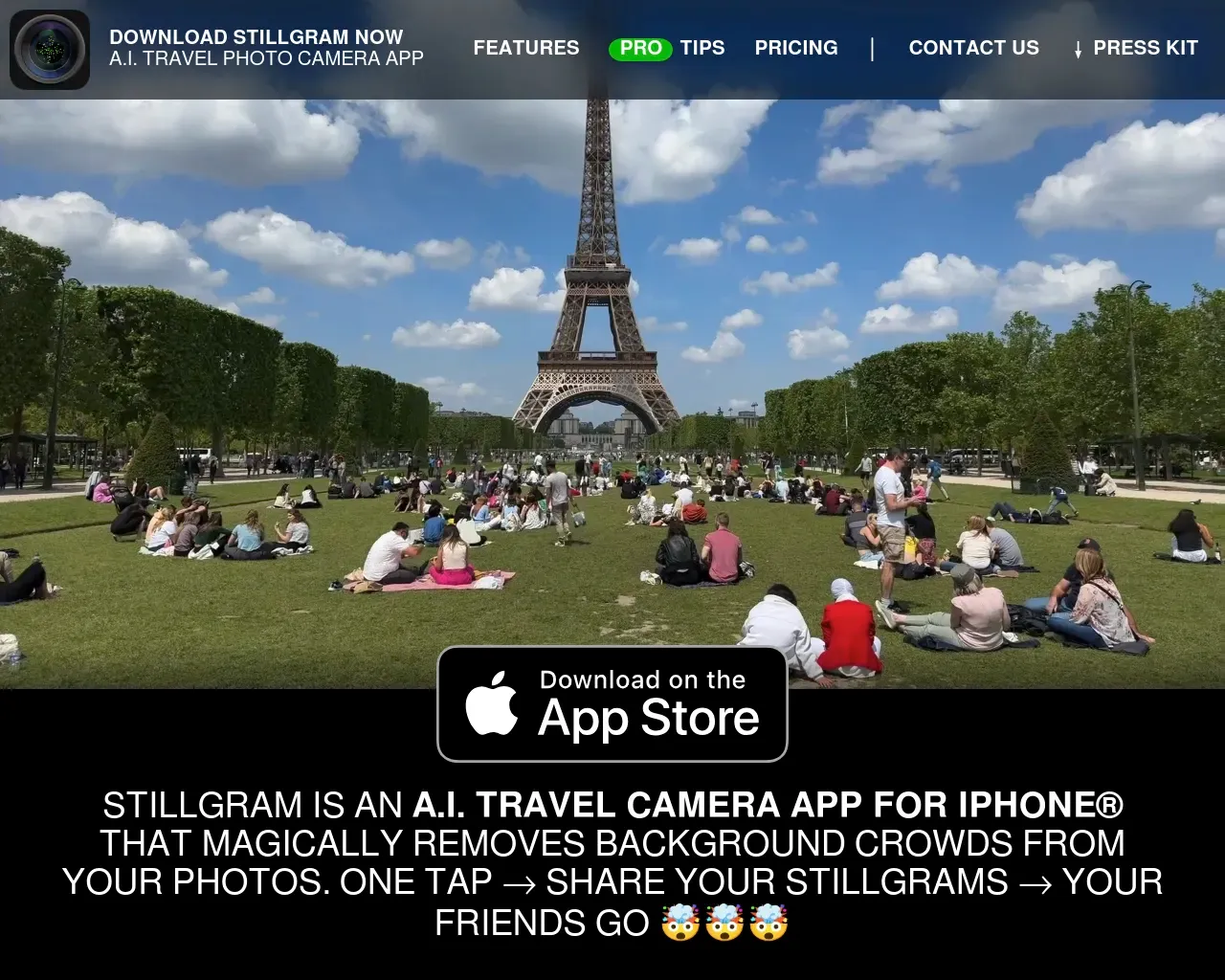
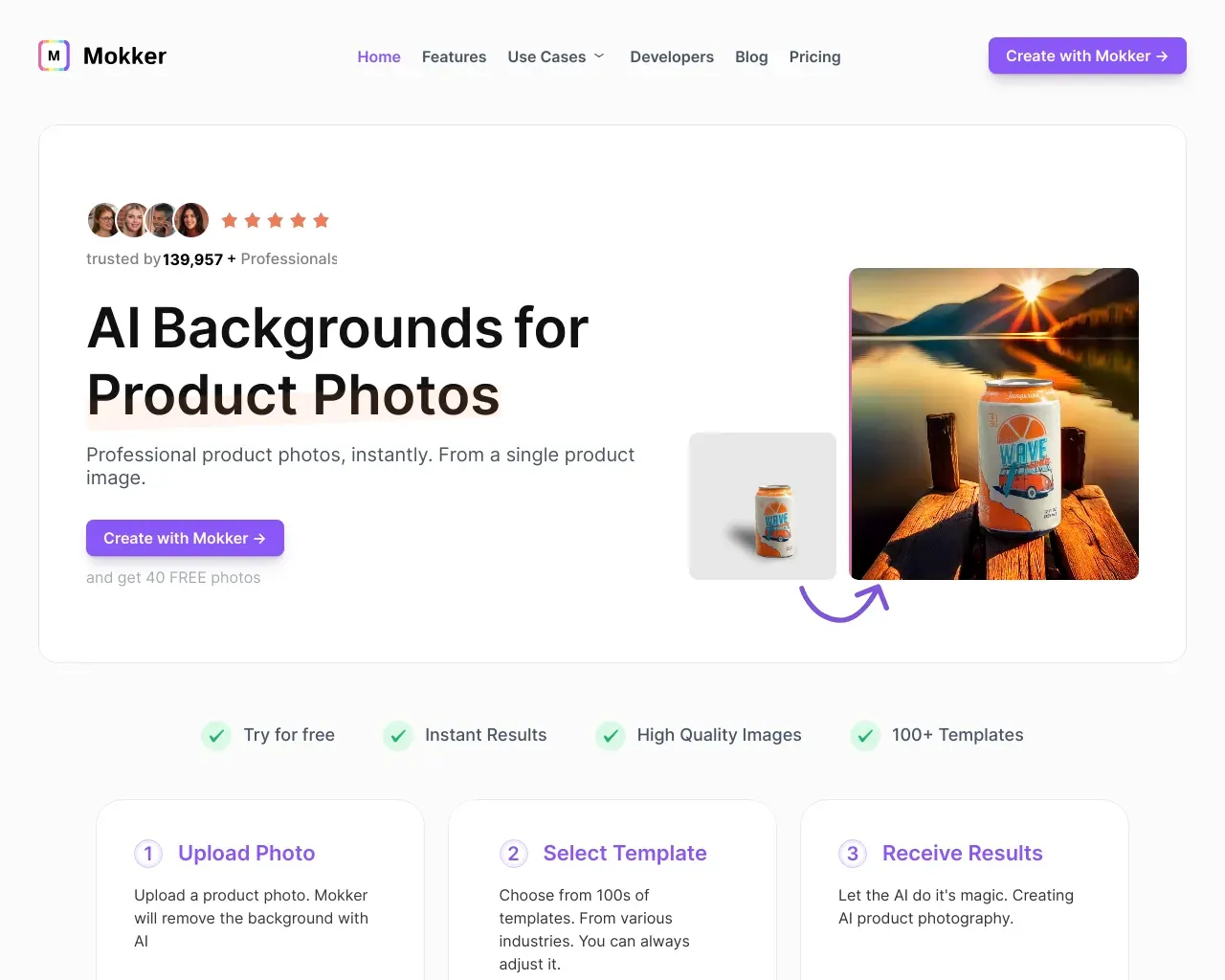
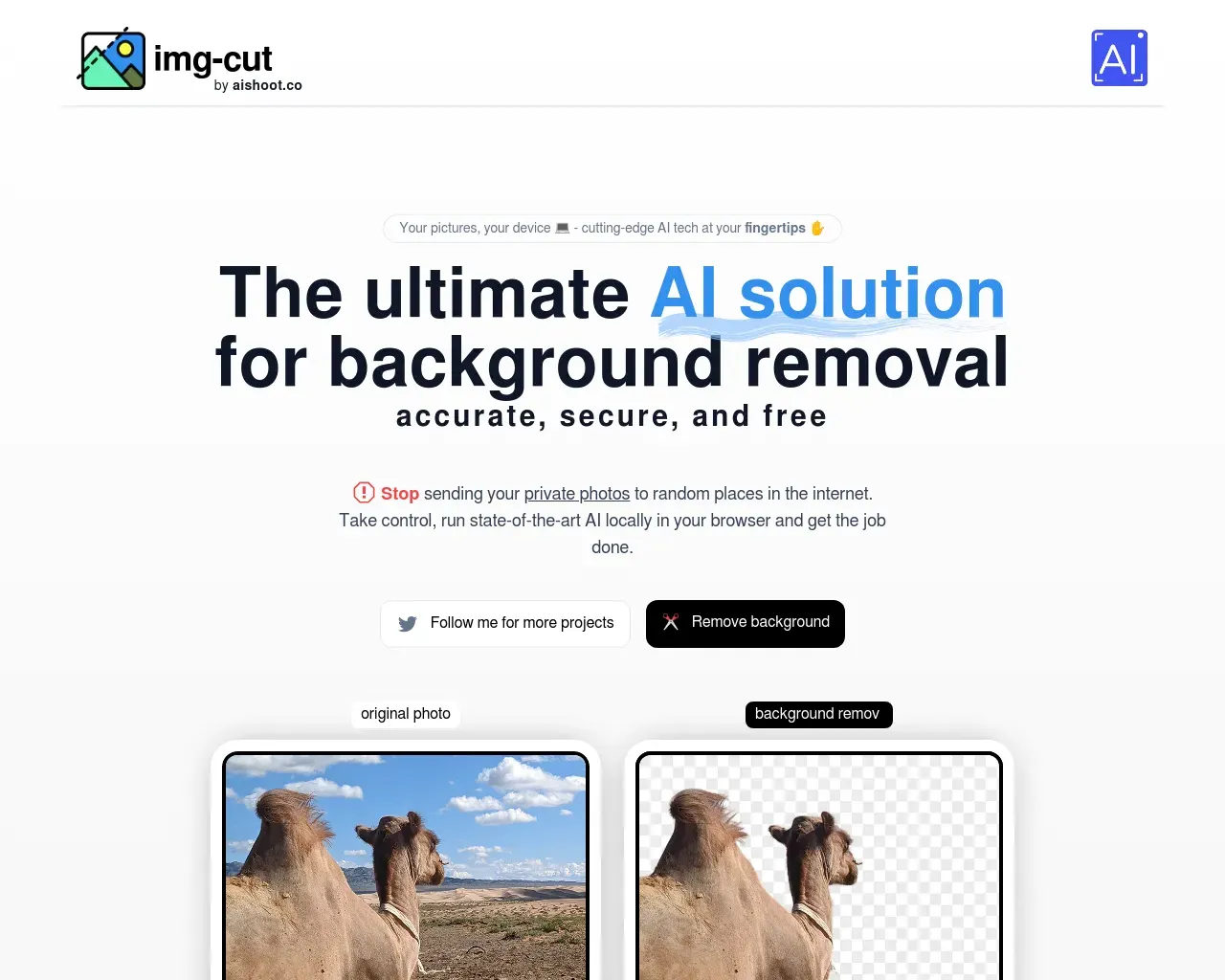
Top alternatives to Remove video background include Green Screen AI, Zoomscape, Pixian, Stillgram, Mokker.Where can I get Remove video background?
Remove video background is available at https://removevideobackground.org.What category is Remove video background in?
Remove video background is listed in Background Remover.How does video background removal work?
Our advanced AI technology analyzes each frame of your video to identify and separate the foreground subject from the background. It uses a combination of machine learning models trained on millions of images to detect edges, understand depth, and create precise masks for seamless background removal.What video formats are supported?
We support most common video formats including MP4, MOV, AVI, and WebM. The maximum file size is 500MB, and we recommend videos with a resolution of 1080p or lower for optimal processing speed. All processed videos maintain their original quality and format.How long does the processing take?
Processing time depends on your video length and resolution. Most videos under 1 minute are processed within 2-3 minutes. Longer videos may take additional time. We use parallel processing to ensure the fastest possible results while maintaining high quality.What's the difference between Green Screen, Alpha Mask, and Foreground Mask?
Green Screen is ideal for videos shot with a solid color background, providing clean removal. Alpha Mask creates a transparent background, perfect for overlays and effects. Foreground Mask focuses on preserving subject details while removing complex backgrounds. Choose based on your source video and intended use.Are my uploaded videos secure and private?
Yes, we take privacy seriously. All uploaded videos are encrypted during transfer and processing. Files are automatically deleted from our servers after processing is complete. We never share or use your content for any other purpose.
Compare Remove video background with…
Pick any tool to see a structured side-by-side: pricing, deployment, capabilities, and content policy.