Get your app listed. Let your AI do the legwork.
By: AI Collection
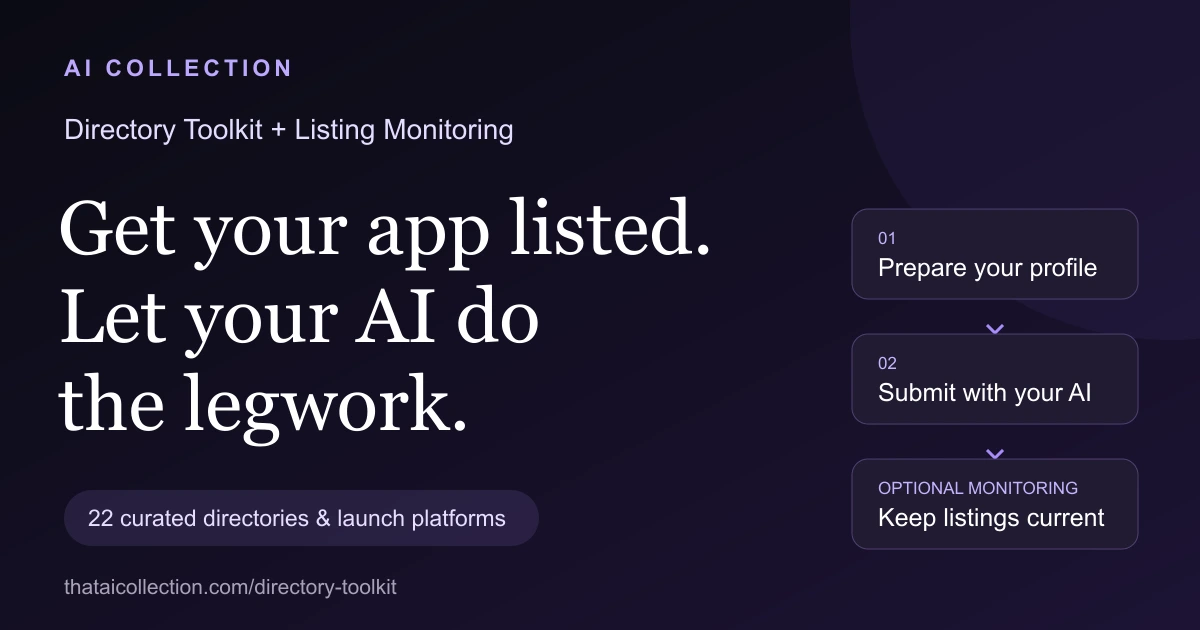
Getting your app discovered takes more than a launch announcement. There are directories to research, descriptions to rewrite, forms to fill and submissions to follow up on. Each one pulls you away from building your product.
Today we're introducing the AI Collection Directory Toolkit: a downloadable skill that gives your AI assistant a repeatable workflow for getting your app listed. It includes 22 curated directories and launch platforms and five researched backlink and distribution playbooks, turns your product details into submission-ready copy, and helps your assistant submit through your own browser.
Get the toolkit for $25 once, or choose $20 once + $9.99/month to add listing monitoring.
Explore the toolkit and compare plans.
Describe your app once. Reuse it across your submissions.
Give the toolkit to Claude Code or Codex with browser access. Your assistant helps build a product profile from the details and assets you choose to share: your app's name, homepage, description, logo and screenshots. You review that profile before using it.
Then choose where to submit. The catalog includes Product Hunt, SaaSHub, Future Tools, Uneed and DevHunt, alongside other directories and launch platforms. Your assistant checks which destinations fit your product, reviews the current rules and costs, adapts your copy, and carries out permitted submissions.
You stay involved where it matters: authorizing the campaign, completing logins and verification, approving spending, and handling sites that require a human submission. Your AI assistant plan and directory fees are separate.
After installing the downloaded toolkit, you can start with:
Use my installed AI Collection Directory Toolkit to prepare a
submission campaign for my app. Build a reusable product profile
from the project details and assets I choose to share, and ask
me to approve it. Recommend suitable destinations from the
catalog, checking their current rules and costs. Once I approve
the campaign, complete permitted free submissions. Ask before
spending money and hand me any login or human-only steps.
Keep a record of submissions and public listing URLs.
If you connect the toolkit to your private AI Collection dashboard, your assistant can report submission progress there. That gives you a place to see what has been submitted, what is awaiting review and which listing URLs have been recorded. Progress sync is optional; it records what you or your assistant report.
Lost the ZIP? Sign in with the account you purchased with and download your eligible toolkit versions again from your dashboard.
We researched the opportunities. Your AI helps you act on them.
Finding worthwhile backlink opportunities takes research: where your product fits, what a platform requires, what you need to build, and how to get a useful public presence. We did that groundwork and packaged it as five playbooks alongside your directory catalog.
- GitHub: prepare an organization profile and public README that introduce your product and link to its homepage.
- Hugging Face: prepare an organization card and assess whether a useful AI demo makes sense.
- npm: help developers adopt a working SDK or reusable package with documentation and a product link.
- Chrome Web Store: plan a useful browser companion and prepare its listing and Website field.
- Zapier: assess API readiness and prepare a real integration with useful triggers and actions.
Each playbook includes prerequisites, effort, official sources, verification steps and instructions for your installed AI Collection skill. Your assistant reviews your project and existing pages before suggesting changes. Building an extension, demo, package or integration is separate development work; platform approval and external fees may apply.
The paid toolkit adds this researched guidance, packaged downloads and updates, and private dashboard access to the reusable open-source submission workflow. Both paid plans include all five playbooks. We aim for relevant, high-quality placements that help people discover your product; a platform’s reputation alone does not guarantee that a particular link improves rankings.
Keep finding places to launch
The initial catalog is your starting point. We research additional directory opportunities and make new additions available through your included updates. You can also opt in to AI Collection emails with instructions to use alongside your purchased toolkit.
When an email introduces a destination such as Microlaunch, take its copy-paste instructions back to the assistant that already has your toolkit and product profile. It can check the opportunity, prepare the submission and help you carry it through.
New opportunities vary in fit, price and submission requirements. Emails go out when there are additions, grouped into at most one email per week. The included update period and preferences are explained in the product terms.
After launch, keep your listings current
Your product keeps changing. A listing can still show an old description or point to a URL you no longer use.
Optional Listing Monitoring adds weekly checks for one product and up to 50 supported public URLs. You approve the product profile that checks should use, select your supported URLs, and review findings in your dashboard. Actionable email alerts bring issues to your attention; update instructions help you work through them with your toolkit.
The backlink opportunity checklist helps you review which platforms fit your product and which still need setup. Save your exact public pages to check their supported link placements. When a product link is missing from a checked placement, repeat observations can trigger an email reminder with a next step for your toolkit. No saved URL means setup needed, not proof that you have no backlink on that website. Store-page checks are best effort and may remain unknown; inspect those pages manually when verification is unavailable. Inaccessible pages and changed markup remain uncertain.
Coverage is specific:
| Source | Available checks |
|---|---|
| AI Collection | Product name and description compared with your approved profile; product link and destination health |
| Public GitHub READMEs, including organization profiles | Product link presence and destination health |
| Hugging Face organization cards | Product link presence in public card Markdown and destination health |
| npm package READMEs | Best-effort product link presence in recognized readable READMEs; blocked pages remain unknown |
| Chrome Web Store and Zapier | Best-effort recognized public Website / Learn more fields and destination health; unrecognized fields remain unknown |
| Hacker News submissions | Public story URL and destination health |
| DEV Community articles | Product link presence and destination health |
The submission catalog is broader than monitoring coverage. For example, Product Hunt is a submission destination, but Product Hunt monitoring is not included in this release.
Monitoring runs in the background while your computer is off. You review suggested changes and use your toolkit to make updates; the service does not edit external listings automatically. Competitor opportunities and copycat detection are planned for later and are not included today.
Choose how you want to launch
| Directory Toolkit | Toolkit + Monitoring | |
|---|---|---|
| Price | $25 once | $20 once + $9.99/month |
| 22-directory and launch-platform catalog | ✓ | ✓ |
| Five researched backlink and distribution playbooks | ✓ | ✓ |
| Skill for AI-assisted preparation and permitted submissions | ✓ | ✓ |
| Toolkit and catalog updates; optional new-directory emails | ✓ | ✓ |
| Optional submission-progress dashboard | ✓ | ✓ |
| Weekly consistency and link health checks for supported sources | — | ✓ |
| Backlink opportunity checklist and missing-link reminders on selected supported pages | — | ✓ |
| Monitoring findings, issue emails and update instructions | — | ✓ |
The bundle is $29.99 at the first checkout, then $9.99/month until cancelled, before applicable tax. Monitoring billing starts at checkout; approve your profile and select supported URLs afterward to start checks.
Already own the toolkit? Add monitoring for $9.99/month without buying it again. Cancelling monitoring lets you keep using your downloaded toolkit. The standalone toolkit does not enroll you in a subscription.
Build your app's presence across the web
The goal is to help relevant audiences find your app and build a useful backlink footprint. Each directory decides whether to accept your submission and how to link to you. Backlinks, domain-authority improvements and search rankings are not guaranteed.
Start with the toolkit to get your submission campaign moving. Add monitoring when you want help keeping supported listings accurate afterward.
Published on: October 16, 2026