- Category
- Text To Speech
- Pricing
- Free
- Alternatives
- 6 similar tools
- Last updated
- 1 months ago
- Source
- Official site ↗︎
AI Collection Top Picks
Text To Speech Category Picks
About Luvvoice
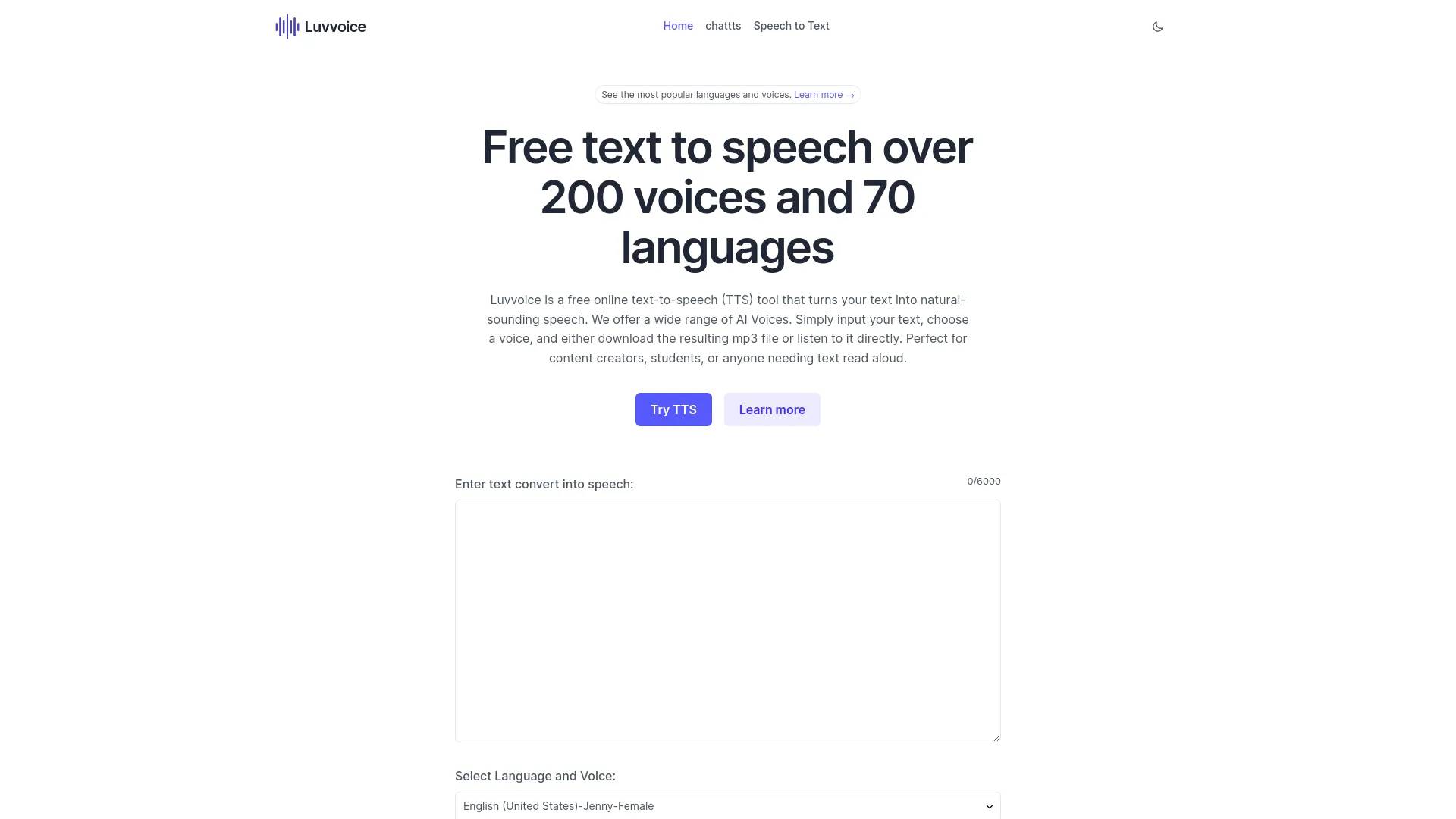
Free text to speech voices over 70 languages and 200 voices,no word limit. Listen online and download files in mp3 format.A free tts tool.
Frequently asked questions
What is Luvvoice used for?
Luvvoice: Free Convert Text to Speech Online, No Word Limit.Is Luvvoice free?
Luvvoice is free to use.What are alternatives to Luvvoice?
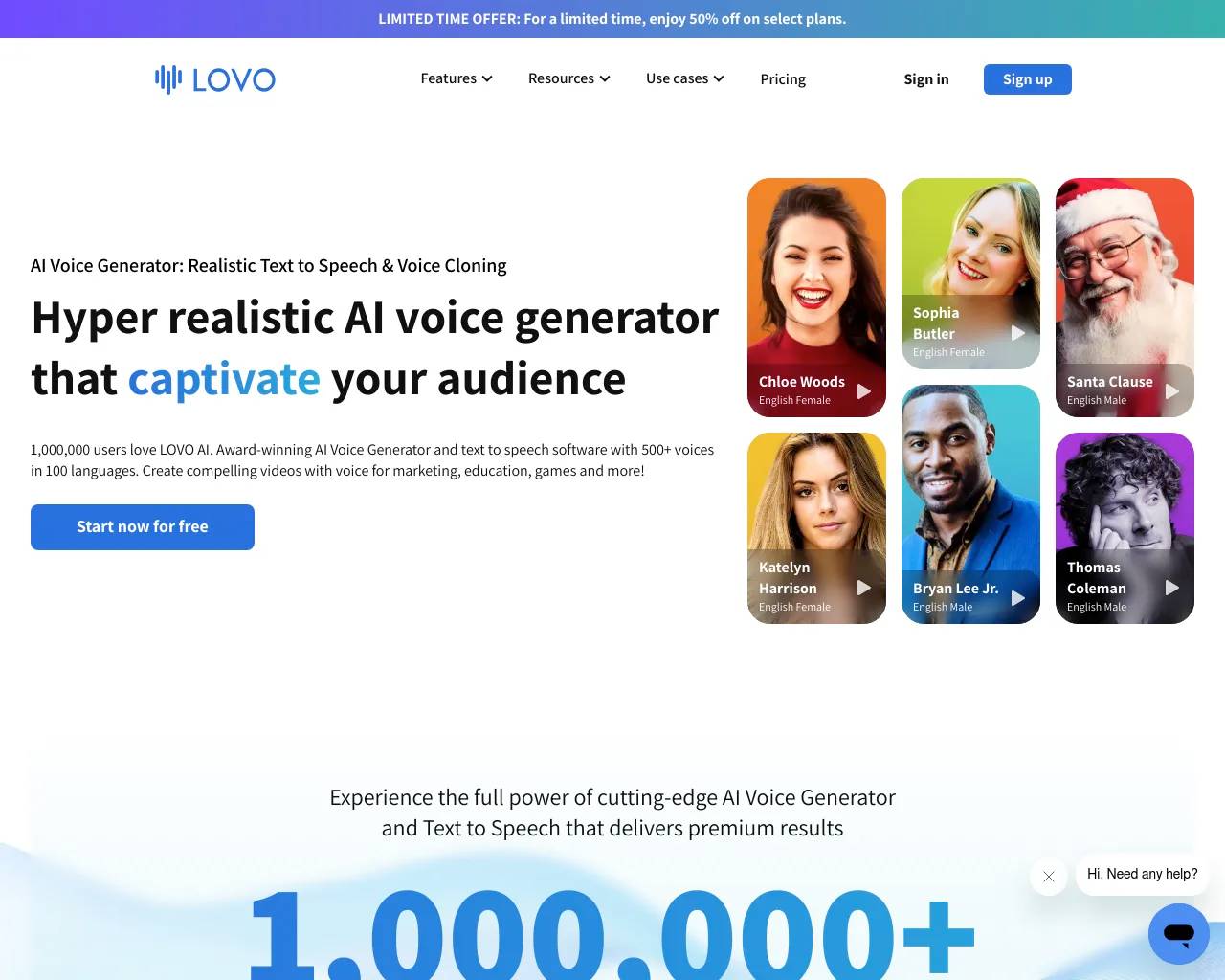
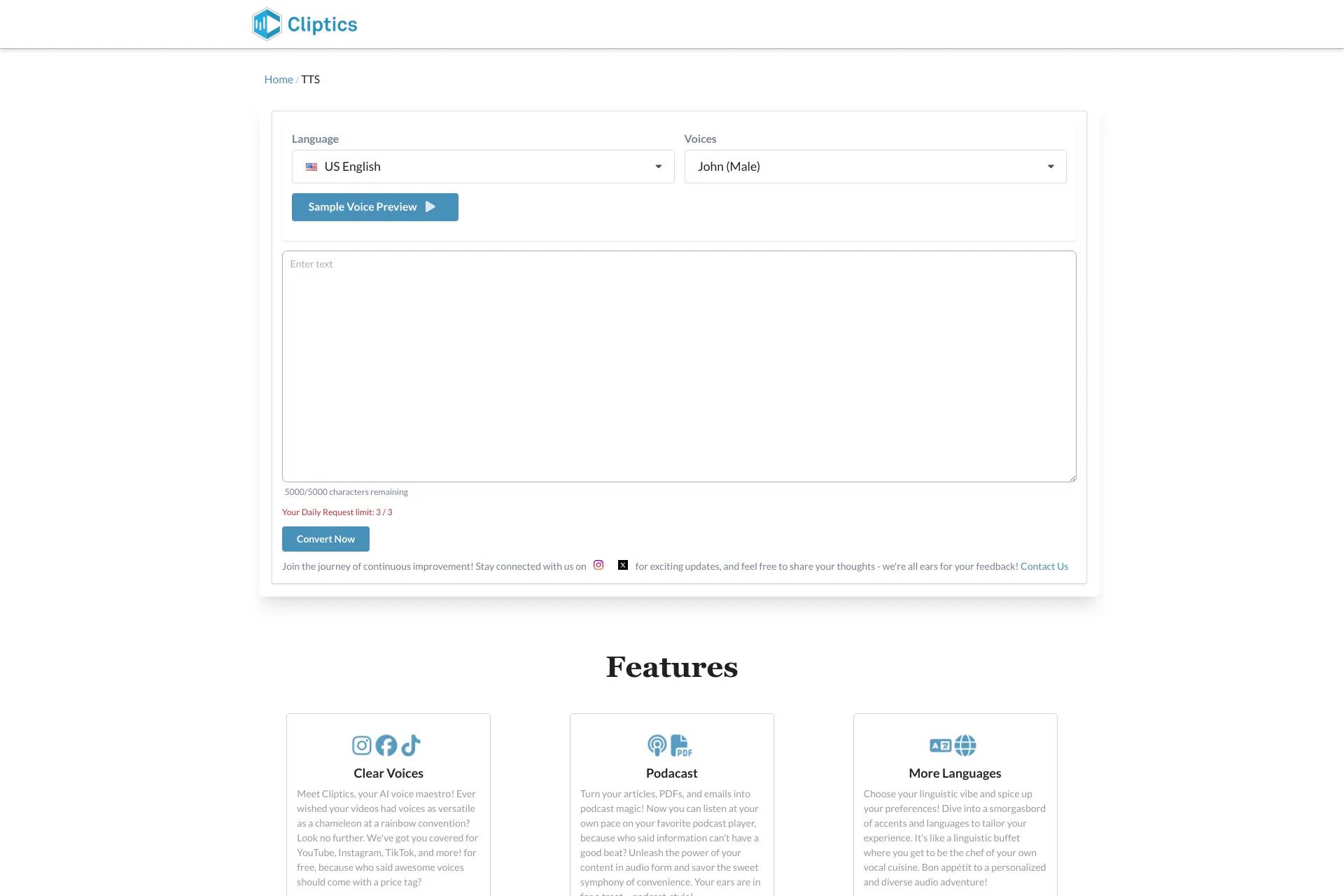
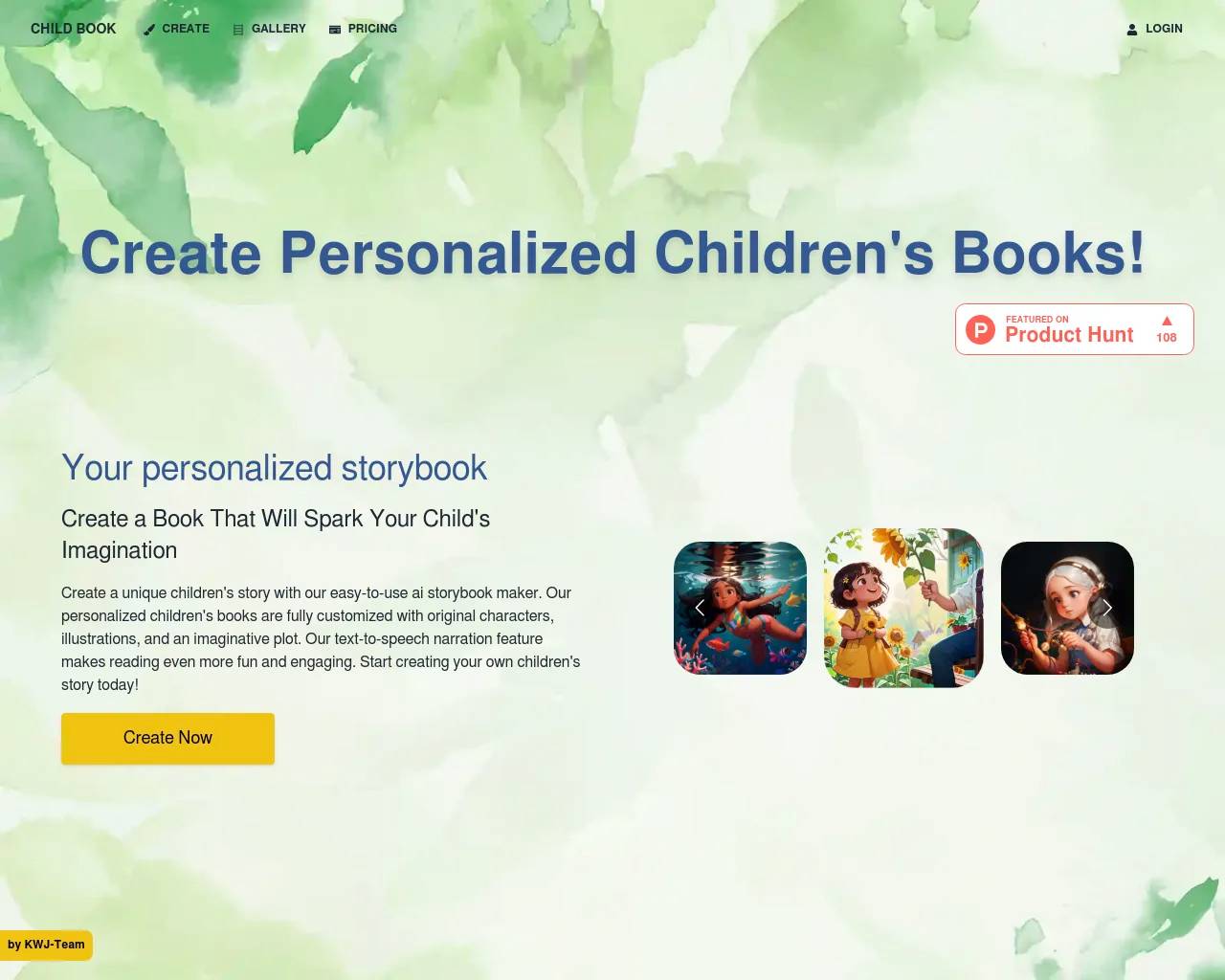
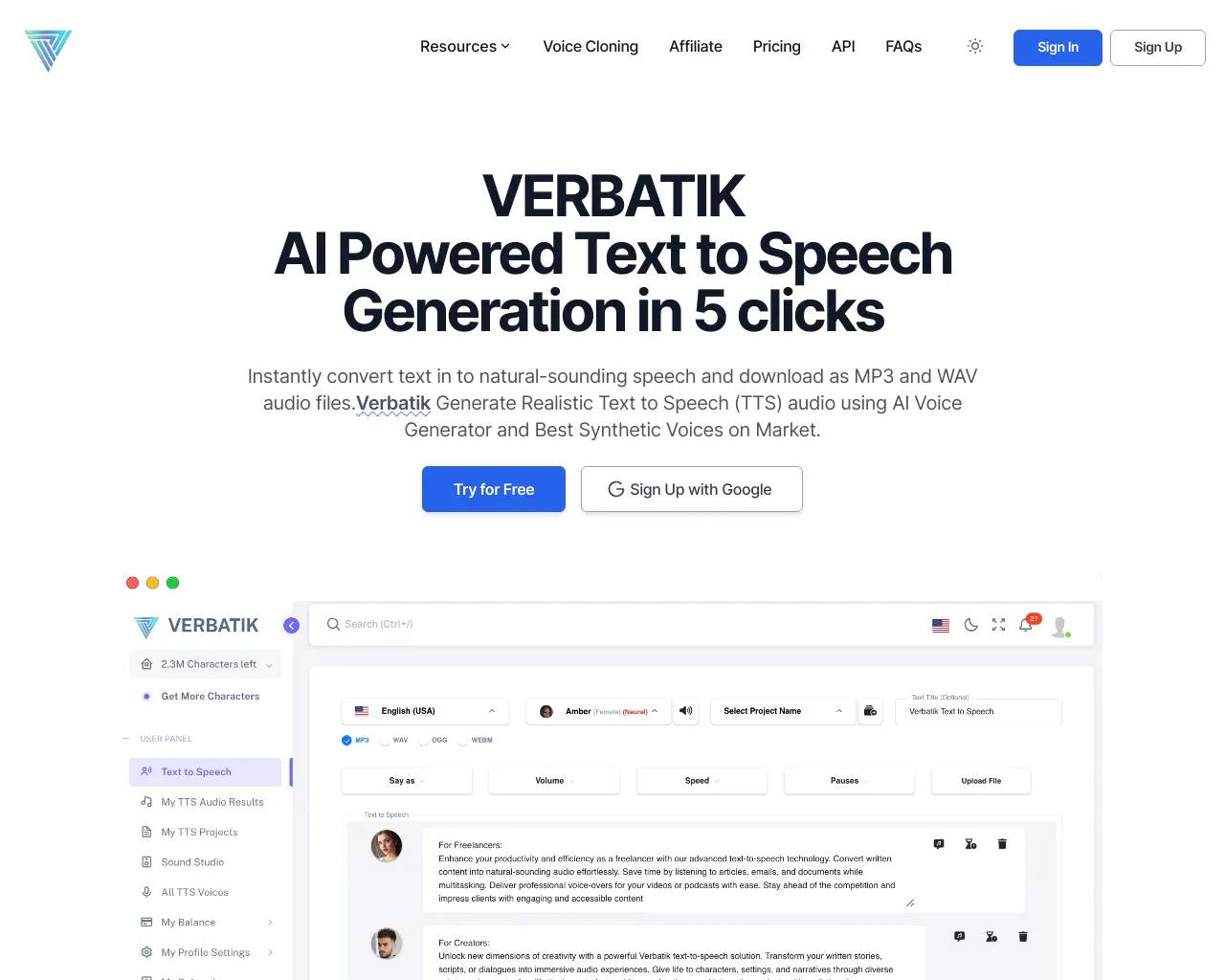
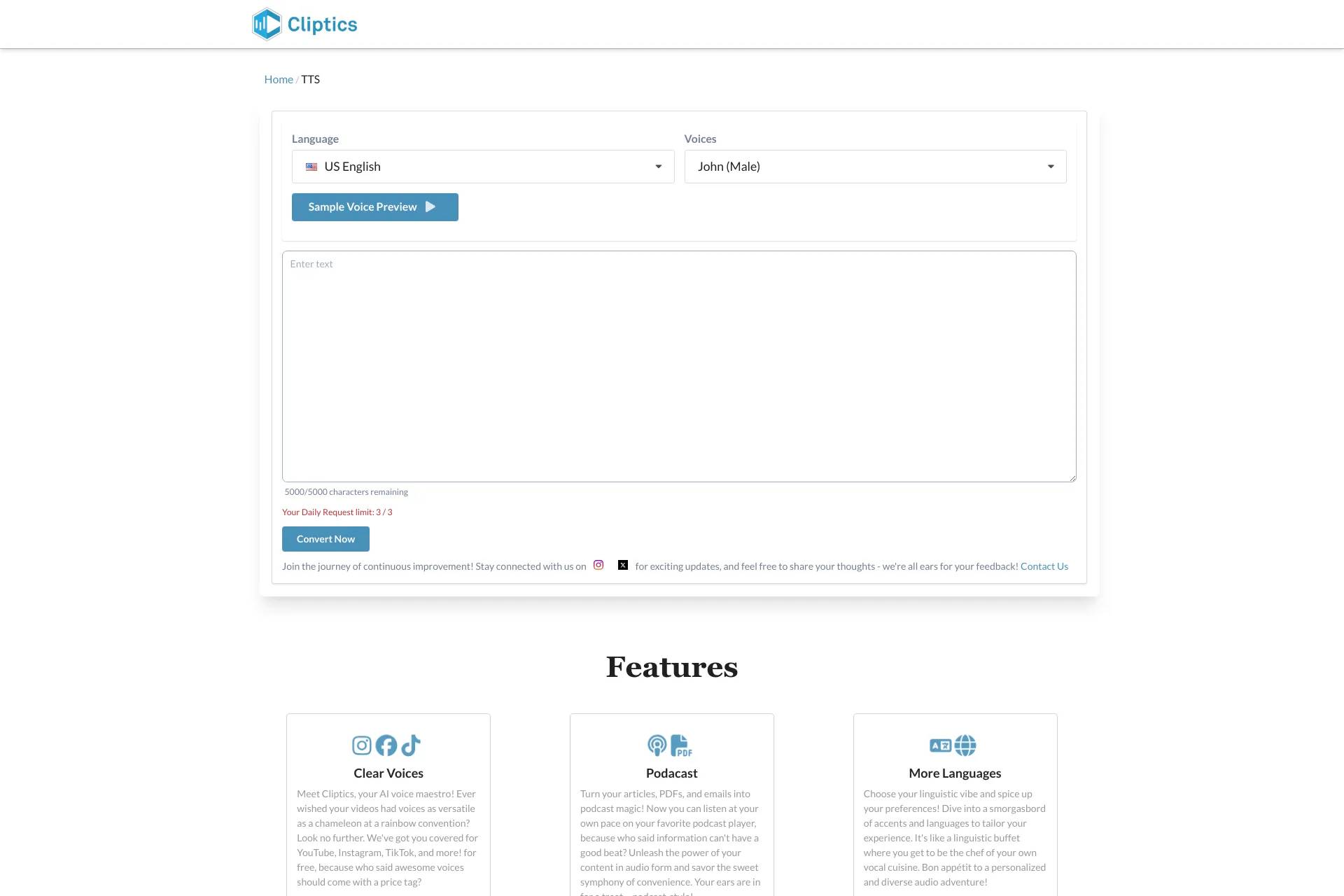
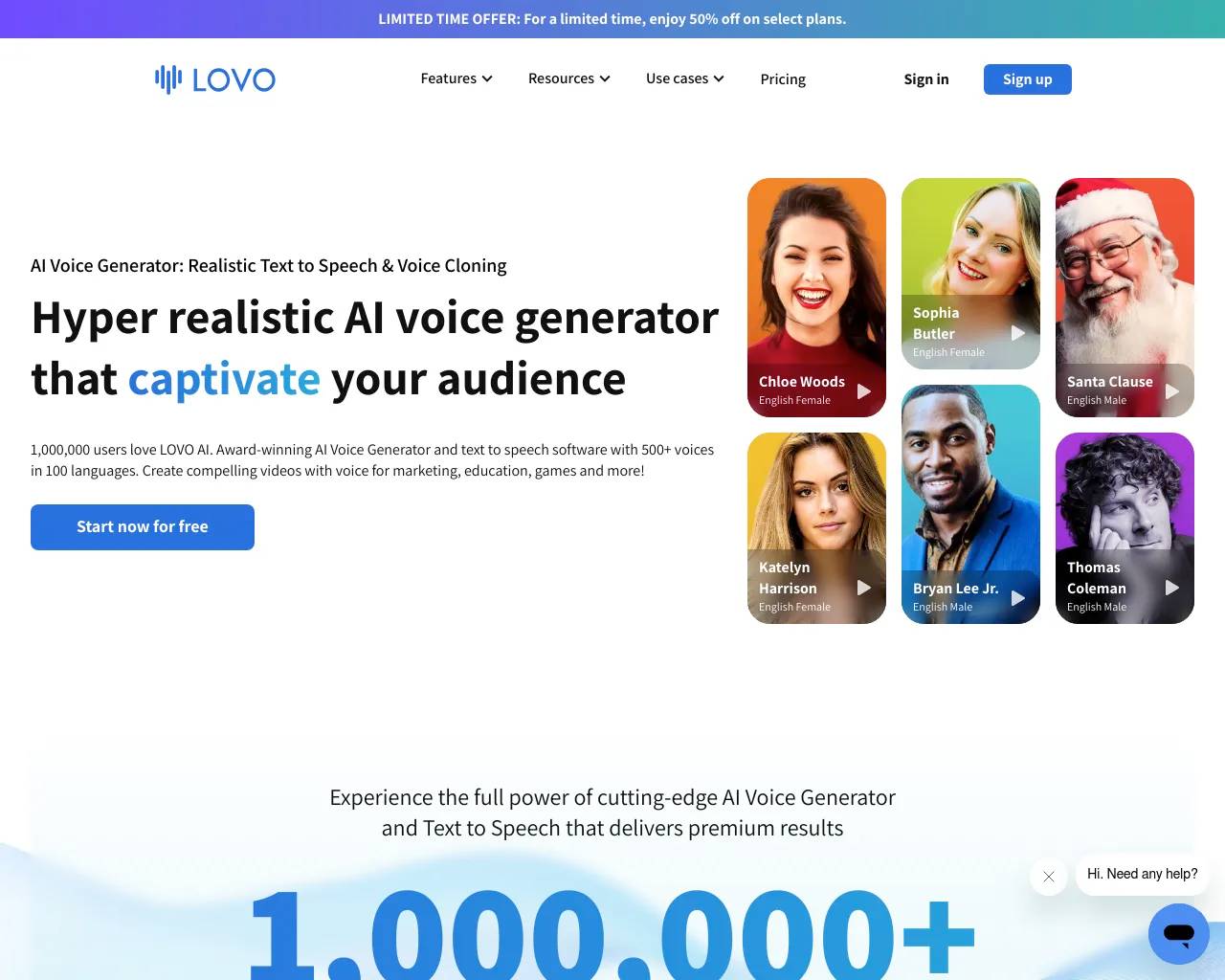
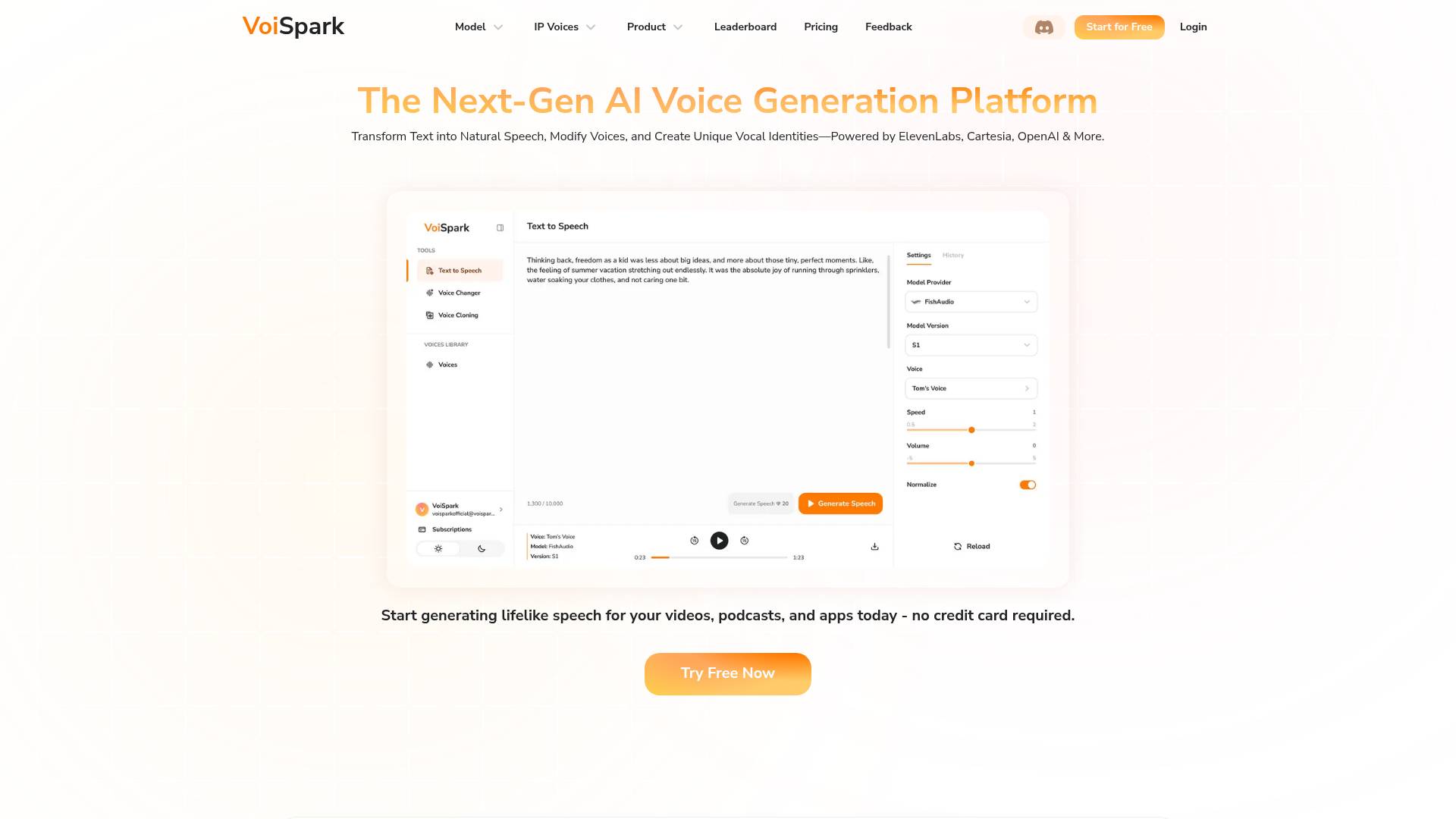
Top alternatives to Luvvoice include VoiSpark, Lovo, Cliptics, Free AI Text to Speech by Leap AI, Childbook.Where can I get Luvvoice?
Luvvoice is available at https://luvvoice.com/.What category is Luvvoice in?
Luvvoice is listed in Text To Speech.Is Luvvoice free to convert text to speech?
Yes, Luvvoice is completely free to use.Free text to speech over 50 language and 200 voice,no words limit. Listen online and download files in mp3 format.What professions is Luvvoice most useful for?
Luvvoice is particularly useful for: 1. Content Creators (YouTubers, podcasters, social media influencers) 2. Educators and Students 3. Writers and Editors 4. Accessibility Professionals 5. Marketing and Advertising professionals 6. Language Learners and TeachersHow can I add pauses in the text?
To add pauses in your text, simply insert a period (.) wherever you want a pause. The voice will pause for one second at each period. This works even in the middle of sentences, allowing you to control the pacing and rhythm of the speech. Example: "Hello. This is a sentence. With pauses."What’s TTS and what can it do?
Text-to-Speech (TTS) technology converts text into natural-sounding speech. Learn more about TTS.How do I convert text to speech?
Converting text to speech is easy. Simply paste or type the text into the designated text box, choose the language for the text and your preferred voice style, and click the 'Submit' button to initiate the process. The text will be processed, and you can download the audio file.How many characters can I convert with the free plan?
The free plan allows you to convert up to 20,000 characters per month.What are the applications of Luvvoice audio tools?
Luvvoice audio tools are versatile and can be used in various fields including media production, education, gaming, and accessibility services. They help in bridging language barriers, restoring lost voices, and making digital interactions more human-like.Can I use the generated audio for commercial purposes?
Yes, you have full ownership of the generated audio files. You can freely use them in your YouTube videos, podcasts, social media content, or any other commercial projects, as long as the usage complies with local laws and regulations.What formats can I download the audio in?
When you use Luvvoice AI Voice Generator to convert text to speech, the audio can be easily downloaded in MP3 format.What makes Luvvoice AI Voice Generator special?
Luvvoice's voices are unique for a few reasons. First, we use advanced AI algorithms that carefully understand what your text means, which results in very accurate and effective voice output. Second, the voices sound very close to real human speech, capturing things like tone and emotion, making it more enjoyable to listen to.Why do I get 'Something went wrong' error when clicking the generate button?
This error might occur due to browser extensions interfering with the website's normal operation. We recommend disabling translation plugins and refreshing the page to try again.Why can't my PDF file extract text?
Most PDF files can extract text normally. However, PDFs that contain only images or were created through scanning may fail to extract text properly.
Compare Luvvoice with…
Pick any tool to see a structured side-by-side: pricing, deployment, capabilities, and content policy.