Test Meshy AI : transformer texte et photos en modèles 3D rapidement
By: AI Collection
At a glance
4.0 / 5
Meshy AI
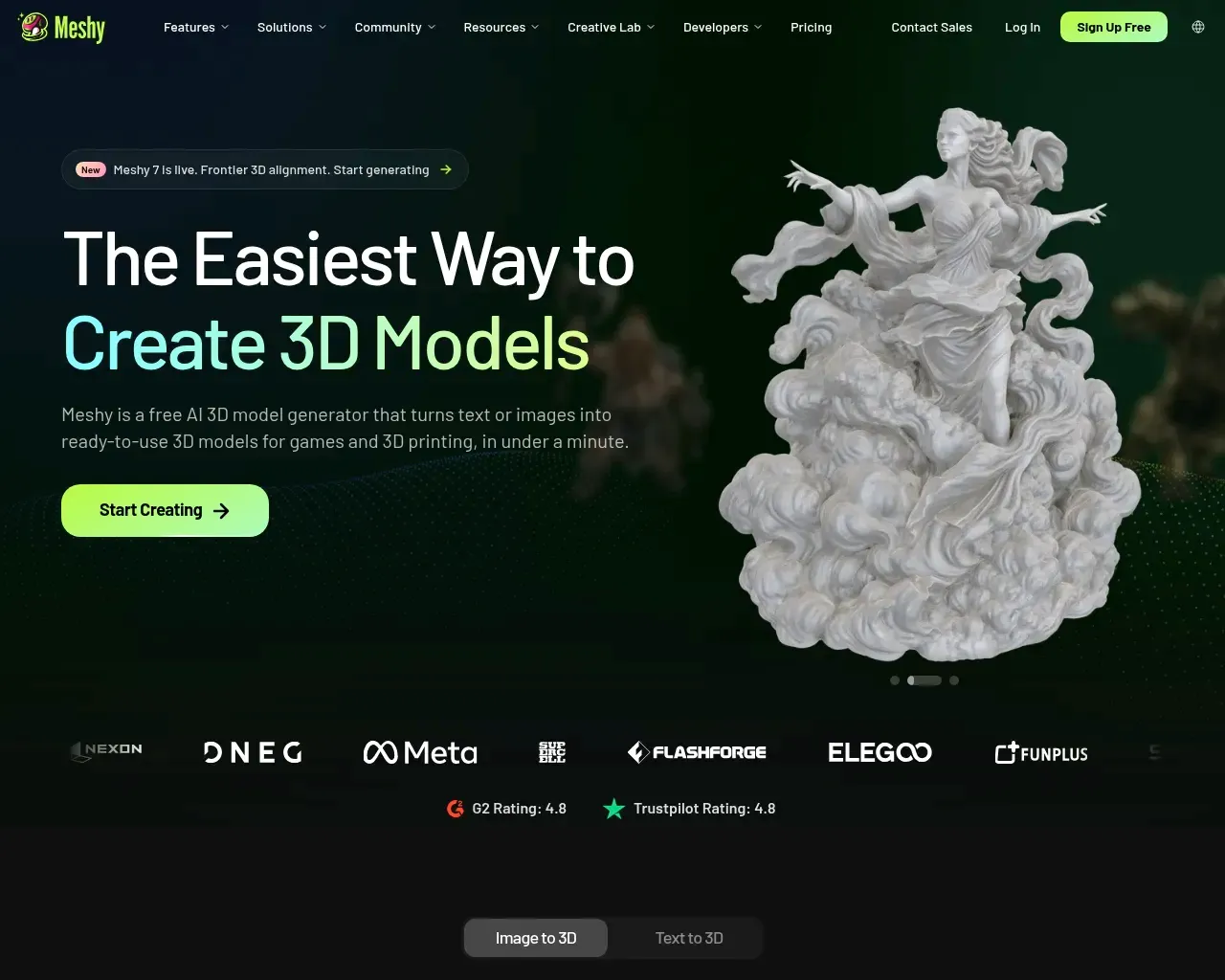
FreeSi vous avez déjà eu besoin d'un accessoire 3D pour un niveau de jeu, d'une figurine imprimable ou d'un asset AR rapide sans avoir des jours à passer sur Blender, vous avez ressenti le vide que Meshy AI cherche à combler. L'outil prend un prompt textuel ou une image de référence et restitue un modèle 3D texturé en environ une minute, sans expérience en modélisation requise. Cette rapidité est toute la promesse, et elle est globalement tenue — avec quelques mises en garde honnêtes à connaître avant de bâtir un flux de travail autour.
Ce que Meshy fait réellement
Meshy est un générateur 3D basé sur navigateur articulé autour de plusieurs chemins principaux : Texte vers 3D (décrivez un personnage, un accessoire ou un véhicule et obtenez un mesh avec textures PBR), Image vers 3D (importez une photo, un croquis ou une illustration conceptuelle et transformez-les en modèle) et Texturage IA (appliquez des matériaux PBR générés à un modèle déjà existant). Ce qui en fait plus qu'une curiosité, c'est que toute la chaîne vit en un seul endroit : générer, texturer, re-mailler, rigger automatiquement, animer et exporter sans quitter l'onglet.
La gamme de modèles a évolué rapidement. Meshy 6 est sorti en janvier 2026 avec un aperçu orienté sculpture, et Meshy 7 est désormais le dernier modèle de fondation de l'entreprise, utilisé pour Image vers 3D dans l'application et pour les entrées texte et image via l'API. Il existe aussi un Mode Ultra qui effectue un passage de raffinement supplémentaire pour une géométrie plus nette, au prix d'un temps d'attente plus long. Si vous avez essayé des outils 3D IA il y a un an et êtes reparti déçu, la génération actuelle est une expérience différente.
L'export est là où beaucoup de ces outils déçoivent discrètement, et Meshy est généreux sur ce point : FBX, OBJ, GLB, USDZ, STL, BLEND, 3MF et DXF sont tous pris en charge, de sorte que le résultat s'intègre dans les moteurs de jeu, les slicers et les applications DCC sans avoir à chercher un format. L'entreprise rapporte également des certifications ISO 27001 et SOC2, et affirme que les données de l'application web sont stockées sur AWS aux États-Unis et ne sont pas utilisées pour l'entraînement sans consentement — des réponses raisonnables si vous l'évaluez pour un studio.
Le flux de travail, et l'apport de l'écosystème
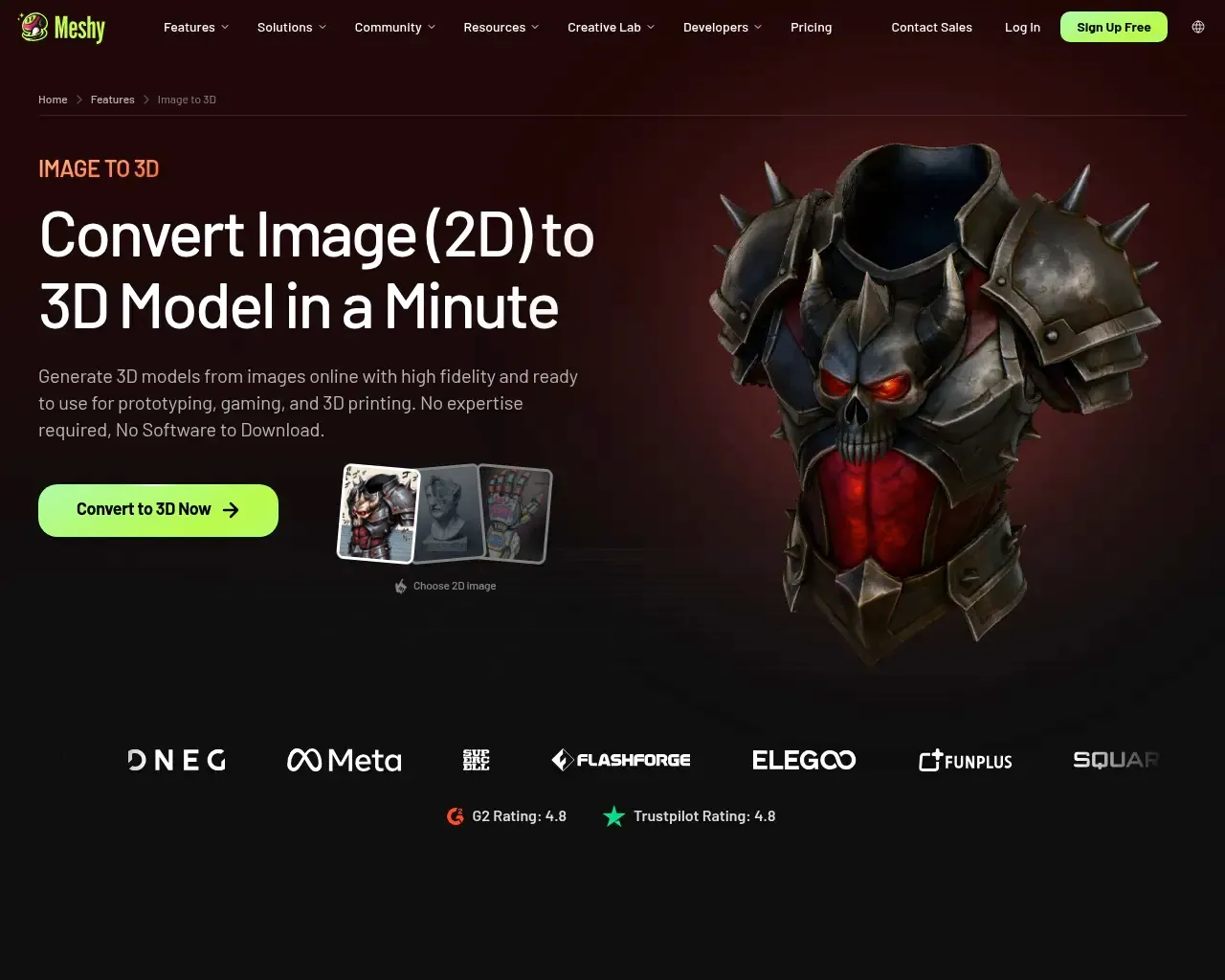
Image vers 3D est le chemin que la plupart des utilisateurs finissent par emprunter, car fournir une image de référence propre tend à produire un résultat plus prévisible que de décrire un objet en mots. Vous pouvez importer plusieurs vues pour une meilleure cohérence multivue, ce qui compte pour tout ce qui est asymétrique.
Ce qui distingue Meshy d'un générateur ponctuel, c'est l'offre de plugins et d'API. Il existe des plugins pour Blender, Unity, Bambu Studio et Creality Print, ainsi qu'une API développeur, une CLI et un serveur MCP qui permet de générer des modèles depuis des agents IA et des outils de codage. Pour un développeur de jeux, cela signifie passer d'un prompt textuel à un asset dans le moteur sans manipulation manuelle d'export-import. Pour un utilisateur axé sur l'impression, les intégrations Bambu et Creality rapprochent les meshes générés du slicer. C'est ce type de liant qui décide si un outil fait partie d'un pipeline réel ou reste un jouet.
Les testeurs indépendants confirment l'histoire de la vitesse. Dans des comptes rendus pratiques, des développeurs décrivent un passage de la génération à un moteur comme Unreal ou Unity en moins d'une heure, en traitant le résultat de Meshy comme un mesh de base solide à affiner plutôt que comme un asset finalisé. Ce cadrage — point de départ rapide, pas produit final — est la bonne attente à établir.
Là où ça accroche
C'est la partie que les récapitulatifs promotionnels sautent. La plainte récurrente dans les avis indépendants et les discussions d'utilisateurs concerne l'anatomie : les visages de personnages, les mains et les formes organiques complexes peuvent ressortir déformés — doigts supplémentaires, proportions incorrectes, traits fondus. Les objets à surface dure, les véhicules et les objets stylisés s'en sortent bien mieux que les humains réalistes. Les résultats sont aussi suffisamment inconsistants pour que l'obtention du modèle imaginé nécessite souvent plusieurs tentatives et ajustements du prompt, ce qui consomme des crédits.
L'autre mise en garde honnête concerne le nettoyage. Pour les jeux indépendants, les prototypes et l'impression, le résultat brut est souvent suffisamment bon. Pour les assets professionnels ou de premier plan, attendez-vous à passer du temps sur la retopologie, les corrections de rig et les retouches de textures. Meshy a comblé des lacunes ici — Meshy 6 a ajouté la génération automatisée de plateforme de base pour réduire les impressions ratées, par exemple — mais « générer et livrer » reste plus vrai pour les accessoires d'arrière-plan que pour tout ce sur quoi la caméra s'attarde.
Tarification

Meshy fonctionne sur un système de crédits avec facturation mensuelle et annuelle. Il existe un plan gratuit véritablement utilisable (environ 200 crédits mensuels) pour tester, un plan Pro démarrant aux alentours de $20/mois, un niveau Max plus élevé autour de $60/mois, ainsi que des options Studio et Entreprise au-dessus. Puisque les générations coûtent des crédits et que l'itération fait partie du processus, la question pratique n'est pas le prix affiché mais le nombre de tentatives qu'un projet donné nécessitera — le travail intensif sur des personnages consommera des crédits plus vite que la génération d'accessoires. Consultez la page de tarification actuelle pour connaître les dotations exactes en crédits, car les niveaux et les chiffres évoluent au fil des changements de modèles.
À qui s'adresse-t-il
Meshy convient particulièrement aux développeurs de jeux indépendants ayant besoin d'une itération rapide sur des accessoires et des environnements, aux passionnés d'impression 3D souhaitant un mesh prêt à imprimer à partir d'une photo, aux designers produit construisant des prototypes rapides, et aux créateurs AR/VR peuplant des scènes. Il convient moins bien si votre besoin principal est des personnages réalistes de qualité production avec une topologie propre d'emblée — cela nécessite encore un artiste 3D humain, avec Meshy comme point de départ au mieux.
Dans l'ensemble, il mérite un 4 sur 5 : rapide, véritablement accessible aux débutants, large en export et intégrations, et honnêtement bon rapport qualité-prix dans son créneau, freiné principalement par l'inconsistance du résultat sur les personnages et le nettoyage que le travail sérieux requiert encore. Il existe aussi depuis 2023, donc ce n'est pas un projet de week-end qui disparaîtra le trimestre prochain. Traitez-le comme le moyen le plus rapide d'obtenir un modèle de base utilisable plutôt que comme un remplacement d'un pipeline de modélisation, et il tient bien la route.
Sources consultées
- Tarification et FAQ de Meshy AI — structure des plans, système de crédits, formats de fichiers pris en charge, réponses sur la gestion des données
- Meshy llms.txt — ensemble de fonctionnalités, Meshy 7 / Mode Ultra, formats d'export, certifications, nombre de créateurs
- Meshy AI sur Hacker News (2023) — signal de longévité (public depuis 2023)
- Comparatif TripoSR vs. Meshy — positionnement concurrentiel parmi les outils 3D IA
- Test de Meshy 2026 — aiapps — fonctionnalités, tarification, avantages et inconvénients
- Test de Meshy AI 2026 — Top10AI — avantages et inconvénients indépendants, limitations d'anatomie des personnages
- Test du générateur 3D Meshy AI 2026 — Medium (Mehul Gupta) — flux de travail de production pratique et notes de nettoyage
Published on: September 2, 2026
Vous cherchez des alternatives à Meshy AI ? Voir toutes les alternatives à Meshy AI →
Have an AI tool of your own? Submit it below and get a free, in-depth product review article — just like this one.
Ajoutez votre outil IA en quelques secondes
Collez votre URL et nous préparerons la fiche. Vous relisez et modifiez chaque champ avant l'envoi.