AIFlowchart
Создатель блок-схем с искусственным интеллектом и альтернатива draw.io — преобразование текста и изображения в блок-схему онлайн | Блок-схема AI.
AI Collection Лучшие подборки

TheFluxTrain
Студия Agentic AI Production для создания одинаковых персонажей, рабочих процессов и видео
Рабочий процесс и автоматизация Выбор категории

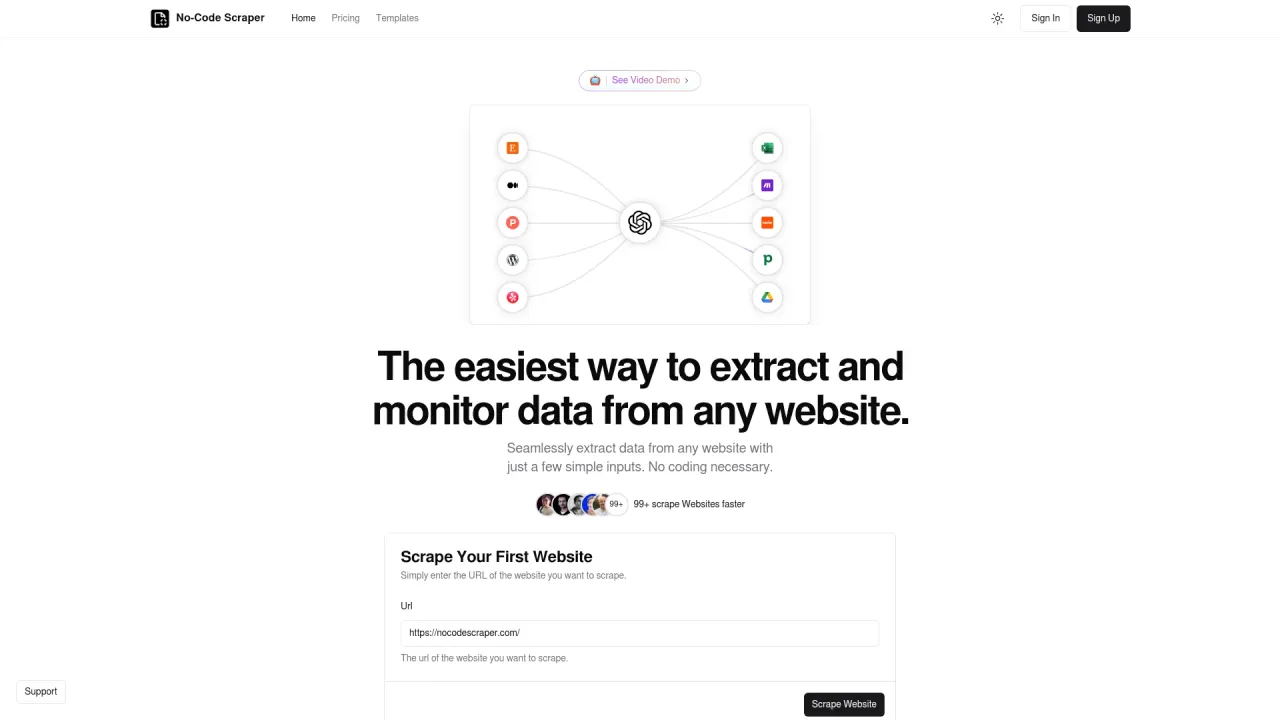
Легко извлекайте данные с любого веб-сайта, используя всего несколько простых входных данных.

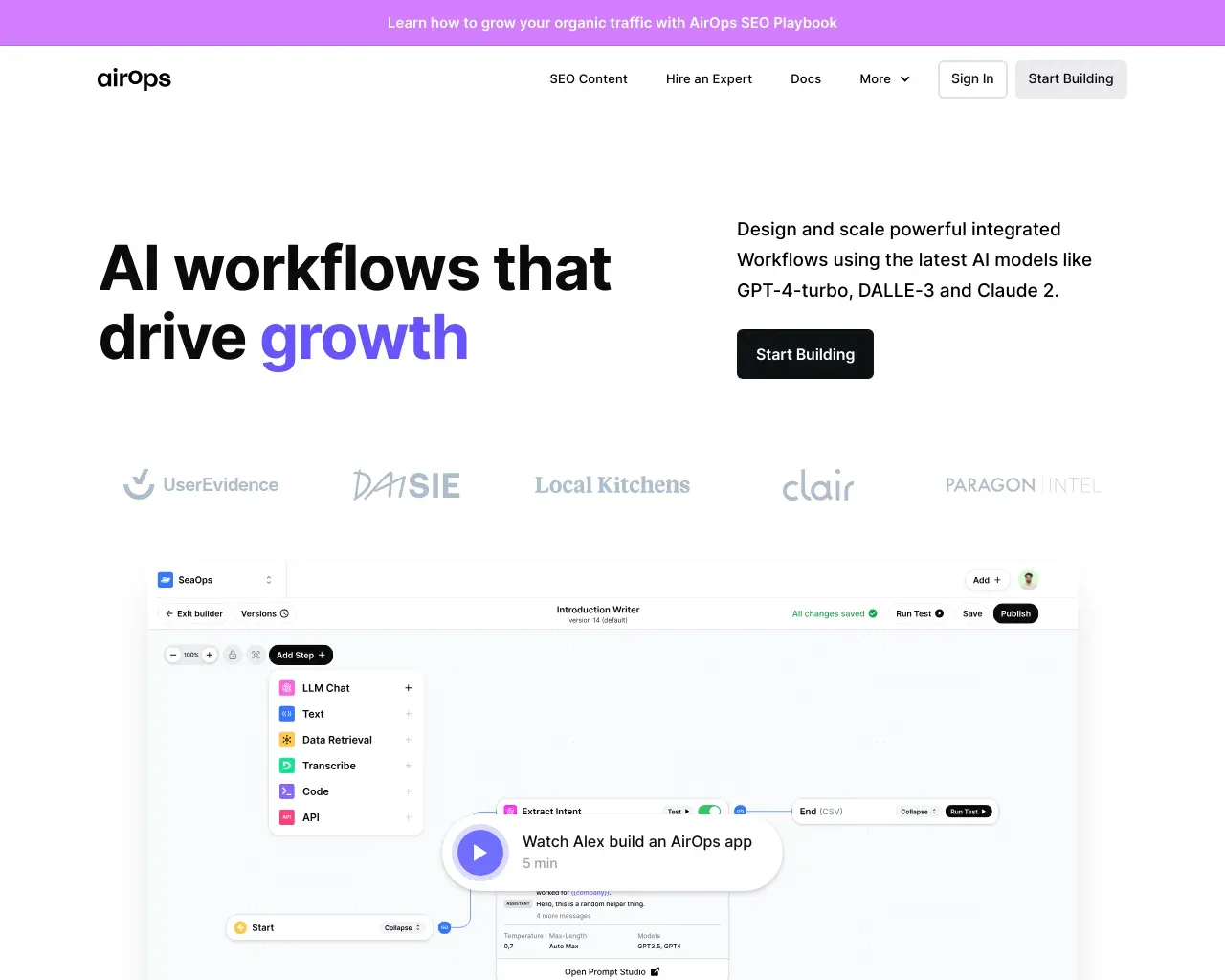
AirPS — рабочие процессы искусственного интеллекта, способствующие росту. Создавайте, тестируйте, развертывайте и масштабируйте приложения искусственного интеллекта с помощью AirPS Studio.

Об инструменте AIFlowchart
Создатель блок-схем с искусственным интеллектом и альтернатива draw.io для преобразования текста, подсказок, СОП и изображений в редактируемые блок-схемы в режиме онлайн. Создавайте быстрее, сохраняйте возможность редактирования диаграмм и экспортируйте их в формате.drawio.
Что вы получите
Дополнительная информация
AI Flowchart is an online tool that enables users to generate editable flowcharts from text descriptions, images, or templates. It simplifies the creation of workflow diagrams, process maps, and SOP flowcharts within minutes. Users can start by outlining a process in plain text, and the AI will instantly generate a structured flowchart draft. Alternatively, you can upload images of sketches or existing diagrams to create editable versions.
The platform is versatile, catering to various use cases such as onboarding workflows, approval processes, incident responses, and more. It provides a library of templates to help users get started quickly, ensuring that even complex logic can be visualized effortlessly. Collaborating in real-time while editing diagrams is also supported, making it suitable for teams working together on documentation.
AI Flowchart is particularly beneficial for teams in product management, operations, finance, and engineering, but it is not limited to technical teams; anyone needing to document and visualize processes can utilize its features without technical expertise. Integration capabilities with existing tools like draw.io further enhance its usability, allowing users to export their diagrams in a widely accepted format.
Часто задаваемые вопросы
What is AIFlowchart used for?
Создатель блок-схем с искусственным интеллектом и альтернатива draw.io — преобразование текста и изображения в блок-схему онлайн | Блок-схема AI.Is AIFlowchart free?
Pricing for AIFlowchart varies — see the Pricing section for details.What are alternatives to AIFlowchart?
Where can I get AIFlowchart?
AIFlowchart is available at https://aiflowchart.net.What category is AIFlowchart in?
AIFlowchart is listed in Рабочий процесс и автоматизация.What is an AI flowchart maker?
An AI flowchart maker turns text prompts, SOP steps, or images into editable workflow diagrams. Instead of placing every node by hand, you start with a description and refine the generated chart.Can I use it as a free flowchart maker?
Yes. The product supports a free entry plan, which is enough to test text-to-flowchart and image-to-flowchart generation before deciding whether you need more usage.What can I build with this online flowchart generator?
Common use cases include onboarding flows, approval workflows, SOP diagrams, bug triage, incident response, release management, and customer support escalation paths.Can I use this if I currently use draw.io?
Yes. If you are used to draw.io, you can keep a similar editing workflow here while adding AI generation from text and images. You can also export as .drawio for continued editing.Is this only for technical teams?
Not at all. Product, operations, finance, customer success, and engineering teams can all use the same flowchart maker for different workflow documentation and process mapping needs.Why add FAQ content on the homepage?
Because the site is already receiving impressions for broad, high-intent queries. FAQ content helps the homepage answer those questions directly and makes the landing page stronger for both users and search engines.
Сравнить AIFlowchart с…
Выберите любой инструмент, чтобы увидеть структурированное сравнение: цены, развертывание, возможности и контент-политика.