Latenode
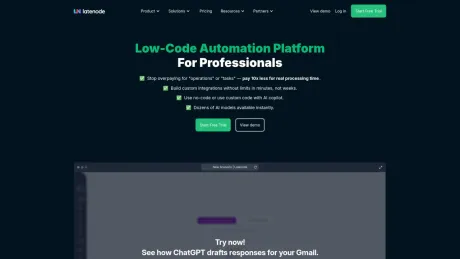
Умная и экономичная платформа автоматизации с низким уровнем кода.
AI Collection Лучшие подборки

TheFluxTrain
Студия Agentic AI Production для создания одинаковых персонажей, рабочих процессов и видео
Рабочий процесс и автоматизация Выбор категории
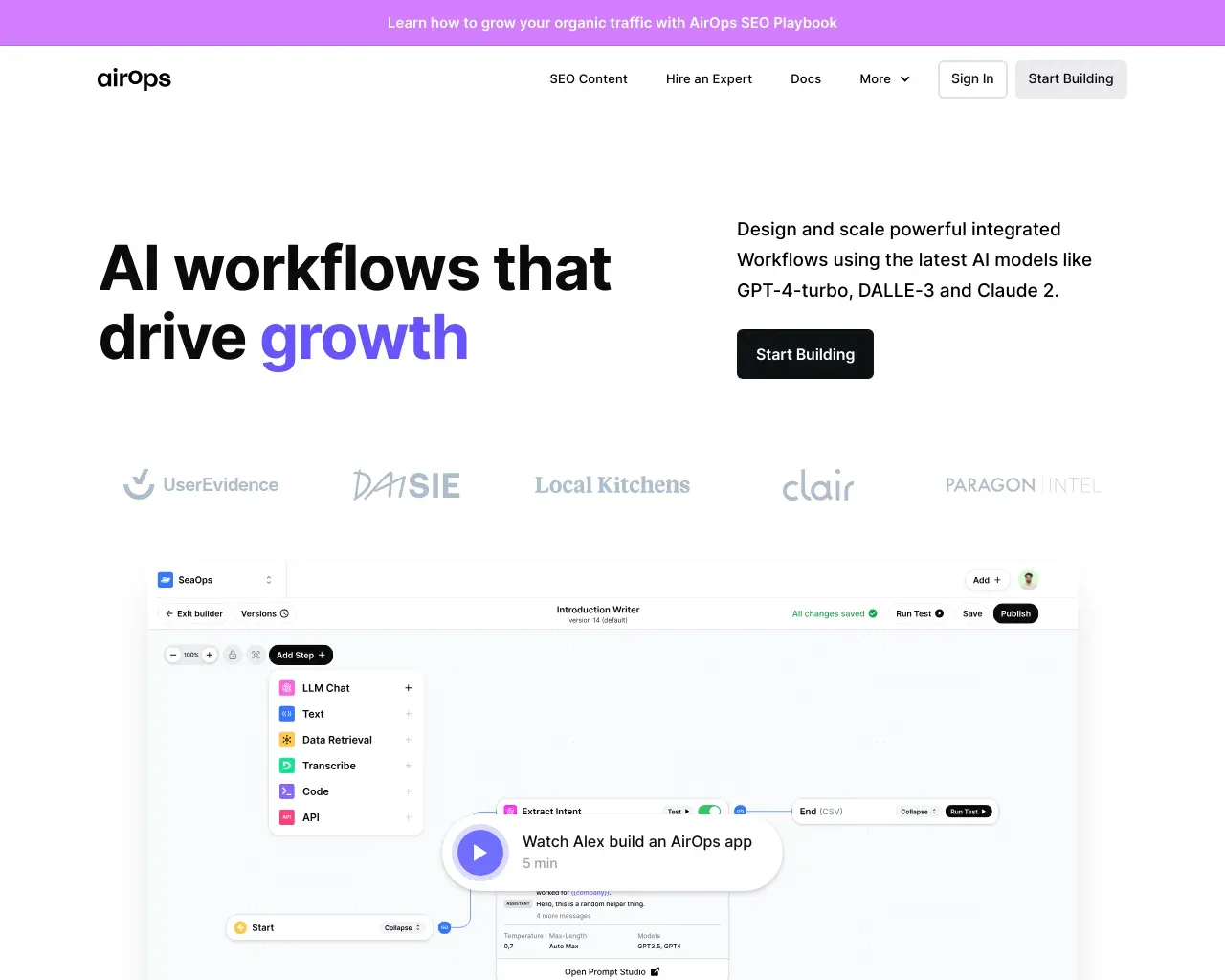
AirPS — рабочие процессы искусственного интеллекта, способствующие росту. Создавайте, тестируйте, развертывайте и масштабируйте приложения искусственного интеллекта с помощью AirPS Studio.

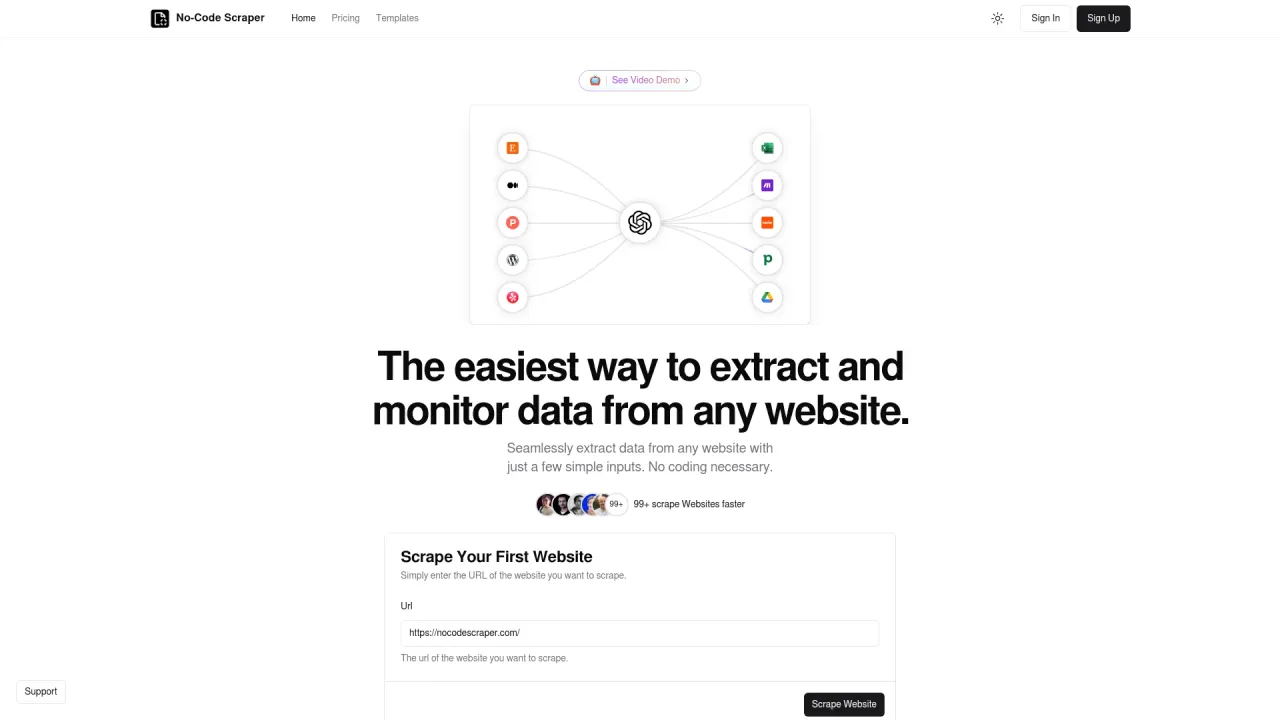
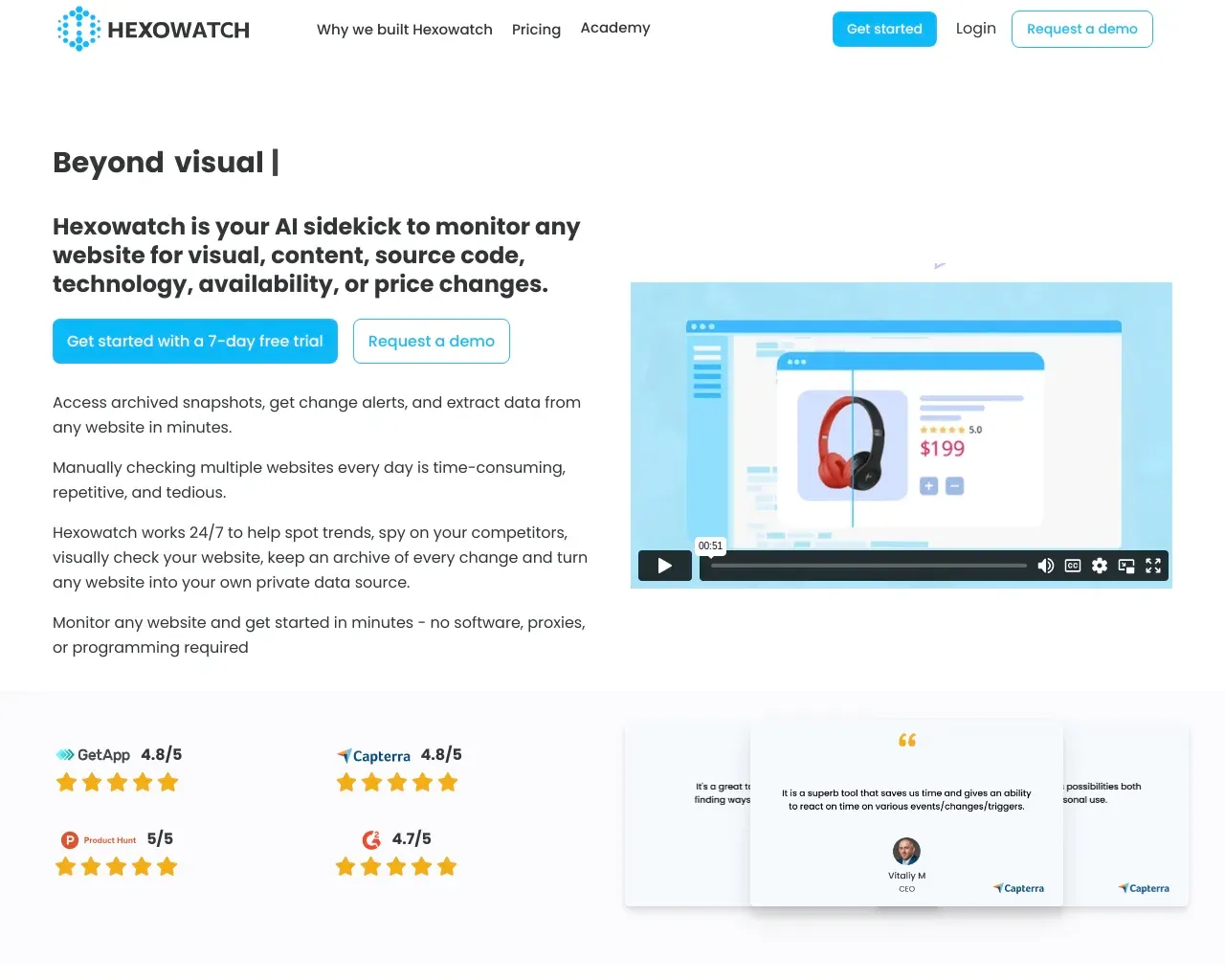
Легко извлекайте данные с любого веб-сайта, используя всего несколько простых входных данных.

Об инструменте Latenode
Интеллектуальная автоматизация с помощью Latenode: платформы с низким содержанием кода, разработанной для профессионалов. Платите только за время выполнения, создавайте собственные интеграции без ограничений и используйте дополнительные пилотные программы искусственного интеллекта для беспрепятственной автоматизации.
Часто задаваемые вопросы
What is Latenode used for?
Умная и экономичная платформа автоматизации с низким уровнем кода.Is Latenode free?
Pricing for Latenode varies — see the Pricing section for details.What are alternatives to Latenode?
Where can I get Latenode?
Latenode is available at https://latenode.com.What category is Latenode in?
Latenode is listed in Рабочий процесс и автоматизация.What is AI workflow automation?
AI workflow automation is the use of artificial intelligence to design, execute, and manage multi-step business processes — replacing manual work with agentic orchestration and self-running, automated systems.How does it work?
Latenode connects triggers, actions, and decision nodes into an automated flow. When a trigger fires — a new email, a form submission, a scheduled time — information passes through a series of steps. LLM-powered agents at each step use large language models to classify, transform, generate, or route information before passing it to the next app. The drag-and-drop builder lets you design these flows visually, then deploy them to run automatically.What are the key components?
A complete solution includes: a canvas builder (drag-and-drop interface to design flows), model nodes (1,200+ apps and LLMs for reasoning and generation), an integration library (5,500+ integrations across 1,200+ apps), agentic orchestration (multi-agent routing and autonomous loops), JS nodes (custom JavaScript for complex logic), monitoring and management (execution logs, error handling, real-time insights), and security controls (SSO, RBAC, GDPR, SOC 2 certified).What are the main benefits?
Key benefits: time savings — eliminate manual, repetitive tasks across the business; cost reduction — flat-rate execution replaces unpredictable per-operation billing; faster execution — decisions that took hours happen in seconds; accuracy — AI reduces human error in processing; and improved customer satisfaction through faster response times. Teams typically reclaim 6–20 hours per person per week.What are common use cases?
Popular use cases include — Marketing: AI content generation, campaign scheduling, lead scoring, SEO pipelines. Sales: lead enrichment, personalised outreach at volume, CRM updates, appointment booking, AI follow-up drafts. Customer service: email triage, smart routing, AI auto-replies, ticket creation from WhatsApp or Slack. Operations: record sync, report generation, invoice processing. Development: webhook handling, API integration, automated testing notifications, PR review alerts.AI automation vs. traditional automation — what's different?
Traditional tools follow rigid if-this-then-that rules — fast but brittle. They break on unexpected input and can't handle nuance. Adding a reasoning layer transforms this: LLM agents read unstructured text, classify intent, generate responses, and adapt to edge cases without hardcoded rules. Traditional triggers handle predictable, structured tasks. LLM agents handle the messy, context-dependent work that previously required a human — and they do it at volume.What challenges affect real results from AI automation?
Common challenges: connection complexity (solved with 5,500+ integrations across 1,200+ apps and custom builds in 7–14 days); reliability (LLM hallucinations mitigated with structured prompts and fallback routing); cost unpredictability (per-call API billing solved with flat-rate pricing); compliance (SOC 2 Type II, RBAC, GDPR covered); and adoption (no-code builder and 500+ ready presets reduce time-to-first-result to minutes).How do I choose the right tool?
When evaluating options, look at: LLM model access (models included vs. extra cost), connection depth (native connectors vs. custom HTTP), pricing model (per-task vs. flat rate — critical at volume), JS flexibility (can developers write custom logic?), enterprise security (SOC 2, GDPR, RBAC), and agentic capabilities (multi-step intelligent flows). Compared to Zapier, Make, or n8n, Latenode is faster to get started, easier to use, and the only option that includes 1,200+ apps and LLMs, flat-rate pricing, and full JavaScript — in one subscription.How do I add AI to my existing workflows?
The fastest path: 1) Link your apps via OAuth — pick from 1,200+ apps including Gmail, Slack, HubSpot, Salesforce, and Notion. No setup required. 2) Add a model node to any step — choose from 1,200+ apps and LLMs including GPT-4o, Claude, and Gemini, available instantly. 3) Define the task: classify, generate, summarise, route, or transform records. 4) Deploy and monitor. No need to rebuild your stack. Latenode adds an automation layer on top of everything you already use.How does AI workflow automation work?
Latenode connects triggers, actions, and decision nodes into an automated flow. When a trigger fires — a new email, a form submission, a scheduled time — information passes through a series of steps. LLM-powered agents at each step use large language models to classify, transform, generate, or route information before passing it to the next app. The drag-and-drop builder lets you design these flows visually, then deploy them to run automatically.What are the key components of an AI workflow automation platform?
A complete solution includes: a canvas builder (drag-and-drop interface to design flows), model nodes (335+ LLMs for reasoning and generation), an integration library (5,500+ integrations across 800+ apps), agentic orchestration (multi-agent routing and autonomous loops), JS nodes (custom JavaScript for complex logic), monitoring and management (execution logs, error handling, real-time insights), and security controls (SSO, RBAC, GDPR, SOC 2 certified).What are the main benefits of AI workflow automation?
Key benefits: time savings — eliminate manual, repetitive tasks across the business; cost reduction — flat-rate execution replaces unpredictable per-operation billing; faster execution — decisions that took hours happen in seconds; accuracy — AI reduces human error in processing; and improved customer satisfaction through faster response times. Teams typically reclaim 6–20 hours per person per week.What are common AI workflow automation use cases?
Popular use cases include — Marketing: AI content generation, campaign scheduling, lead scoring, SEO pipelines. Sales: lead enrichment, personalised outreach at volume, CRM updates, appointment booking, AI follow-up drafts. Customer service: email triage, smart routing, AI auto-replies, ticket creation from WhatsApp or Slack. Operations: record sync, report generation, invoice processing. Development: webhook handling, API integration, automated testing notifications, PR review alerts.How do I choose the right AI workflow automation tool?
When evaluating options, look at: LLM model access (models included vs. extra cost), connection depth (native connectors vs. custom HTTP), pricing model (per-task vs. flat rate — critical at volume), JS flexibility (can developers write custom logic?), enterprise security (SOC 2, GDPR, RBAC), and agentic capabilities (multi-step intelligent flows). Compared to Zapier, Make, or n8n, Latenode is faster to get started, easier to use, and the only option that includes 335+ LLMs, flat-rate pricing, and full JavaScript — in one subscription.
Сравнить Latenode с…
Выберите любой инструмент, чтобы увидеть структурированное сравнение: цены, развертывание, возможности и контент-политика.