Magical
Заставьте задачи исчезнуть. Как Магия.
AI Collection Лучшие подборки

TheFluxTrain
Студия Agentic AI Production для создания одинаковых персонажей, рабочих процессов и видео
Рабочий процесс и автоматизация Выбор категории

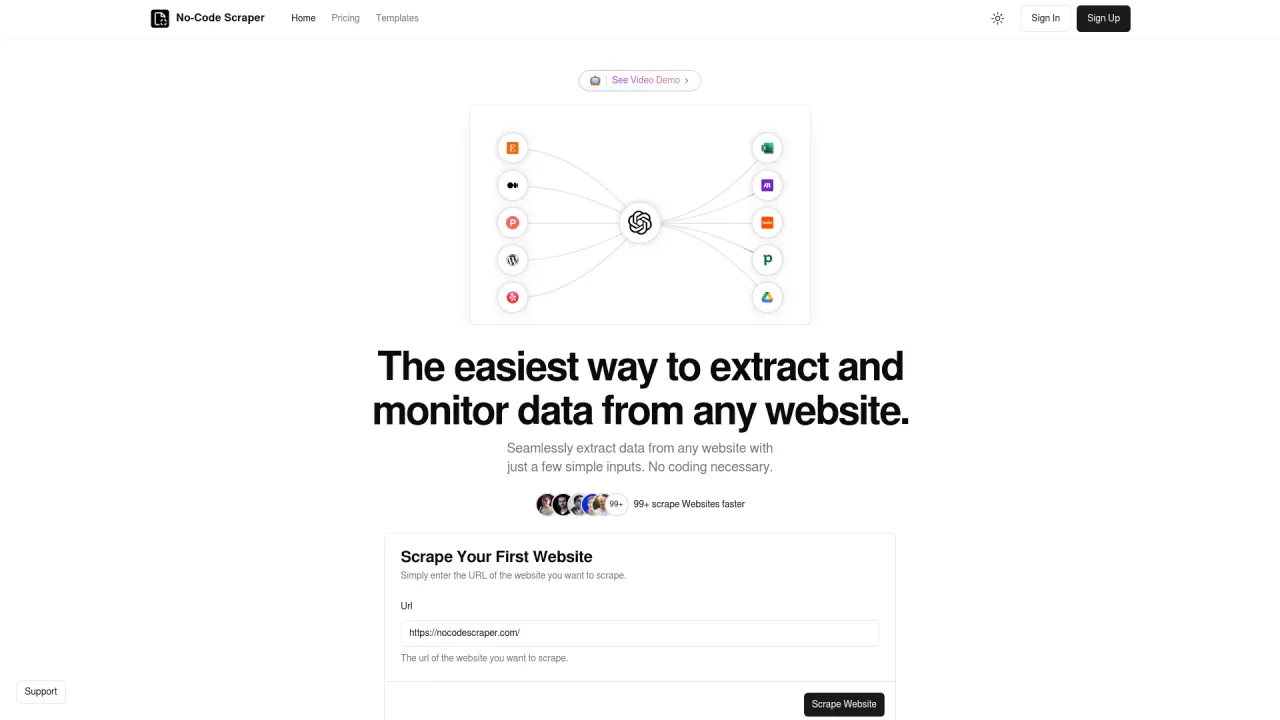
Легко извлекайте данные с любого веб-сайта, используя всего несколько простых входных данных.

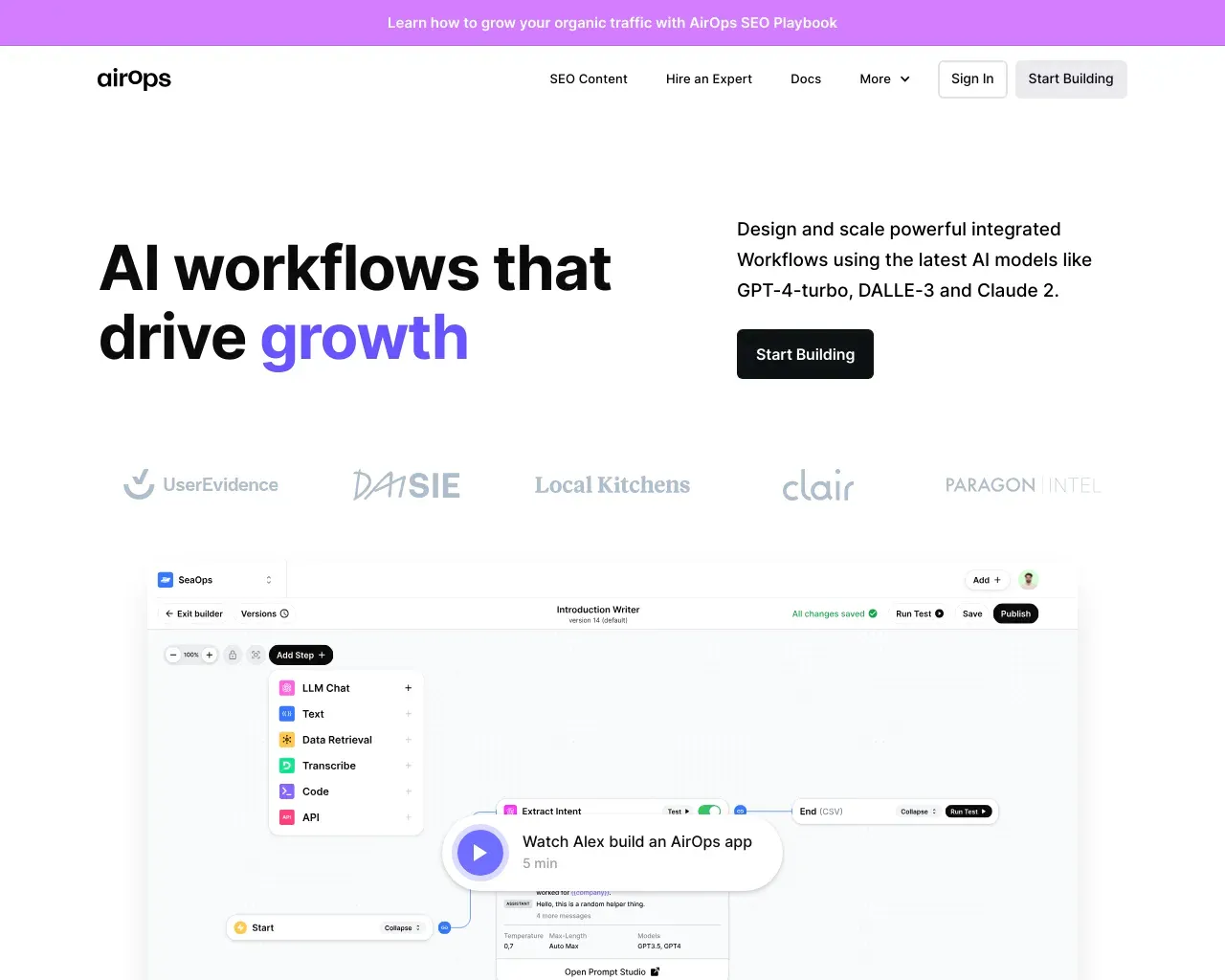
AirPS — рабочие процессы искусственного интеллекта, способствующие росту. Создавайте, тестируйте, развертывайте и масштабируйте приложения искусственного интеллекта с помощью AirPS Studio.

Об инструменте Magical
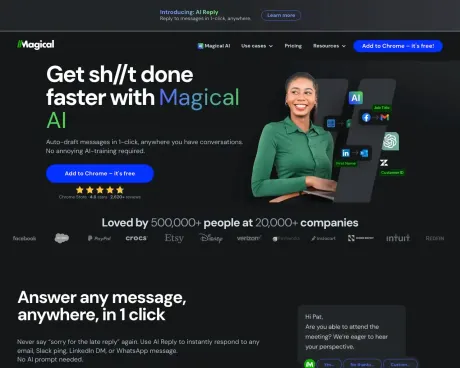
Призовите Волшебный ИИ, чтобы сделать всю работу, которую вы ненавидите делать. Создавайте сообщения с нуля, мгновенно обновляйте формы и автоматизируйте надоедливые задачи — где угодно и когда угодно.
Magical's Тарифные планы
Magical может изменить цены в любое время. Вот наша последняя информация:
Pricing
Pricing
- Pricing details are not available.
Что вы получите
Дополнительная информация
Magical uses Agentic AI to create fully autonomous agents that can automate entire processes without human intervention. This powerful technology allows organizations to streamline operations, from patient access to revenue cycle management, by maximizing efficiency across repetitive tasks. With an industry-leading deployment time of 6-8 weeks and over 80% automation coverage, Magical ensures that healthcare providers can expect significant improvements in productivity and accuracy.
Agentic AI operates by utilizing reasoning models, real-time data retrieval, and adaptive learning to make reliable decisions without reliance on traditional rule-based systems. The system is designed to handle dynamic environments and adapt to unstructured tasks, which is particularly beneficial in complex processes often found in healthcare settings. The agents work on virtual machines, allowing for scalability and continuous workflows even during non-business hours.
Key features include intelligent PDF processing, smart data transformation, and self-healing workflows. Magical's AI agents can extract and populate data from PDFs into online forms, preventing manual cleanup and errors significantly reduces labor costs. The solution's adaptive nature enables it to maintain operations seamlessly, even in the face of changing scenarios and input.
Magical's focus is primarily on interoperability across applications and systems, making it an essential tool for healthcare organizations that require coordinated automation across departments. The ability to rapidly deploy agents tailored to unique workflows further positions Magical as a leader in the automation space for healthcare operations.
Часто задаваемые вопросы
What is Magical used for?
Заставьте задачи исчезнуть. Как Магия.Is Magical free?
Pricing for Magical varies — see the Pricing section for details.What are alternatives to Magical?
Where can I get Magical?
Magical is available at https://www.getmagical.com/ai.What category is Magical in?
Magical is listed in Рабочий процесс и автоматизация.Are text expanders secure?
Depending on your needs, you will want to research how each text expander app handles security. Some options that run as a standalone Windows or Mac app may track keystrokes in an attempt to make suggestions. Unfortunately, this also means that these suggestions may include passwords. Alternatively, the Magical Text Expander does not collect or store your keystrokes.Is there a free text expander?
While there are numerous premium and freemium text expanders, there are only a handful of free text expanders. When evaluating a free text expander, think about what you would like to use it for. Do you need it on a single device, or across multiple devices? If you create snippets with sensitive information, how does the text expander handle privacy? We might be biased, but Magical is a great option.How do I get an auto text expander?
Different text expansion apps have different installation methods. Some options like TextExpander, PhraseExpander, aText, or Breevy, only work on certain operating systems, like Windows or MacOS. Additionally, these text expander apps aren’t free. Other options, like AutoHotkeys, are free and open source. However, they may suffer from the security and usability disadvantages of all open source software. Others are a lightweight and free browser extension, like Magical.What is the best text expander?
The best text expander is the one that best suits your needs. If you are a single user with offline needs, an app on Windows or Mac might be best. But if you need to access modern sites across multiple devices, a Google Chrome extension like Magical might be best, especially since Magical is actively working on supporting millions of sites and apps that are only accessible online.
Сравнить Magical с…
Выберите любой инструмент, чтобы увидеть структурированное сравнение: цены, развертывание, возможности и контент-политика.