mem
Самоорганизующееся рабочее пространство.
- Категория
- Рабочий процесс и автоматизация
- Цены
- Free
- Альтернативы
- 6 похожих инструментов
- Обновлено
- 3 нед. назад
- Источник
- Официальный сайт ↗︎
AI Collection Лучшие подборки

TheFluxTrain
Студия Agentic AI Production для создания одинаковых персонажей, рабочих процессов и видео
Рабочий процесс и автоматизация Выбор категории

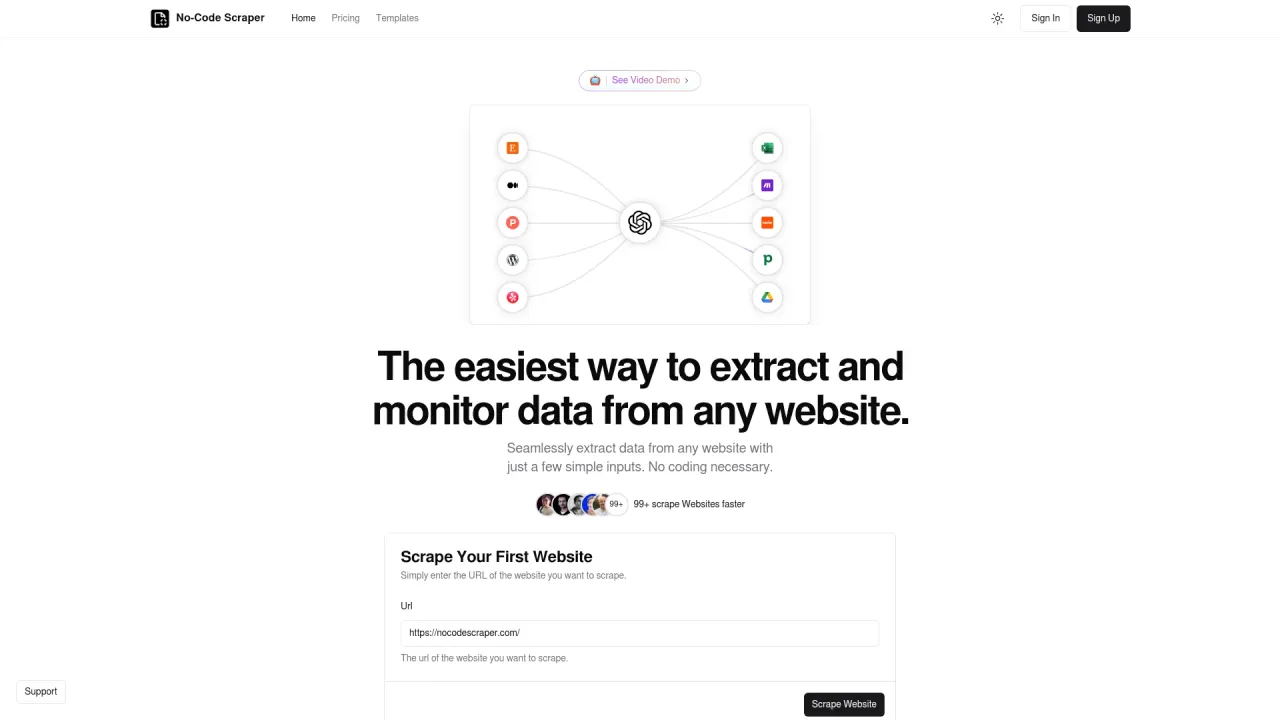
Легко извлекайте данные с любого веб-сайта, используя всего несколько простых входных данных.

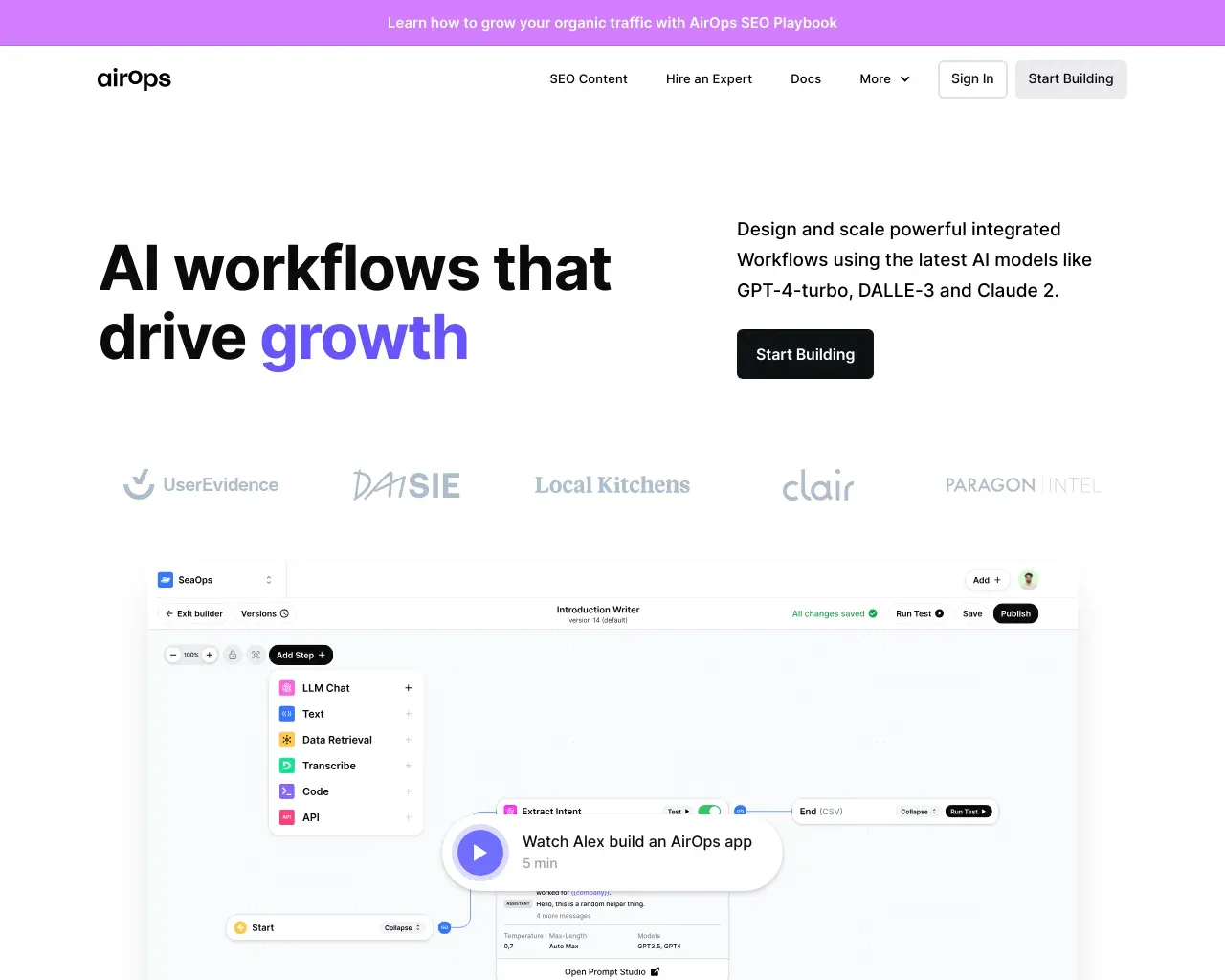
AirPS — рабочие процессы искусственного интеллекта, способствующие росту. Создавайте, тестируйте, развертывайте и масштабируйте приложения искусственного интеллекта с помощью AirPS Studio.

Об инструменте mem
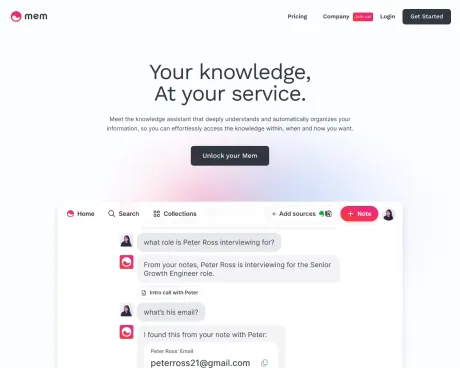
Mem — это первое в мире рабочее пространство с искусственным интеллектом, персонализированное для вас. Расширяйте свои творческие возможности, автоматизируйте рутинную работу и оставайтесь организованным автоматически.
Что вы получите
Дополнительная информация
Mem is designed to be an intelligent note-taking tool that helps users capture thoughts, ideas, and information seamlessly. It allows you to dump everything on your mind—from ideas to meeting notes—into a single platform where it gets organized for you. Unlike traditional note-taking apps that require manual organization, Mem learns how you think and retrieves data when you need it, making remembering information a hassle-free process.
The product includes features for voice commands to create organized notes, automatic meeting transcription, and a browser extension for saving web pages easily. This integration allows for a more fluid workflow, letting users focus on their tasks rather than on managing notes and information. Mem also supports mobile interactions, allowing users to quickly capture thoughts while on the go.
Mem's unique selling point is its ability to connect related notes and details without needing explicit organization from the user. It uses advanced AI features to answer questions about your notes and can even handle complex searches to find specific information when keywords don't suffice. This capability transforms how users interact with their notes, making it easier to leverage all collected data effectively.
Tailored for individuals and teams, Mem offers additional features for collaboration and efficient information management, making it suitable for professionals looking for a robust note-taking solution that supports productivity and creativity. Users no longer need to worry about managing notes across different apps, as everything can be stored in Mem for ease of access.
Часто задаваемые вопросы
What is mem used for?
Самоорганизующееся рабочее пространство.Is mem free?
mem is free to use.What are alternatives to mem?
Where can I get mem?
mem is available at https://get.mem.ai/.What category is mem in?
mem is listed in Рабочий процесс и автоматизация.How is my data stored?
Your data is stored securely within Mem's platform, ensuring privacy and accessibility.How private is my data?
Mem is committed to maintaining the privacy of your data and does not share it without consent.Can I use Mem with a non-Google / Google Workspace account?
Yes, Mem can be used with both Google and non-Google Workspace accounts.How do I request features?
You can submit feature requests directly through the support center on Mem.Can I export my Mem data?
Yes, you have the ability to export your data from Mem at any time.What happens if I reach a plan limit?
Mem will show you when you're approaching a limit so you can choose a larger plan before work is interrupted. Mem Pro 20× customers can add Extra Usage in $50 monthly increments without changing plans.What does Extra Usage include?
Each $50 monthly Extra Usage unit adds 500 Messages to Mem, 500 new notes, tracking across 500 active notes, 250 open tasks and active projects, 5 active custom routines, 250 routine executions, 5 active connections, and 125 Voice Mode hours.How does Task and Project Tracking work?
Mem reviews the notes you create or edit during the month to detect tasks and projects automatically. Your plan sets how many notes Mem reviews and how many open tasks and active projects it tracks at once.Are Deep Search and templates included?
Yes. Deep Search and templates are available on every plan. Plan limits apply to how much you create, ask Mem to do, and keep actively tracked.How does email capture count?
An email sent to Mem counts as a Message to Mem. If it creates a note, that note also counts toward the new-note allowance.How is my data stored? How private is my data?
We take your privacy seriously. Your data is encrypted at rest with AES-256 and in transit with TLS, but it is not end-to-end encrypted because Mem needs to process your knowledge.
Сравнить mem с…
Выберите любой инструмент, чтобы увидеть структурированное сравнение: цены, развертывание, возможности и контент-политика.