Website Cloner
это онлайн-инструмент на базе искусственного интеллекта, который позволяет пользователям дублировать веб-сайт.
- Категория
- Веб-дизайн
- Цены
- Free
- Альтернативы
- 6 похожих инструментов
- Обновлено
- 3 нед. назад
- Источник
- Официальный сайт ↗︎
AI Collection Лучшие подборки

TheFluxTrain
Студия Agentic AI Production для создания одинаковых персонажей, рабочих процессов и видео
Веб-дизайн Выбор категории
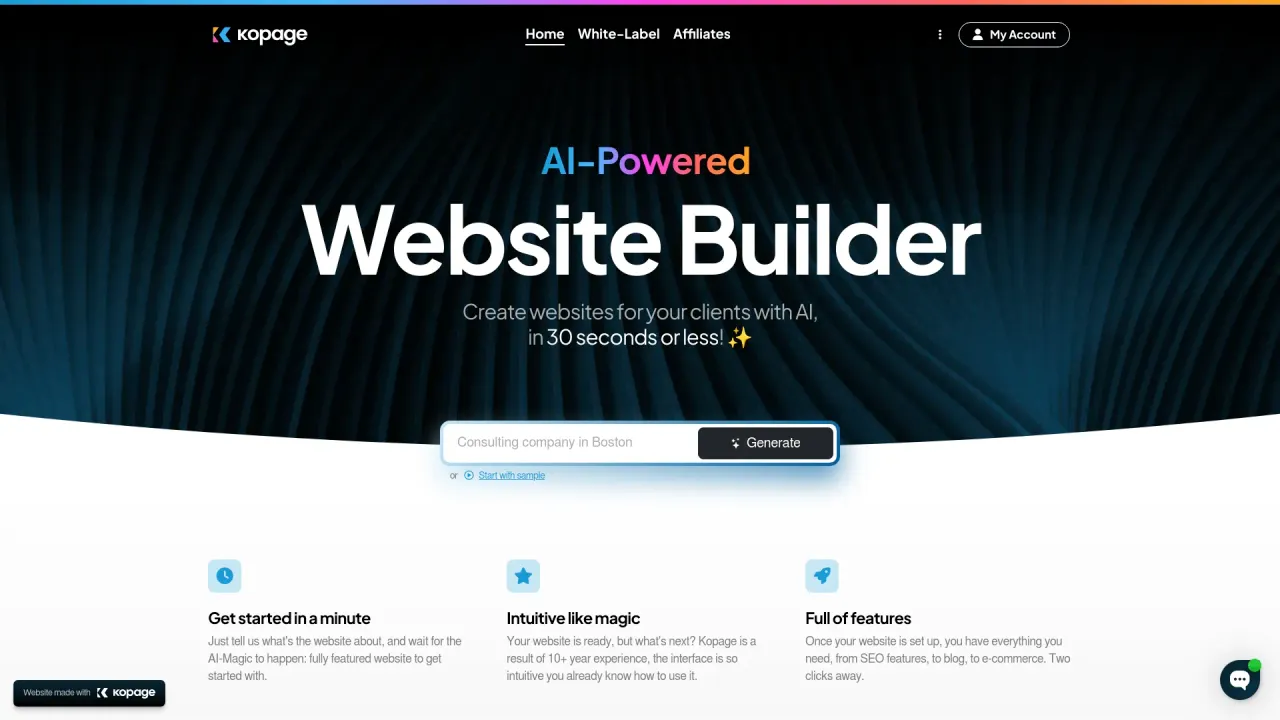
Конструктор веб-сайтов White-Label AI, который вы можете использовать для создания веб-сайтов для своих клиентов под вашим собственным брендом
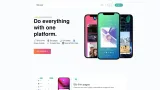
Об инструменте Website Cloner
Website Cloner — это онлайн-инструмент на базе искусственного интеллекта, который позволяет пользователям быстро дублировать дизайн и ресурсы веб-сайта, создавая редактируемые файлы HTML, CSS, JavaScript, изображения и другие файлы для использования в разработке, тестировании, редизайне или резервном копировании. Он разработан для упрощения клонирования без навыков программирования, хотя его использование имеет большое значение с точки зрения этики и законодательства.
Что вы получите
Дополнительная информация
Website Cloner allows users to duplicate an existing website’s front-end design and functionality. This can be beneficial for developers, startups, and marketing teams, as it offers a faster way to replicate layouts and functionality. The cloner provides methods and tools for legitimate website cloning, allowing businesses to analyze competitor sites, migrate important content, or back up their own websites.
The process involves using software that copies all front-end components of a website, such as HTML, CSS, and JavaScript, while modifying the content to suit the user's needs. Users can clone their own sites for migration, redesign, or testing purposes. The software also incorporates ethical guidelines, ensuring that users are aware of what constitutes legal website cloning.
With a focus on speed and efficiency, the Website Cloner offers tools that ensure quick deployment and backup strategies. It aids in creating local copies of sites for both educational and testing environments, while also facilitating market analysis for companies looking to gain insights into competitor strategies.
In 2026, as the digital landscape evolves, utilizing a website cloning tool becomes a strategic advantage in the fast-paced world of website development and marketing. By cloning responsibly and optimizing for SEO, businesses can maintain their competitive edge in the digital economy.
Часто задаваемые вопросы
What is Website Cloner used for?
Website Cloner — это онлайн-инструмент на базе искусственного интеллекта, который позволяет пользователям дублировать веб-сайт.Is Website Cloner free?
Website Cloner is free to use.What are alternatives to Website Cloner?
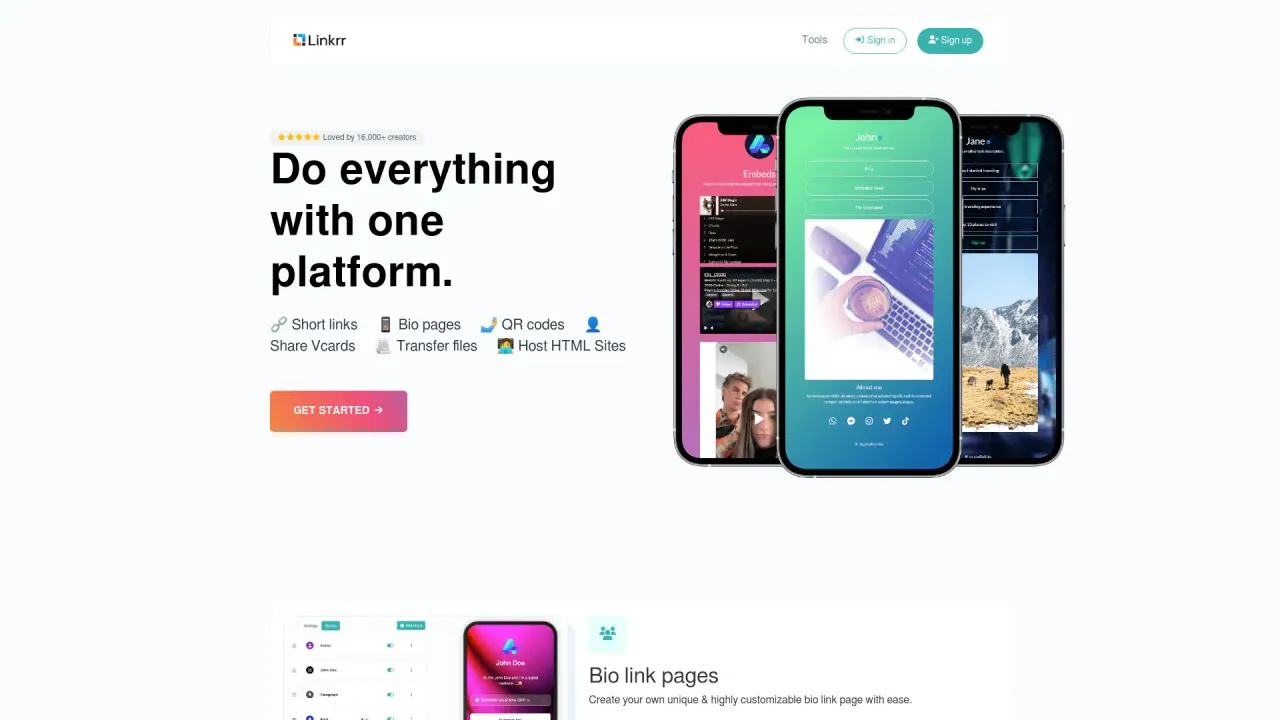
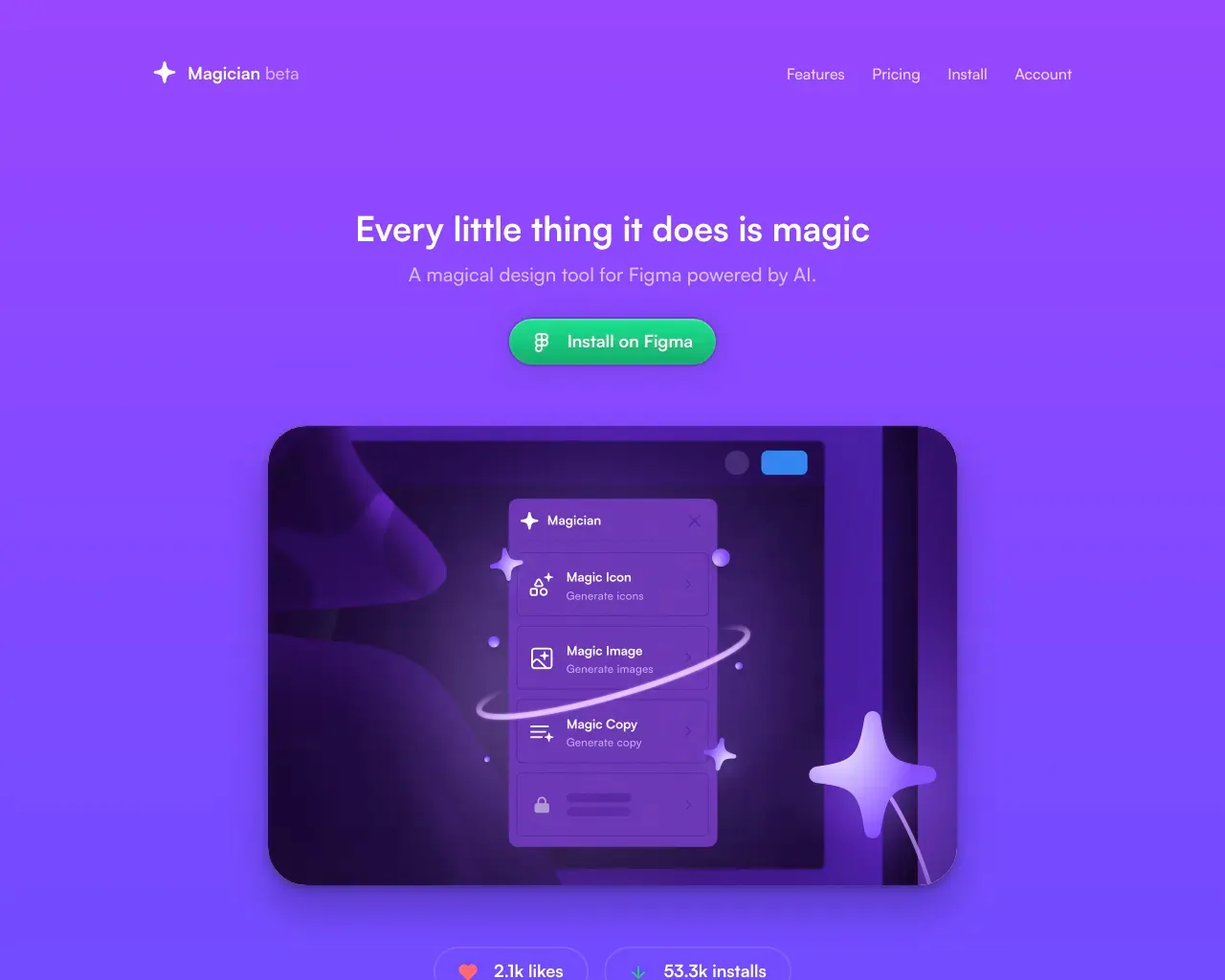
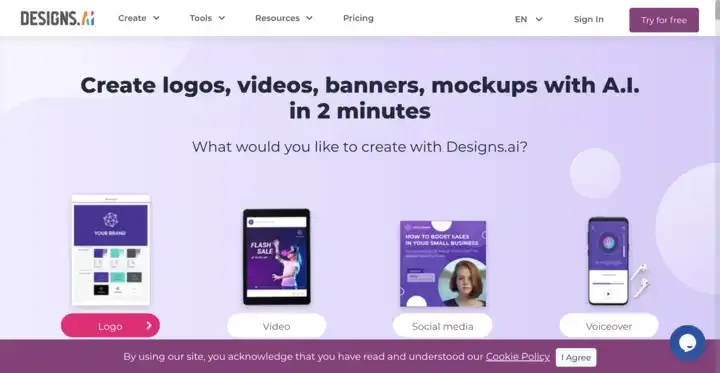
Top alternatives to Website Cloner include Linkrr, Kopage AI Website Builder, Magician, Designs AI, welovenocode.Where can I get Website Cloner?
Website Cloner is available at https://websitecloner.co.What category is Website Cloner in?
Website Cloner is listed in Веб-дизайн.Is cloning a website legal?
Yes, if you own the website or have permission. Copying copyrighted text, design, or trademarks from another site without consent is illegal.What’s the best website cloner tool for 2026?
For developers: HTTrack and Cyotek WebCopy. For businesses: SiteSucker or online SaaS-based website cloners that offer GUI and cloud backup features.Can I clone a dynamic or eCommerce website?
Yes, but only your own or with permission. For WordPress or Shopify, use built-in export tools or plugins designed for migration.Does cloning a website hurt SEO?
If you copy another site’s content, yes. But cloning your own site and replacing content ensures SEO health and continuity.What’s the difference between cloning and mirroring?
Cloning duplicates design and layout, while mirroring creates a live, synced copy of the original site (often for redundancy).How can I use cloning for A/B testing?
Clone your landing page, make design or copy variations, and run A/B tests to measure conversions.Can AI clone websites?
Yes, AI-powered tools can now replicate site layouts and generate editable code, making cloning faster and smarter than ever.What are ethical guidelines for website cloning?
Always credit the source, avoid copying copyrighted materials, and use cloning for education, testing, or legitimate business purposes.How do I secure a cloned website?
Use HTTPS, update dependencies, and scan for vulnerabilities — cloned code may contain outdated libraries.Should I clone or rebuild from scratch?
Clone when you want to save time and reuse structure. Rebuild when you need a full redesign, new CMS, or modern tech stack.
Сравнить Website Cloner с…
Выберите любой инструмент, чтобы увидеть структурированное сравнение: цены, развертывание, возможности и контент-политика.