Best Text-to-Video AI Tools in 2026
By: AI Collection
At a glance




Type a sentence, get a moving picture back. That is the promise that pulled a lot of people toward text-to-video tools over the past two years, and the reality in 2026 is more interesting than the demos suggested. "Text to video" now covers two fairly different jobs. One is turning a script into a polished talking-head or explainer, usually with a synthetic presenter reading your words. The other is generating original footage — a dog in a cape flying over a city, a product shot that never got filmed — from a prompt or a still image. Most tools lean hard toward one of those jobs, so the "best" one depends on which you are actually trying to do.
The five tools below are the ones ranked highest in our Text to Video category. We ordered them from our directory's editorial picks and the catalog data we keep on each tool, then checked each tool's current site to make sure the descriptions still hold. This is not a lab shoot-out with identical prompts and a stopwatch — treat it as a shortlist to start from, not a benchmark.
DeepBrain AI (AI Studios)
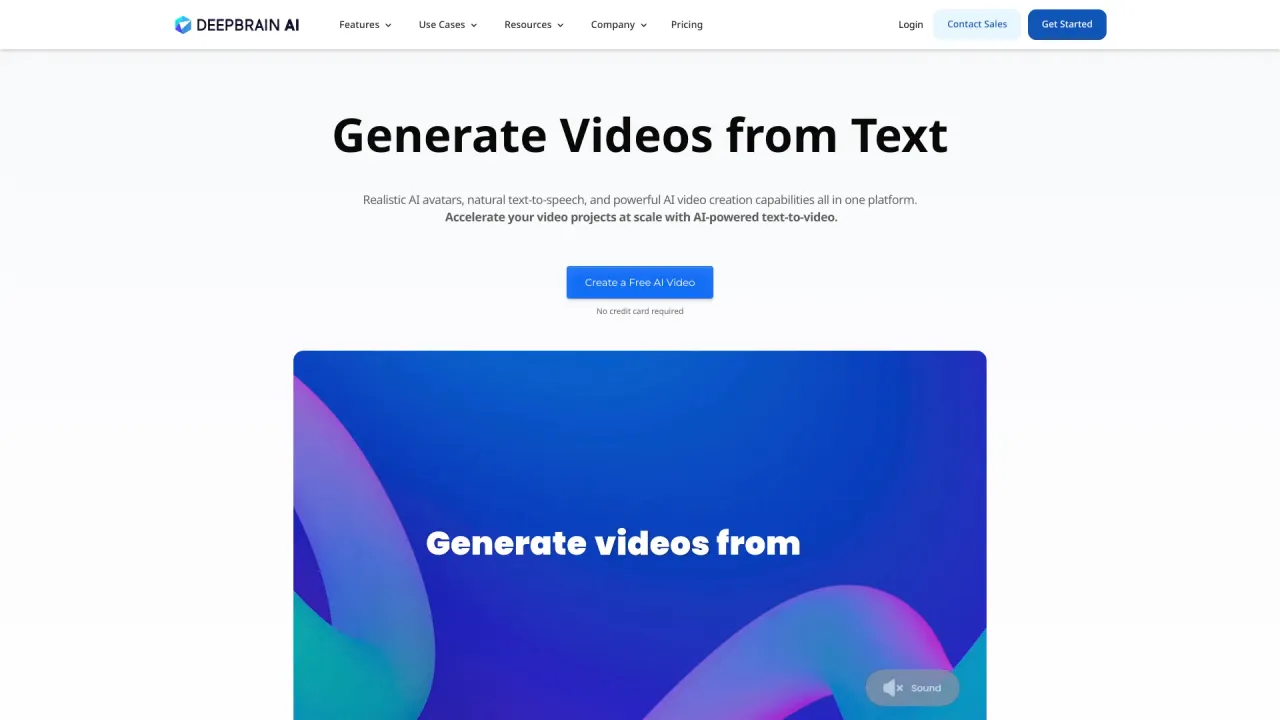
DeepBrain AI sits at the corporate end of the spectrum. Its AI Studios product is built around synthetic presenters: you write or paste a script, pick one of its 2,000-plus avatars, and it produces a video of that avatar delivering your text. The pitch is training videos, HR onboarding, product explainers, and localized YouTube content without a camera, a studio, or a reshoot when the script changes.
Two features do most of the work here. The avatar library is large and the presenters are convincingly lip-synced, and the dubbing engine will translate and voice a finished video into 70-plus languages, which is the real draw for teams shipping the same course to offices in different countries. The latest version also folds in generative models (it can route a prompt to outside engines like Sora 2 or Veo for b-roll), so it is no longer purely an avatar tool, though avatars remain its center of gravity.
Pricing starts at $29 a month for a Personal plan and $89 a month for a Team plan, with an Enterprise tier for custom avatars and API access (as of November 2026). If you want cinematic, invented footage, this is the wrong tool. If you want a presenter reading a script in twelve languages by Friday, it is one of the most direct options on this list.
LTX Studio
LTX Studio, from Lightricks, is the pick for people who think in shots and scenes rather than single clips. It wraps generative video in a storyboard-first workflow: you describe a concept, and it lays out a sequence you can direct frame by frame, adjusting characters, camera angles, and pacing before committing to a render. It handles both text-to-video and image-to-video, so a single still can become a moving shot.
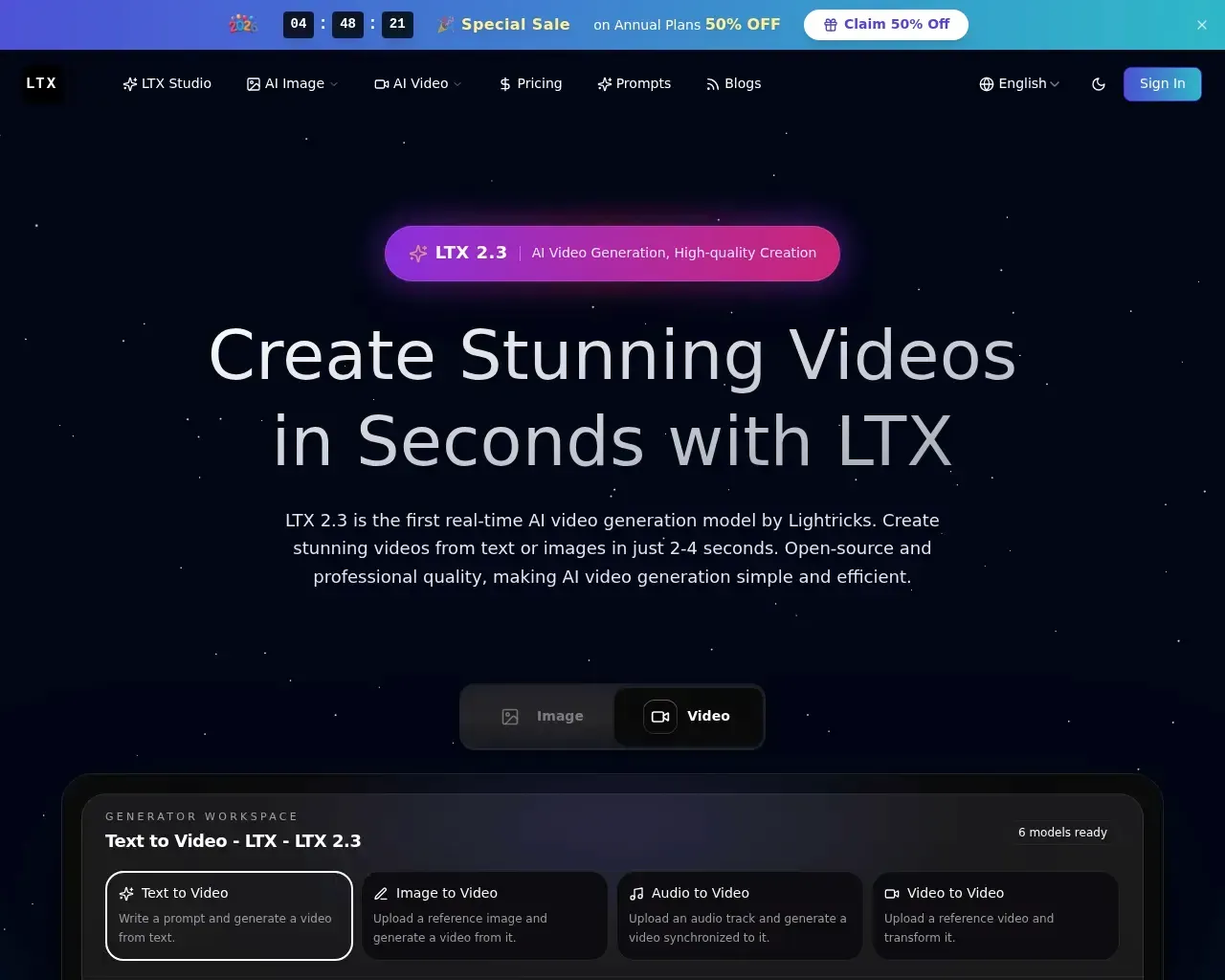
What sets LTX apart from the typical closed tool is that Lightricks runs an actual research lab and publishes its LTX-Video models as open source, with the weights on GitHub and HuggingFace and an API for developers. For anyone who wants to build on top of a model, or who simply trusts a tool more when its engine is inspectable, that is a meaningful difference. Paid plans run roughly $20 a month for Pro and about $60 a month for the Ultimate tier (as listed in our catalog). It is the strongest fit here for filmmakers, ad creatives, and storyboard-heavy projects.
Make-A-Video (Meta)
Make-A-Video is the odd one out, and it is worth being clear about why it is here. It is Meta's research system for generating video from text, and its site is a research demo rather than a product you can sign up for and use. The underlying idea is clever — the model learns what the world looks like from captioned images and how it moves from unlabeled video, then stitches the two together from a text prompt — and the sample clips (a teddy bear painting a portrait, a robot dancing in Times Square) were an early sign of where the whole field was heading.
Set expectations accordingly. If you are shopping for something to make a video this afternoon, skip it; there is no self-serve editor waiting behind the page. It earns its place as the research landmark that a lot of the tools on this list are, in one way or another, descended from.
Fotor AI Video Generator
Fotor's AI video generator takes the opposite approach to LTX's single-studio model: instead of betting on one engine, it aggregates several of the best-known ones (Kling, Seedance, and Veo among them) behind a single free-to-start interface. You type a prompt or upload an image, choose a preset, and let Fotor hand the job to whichever model fits.
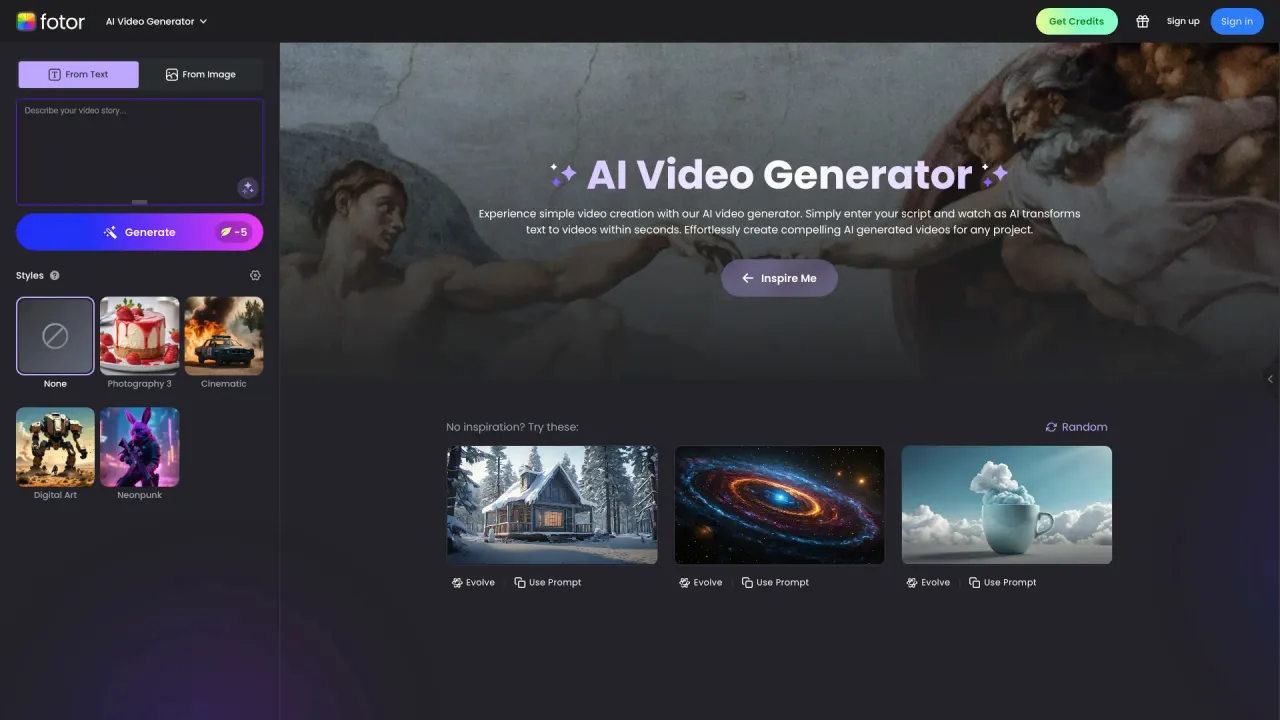
That makes it a low-commitment way to try generative video without learning a new app or picking a model you have never heard of, and it lives inside Fotor's wider toolkit of photo editing and AI image tools, so a clip can slot into a larger design workflow. The trade-off is depth: it is built for quick, casual output rather than the frame-level control LTX gives you. For a social post, a quick concept clip, or testing whether AI video suits your idea at all, it is an easy starting point.
Vadoo AI
Vadoo AI is aimed squarely at the short-form crowd — TikToks, Reels, and YouTube Shorts — and it tries to own the whole pipeline rather than just the generation step. From a script or even a topic, it will write, generate footage, add captions and a voiceover, drop in b-roll, and in some plans schedule the result straight to your channels. It is the "faceless channel in a box" approach, and for creators running volume it removes a lot of manual stitching.
Like Fotor, it leans on a wide roster of outside video models (Kling, Veo, Hailuo, Luma, Pika, Seedance and others), so you are choosing a workflow more than a single engine. Paid plans start at $9 a month for Starter, $24 for Pro, and $72 for the Advance tier (per our catalog). If your output is high-frequency vertical video and you would rather manage one dashboard than six, Vadoo is the most complete option here for that specific job.
Which one should you pick
There is no single winner, because these tools answer different questions. If you need a presenter-led training or explainer video, especially in several languages, DeepBrain AI is the most direct route. If you want to direct original, cinematic footage shot by shot, LTX Studio is the standout, with the added comfort of open models underneath. For high-volume short-form content, Vadoo AI handles the most of the pipeline for you, and Fotor is the gentlest on-ramp if you just want to try generative video for free before committing to anything.
Make-A-Video stays on the list as context, not a recommendation — a reminder of how fast this category moved from a research paper to a shelf full of working products.
A few common questions
Can any of these make a video with no watermark? It depends on the plan. Paid tiers generally remove watermarks; most free tiers add one. Check the specific plan before you rely on an export for client work.
Do I need to know how to edit video? Not really. DeepBrain, Fotor, and Vadoo are built for people who do not; LTX Studio rewards a bit of directorial thinking but does not require editing software.
Which is best for languages other than English? DeepBrain AI's dubbing into 70-plus languages is the clearest fit if localization is your main goal.
Is "text to video" the same as an AI avatar tool? No, and that distinction matters most when choosing. Avatar tools like DeepBrain put a synthetic person on screen reading your script; generative tools like LTX create original footage from the prompt itself. Decide which you need first, then pick from the right half of this list.
Published on: November 16, 2026