- 类别
- 幻灯片和演示文稿
- 替代品
- 6 个类似工具
- 最后更新
- 4 天前
- 来源
- 官方网站 ↗︎
AI Collection 热门精选

幻灯片和演示文稿 类别精选



关于 AI for Google Slides
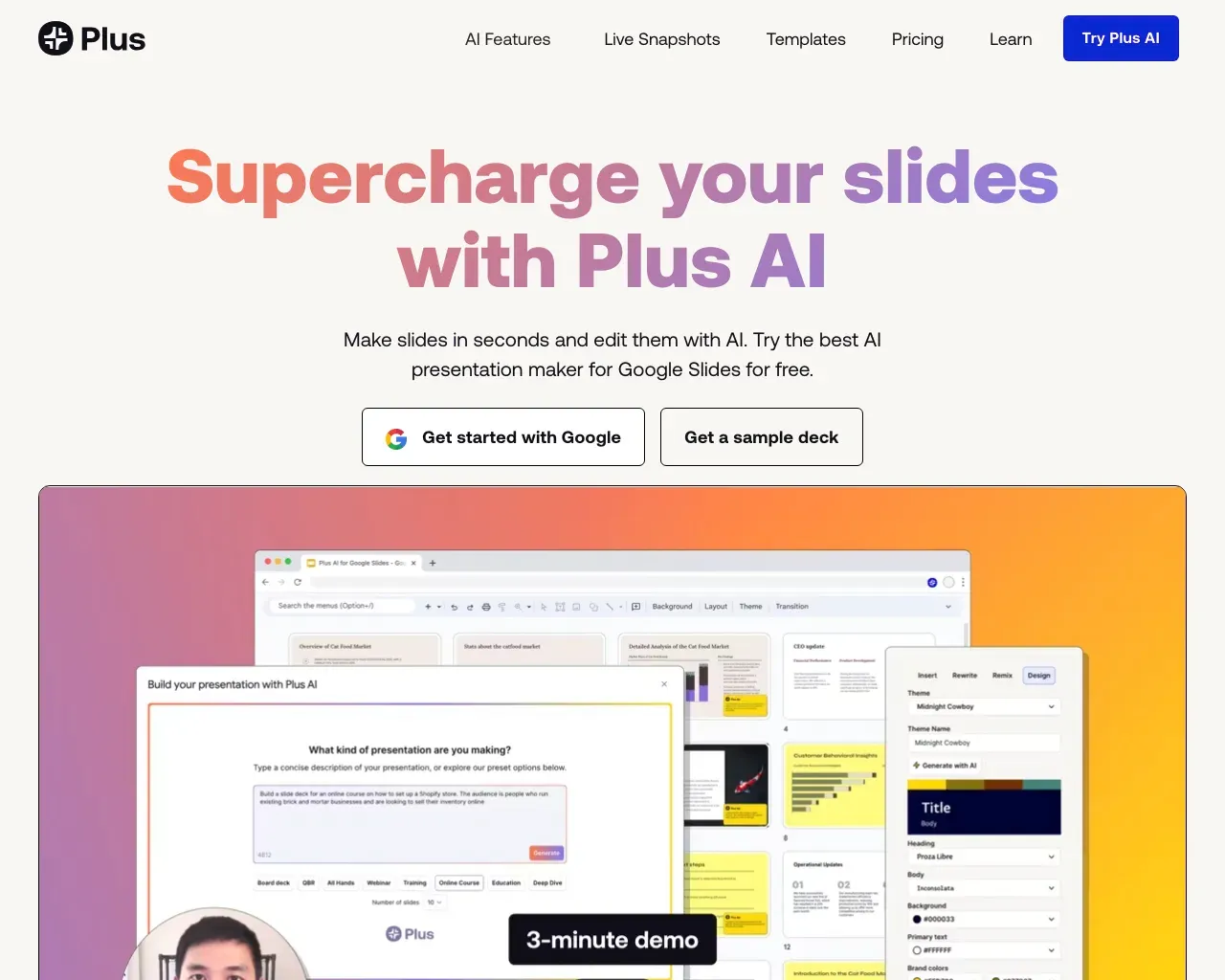
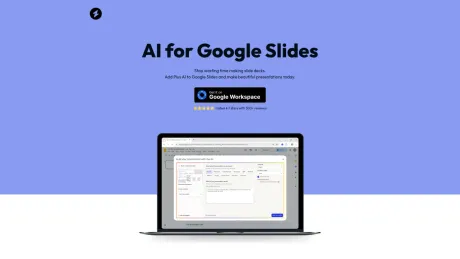
使用 AI for Google 幻灯片,使用 AI 快速创建新的专业演示文稿。谷歌幻灯片的人工智能是一个易于使用的插件,它使用户可以直接在谷歌幻灯片中使用人工智能轻松创建新的演示文稿和编辑旧演示文稿。
你能获得什么
附加信息
AI for Google Slides, powered by Plus AI, helps users create beautiful presentations quickly and efficiently. This tool is designed to integrate seamlessly with Google Slides, allowing users to save time and enhance the quality of their presentations with AI-generated content.
The platform supports unlimited AI presentations with various slide types, making it suitable for individuals, teams, and professional use. Users can customize their presentations with brand colors and logos, ensuring that their content is aligned with their brand identity.
Plus AI can be used to create content, format slides, and even manage existing presentations. This capability reduces the manual workload significantly, enabling users to focus on their presentations' creative aspects rather than the technicalities of design and formatting.
With a user-friendly installation process and a commitment to improving workflow, AI for Google Slides is an ideal solution for anyone looking to increase productivity and enhance presentation quality, whether for teaching, training, or business purposes.
常见问题
What is AI for Google Slides used for?
谷歌幻灯片的 AI 演示文稿制作工具.Is AI for Google Slides free?
Pricing for AI for Google Slides varies — see the Pricing section for details.What are alternatives to AI for Google Slides?
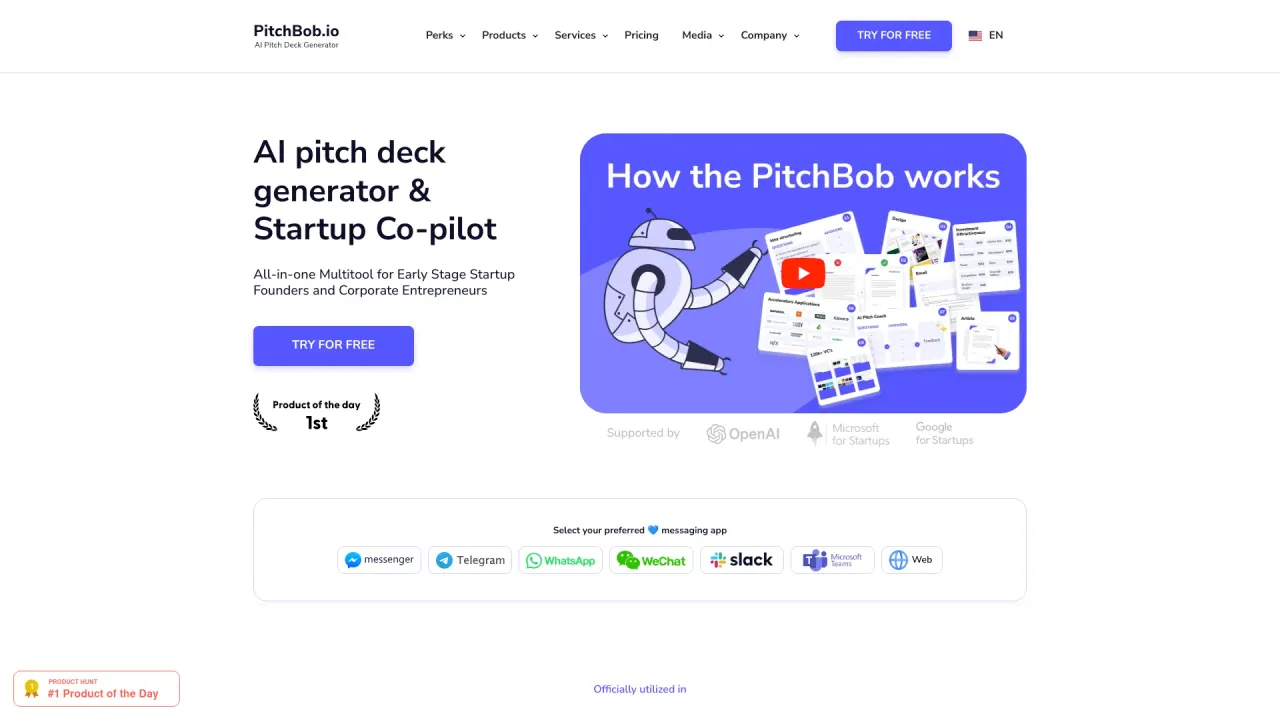
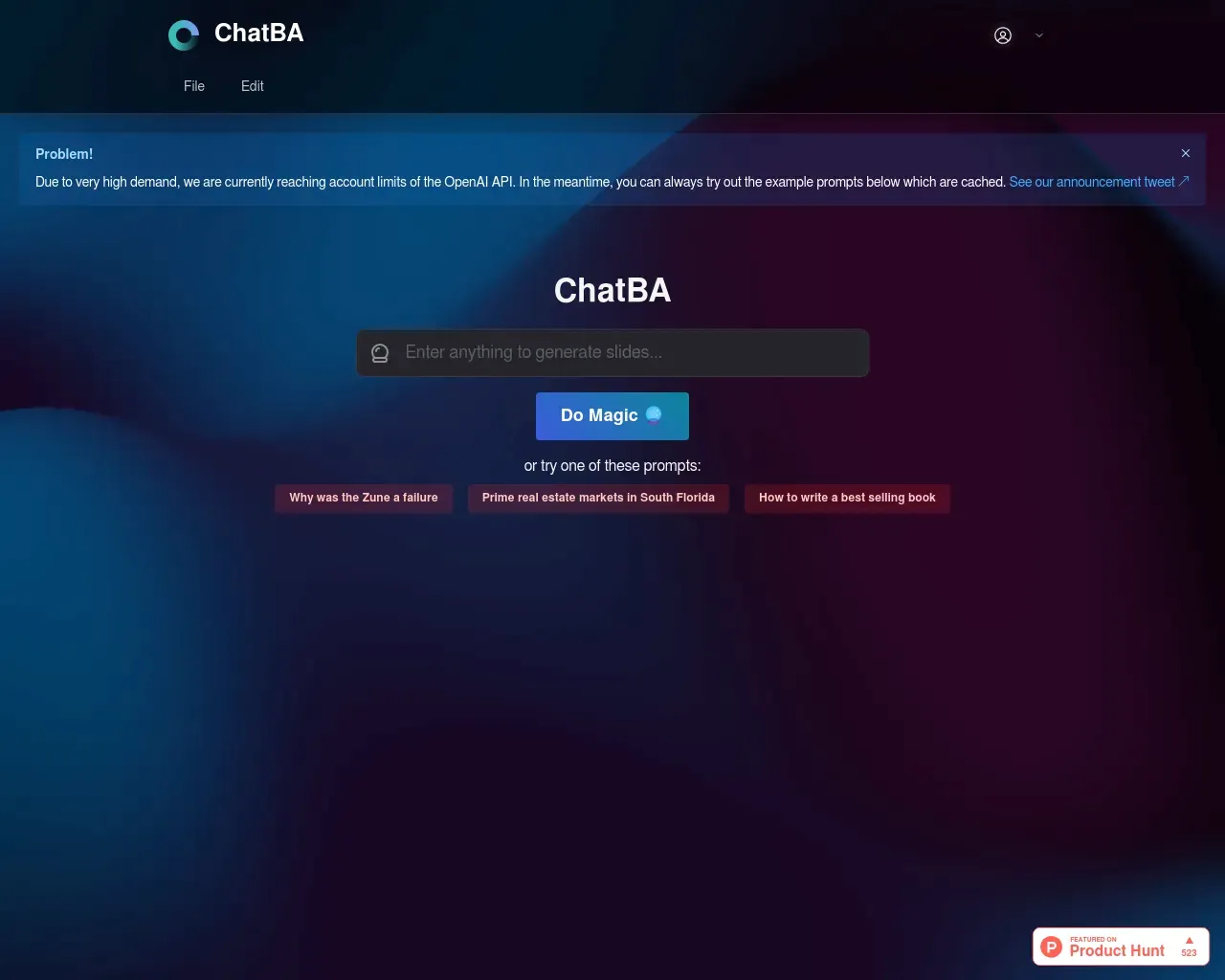
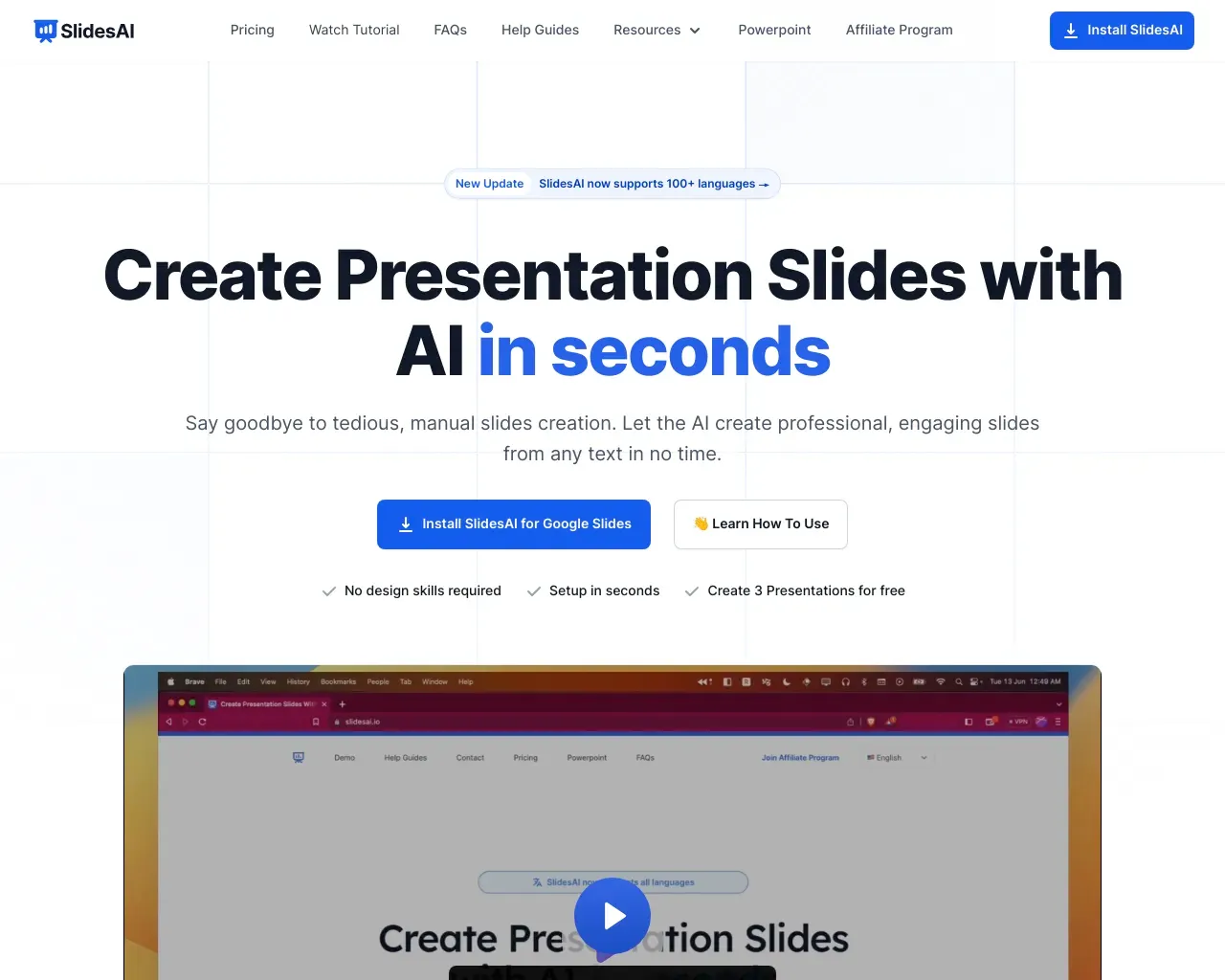
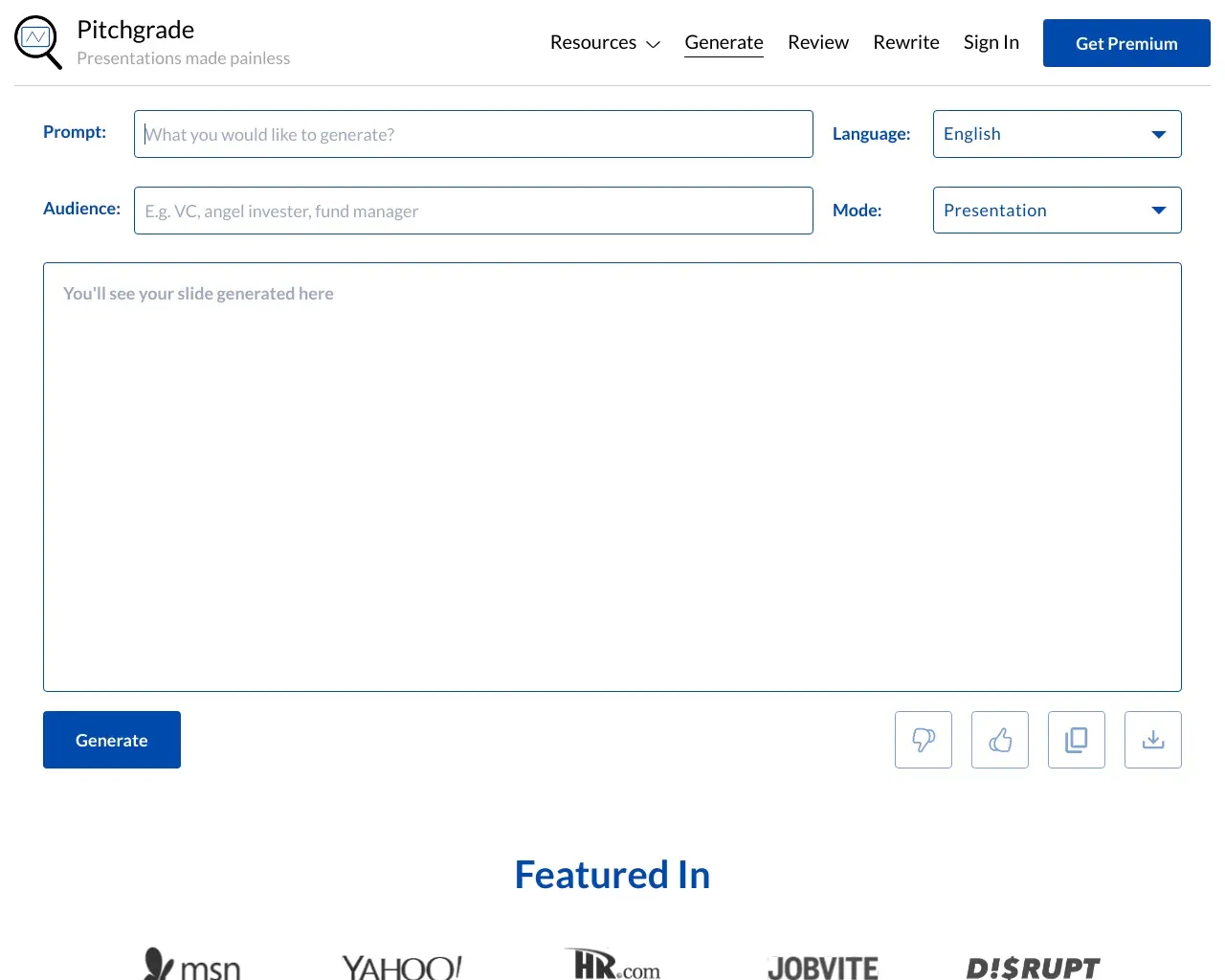
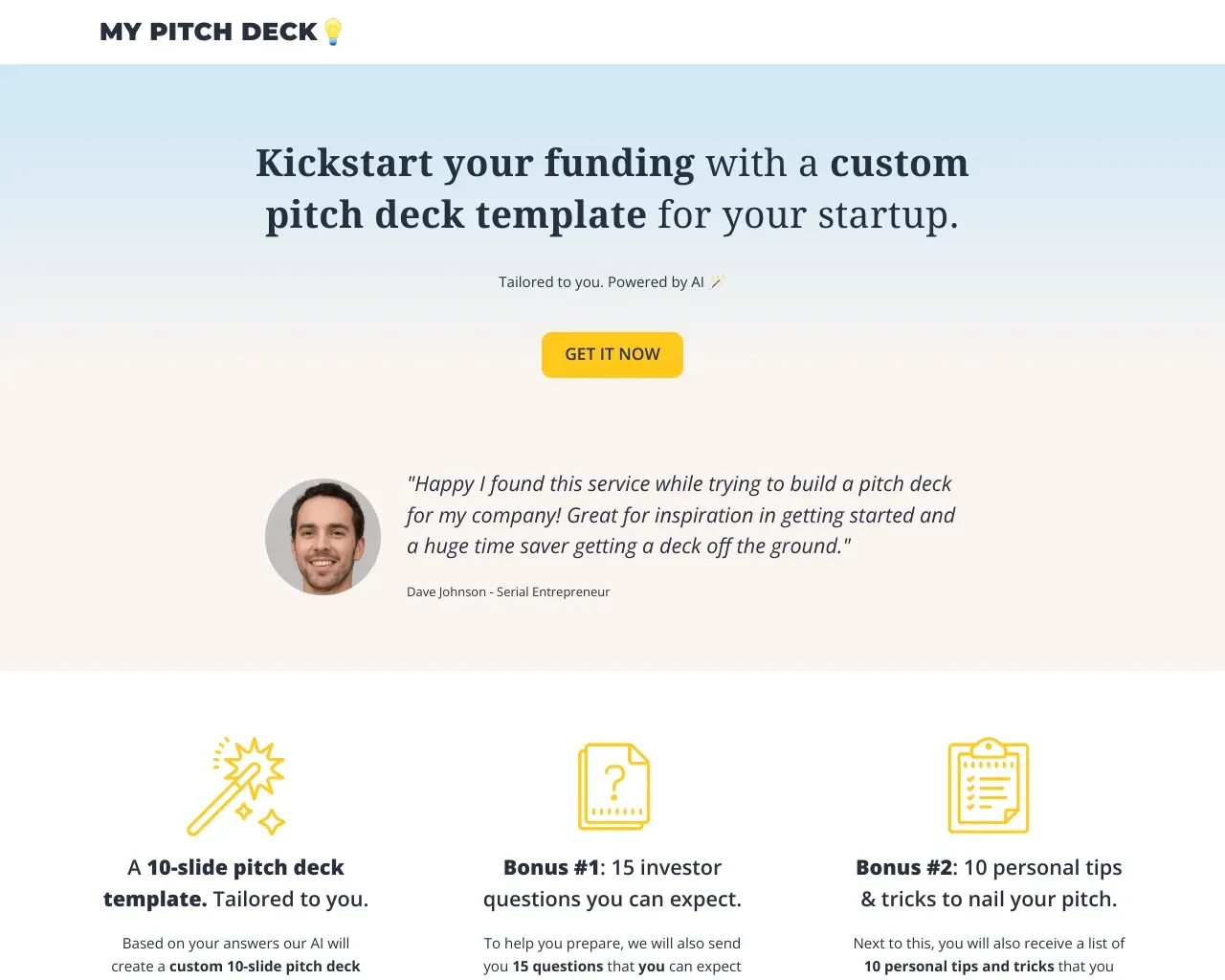
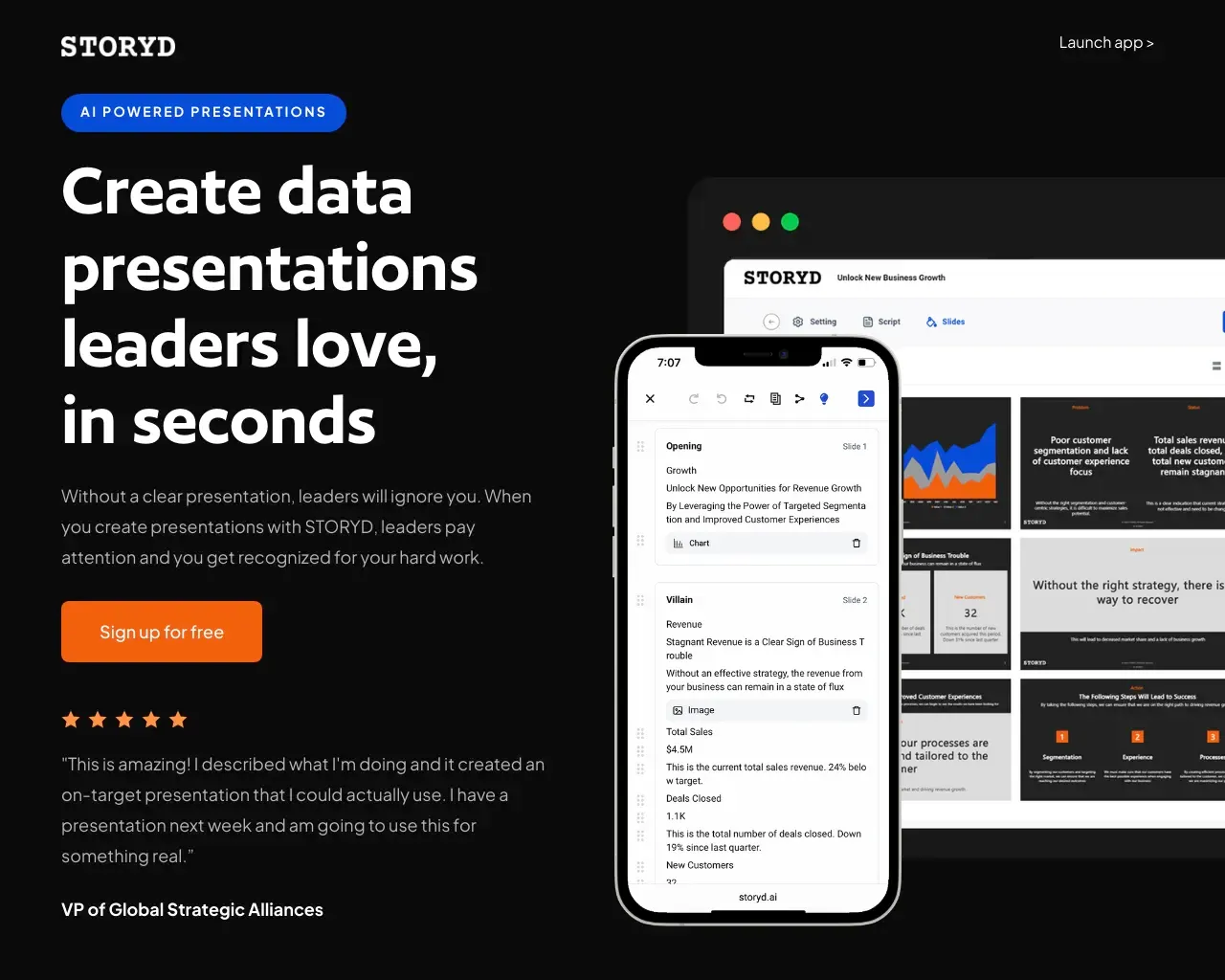
Top alternatives to AI for Google Slides include PitchBob io, Storydoc, ChatBA, SlidesAI, Pitchgrade.Where can I get AI for Google Slides?
AI for Google Slides is available at https://www.aiforgoogleslides.com/.What category is AI for Google Slides in?
AI for Google Slides is listed in 幻灯片和演示文稿.Do you offer free trials?
Yes, you can use Plus AI for Google Slides free for 7 days. The trial unlocks all features, and you can cancel at any point.Can I use Plus AI with my existing slide decks?
Yes, you can use Plus AI with your existing Google Slides presentations. If you want to use Plus AI with PowerPoint, try using the Plus AI PowerPoint add-in instead.How do I install Plus AI?
To use Plus AI, search for Plus AI in Google Workspace or from the Extensions menu in Google Slides. You can also just follow this link to go there directly.Can I customize the Plus AI generated content?
Yes, Plus AI is a native Google Slides add-on, and it generates the same Google Slides that you would create manually. You can undo/redo actions, add comments, and make adjustments to Plus AI-generated content.
将 AI for Google Slides 与其他工具比较…
选择任意工具,查看结构化的并排对比:定价、部署、功能和内容政策。