- 类别
- 视频编辑
- 定价
- Free
- 替代品
- 6 个类似工具
- 最后更新
- 3 周前
- 来源
- 官方网站 ↗︎
AI Collection 热门精选

视频编辑 类别精选


关于 Elai
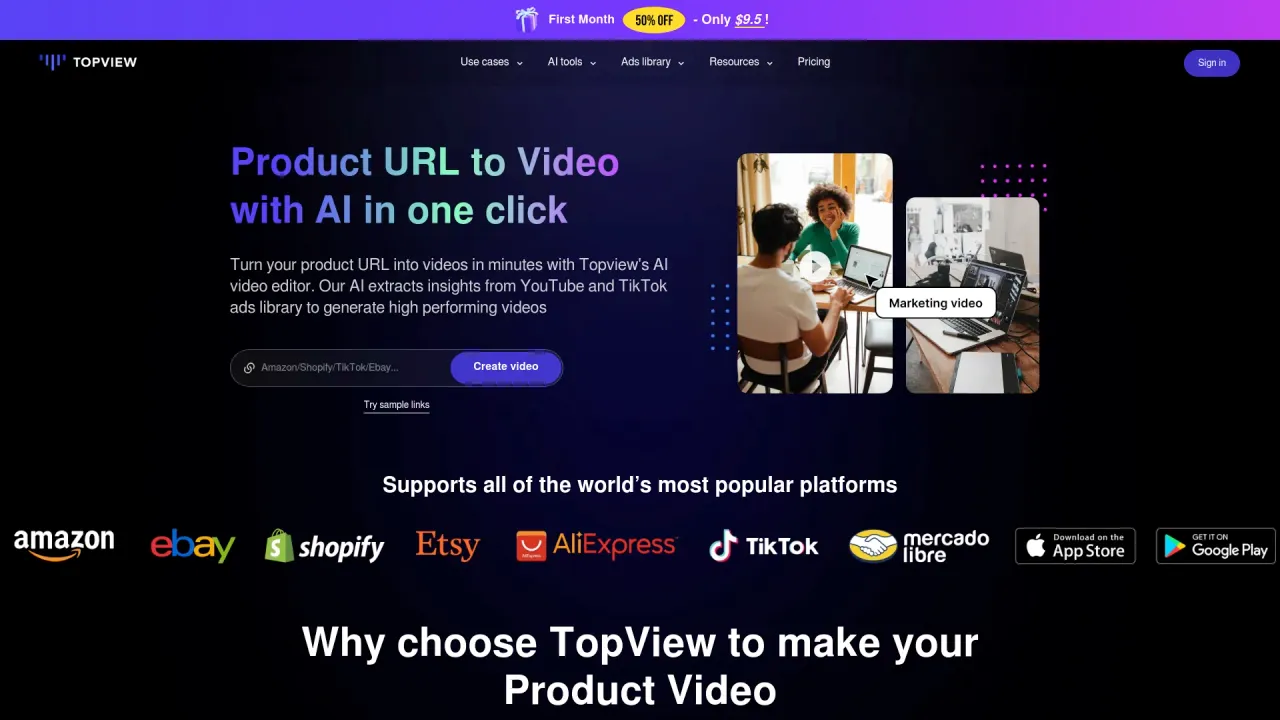
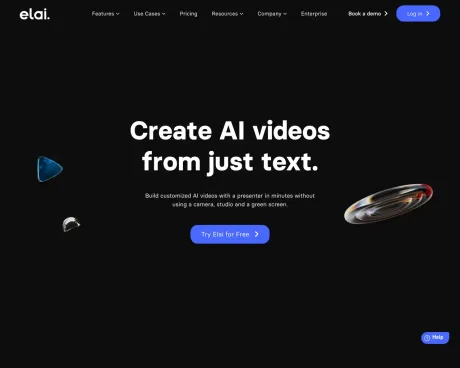
无需使用相机、工作室和绿幕,即可在几分钟内与演示者一起制作定制的 AI 视频。
你能获得什么
附加信息
Elai is an AI-powered video generation platform that allows users to create engaging video content in minutes. It is tailored for learning and development professionals, marketers, and organizations seeking to enhance their video libraries. Key features include customizable avatars, voice cloning in multiple languages, automated translations, and a storyboard tool for crafting engaging video scripts. Users can also transform PPTX presentations and blog articles into dynamic video content seamlessly.
With over 80 high-quality AI avatars and a voice cloning feature that supports 28 languages and hundreds of accents, users can personalize their videos for diverse audiences. The platform fosters interactive learning through features like branching pathways and quizzes, making it ideal for educational content. Additionally, Elai provides a robust template library, enabling teams to save time and create professional videos more efficiently.
Elai is suitable for companies of all sizes, from startups to large enterprises, making it an excellent choice for anyone looking to scale video production without compromising quality. The platform is especially beneficial for training, marketing, customer education, and corporate communications. It empowers users to produce personalized video campaigns that resonate with their target audience, all without the typical time and cost associated with traditional video production methods.
常见问题
What is Elai used for?
仅从文本创建 AI 视频。.Is Elai free?
Elai is free to use.What are alternatives to Elai?
Top alternatives to Elai include Klap App, AI video editor, Atlabs AI, Topview AI URL to Video, Colossyan.Where can I get Elai?
Elai is available at http://elai.io.What category is Elai in?
Elai is listed in 视频编辑.What pricing model do you have?
Our model is a pre-paid subscription model. Choose a suitable plan, proceed with the payment and the video credits will automatically appear on your account balance.Is a pay-as-you-go option available?
No, our platform requires an active subscription with a fixed number of minutes.Can I top up minutes additionally?
You can top up some extra minutes only on paid subscriptions in 'My Profile'.What do minutes/credits mean?
The 'minute' or 'credit' means the amount of time available for video rendering on your particular plan monthly or annually.Are there any limitations to the number of videos I can create daily or monthly?
You can create as many videos as you need, but the overall duration of your projects should not exceed the number of minutes stated in your subscription.Do you deduct minutes if I render the same video again with edits?
Yes, the minutes are deducted every time you click 'Render' even if it is the same video.Do you offer unlimited minutes?
Certainly, we provide an unlimited subscription, granting you an annual allocation of unlimited video minutes.When can I cancel my subscription?
You can cancel any subscription anytime you wish in your Elai.io account.If I delete my videos, will I get my minutes back?
No, our system uses the minutes from your billing cycle every time you click 'Render' even if this is the same video.How can I cancel my subscription?
You can cancel your subscription anytime you wish in your Elai.io account in My Profile by clicking 'Manage subscription'.How do image-based quizzes work?
Image-based quizzes offer the possibility to create quizzes based on visual clues, which ensures higher engagement.If I use my minutes earlier, what options do I have?
If you have used all your minutes before plan renewal, you can top up some extra minutes in My Profile or update your subscription to a bigger plan.If my subscription ends, can I access my videos and edit them?
According to our T&C, we store the data for one year from the date of cancelation. You can access your rendered projects for watching, sharing, and downloading during a year after the plan cancelation.
将 Elai 与其他工具比较…
选择任意工具,查看结构化的并排对比:定价、部署、功能和内容政策。