- 类别
- 图像编辑
- 替代品
- 6 个类似工具
- 最后更新
- 2 周前
- 来源
- 官方网站 ↗︎
AI Collection 热门精选
图像编辑 类别精选


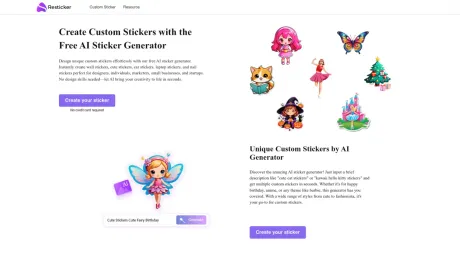
关于 Resticker
使用我们免费的 AI 贴纸生成器轻松设计独特的自定义贴纸。即时制作墙贴、可爱贴纸、汽车贴纸、笔记本电脑贴纸和指甲贴纸,非常适合设计师、个人、营销人员、小型企业和初创企业。无需设计技能——让 AI 在几秒钟内将你的创造力变为现实。
你能获得什么
附加信息
Resticker's AI sticker generator is a powerful tool that enables users to create personalized stickers through simple text prompts or by uploading photos. Ideal for designers, marketers, small businesses, and individuals, the generator facilitates rapid and easy sticker creation. The process is straightforward—just describe what you want, and the AI technology takes care of the rest, generating high-quality stickers in seconds.
Users can create a wide variety of sticker types such as car stickers, wall stickers, window stickers, and more. The generator supports both text-based prompts and photo uploads, allowing for unique combinations to create one-of-a-kind stickers suited for any occasion, including birthdays, holidays, or personal branding. High-resolution exports ensure that the stickers can be used digitally or printed for physical use.
The platform is completely free to use, and no technical design experience is required, making it accessible for everyone. Users can download their creations in popular formats like PNG and share them easily on social media. Whether you're looking to create fun stickers for personal use or professional branding, Resticker's AI sticker generator streamlines the sticker-making process, revealing an accessible way to design your dream stickers.
常见问题
What is Resticker used for?
使用免费的 AI 贴纸生成器创建自定义贴纸.Is Resticker free?
Pricing for Resticker varies — see the Pricing section for details.What are alternatives to Resticker?
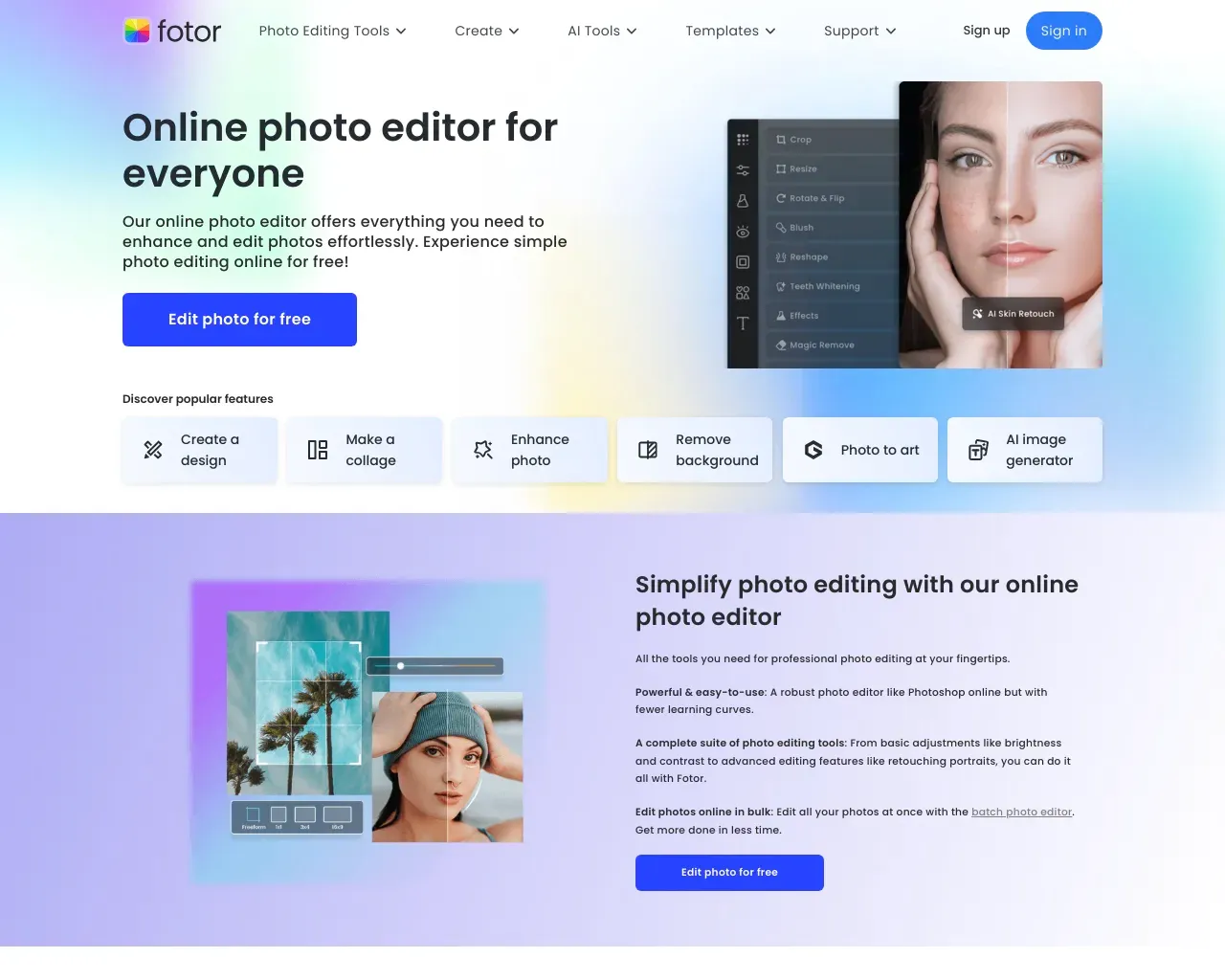
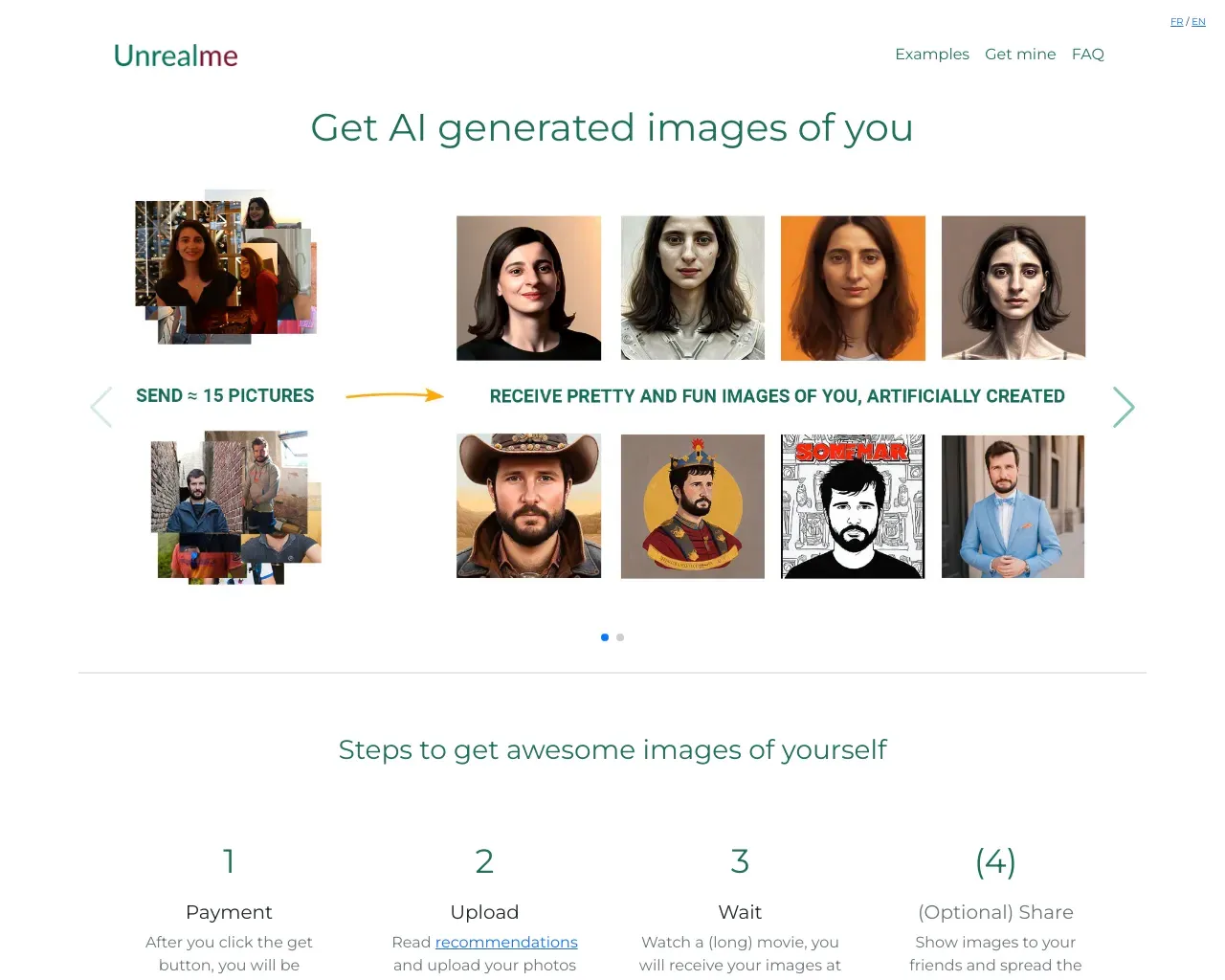
Top alternatives to Resticker include ProductScope AI, PicTools.AI, AI Photos Editor, AVCLabs PhotoPro AI, Fotor.Where can I get Resticker?
Resticker is available at https://resticker.ai.What category is Resticker in?
Resticker is listed in 图像编辑.What is an AI sticker generator?
An AI sticker generator is a software application that enables users to create personalized stickers automatically using AI algorithms.Is the AI sticker generator free?
Sure! You can use it completely for free.Is it possible to alter the sticker after it is generated?
Stickers that have been generated cannot be altered. However, you can redesign it by entering the text prompt.What file formats are supported for downloading the stickers?
You can export your AI-generated stickers in PNG format.Can I share the stickers created with the AI sticker generator on social media?
Absolutely! Just use the share button to download your AI-generated stickers and freely use them across social media and messaging platforms.Is any technical design experience required to use the AI sticker generator?
Not at all. All you need to do is write a description of the sticker you want or upload a photo, and the artificial intelligence will do the rest for you.How to make stickers?
1. Describe Your Idea: Enter your sticker idea in the input box. 2. Click 'Generate': Our AI sticker maker will instantly create stunning and customized sticker designs. 3. Download or Share: You can download or share your personalized custom stickers.How to delete stickers?
1. Select the sticker you want to delete. 2. Click the delete button, then click the confirm button in the prompt box.
将 Resticker 与其他工具比较…
选择任意工具,查看结构化的并排对比:定价、部署、功能和内容政策。