getimg.ai review: one subscription for many AI models
By: AI Collection
At a glance
4.0 / 5
Getimg.ai
FreemiumMost people who make images or video with AI end up with a browser full of tabs: one tool for a good text-to-image model, another for upscaling, a third for video, a separate subscription for voiceover. getimg.ai's pitch is to collapse that stack into a single account. It bundles image, video, audio and editing tools behind one credit balance and tries to pick the right model for you, so you are not managing a menu of engines yourself.
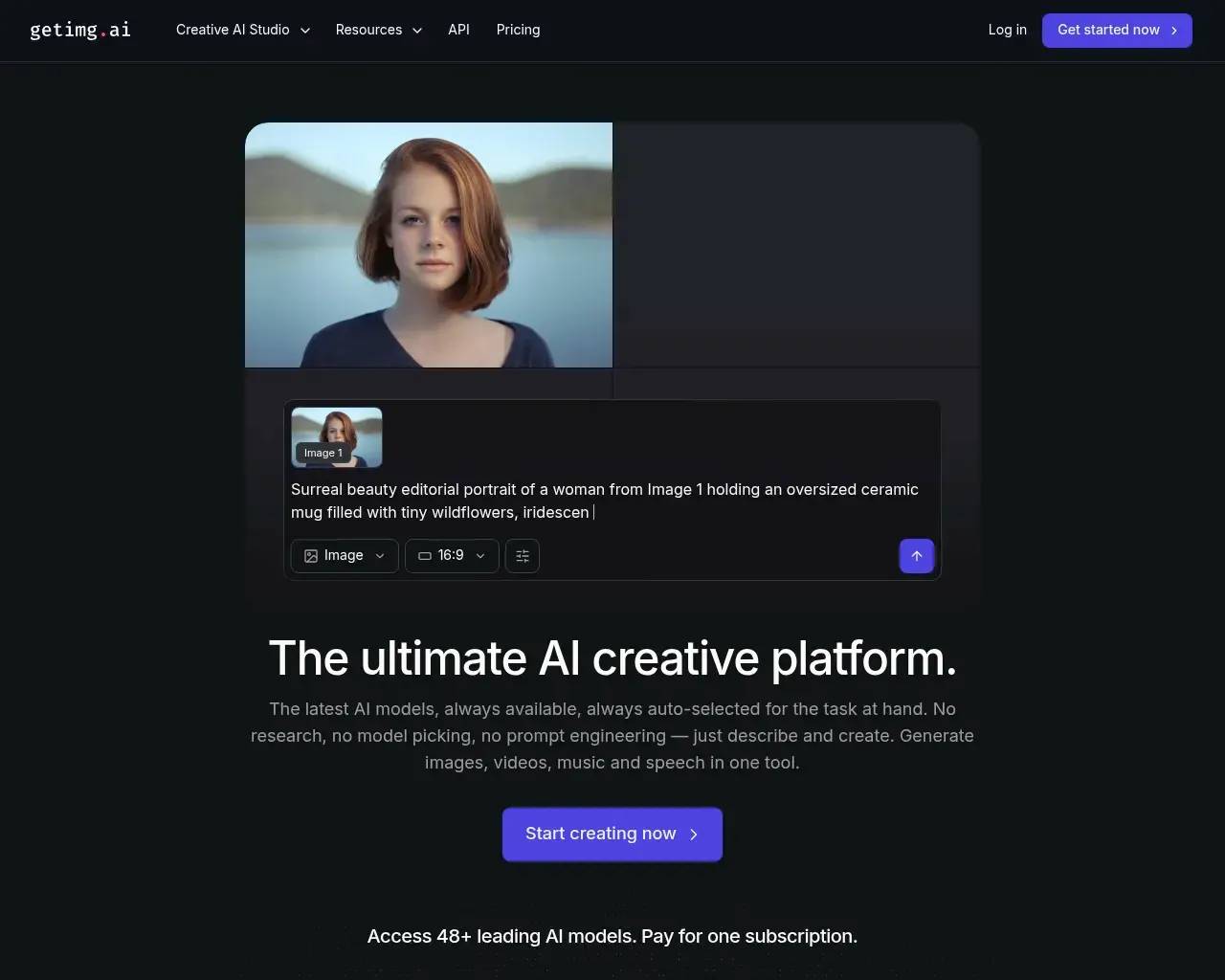
The site calls itself "the ultimate AI creative platform," which is marketing, but the claim underneath is concrete enough to test: one subscription, many models, minimal setup.
From a Stable Diffusion wrapper to a full studio
getimg.ai has been around longer than most of the tools it now competes with. It first showed up on Hacker News in September 2022 as an API for generating images with Stable Diffusion, and a couple of months later the team posted a Stable Diffusion v2 web interface that drew a solid discussion of 72 points and 44 comments. Back then it was essentially a graphics editor with outpainting and inpainting on an infinite canvas.
That history matters for two reasons. It means the product has survived three years of a market where a lot of AI image startups quietly disappeared, and it explains the current breadth: the team kept adding models and modalities rather than betting everything on a single engine.
What you actually get
Today getimg spans four areas. Image generation covers text-to-image and image-to-image. Video generation covers text-to-video and image-to-video. There is an audio side with music and speech generation. And there is a set of editing utilities: an image upscaler that reaches 16K on higher plans, a video upscaler, a background remover, and a smart resizer.
The real differentiator is model access. getimg advertises 48+ models and pulls in the names people actually ask for, including FLUX.2, Google Veo, Seedance, Nano Banana, GPT Image, Kling, Sora and Qwen Image, under one roof. Its Auto mode is meant to choose a model for a given prompt so you do not have to know which engine is best for photorealism versus illustration versus a quick logo.
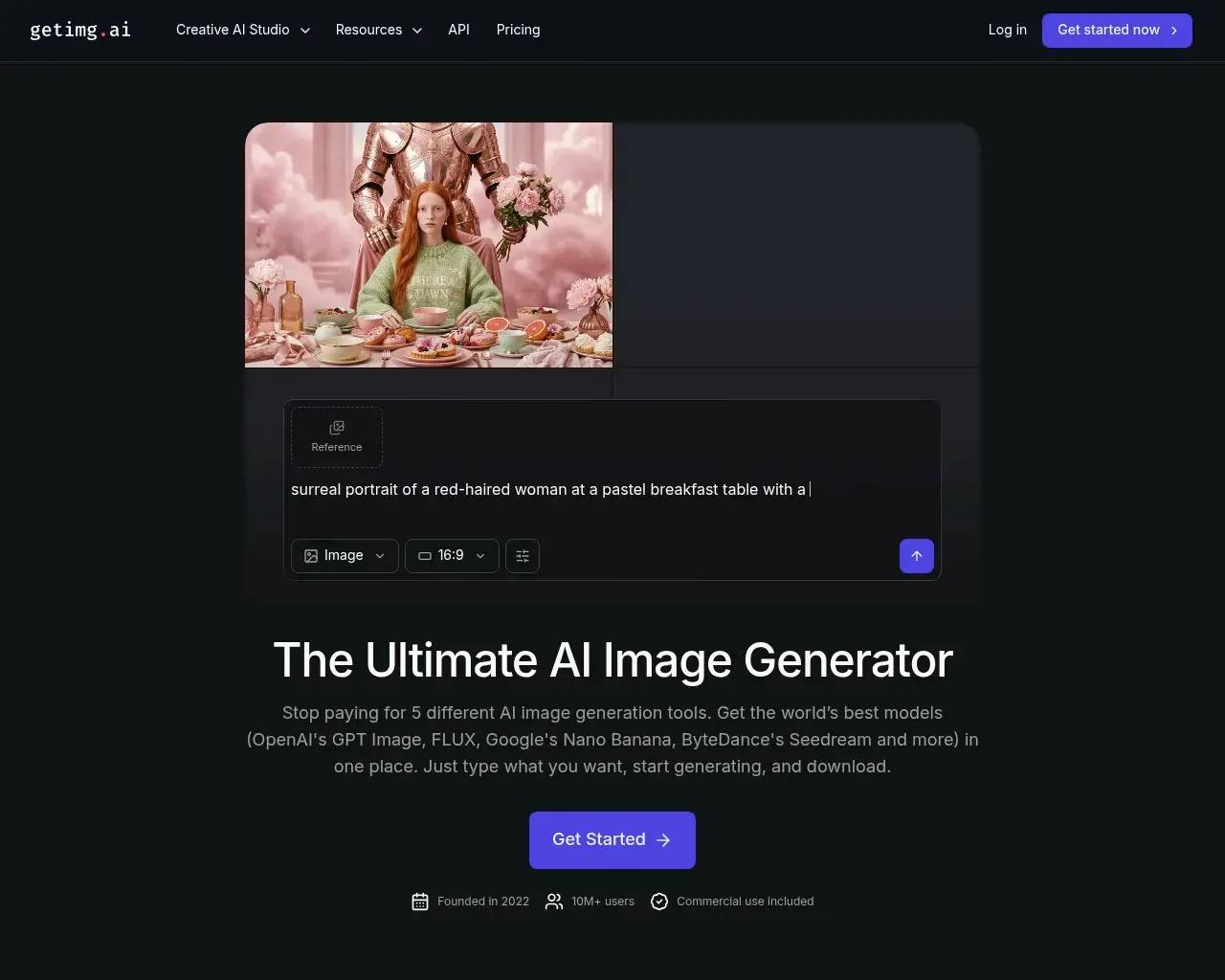
Independent reviewers keep pointing at the same two things: speed and low friction. Testers report images landing in roughly ten seconds and note that outputs track the prompt closely. After testing dozens of generators, one reviewer ranked it among the more versatile and reliable options, partly because it does not over-promise what its models can do.
How the credits and plans work
Pricing is credit-based, and it pays to understand it before you commit. The paid tiers start at Entry ($10/month, or $8 on an annual plan) with 3,000 credits a month, commercial rights, and access to a subset of the image and video models. Core ($30) raises that to 15,000 credits per seat and unlocks all models plus 8K upscaling. Plus ($65), flagged as the most popular tier, gives 35,000 credits and 16K upscaling. Ultra ($175) tops out at 100,000 credits with the most concurrent generations. Annual billing takes 20% off.
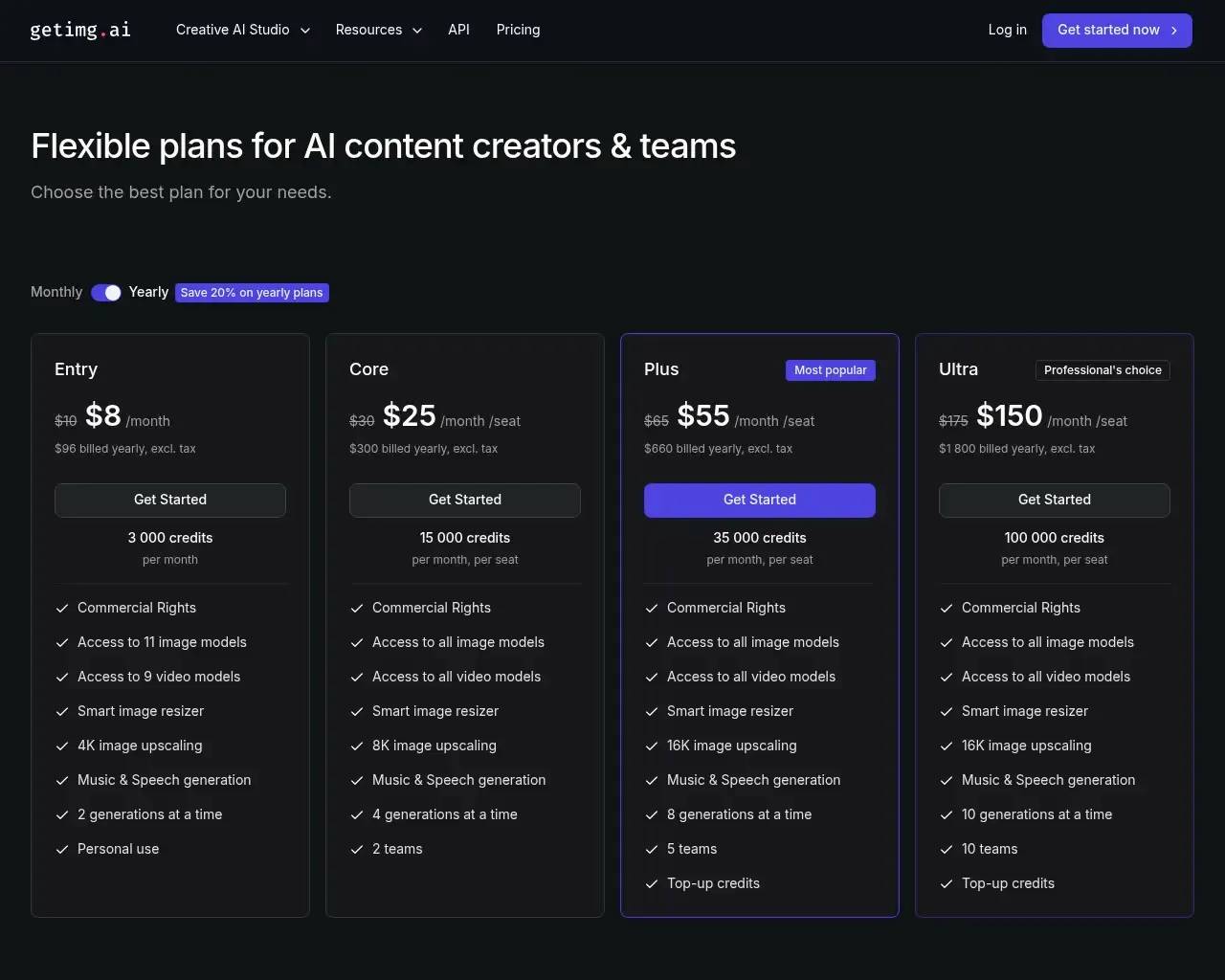
The catch is that different models spend credits at very different rates. The same monthly allowance might buy a couple of thousand cheap Auto-mode images or only a few hundred generations on a premium model, so your real capacity depends on which engines you lean on. If your workflow is video-heavy, budget accordingly, because video burns through credits far faster than a still image.
Where it fits
getimg makes the most sense for a specific kind of user: a creator, marketer or small team that touches several media types and would rather pay once than stitch together three or four subscriptions. Commercial rights on every paid tier and the per-seat team plans point squarely at that audience. The API also makes it a reasonable pick if you want to embed generation into your own product without wiring up each model provider yourself, which is fitting given the tool started life as an API.
It is a weaker fit if you want a long, generous free trial to evaluate at leisure, or if you depend on deep customization of your own models.
The honest trade-offs
The loudest complaint in user reviews is about change. Some long-time users say a newer version removed the custom model training they relied on and raised credit costs, which soured them on a product they had previously recommended. If fine-tuned custom models are central to your work, confirm the current plans still support what you need before paying.
There is also friction around the free tier. getimg has historically offered a small monthly allotment of free images, but some reviewers now report that free creation is more restricted than the marketing implies, and a few call the "free" framing misleading. Treat the entry point as roughly $10/month rather than genuinely free and you will not be caught out.
Quality is strong but not uniform. At least one tester found it excellent for some styles and only okay for others, which is normal for a multi-model platform: the model that nails a photoreal portrait is not the one that nails a flat vector illustration, and Auto mode does not always guess right.
None of this sinks the product. The breadth is real, the speed is real, and three years in a brutal market count for something. Overall it earns a 4 out of 5: a genuinely versatile, fast studio that most creators will get value from, held back a notch by the credit-cost creep and the narrower room for customization that its heaviest users miss.
Frequently asked questions
Is getimg.ai actually free? There is a limited free allowance, but paid plans start at $10/month and reviewers report the free tier is tighter than it looks. Plan on paying if you use it regularly.
Can it do video, not just images? Yes. It offers text-to-video and image-to-video alongside image generation, plus music and speech, all from the same account and credit balance.
Does one plan really cover many models? Access to the full roster, including FLUX, Veo and Seedance, comes with the Core tier and up, with Auto mode selecting a model for each prompt.
Sources consulted
- getimg.ai homepage — product scope, model list, and positioning
- getimg.ai pricing — current credit tiers and per-model costs
- Show HN: Stable Diffusion v2 web interface (2022) — launch timeline and early reception
- Show HN: getimg.ai API for Stable Diffusion (2022) — origin as an image-generation API
- getimg.ai reviews on Trustpilot — user complaints on credits and removed custom models
- getimg.ai on Product Hunt — independent user sentiment
- Cybernews getimg.ai review — third-party testing of speed and output quality
Published on: September 5, 2026
Have an AI tool of your own? Submit it below and get a free, in-depth product review article — just like this one.
几秒钟添加您的 AI 工具
粘贴 URL,我们将起草列表。提交前您可以审阅并编辑每一个字段。