Trify3D — AI image to 3D model generator
By: HorizonWing
At a glance

Trify3D
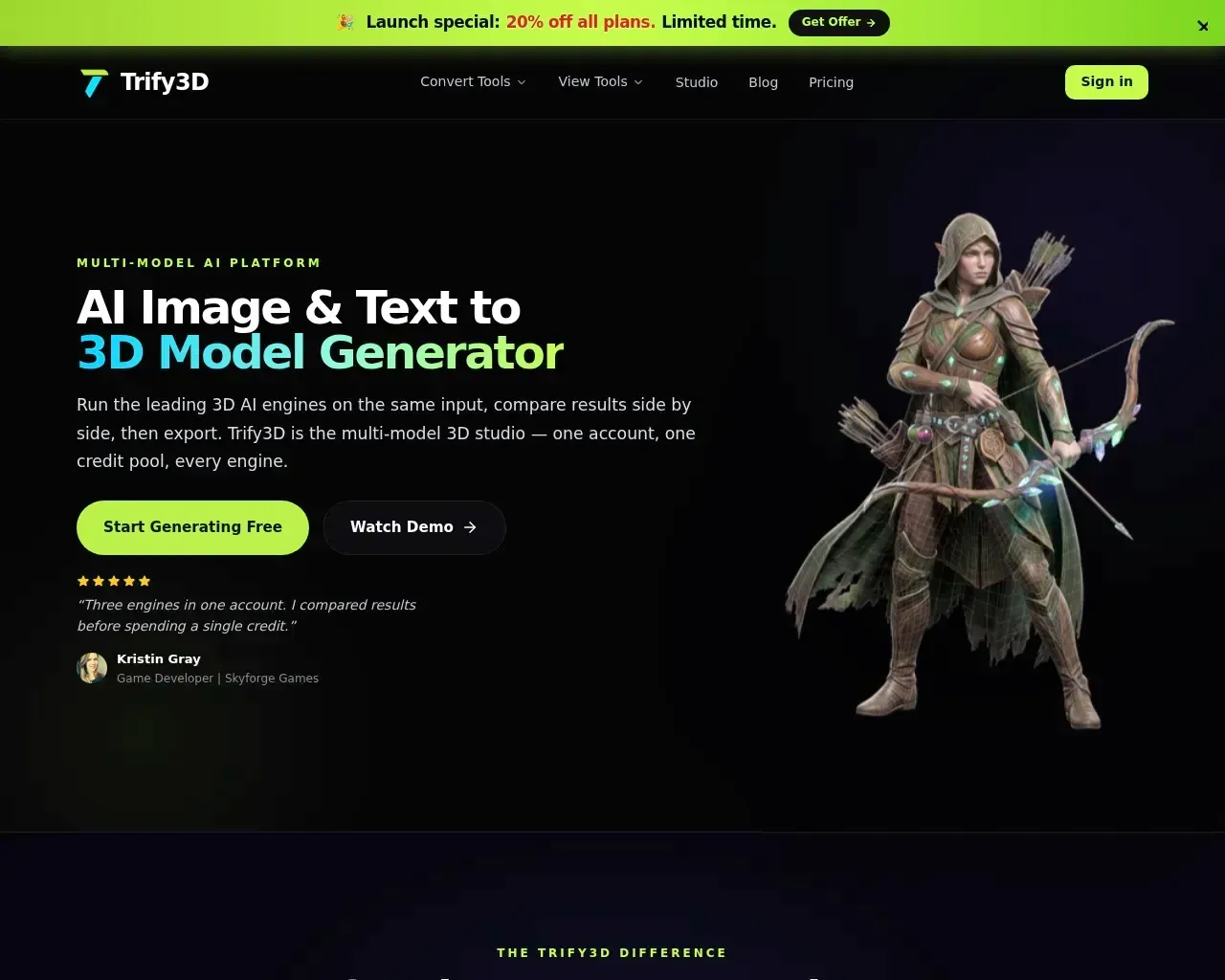
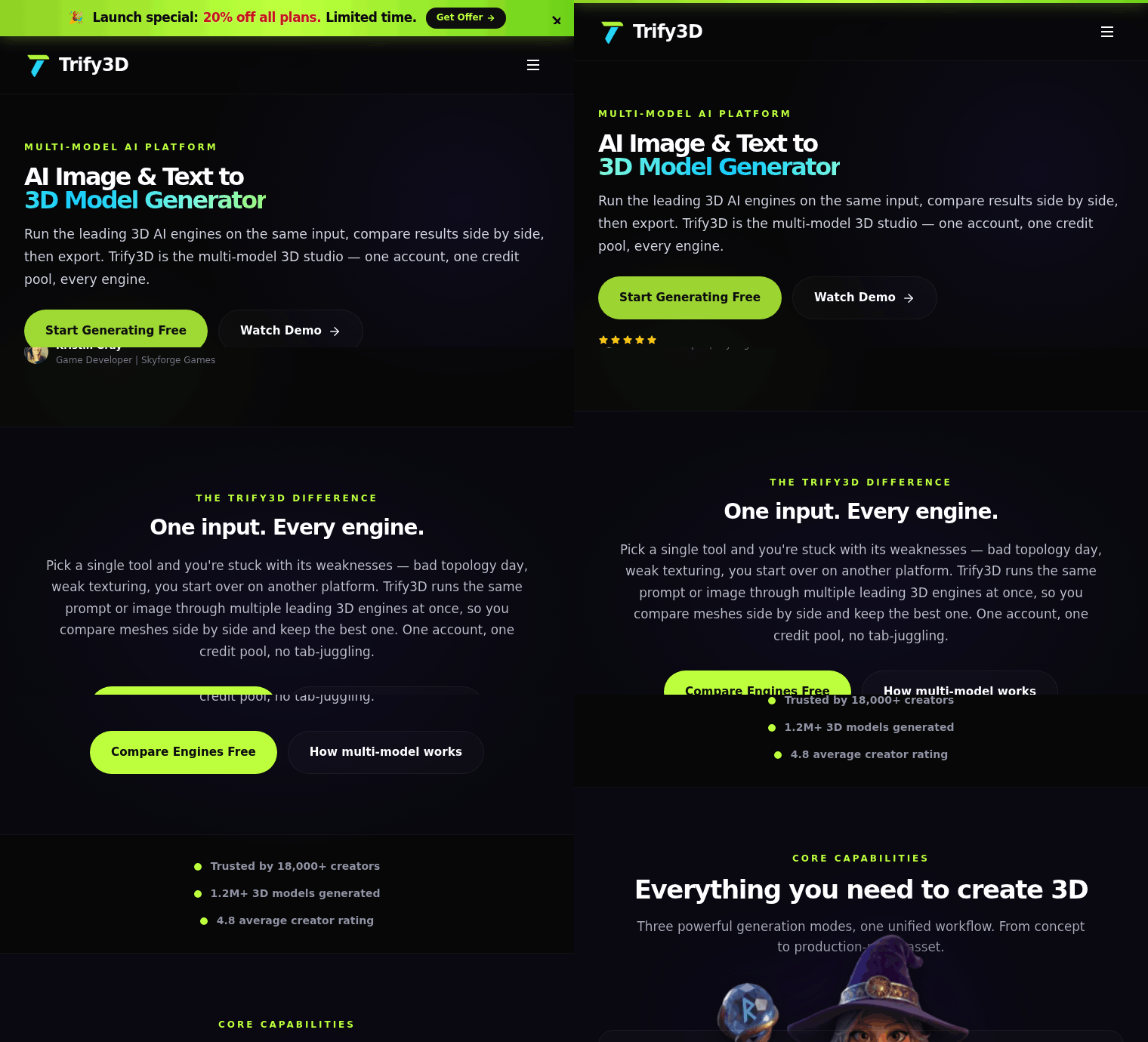
FreemiumTrify3D is a web-based studio that converts text prompts or images into textured 3D models intended for production use. It runs the same input through multiple 3D engines so you can compare results side-by-side, then export the asset in common formats for games, web, or 3D printing.

What it is
Trify3D is an AI image- and text-to-3D generator that automates geometry reconstruction, UV unwrapping, auto-retopology, and PBR texturing (albedo, normal, roughness, metallic). The platform lets you run one prompt or image across several 3D engines and review outputs on the same reference before choosing which model to export.
Key features
Multi-model generation: run one prompt or image across multiple 3D engines and compare meshes side-by-side.
Text-to-3D and image-to-3D: create models from natural-language prompts or from photos, concept art, and sketches; multi-view reconstruction is supported for higher-fidelity captures.
Production-ready outputs: automated UVs, auto-retopology, and full PBR texture maps ready for common pipelines.
Export formats: download assets as GLB/glTF, FBX, OBJ, USDZ, and STL (availability varies by plan and export target).
AI texturing controls: generate and adjust style, material properties, and detail across full PBR map sets, with options for speed or quality.
Purchasing options: free starter credits, monthly plans with different credit allocations and perks, and one-time credit packs.
Pricing
Trify3D offers a free tier to start, monthly subscription plans at several tiers, and one-time credit purchases. Plans scale primarily by monthly generation credits and added perks:
Free: introductory credits to test the service.
Starter: a lower-cost monthly plan with a larger credit allocation and core export options.
Pro: more monthly credits, higher mesh quality, expanded export options, and priority queueing.
Max: a team/studio plan with the highest monthly credits, ultra mesh quality, HD PBR maps, and dedicated support.
One-time credit packs (small, medium, large) let you buy generation credits without a subscription. Exact prices and included features are listed on Trify3D’s pricing page.
Who it's for
Trify3D is aimed at creators who need fast iterations and usable 3D assets: indie and AAA game developers, environment and prop artists, product designers doing rapid prototyping, and makers who want STL-ready models for 3D printing. The multi-engine comparison workflow helps teams evaluate different engine outputs without juggling multiple accounts.
Highlights
Compare multiple 3D engines on the same input to pick the best result.
Produces meshes with automated UVs, auto-retopology, and full PBR texture maps.
Common export formats for game engines, web, and 3D printing (GLB/glTF, FBX, OBJ, USDZ, STL).
Flexible access: free tier, monthly plans, and one-time credit purchases.
Best for: game developers, product designers, 3D-printing hobbyists, and teams who need fast, production-ready 3D assets from text or images.
Considerations
Trify3D uses a credit-based model and each engine or mode consumes credits differently; heavy or iterative use can increase cost.
Because outputs come from different engines, you may need multiple generations to reach the ideal result; factor that into your workflow budget.
Higher mesh quality, priority queues, and dedicated technical support are included in higher-priced plans; evaluate whether Starter, Pro, or Max fits your quality and support needs.
FAQ
What export formats does Trify3D support?
Trify3D can produce assets in common formats such as GLB/glTF, FBX, OBJ, USDZ, and STL. Exact format availability can vary by plan.
How does Trify3D pricing and credits work?
Generations draw from a shared credit pool. You can start with free credits, subscribe to monthly plans that include recurring credits, or buy one-time credit packs to top up without a subscription.
Can I use generated models commercially?
Trify3D states that you retain ownership of the models you generate and can use, sell, and distribute them commercially. You should still ensure you hold rights to any uploaded source images.
How long do generations take?
Most previews and initial results appear in under a minute with live progress updates, but final quality and generation time depend on the chosen engine and the selected speed/quality mode.
What is the multi-model feature and why use it?
Multi-model runs the same prompt or reference through multiple 3D engines so you can compare results and keep the best mesh without switching platforms or accounts. It helps identify which engine produces the output that fits your asset requirements before you spend credits on full exports.
Published on: August 28, 2026
在寻找 Trify3D 的替代品? 查看所有 Trify3D 替代品 →
Have an AI tool of your own? Submit it below and get a free, in-depth product review article — just like this one.
几秒钟添加您的 AI 工具
粘贴 URL,我们将起草列表。提交前您可以审阅并编辑每一个字段。
More Product Reviews:
By: AI Collection
By: AI Collection