AI graph maker
Créez des graphiques et des tableaux avec AI Graph Maker en quelques minutes.
- Catégorie
- Génération de contenu et référencement
- Alternatives
- 6 outils similaires
- Mis à jour
- il y a 3 semaines
- Source
- Site officiel ↗︎
AI Collection Meilleurs choix

TheFluxTrain
Studio de production d'IA agentic pour des personnages, des flux de travail et des vidéos cohérents
Génération de contenu et référencement Choix de catégories



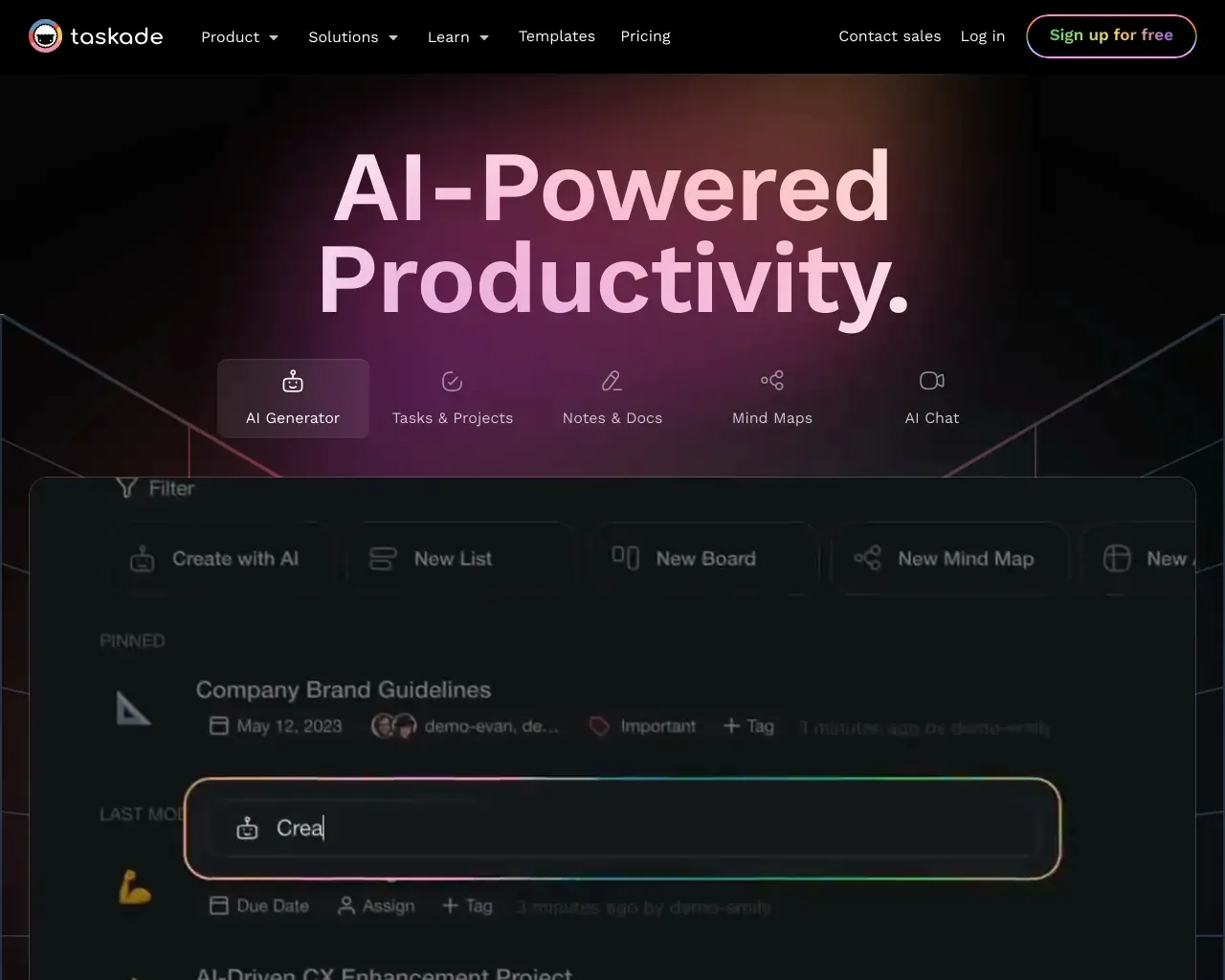
Un deuxième cerveau pour vous et vos équipes. Cinq outils alimentés par l''IA en un pour booster la productivité de votre équipe. Avec Taskade, tout votre travail est synchronisé dans un espace de travail unifié.
À propos de AI graph maker
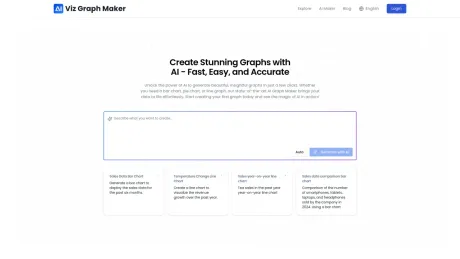
Créez un diagramme, un graphique et un diagramme en forme de sirène en quelques minutes avec AI Graph Maker. Transforme tes données en visualisations époustouflantes sans effort grâce à un générateur alimenté par l'IA.
Ce que vous obtenez
Informations Complémentaires
AI Graph Maker is an innovative tool that empowers users to create stunning visualizations from data in mere moments. Whether you need a simple line chart or an intricate flowchart, this platform harnesses AI to convert your inputs into well-crafted graphs effortlessly. The interface is designed for both novices and experienced users, ensuring a smooth experience regardless of technical skill levels.
The tool supports a diverse array of chart types, including bar charts, pie charts, timelines, and more, allowing for flexibility in data presentation. Users can input or upload their data seamlessly, and with just a few clicks, AI Graph Maker will analyze and generate a graph that best represents the underlying information.
Customization is also a key feature of AI Graph Maker. Once a graph is generated, users have the ability to modify colors, labels, and other visual aspects according to their preferences. Export options are equally robust, with support for multiple formats such as PNG, SVG, and Mermaid, making it easy to utilize graphs in different contexts.
Ideal for content creators, marketers, and anyone in need of visual data representation, AI Graph Maker's affordability and functionality make it an essential tool. With both free and paid plans available, users can choose the option that best suits their needs while taking advantage of the intuitive design that this tool offers.
Foire aux questions
What is AI graph maker used for?
Créez des graphiques et des tableaux avec AI Graph Maker en quelques minutes.Is AI graph maker free?
Pricing for AI graph maker varies — see the Pricing section for details.What are alternatives to AI graph maker?
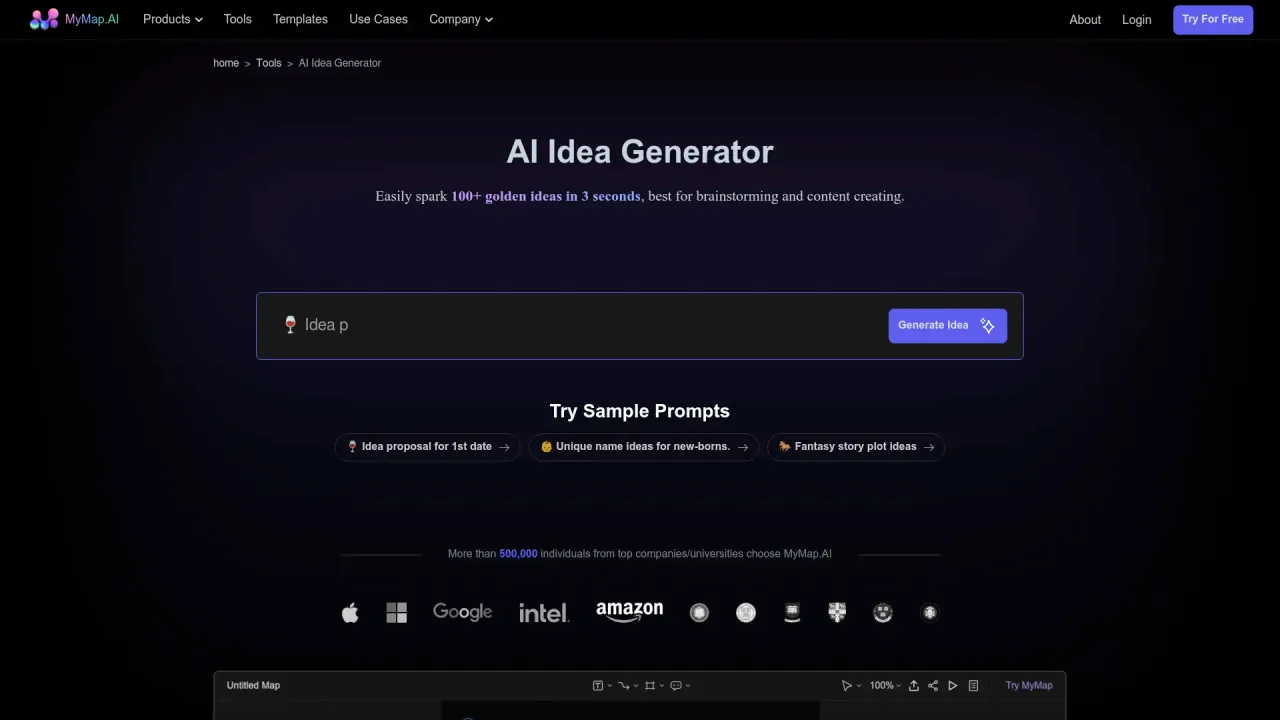
Top alternatives to AI graph maker include XXAI, Content Raptor, Taskade, BurstyAI, MyMap.AI YouTube Summarizer.Where can I get AI graph maker?
AI graph maker is available at https://aigraphmaker.net/.What category is AI graph maker in?
AI graph maker is listed in Génération de contenu et référencement.How to Create Graphs Using the AI Graph Maker Tool?
Creating graphs with our AI Graph Maker tool is simple and quick. Follow these steps to generate your desired graph in just a few minutes: Go to the Graph Creation Page, choose the graph type you want to create, input your data, customize your graph's content and style, and then export and use your graph.Can I Customize the Style and Content of the Generated Graphs?
Yes, you can fully customize the graphs generated by our AI Graph Maker. You can edit the data content, customize the graph style including colors, fonts, labels, titles, and other visual elements.Can I Export the Generated Graphs?
Yes, you can easily export the graphs generated by our AI Graph Maker in various formats including PNG, SVG, and Mermaid.How to Customize the Colors, Fonts, and Styles in Your AI-Generated Graph?
Once your graph is generated, you can easily customize its appearance using style editing features. You can choose preset themes or customize colors, adjust fonts, and change colors and styles of various elements.How to Contact Technical Support or Get Help with Your AI Graph Maker?
If you encounter any issues while using our service, you can easily reach out to our technical support team by emailing us at the provided contact address.
Comparer AI graph maker avec…
Choisissez un outil pour voir une comparaison structurée côte à côte : tarifs, déploiement, capacités et politique de contenu.