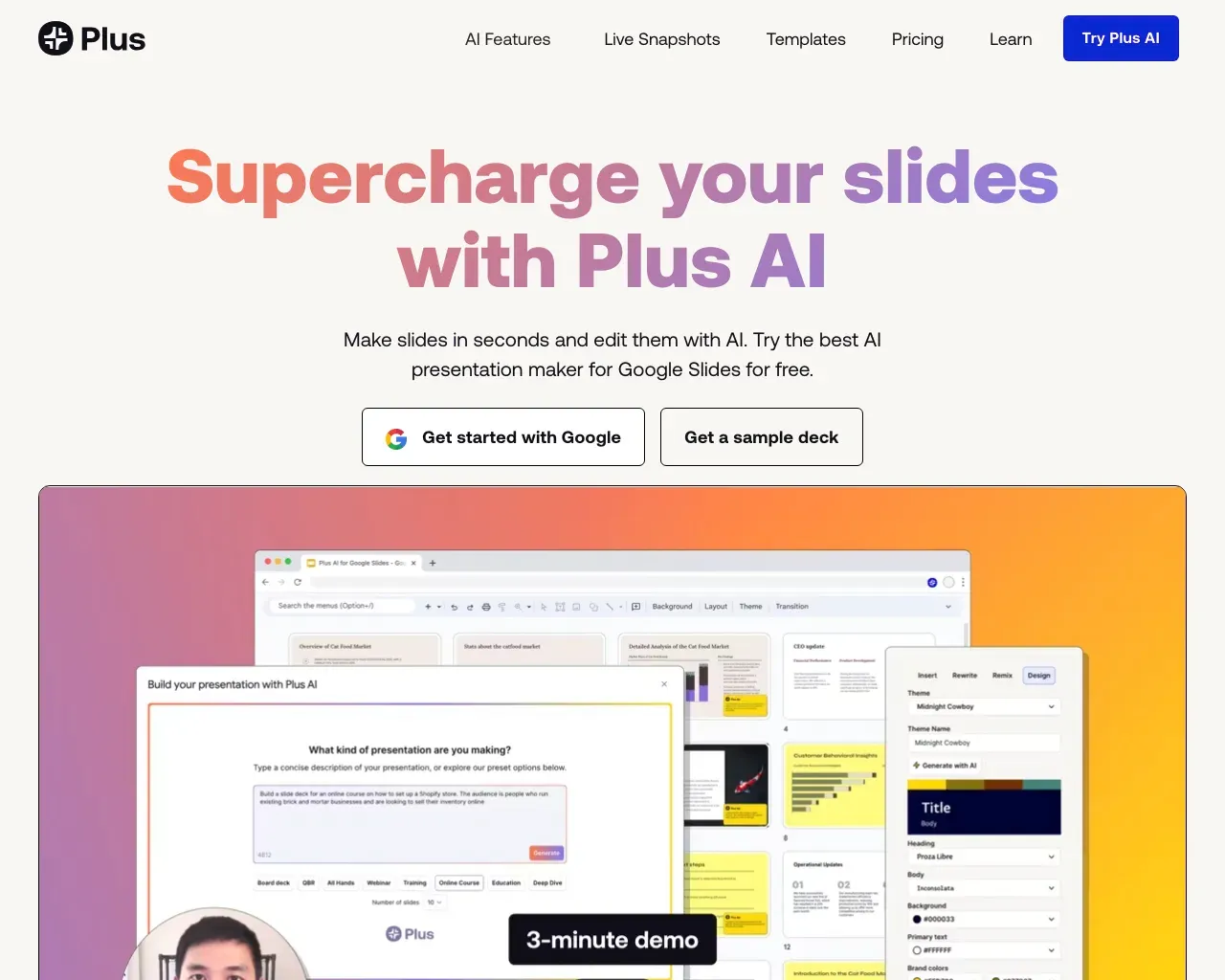
ChatGPT for PowerPoint
ChatGPT pour PowerPoint - Créez de superbes diapositives en quelques secondes grâce à la puissance de l'IA.
- Catégorie
- Diapositives et présentations
- Tarifs
- Paid
- Alternatives
- 6 outils similaires
- Mis à jour
- il y a 3 semaines
- Source
- Site officiel ↗︎
AI Collection Meilleurs choix

TheFluxTrain
Studio de production d'IA agentic pour des personnages, des flux de travail et des vidéos cohérents
Diapositives et présentations Choix de catégories


À propos de ChatGPT for PowerPoint
Notre équipe est ravie d'intégrer notre module PowerPoint basé sur l'IA à Product Hunt ! 🚀 Créer tes présentations dans PowerPoint n'a jamais été aussi simple : ✨ Créez des diapositives et des sujets de discussion organisés de manière efficace 🎨 Ajoute ou remplace automatiquement des images pour que ton design reste à jour ✏️ Utilise PowerPoint Designer pour peaufiner tes diapositives 🌍 Touchez un public mondial grâce à des traductions basées sur l'IA
ChatGPT for PowerPoint's Forfaits tarifaires
ChatGPT for PowerPoint peut modifier ses prix à tout moment. Voici nos dernières informations :
Pricing
Default
$7.00
per month
Foire aux questions
What is ChatGPT for PowerPoint used for?
ChatGPT pour PowerPoint - Créez de superbes diapositives en quelques secondes grâce à la puissance de l'IA.Is ChatGPT for PowerPoint free?
ChatGPT for PowerPoint is a paid product. See the Pricing section for current plans.What are alternatives to ChatGPT for PowerPoint?
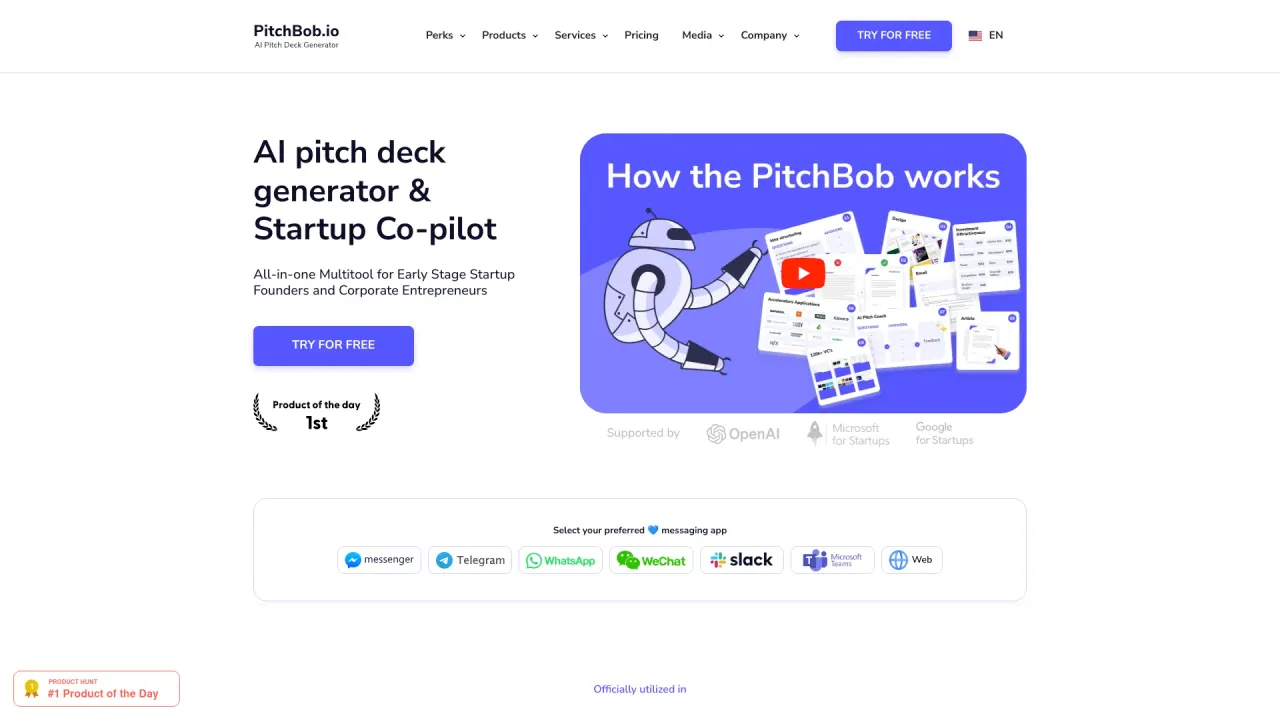
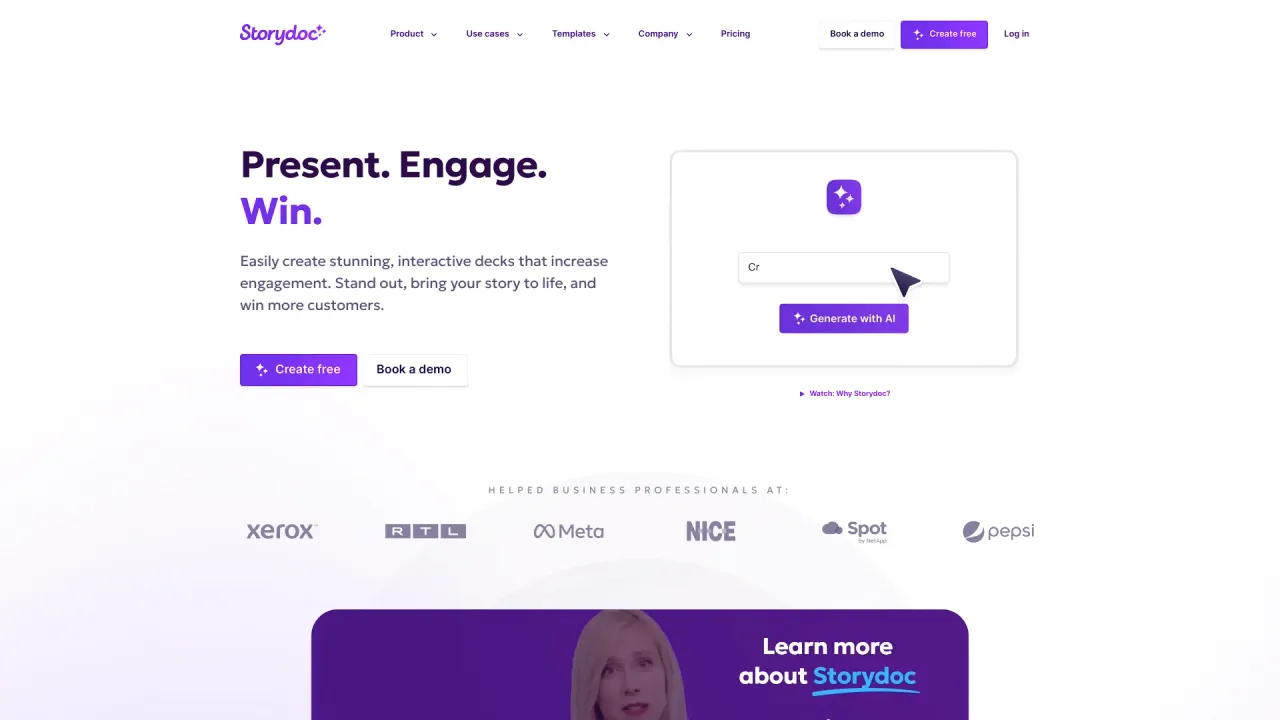
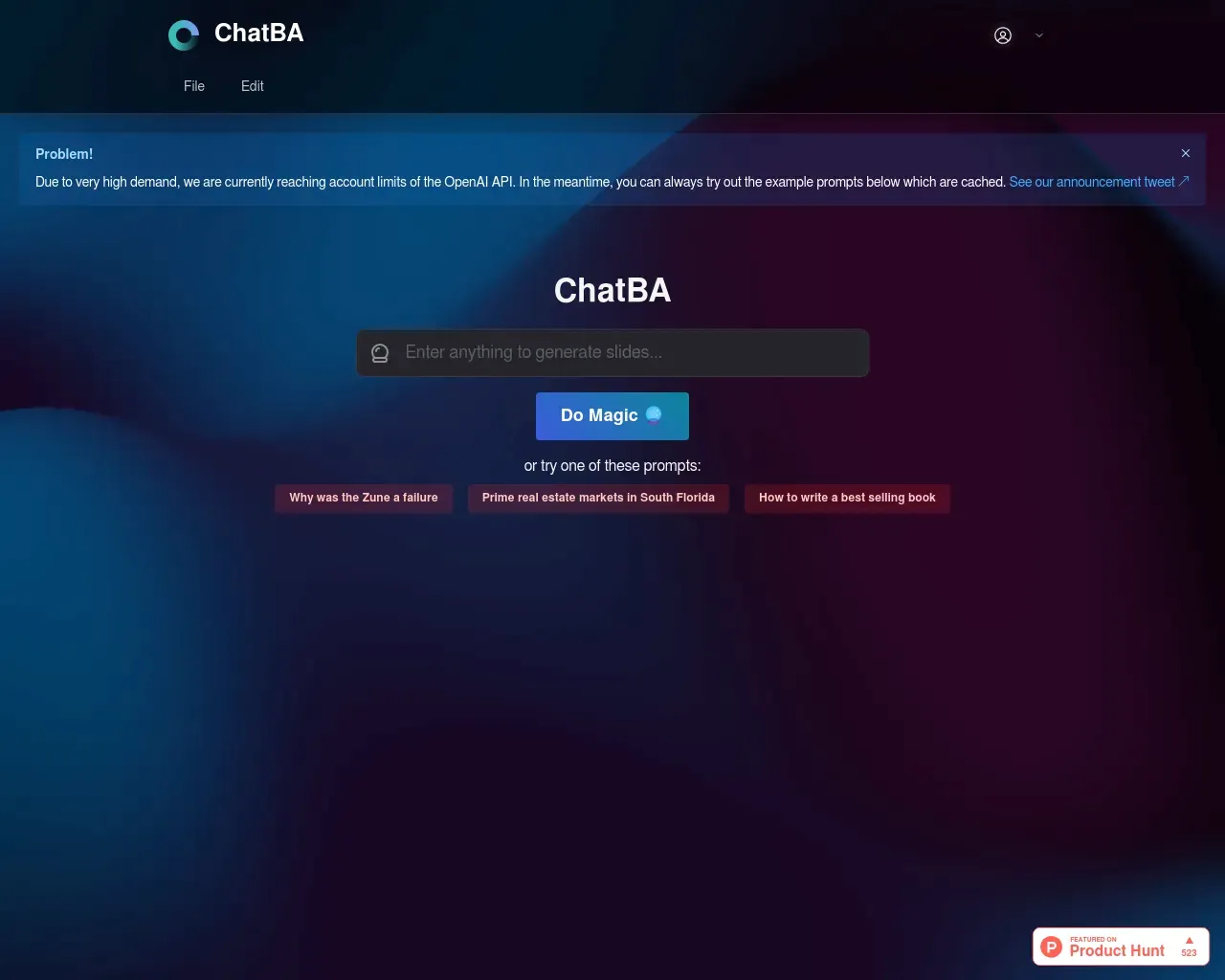
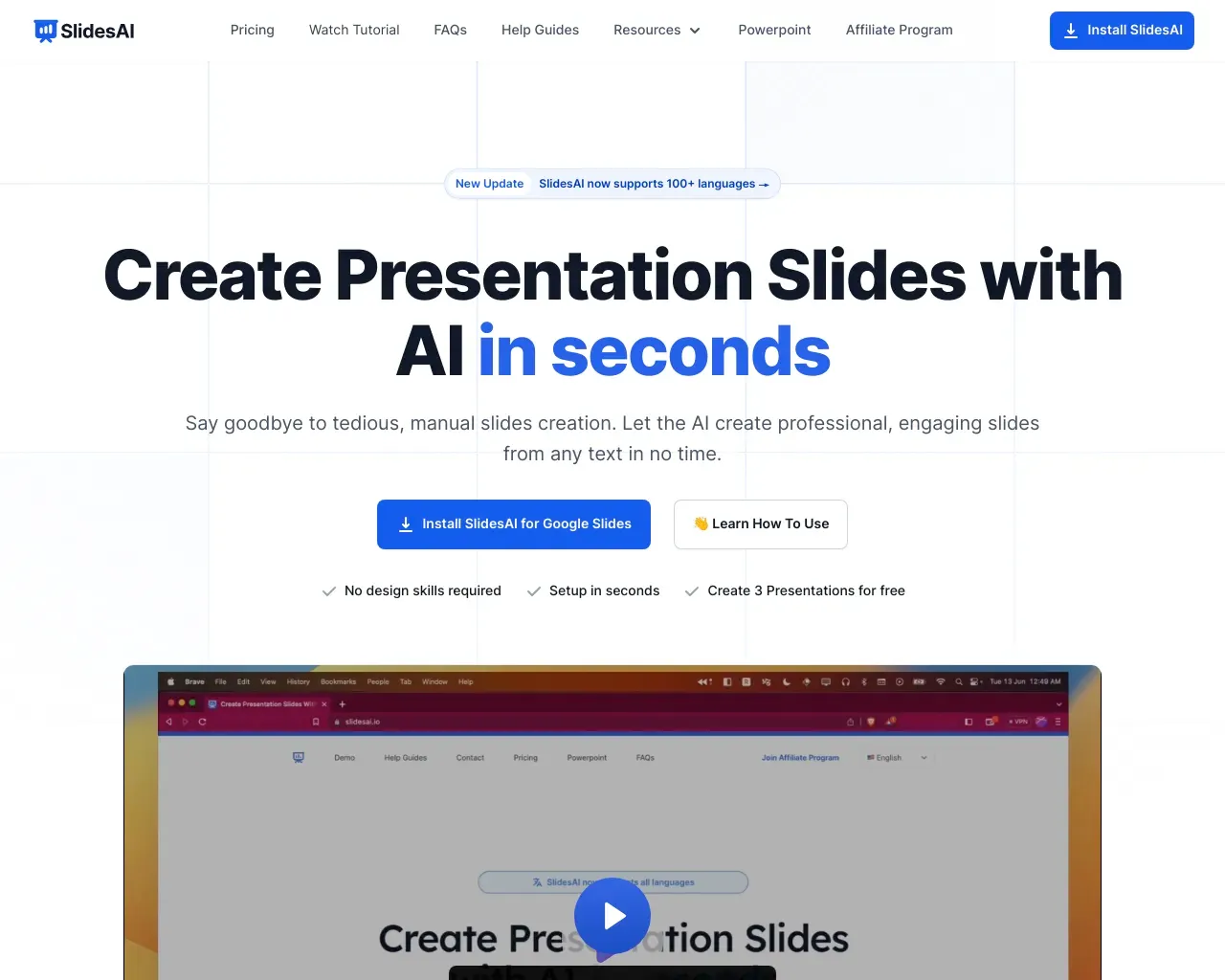
Top alternatives to ChatGPT for PowerPoint include PitchBob io, Storydoc, ChatBA, SlidesAI, Pitchgrade.Where can I get ChatGPT for PowerPoint?
ChatGPT for PowerPoint is available at https://appsdowonders.com/chatgpt-for-powerpoint/.What category is ChatGPT for PowerPoint in?
ChatGPT for PowerPoint is listed in Diapositives et présentations.What makes Twistly the best AI presentation maker?
Twistly is not just another online slide builder — it’s an advanced AI add-in for PowerPoint that works directly inside Microsoft PowerPoint. No switching tools. Just faster, smarter presentation creation using AI.Is Twistly the fastest AI presentation generator?
Yes. Twistly is built for speed. Over 95% of presentations are generated in under 30 seconds, making it one of the best AI presentation generators available for real-time results in PowerPoint.Can I use AI inside PowerPoint with Twistly?
Absolutely. Twistly integrates the power of AI directly, so you can write slides, summarize content, generate speaker notes, and more — all without leaving your deck.What kind of presentations can I make with Twistly?
Twistly can create virtually any presentation: school projects, business pitches, training decks, sales proposals, educational lessons, and more. It’s the best AI PowerPoint generator for both students and professionals.Is Twistly a good AI PowerPoint maker for beginners?
Yes! No design experience or tech skills required. Just type what you need, and the AI PowerPoint presentation maker does the rest — from layout to design.Does Twistly support my own templates and design themes?
Definitely. Twistly includes stunning, pre-designed templates that are optimized for AI-generated content. You can also upload your own template and reuse it as many times as you want, making it the ideal AI PPT maker for polished results.What file types does Twistly convert into PowerPoint slides?
You can generate slides from text, PDFs, DOCX, YouTube links, Google Docs, and more. It’s a true AI PowerPoint generator that transforms different content formats into clean, professional slides.
Comparer ChatGPT for PowerPoint avec…
Choisissez un outil pour voir une comparaison structurée côte à côte : tarifs, déploiement, capacités et politique de contenu.