Instafill.ai
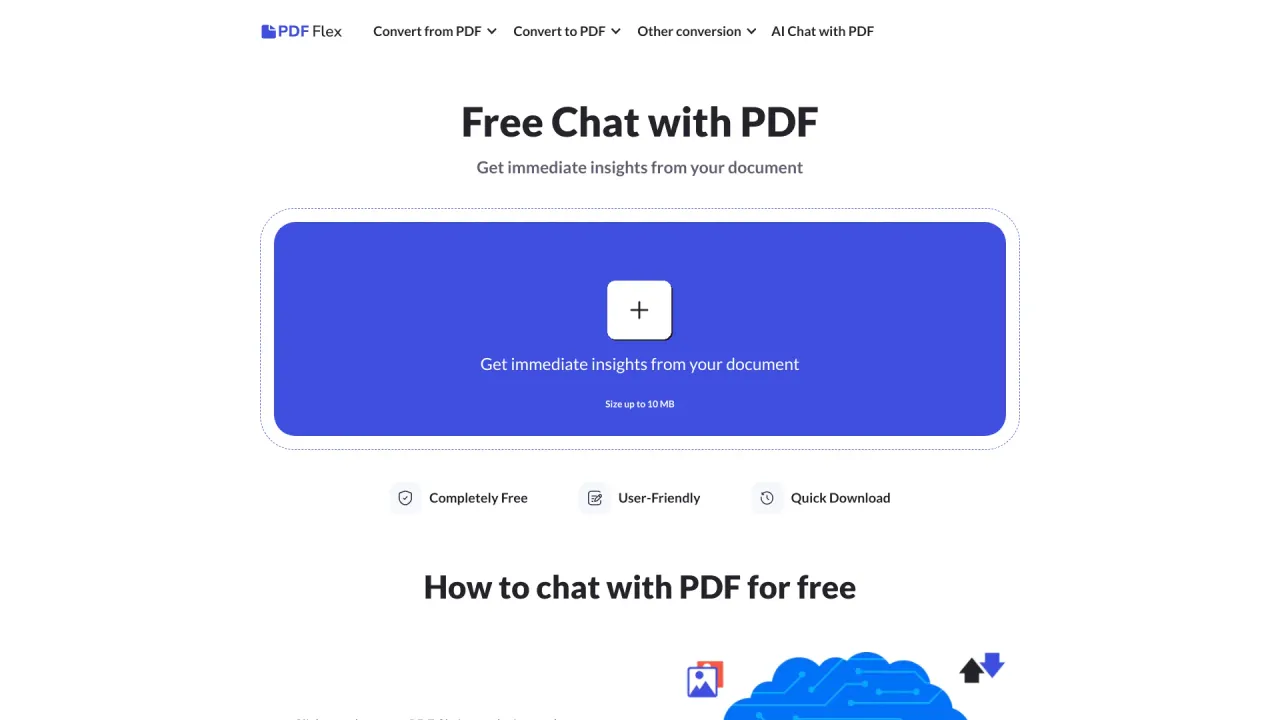
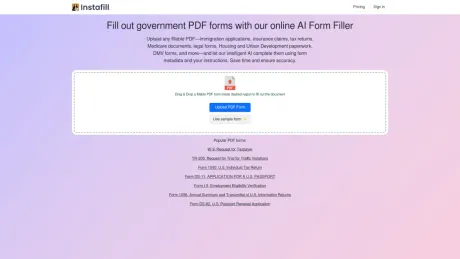
Remplit les formulaires PDF du gouvernement avec notre outil de remplissage de formulaires IA en ligne.
- Catégorie
- Outils pour les PDF et les documents
- Alternatives
- 6 outils similaires
- Mis à jour
- il y a 4 semaines
- Source
- Site officiel ↗︎
AI Collection Meilleurs choix

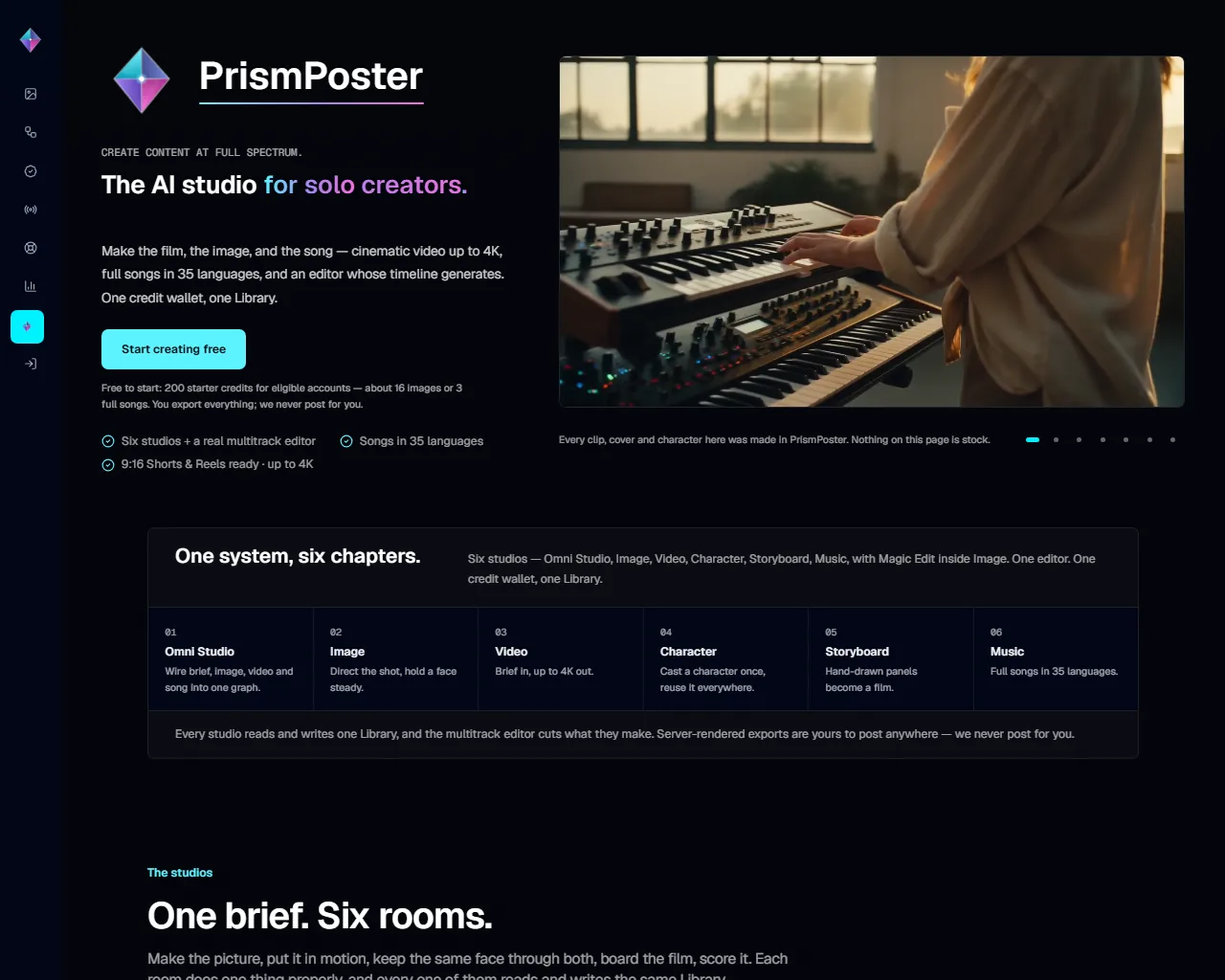
TheFluxTrain
Studio de production d'IA agentic pour des personnages, des flux de travail et des vidéos cohérents
Outils pour les PDF et les documents Choix de catégories
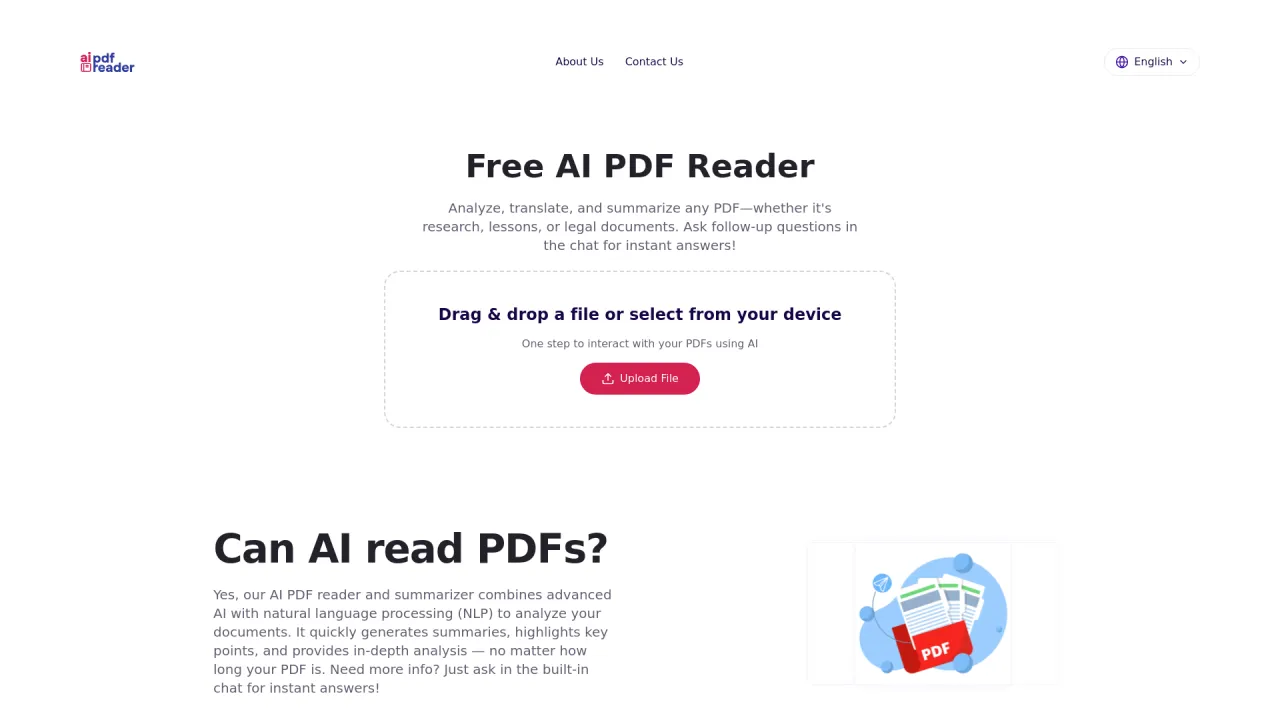
Lecteur PDF IA gratuit : un moyen plus intelligent de comprendre n'importe quel PDF

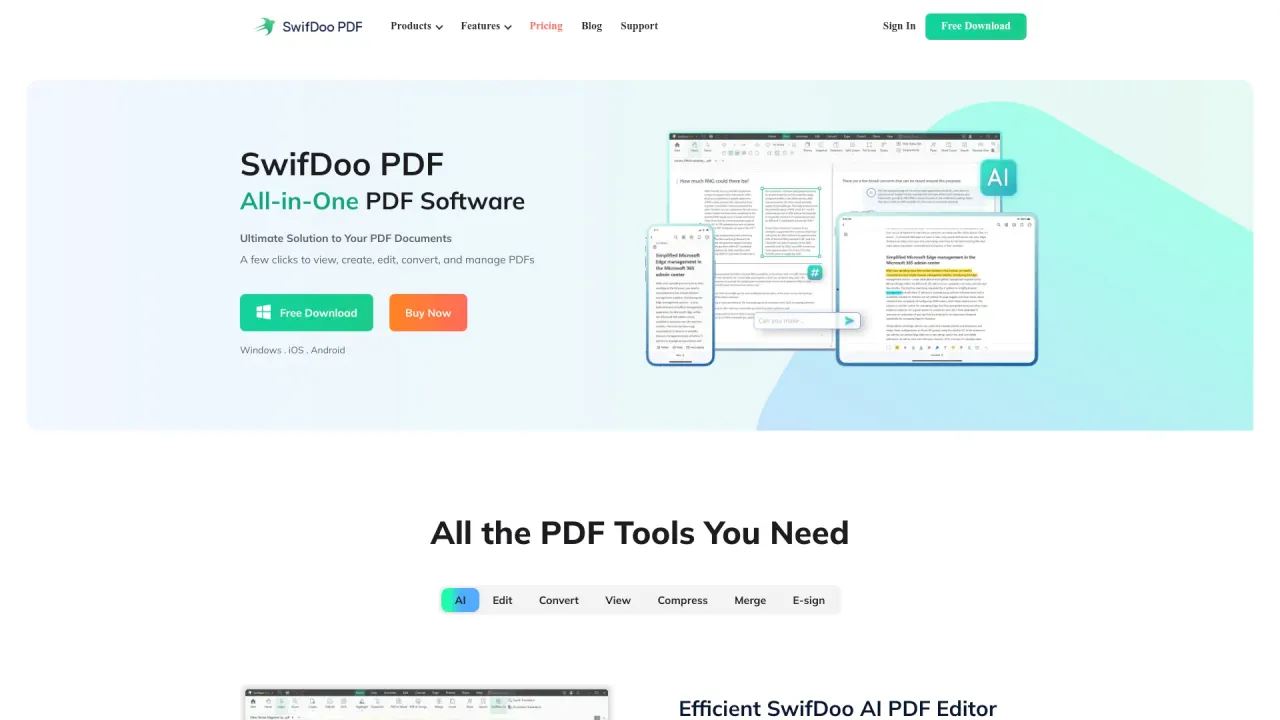
SwifDoo PDF, logiciel PDF tout-en-un La solution ultime pour tes documents PDF Quelques clics pour afficher, créer, modifier, convertir et gérer des PDF

À propos de Instafill.ai
Télécharge n'importe quel PDF à remplir (demandes d'immigration, demandes d'assurance, déclarations de revenus, documents d'assurance-maladie, formulaires juridiques, documents relatifs au logement et au développement urbain, formulaires DMV, etc.) et laisse notre IA intelligente les remplir à l'aide des métadonnées des formulaires et de tes instructions. Gagnez du temps et garantissez la précision.
Instafill.ai's Forfaits tarifaires
Instafill.ai peut modifier ses prix à tout moment. Voici nos dernières informations :
Pricing
Pricing
- Instafill offers pricing options that are available upon request.
Ce que vous obtenez
Informations Complémentaires
Features
PDF form types
Instafill.ai can handle most types of fillable PDFs, making it easy to automate form filling. Whether it's a simple application or a complex legal document, our AI identifies the fields and fills them in with the data you provide.
Batch form filling
Batch Fill is a powerful feature that allows you to fill multiple PDF forms simultaneously using data from a CSV file or spreadsheet. This is especially useful for tasks like bulk processing of applications or contracts, saving you significant time and ensuring consistency across all documents.
Sign PDF documents
The Instafill.ai Sign feature lets you add digital signatures to your PDF forms. You can sign the form within Instafill.ai after filling it out, so there's no need to print, sign by hand, scan, and email. This simplifies document management from start to finish.
Multiple data sources
When adding a new form to Instafill.ai, you can attach various data sources and provide specific instructions to ensure accurate form filling. Our AI depends on the quality and consistency of the data you provide. However, if you’re using multiple sources that contain conflicting or irrelevant information, our system might struggle to return the necessary details for accurate filling.
Video preview

Foire aux questions
What is Instafill.ai used for?
Remplit les formulaires PDF du gouvernement avec notre outil de remplissage de formulaires IA en ligne.Is Instafill.ai free?
Pricing for Instafill.ai varies — see the Pricing section for details.What are alternatives to Instafill.ai?
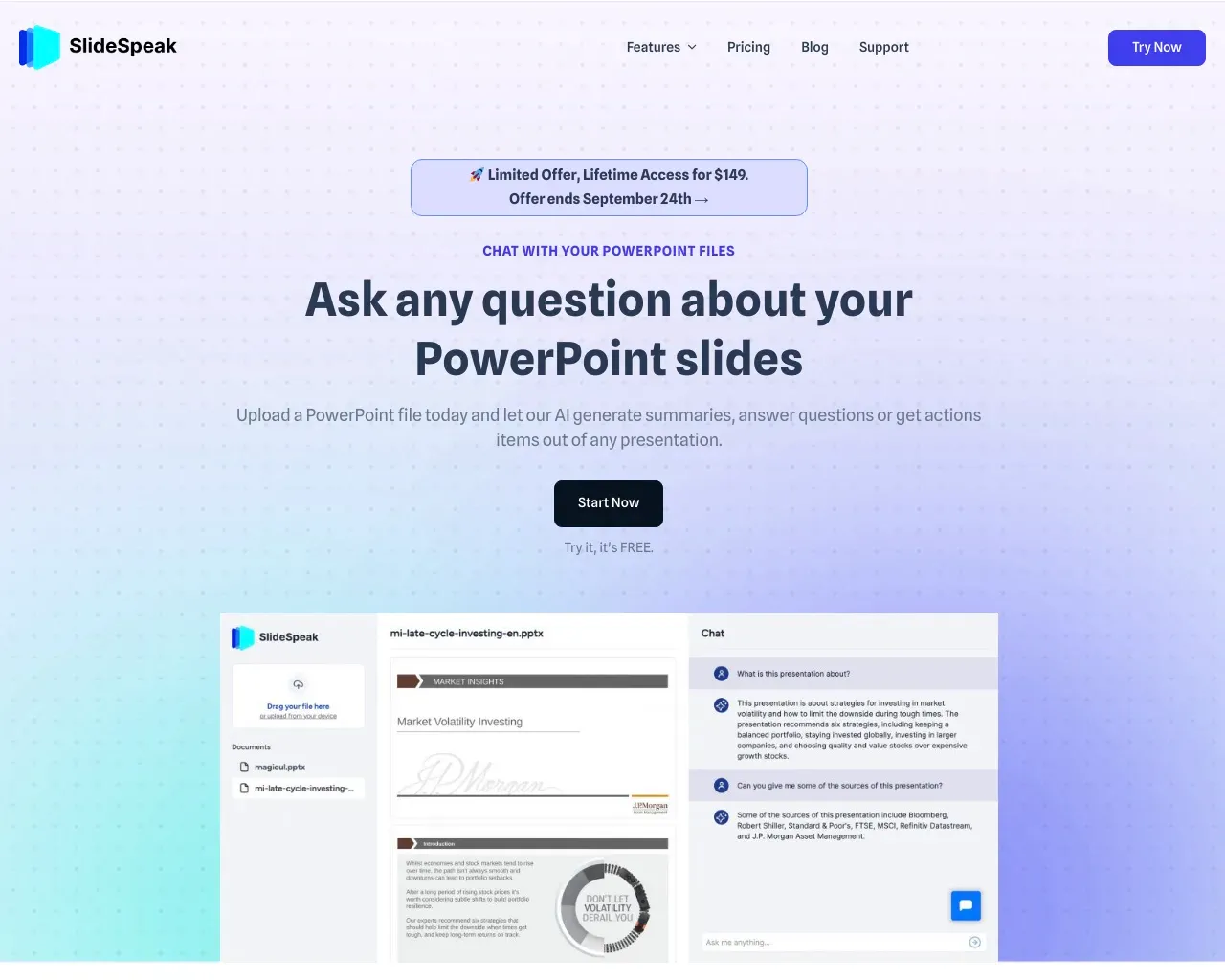
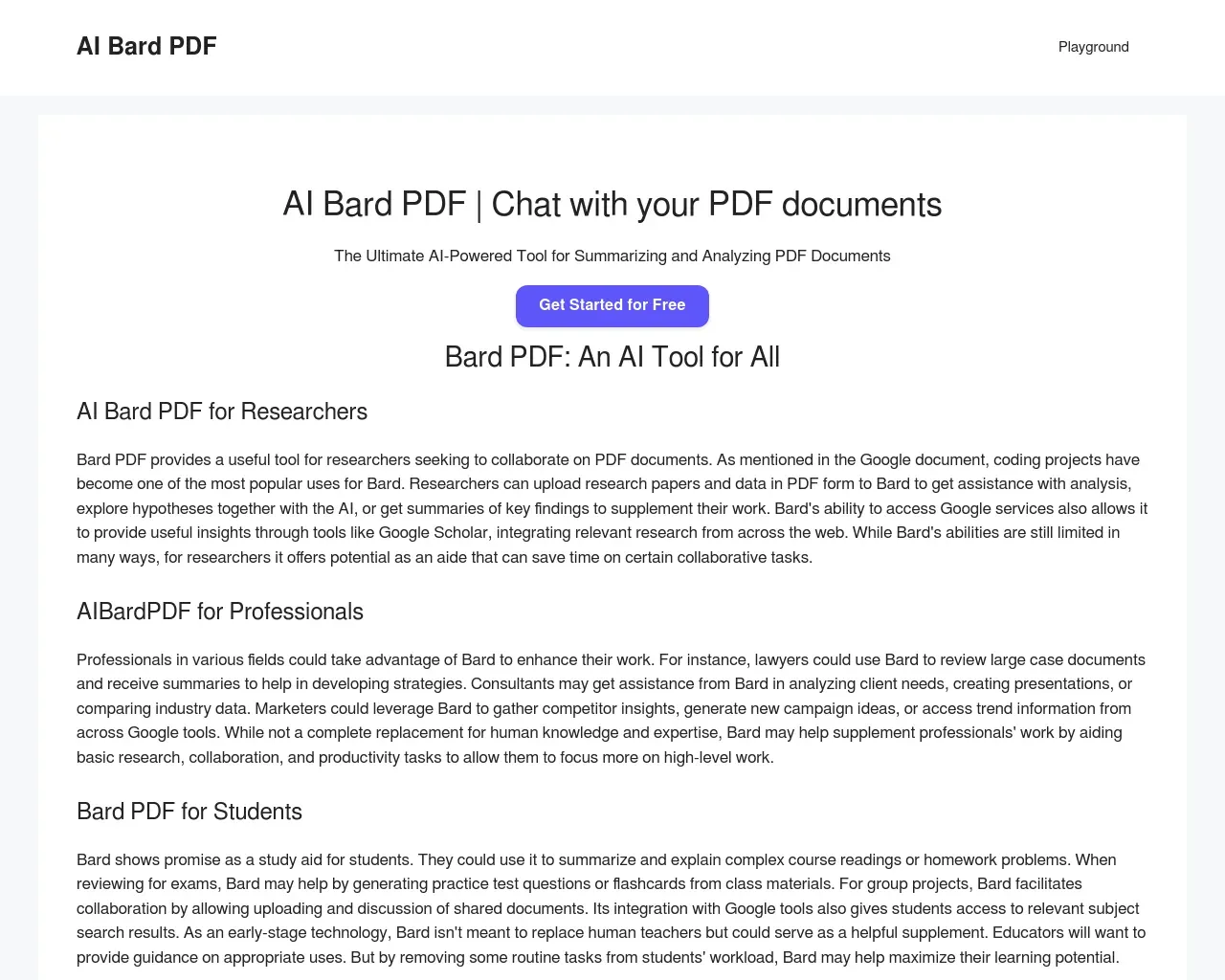
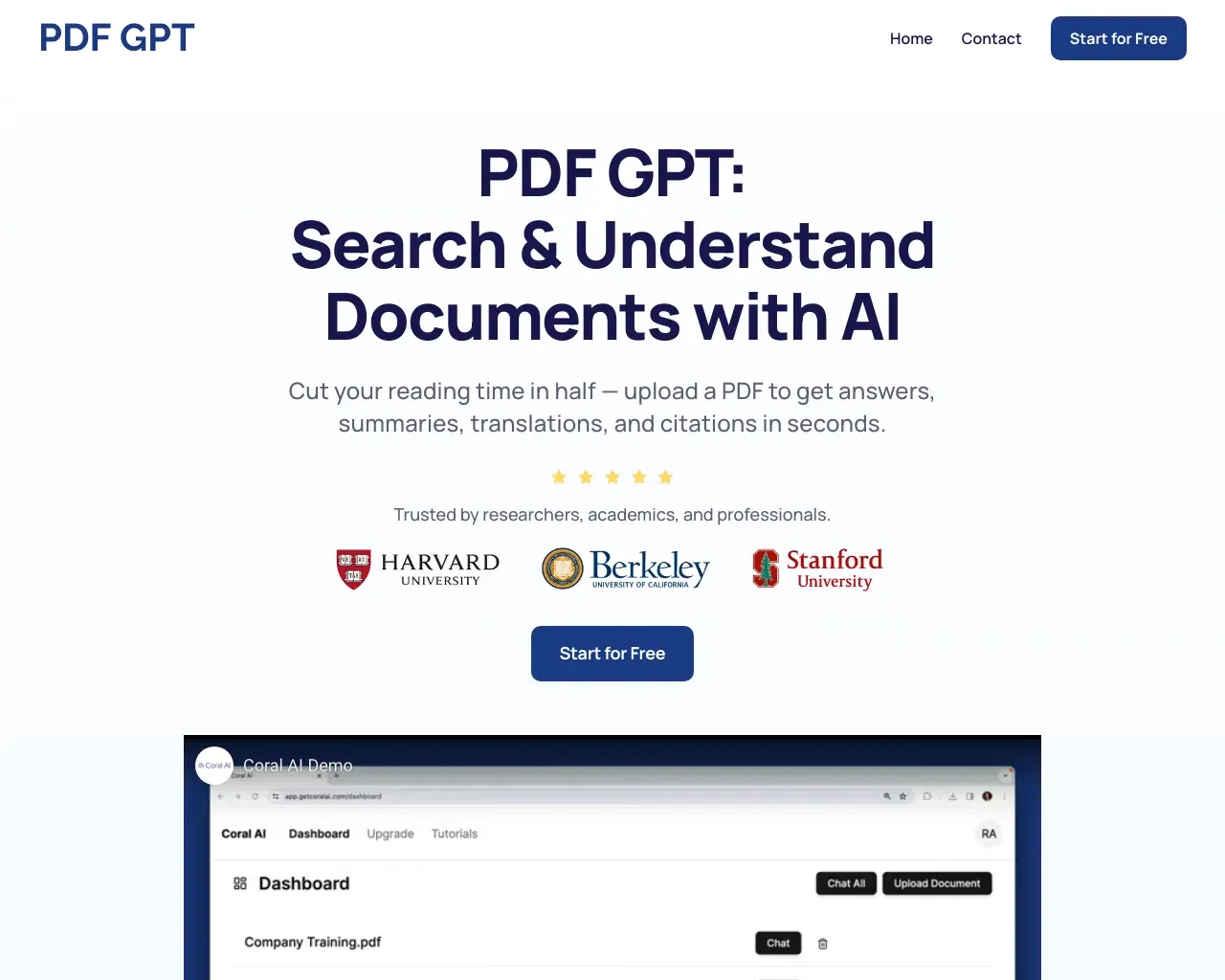
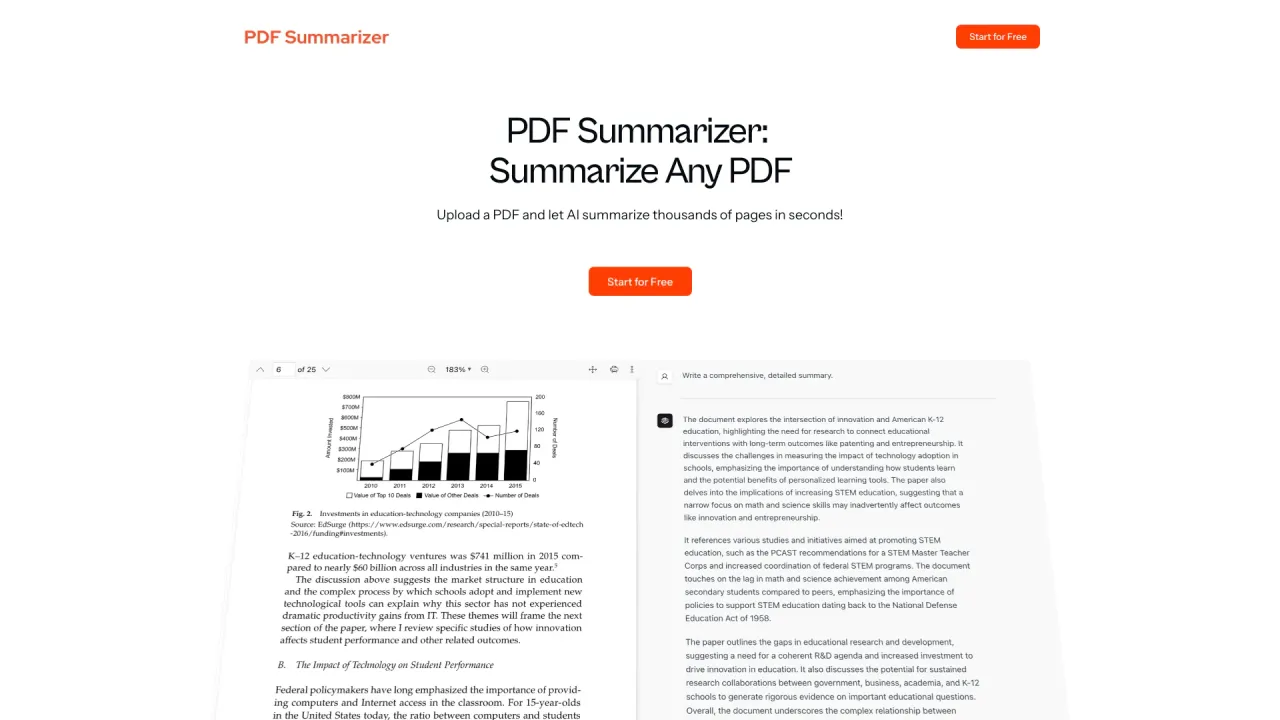
Top alternatives to Instafill.ai include SwifDoo PDF, Free AI PDF Reader, Filechat, SlideSpeak, Bard PDF.Where can I get Instafill.ai?
Instafill.ai is available at https://instafill.ai/.What category is Instafill.ai in?
Instafill.ai is listed in Outils pour les PDF et les documents.PDF form types
Instafill.ai can handle most types of fillable PDFs, making it easy to automate form filling. Whether it's a simple application or a complex legal document, our AI identifies the fields and fills them in with the data you provide.Batch form filling
Batch Fill is a powerful feature that allows you to fill multiple PDF forms simultaneously using data from a CSV file or spreadsheet. This is especially useful for tasks like bulk processing of applications or contracts, saving you significant time and ensuring consistency across all documents.Sign PDF documents
The Instafill.ai Sign feature lets you add digital signatures to your PDF forms. You can sign the form within Instafill.ai after filling it out, so there's no need to print, sign by hand, scan, and email. This simplifies document management from start to finish.Multiple data sources
When adding a new form to Instafill.ai, you can attach various data sources and provide specific instructions to ensure accurate form filling. Our AI depends on the quality and consistency of the data you provide. However, if you’re using multiple sources that contain conflicting or irrelevant information, our system might struggle to return the necessary details for accurate filling.Video preview
[](https://youtu.be/Gy7Udt0cudI?si=LjBFV6HToMoL-mwV)Is Instafill.ai secure?
Yes. Instafill.ai is built with multiple layers of security to protect your data. You can use stateless mode as an option, which ensures all files are automatically deleted after processing, leaving no traces behind.Does Instafill.ai support two-factor authentication (2FA) for account login?
Yes. Instafill.ai supports two-factor authentication as an optional security feature for your account.What makes Instafill different from other PDF fillers or document automation tools?
Instafill.ai is an AI-powered PDF filler designed to automate even the most complex form workflows.What does Instafill.ai do with my uploaded documents?
All uploaded files are immediately deleted from our servers after processing, leaving no traces.What if my document isn't a fillable PDF form? Can Instafill.ai's PDF filler complete it?
Yes. If your document isn't a fillable PDF, Instafill.ai can automatically convert it into a fillable PDF format.Can I fill out the same form multiple times?
Yes. Instafill.ai supports batch form filling.Do you use my data to train AI?
No. We do not use your data to train AI.Does anyone at Instafill.ai have access to my files?
No. Since your files are immediately deleted after processing, no one at Instafill.ai can access them.Is the Instafill.ai form filler HIPAA compliant?
Yes. We sign a Business Associate Agreement (BAA) with any customer handling protected health information, and on request we will share the BAAs we hold with our own subprocessors so you can see the whole chain rather than take our word for it.
Comparer Instafill.ai avec…
Choisissez un outil pour voir une comparaison structurée côte à côte : tarifs, déploiement, capacités et politique de contenu.