- Catégorie
- Divertissement et nouveautés
- Alternatives
- 6 outils similaires
- Mis à jour
- il y a 3 semaines
- Source
- Site officiel ↗︎
AI Collection Meilleurs choix

TheFluxTrain
Studio de production d'IA agentic pour des personnages, des flux de travail et des vidéos cohérents
Divertissement et nouveautés Choix de catégories
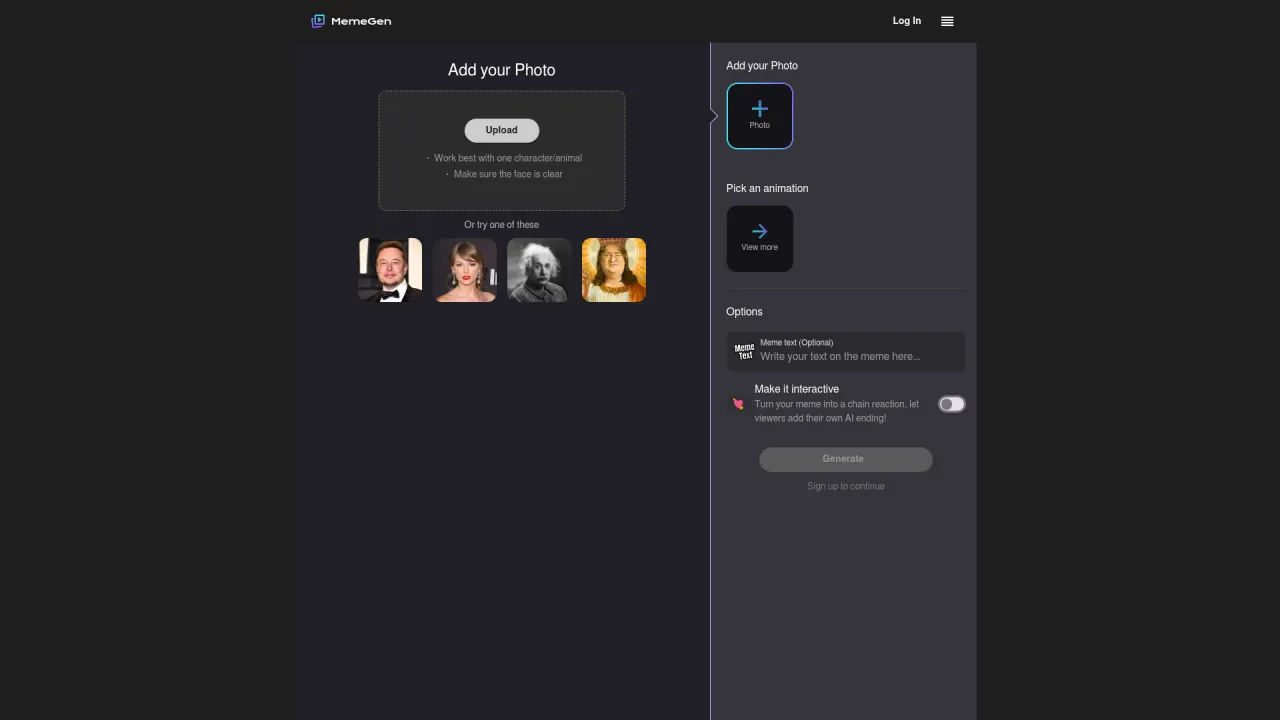
Cet outil d'IA totalement gratuit aide les utilisateurs à générer des mèmes GIF personnalisés. Ils peuvent partager leur travail avec leurs amis et leur famille, et le destinataire peut interagir avec ce mème pour créer un nouveau mème remix.
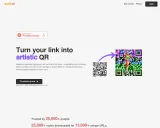
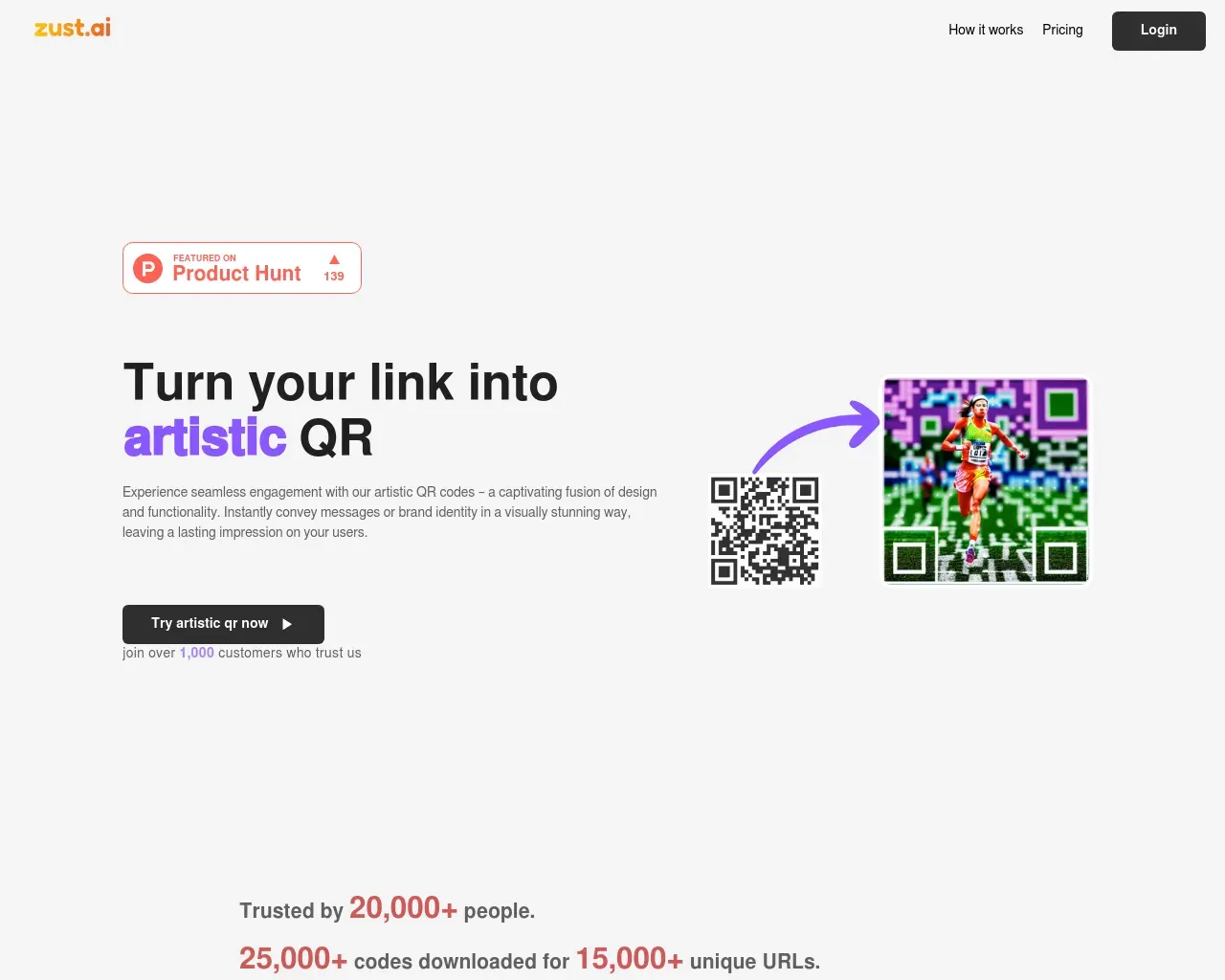
Transforme ton lien en QR artistique grâce à l''IA et augmente le taux de conversion
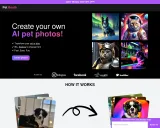
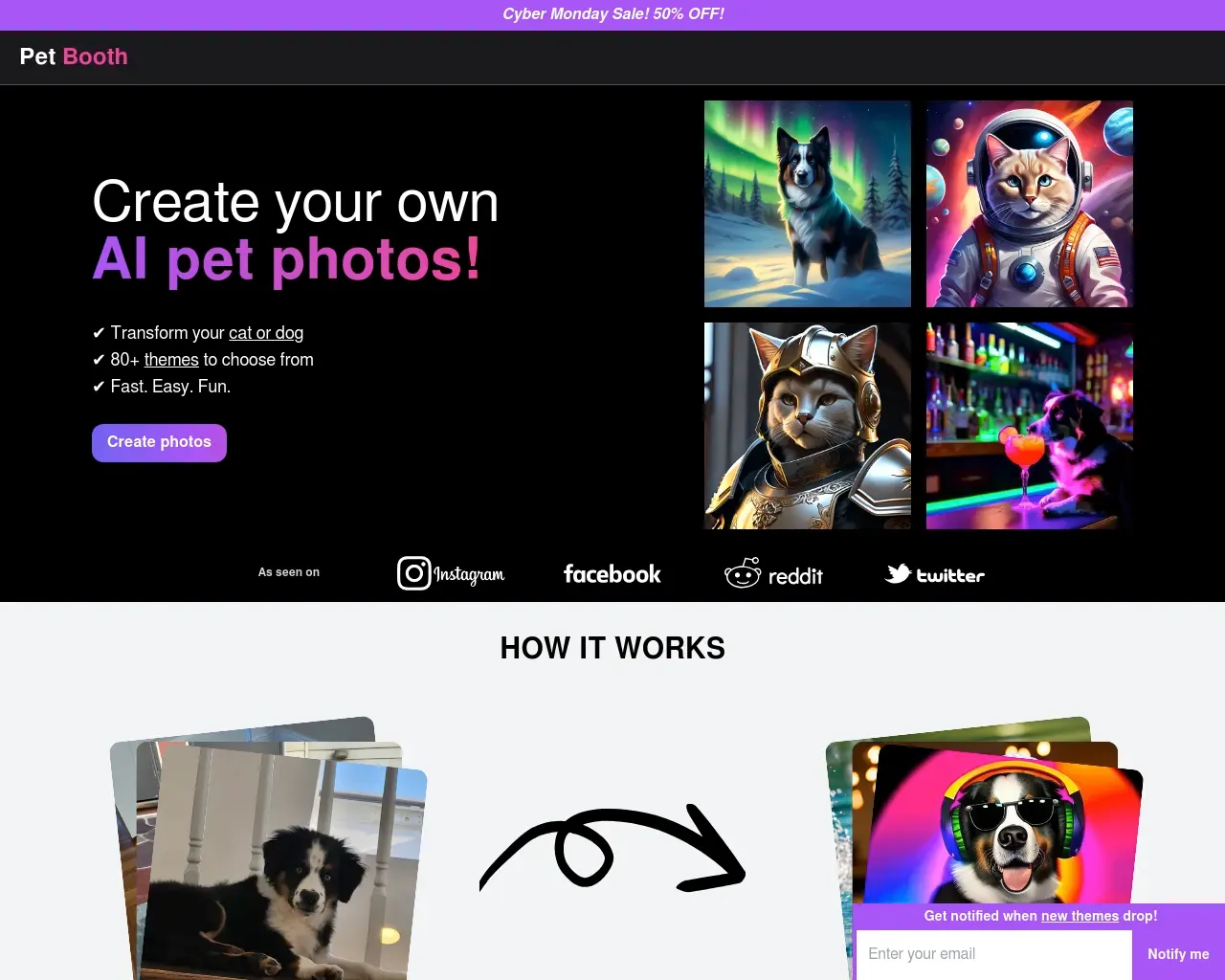
Pet Booth est un service qui permet de créer tes propres portraits, illustrations et photos d''animaux de compagnie IA. Il suffit de télécharger 10 à 20 photos de ton chat ou de ton chien et de choisir parmi plus de 80 thèmes pour les transformer.
À propos de MemeGen AI
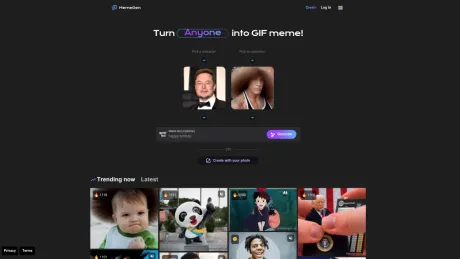
PopVid AI (anciennement MeMeGen) est une plateforme vidéo interactive basée sur l'IA sur laquelle tu ne te contente pas de regarder des vidéos, tu les visionne. Fais des choix, déclenche des actions, explore des intrigues variées et contrôle des personnages dotés d'IA en temps réel.
Ce que vous obtenez
Informations Complémentaires
PopVid AI (formerly MemeGen) allows users to engage with videos by making choices that affect the storyline. It turns traditional video consumption into an immersive experience where the viewer directs the narrative. Users can explore a spectrum of community-created roleplay stories across various genres such as romance, sci-fi, and comedy.
Creators can leverage the platform to invent their interactive scenarios, generating their content through provided tools. Whether tapping into existing twists or building from scratch, the interactive nature of PopVid AI fosters community collaboration. Users are invited to contribute their storylines and twists in a shared storytelling experience.
The platform also offers tools for generating visuals and videos from prompts, enabling users to transform static images into dynamic narratives. The emphasis is on creativity, making it suitable for audiences looking to blend storytelling with interactive elements.
PopVid AI's core function is to blend video consumption with user agency, allowing each interaction to be unique and tailored to individual preferences. The stage is set for both casual users and serious creators to thrive in this innovative cinematic space.
Foire aux questions
What is MemeGen AI used for?
PopVid AI.Is MemeGen AI free?
Pricing for MemeGen AI varies — see the Pricing section for details.What are alternatives to MemeGen AI?
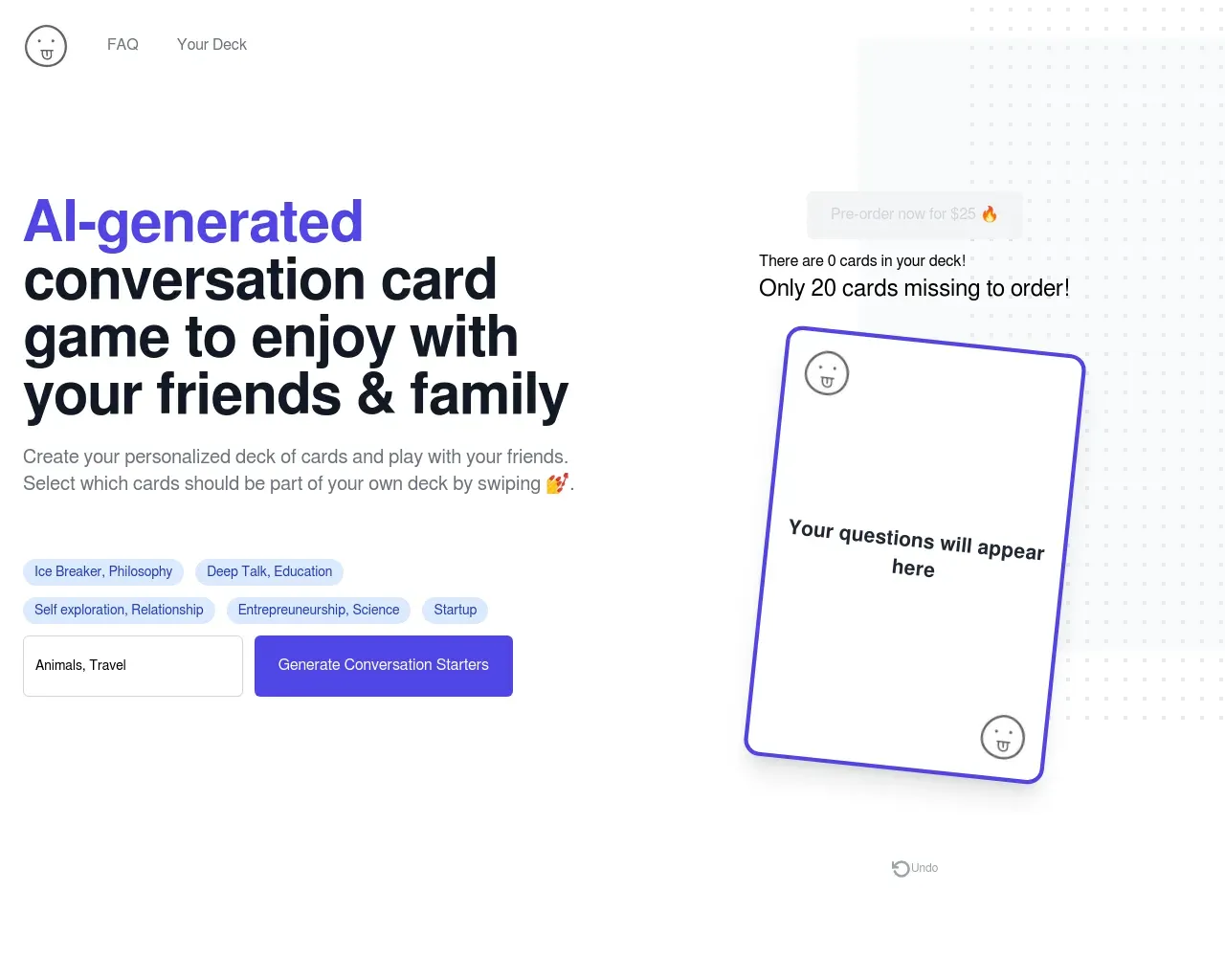
Top alternatives to MemeGen AI include Pet Booth, Creative QR codes using AI, MemeGenAI, DreamGen: AI role-playing and strory-writing, Langame card game.Where can I get MemeGen AI?
MemeGen AI is available at https://meme-gen.ai/.What category is MemeGen AI in?
MemeGen AI is listed in Divertissement et nouveautés.What is twist?
Twist lets you add your own creative spin to any meme, uploaded image, or video — by writing a short text prompt or picking from AI templates.How to manage or cancel my subscription?
You can manage or cancel your plan anytime: Go to Me → Settings → Subscription. Choose Manage Plan to upgrade, or cancel renewal. If you cancel, your current plan remains active until the end of the billing cycle.How do I delete my photo?
If you uploaded an image you want removed: Go to the Create Tap Delete icon on the image/video. Deleted photos are permanently removed and can't be recovered.How do I delete my creation?
Go to Me → Posts or Creations, find your meme and tap ⋯ → Delete. This will remove the creation from your library and community view. Deleted creations are not recoverable, so be sure before confirming.How do I delete my account?
Go to Settings → Delete Account. Confirm the deletion by following the instructions. This action is permanent — all posts, credits, and history will be erased.What if I can not log in?
If you can't sign in: Make sure you're using the same Google or Facebook account you used before. Clear your browser/app cache or try incognito mode. If the issue continues, contact support via support@popvid.ai with your login method and any error message.What if creation failed?
Check your internet connection. Make sure you still have credits left. Try again after refreshing the page or reopening the app. If it keeps failing, please note the time and send us the prompt or image info at support@popvid.ai.How do I update visibility?
Go to Me → Posts/Creations, open your meme, and click Change Visibility. Make sure your content follows our Community Guidelines — posts that violate them can't be made public. If the change doesn't update, try refreshing the page. If the issue continues, contact support@popvid.ai for assistance.How to manage or cancel my subscription
You can manage or cancel your plan anytime: Go to Me → Settings → Subscription. Choose Manage Plan to upgrade, or cancel renewal. If you cancel, your current plan remains active until the end of the billing cycle.How to delete my photo?
If you uploaded an image you want removed: Go to the Create Tap Delete icon on the image/video. Deleted photos are permanently removed and can't be recovered.How to delete my creation?
Go to Me → Posts or Creations, find your meme and tap ⋯ → Delete. This will remove the creation from your library and community view. Deleted creations are not recoverable, so be sure before confirming.How to delete my account?
Go to Settings → Delete Account. Confirm the deletion by following the instructions. This action is permanent — all posts, credits, and history will be erased.What to do if I can not log in?
If you can't sign in: Make sure you're using the same Google or Facebook account you used before. Clear your browser/app cache or try incognito mode. If the issue continues, contact support via support@popvid.ai with your login method and any error message.What to do if creation failed?
Check your internet connection. Make sure you still have credits left. Try again after refreshing the page or reopening the app. If it keeps failing, please note the time and send us the prompt or image info at support@popvid.ai.How to update visibility?
Go to Me → Posts/Creations, open your meme, and click Change Visibility. Make sure your content follows our Community Guidelines — posts that violate them can't be made public. If the change doesn't update, try refreshing the page.Delete my photo.
If you uploaded an image you want removed: Go to the Create Tap Delete icon on the image/video. Deleted photos are permanently removed and can't be recovered.Delete my creation.
Go to Me → Posts or Creations , find your meme and tap ⋯ → Delete . This will remove the creation from your library and community view. Deleted creations are not recoverable, so be sure before confirming.Delete my account.
Go to Settings → Delete Account . Confirm the deletion by following the instructions. This action is permanent — all posts, credits, and history will be erased.Can not log in.
If you can't sign in: Make sure you're using the same Google or Facebook account you used before. Clear your browser/app cache or try incognito mode. If the issue continues, contact support via support@popvid.ai with your login method and any error message.Creation failed.
Check your internet connection. Make sure you still have credits left. Try again after refreshing the page or reopening the app. If it keeps failing, please note the time and send us the prompt or image info at support@popvid.ai.Can't update visibility.
Go to Me → Posts/Creations , open your meme, and click Change Visibility . Make sure your content follows our Community Guidelines — posts that violate them can't be made public. If the change doesn't update, try refreshing the page. If the issue continues, contact support@popvid.ai for assistance.Delete my photo
If you uploaded an image you want removed: Go to the Create Tap Delete icon on the image/video. Deleted photos are permanently removed and can't be recovered.Delete my creation
Go to Me → Posts or Creations, find your meme and tap ⋯ → Delete. This will remove the creation from your library and community view. Deleted creations are not recoverable.Delete my account
Go to Settings → Delete Account. Confirm the deletion by following the instructions. This action is permanent — all posts, credits, and history will be erased.Can not log in
If you can't sign in: Make sure you're using the same Google or Facebook account you used before. Clear your browser/app cache or try incognito mode. If the issue continues, contact support via support@popvid.ai.Creation failed
Check your internet connection. Make sure you still have credits left. Try again after refreshing the page or reopening the app. If it keeps failing, please note the time and send us the prompt or image info at support@popvid.ai.Can't update visibility
Go to Me → Posts/Creations, open your meme, and click Change Visibility. Make sure your content follows our Community Guidelines — posts that violate them can't be made public.
Comparer MemeGen AI avec…
Choisissez un outil pour voir une comparaison structurée côte à côte : tarifs, déploiement, capacités et politique de contenu.