ScreenApp
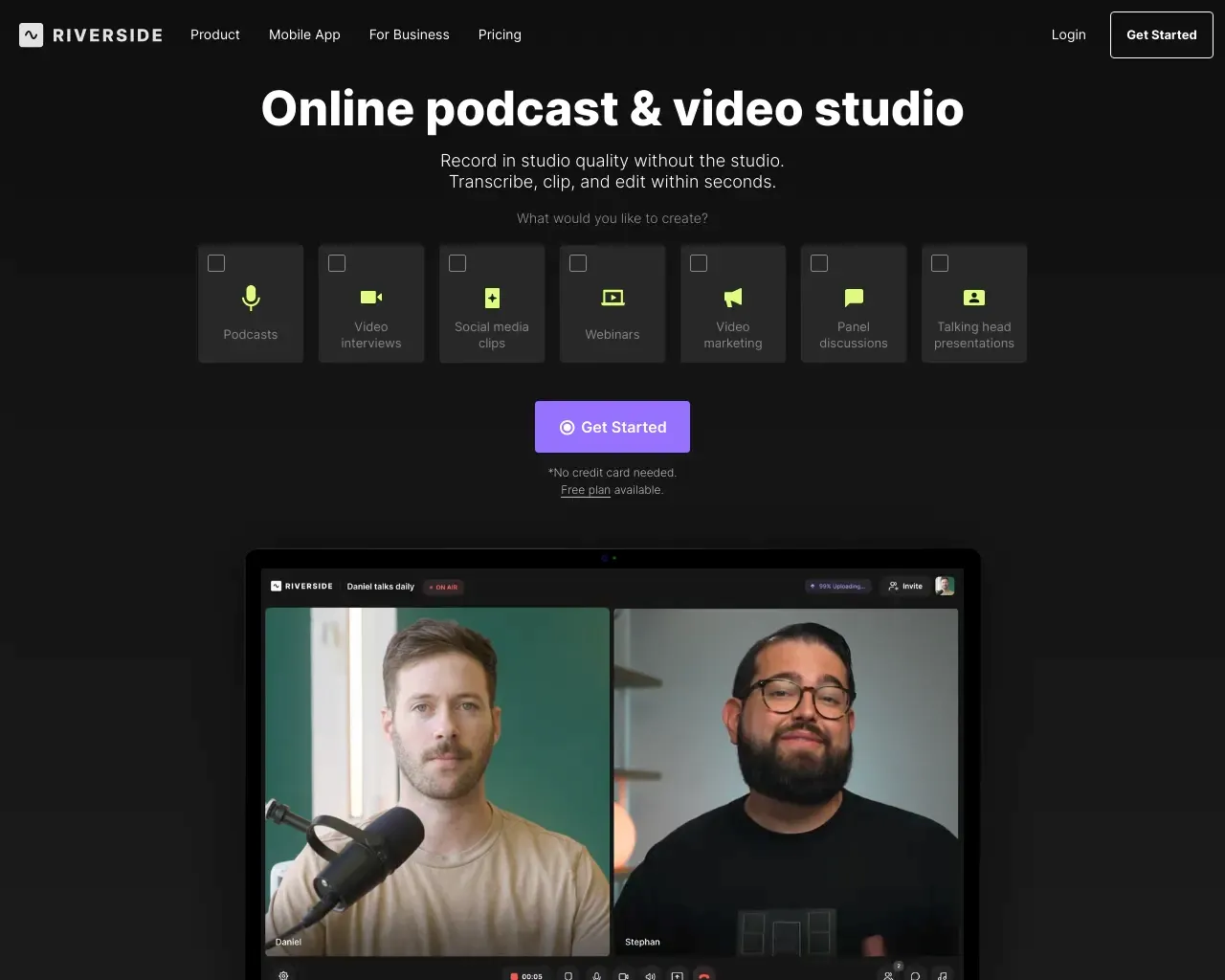
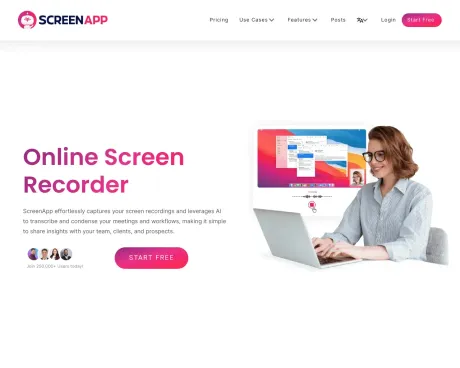
Enregistreur d''écran en ligne - Le moyen le plus rapide et le plus efficace d''enregistrer votre écran et d''extraire des informations puissantes, de partager et de résumer.
- Catégorie
- Traduction et transcription
- Tarifs
- Paid
- Alternatives
- 6 outils similaires
- Mis à jour
- il y a 1 semaines
- Source
- Site officiel ↗︎
AI Collection Meilleurs choix

TheFluxTrain
Studio de production d'IA agentic pour des personnages, des flux de travail et des vidéos cohérents
Traduction et transcription Choix de catégories
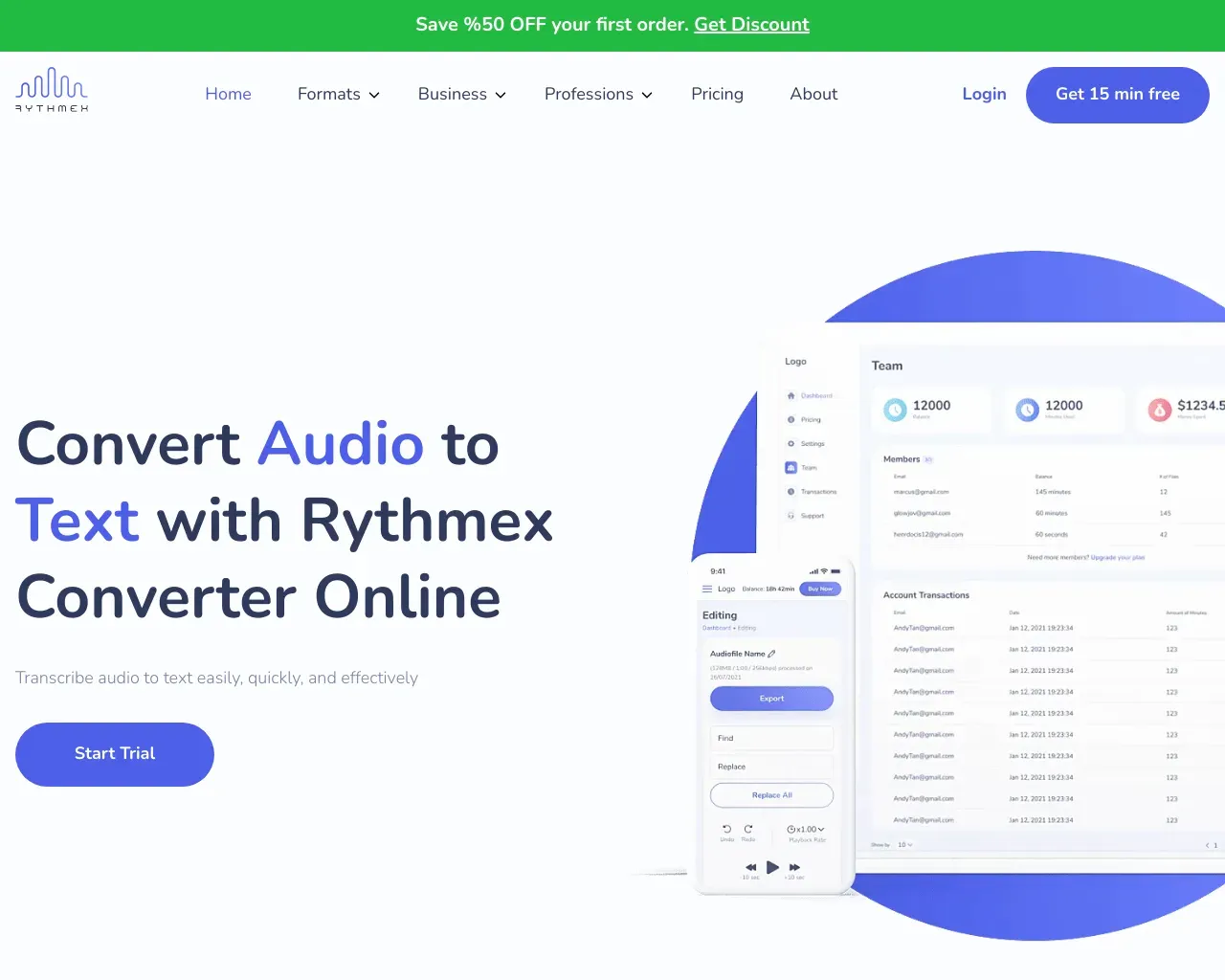
Transcription audio et vidéo. Propulsé par l''IA. Transcrivez le son et la vidéo en texte avec une précision de 99 %. Disponible dans plus de 100 langues et gratuitement.

À propos de ScreenApp
En quelques clics, vous pouvez enregistrer votre écran, le transcrire et transformer votre contenu en connaissances précieuses. Dites adieu à la prise de notes fastidieuse et bonjour à la productivité. Essayez ScreenApp dès aujourd''hui et révolutionnez votre façon d''apprendre et de travailler
ScreenApp's Forfaits tarifaires
ScreenApp peut modifier ses prix à tout moment. Voici nos dernières informations :
Tarification simple et transparente (le plan annuel permet déconomiser environ 20 %)
Croissance
Pour les particuliers - Parfait pour enregistrer et stocker des vidéos personnelles.
$9/user
/mois
- Jusquà 100 vidéos
- Téléchargements
- Transcriptions
- 20 invites ChatGPT / mois
Entreprise
Pour les équipes - Parfait pour les équipes et les entreprises pour un enregistrement décran et une IA puissants
$19/user
/mois
- Jusquà 1000 vidéos
- Téléchargements illimités
- Assistance premium
- 100 invites ChatGPT/mois
Ultime
Pour les entreprises - Hébergez ScreenApp localement sur vos propres serveurs et contrôlez votre sécurité.
Contact
- Auto-hébergé
- Composants du code
- SDK et plug-in de plate-forme
- En marque blanche
Ce que vous obtenez
Informations Complémentaires
ScreenApp is an AI-powered meeting assistant that enables users to automatically record, transcribe, and summarize meetings, lectures, and conversations. It captures audio and video effortlessly, allowing users to search through their recordings instantly. The platform provides features such as generating professional PDFs, translating recordings, and analyzing content, making it ideal for anyone looking to enhance their productivity and streamline their workflow.
With ScreenApp's technology, users can absorb information faster by generating structured notes with key points and action items in real-time. This is beneficial for professionals who need to keep track of important discussions without the hassle of manually sifting through hours of content. The AI ensures over 99% accuracy in transcription, providing reliable summaries and insights.
ScreenApp is designed for ease of use, requiring no installations, as it operates directly within browsers or through available mobile and desktop apps. This accessibility makes it suitable for a wide range of users including project managers, educators, and content creators, who need a reliable tool for recording and summarizing insights.
The platform supports integration with major video conferencing tools like Zoom and Google Meet, allowing seamless import of recordings. Security is prioritized with encrypted data storage and transfer, ensuring users maintain control over their content while benefiting from AI capabilities to enhance productivity.
Foire aux questions
What is ScreenApp used for?
Enregistreur d''écran en ligne - Le moyen le plus rapide et le plus efficace d''enregistrer votre écran et d''extraire des informations puissantes, de partager et de résumer.Is ScreenApp free?
ScreenApp is a paid product. See the Pricing section for current plans.What are alternatives to ScreenApp?
Where can I get ScreenApp?
ScreenApp is available at https://screenapp.io/.What category is ScreenApp in?
ScreenApp is listed in Traduction et transcription.How does the AI Notetaker work?
ScreenApp automatically captures, transcribes, and transforms your conversations into structured notes with key points, action items, and decisions - all in real-time.What makes the AI Summarizer different?
Our AI extracts the most important insights from hours of content in seconds. Get executive summaries, key decisions, and action items without watching entire recordings.How accurate is the transcription and summarization?
ScreenApp delivers up to 99% transcription accuracy with clear audio. Summaries capture key points, action items, and decisions.Do I need to install anything?
No. You can use ScreenApp directly in your browser. If you prefer, you can also install our mobile app or Chrome extension.Can I use ScreenApp for dictation and document creation?
Yes. Convert any audio or video recording into formatted documents, PDFs, or text files. Perfect for creating meeting minutes, interview transcripts, and professional reports.Can I import from Zoom, Google Meet, or YouTube?
Yes. Upload recordings from any platform, import directly via URL, or use our meeting bots to automatically capture sessions.Is my data secure?
Yes. All recordings and transcripts are encrypted during transfer and storage. You control who can access your content.What's included in the free plan?
The free plan includes limited transcription minutes, basic summaries, and core recording and upload features.Can I cancel anytime?
Yes. You can cancel or downgrade your plan anytime in your account settings.
Comparer ScreenApp avec…
Choisissez un outil pour voir une comparaison structurée côte à côte : tarifs, déploiement, capacités et politique de contenu.