
PDF to Brainrot
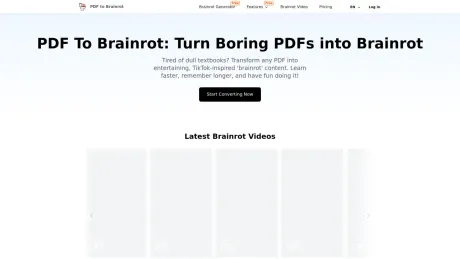
Превратите PDF-файлы в приложения с помощью PDF в Brainrot.
AI Collection Лучшие подборки

TheFluxTrain
Студия Agentic AI Production для создания одинаковых персонажей, рабочих процессов и видео
Редактирование видео Выбор категории
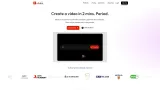
Платформа видеомаркетинга с искусственным интеллектом. Создавайте интересные видеоролики за считанные минуты.
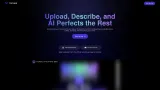
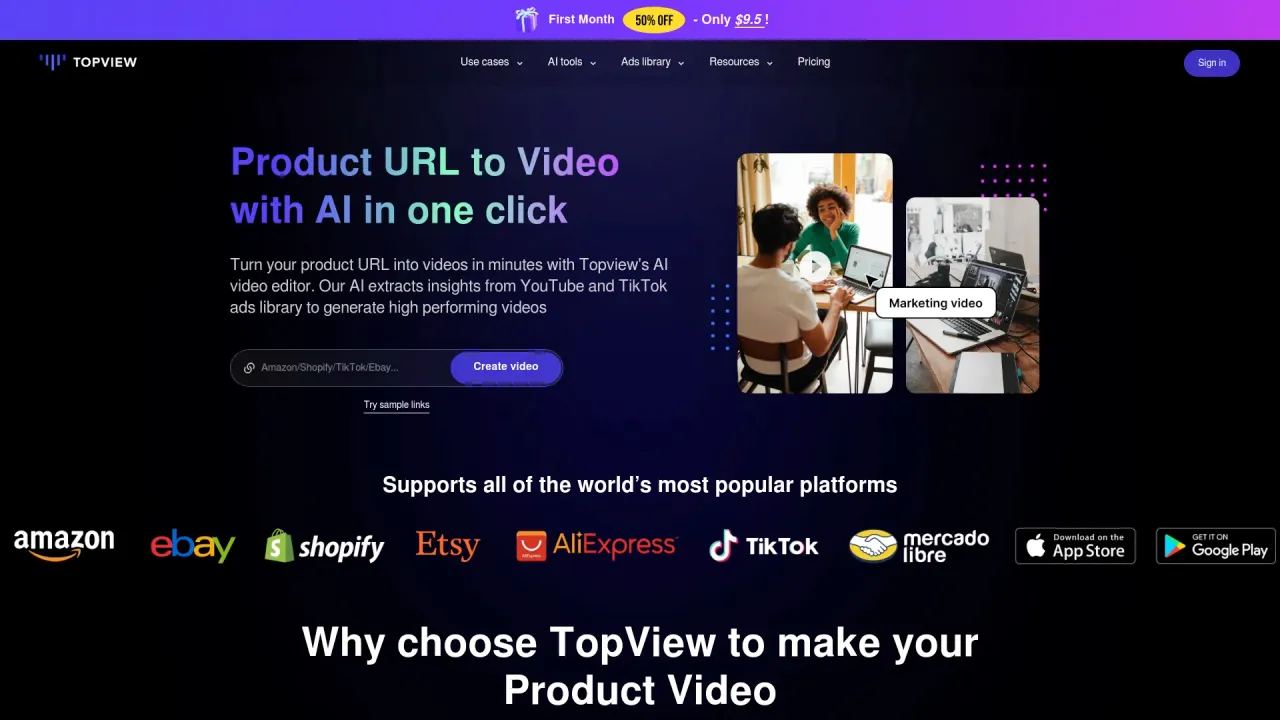
Искусственный интеллект продолжает менять то, как мы создаем видео. Одна из последних инноваций в этой области — TopView.ai, онлайн-редактор видео с искусственным интеллектом, который использует возможности искусственного интеллекта для оптимизации
Об инструменте PDF to Brainrot
Благодаря PDFtoBrainrot ваши PDF-файлы больше не просто статичные файлы — они превращаются в интерактивные шедевры. Этот инструмент позволяет превратить ваши документы в креативный и интересный контент, который очарует вашу аудиторию. Независимо от того, создаете ли вы онлайн-журнал, учебные материалы или портфолио, PDFtoBrainrot поможет вам разработать документы, привлекающие внимание читателей и заинтересованные читатели от начала до конца.
Что вы получите
Дополнительная информация
PDF To Brainrot is a tool that converts dry, boring PDFs into engaging TikTok-style 'brainrot' content. It aims to make learning enjoyable by transforming complex information into bite-sized, memorable snippets suitable for today's fast-paced digital environment. Whether you're dealing with textbooks, research papers, or creative writing, this tool caters to a wide array of topics.
One of its core features is the ability to convert any PDF quickly, turning it into shareable brainrot videos in seconds. Its design focuses on enhancing retention through entertaining visuals and audio, making studying not just informative but also engaging. The flexible accessibility allows users to study or review materials on various devices including smartphones, tablets, and desktops.
Additionally, PDF To Brainrot offers a Text to Brainrot feature that transforms any text into engaging content, making it suitable for lecture notes, web articles, or combined information from multiple sources. Users can create three types of videos: Brainrot Mode for quirky clips, Quiz Mode for interactive engagement, and Raw Mode for straightforward content.
The platform emphasizes customization, allowing users to select voice styles, background music, and video types, ensuring that the final output matches their needs and preferences. It's a versatile solution not only for students but also for teachers and professionals seeking to create engaging training materials and educational content.
Часто задаваемые вопросы
What is PDF to Brainrot used for?
Превратите PDF-файлы в приложения с помощью PDF в Brainrot.Is PDF to Brainrot free?
Pricing for PDF to Brainrot varies — see the Pricing section for details.What are alternatives to PDF to Brainrot?
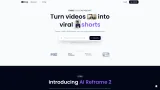
Top alternatives to PDF to Brainrot include Klap App, AI video editor, Atlabs AI, Topview AI URL to Video, Colossyan.Where can I get PDF to Brainrot?
PDF to Brainrot is available at https://pdftobrainrot.org/.What category is PDF to Brainrot in?
PDF to Brainrot is listed in Редактирование видео.What exactly is 'brainrot' content?
'Brainrot' content refers to short, engaging, and often humorous videos inspired by TikTok trends. It's a fun and effective way to present academic or informational material, making it easier to digest and remember.Is PDF To Brainrot suitable for all subjects?
Yes! Whether you're studying literature, biology, history, or even advanced physics, our algorithm adapts the content to create fun and engaging brainrot videos for any topic.How does PDF To Brainrot improve learning outcomes?
By converting traditional academic material into a format that's entertaining and familiar to the internet generation, PDF To Brainrot boosts engagement, enhances retention, and makes learning enjoyable. This leads to better comprehension and recall of the material.Can I use PDF To Brainrot for professional or corporate training?
Absolutely! PDF To Brainrot isn’t just for students. Professionals can use it to create engaging training materials, presentations, or even fun team-building quizzes.What video types can I create with PDF To Brainrot?
PDF To Brainrot allows you to choose from three video types: Brainrot Mode (quirky and engaging TikTok-style videos), Quiz Mode (interactive question-and-answer format), and Raw Mode (simple, straightforward video content). You can select the one that best fits your needs.Can I customize the voice and narration in the videos?
Yes! You can choose from a variety of voice options, including different accents, tones, and genders. This ensures your video matches your target audience or personal preferences.Can I add my own background music or video to the content?
Absolutely! PDF To Brainrot allows you to upload your own background music or select from our library of royalty-free tracks. You can also add custom background videos to make your content more unique and engaging.Can I convert plain text besides PDFs?
Yes! Our Text to Brainrot feature allows you to convert any text content into engaging brainrot videos. Simply paste your text, and our AI will transform it into the same entertaining, memorable format as our PDF conversions.What is the difference between PDF and Text to Brainrot?
While both features create engaging brainrot content, Text to Brainrot offers more flexibility for quick conversions of smaller text portions. It’s perfect for creating focused content from specific passages or combining information from multiple sources into a single brainrot video.How do I specify my preferences for video creation?
When uploading your PDF, you can select video preferences such as type (Brainrot Mode, Quiz Mode, or Raw Mode), voice style, background music, and background video.
Сравнить PDF to Brainrot с…
Выберите любой инструмент, чтобы увидеть структурированное сравнение: цены, развертывание, возможности и контент-политика.
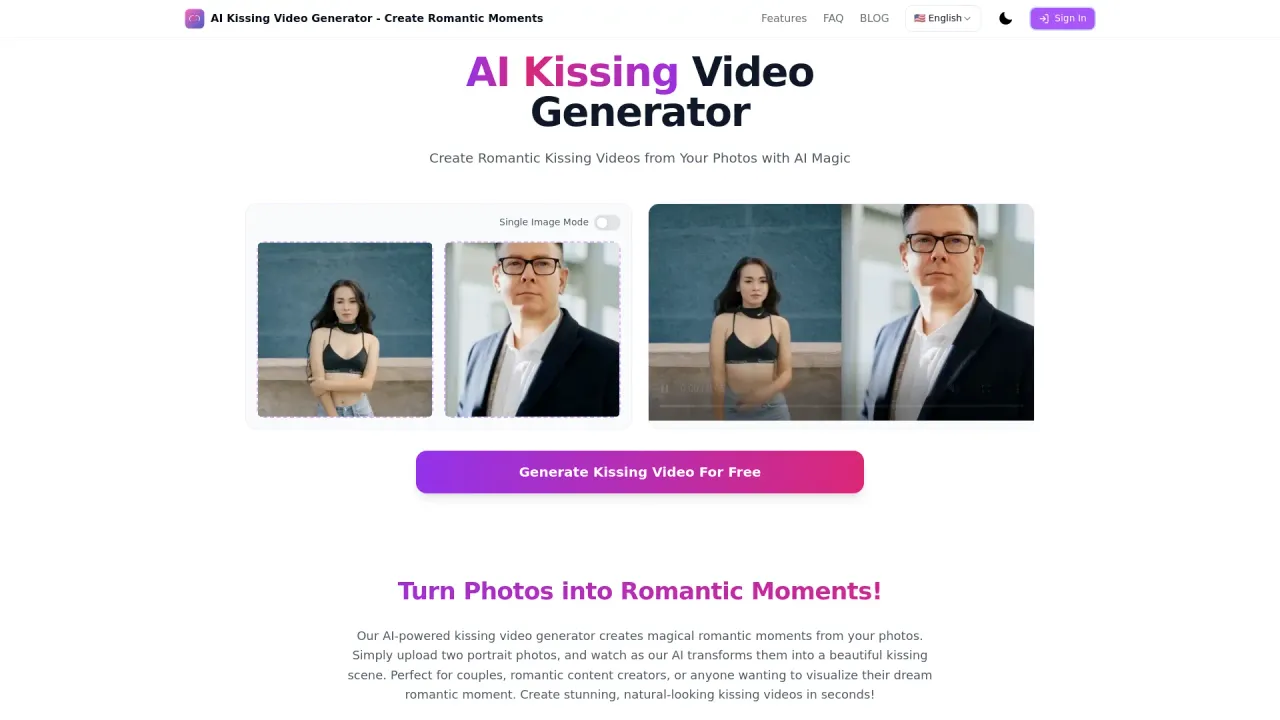
против Free AI kissing video generator
Сравнить →
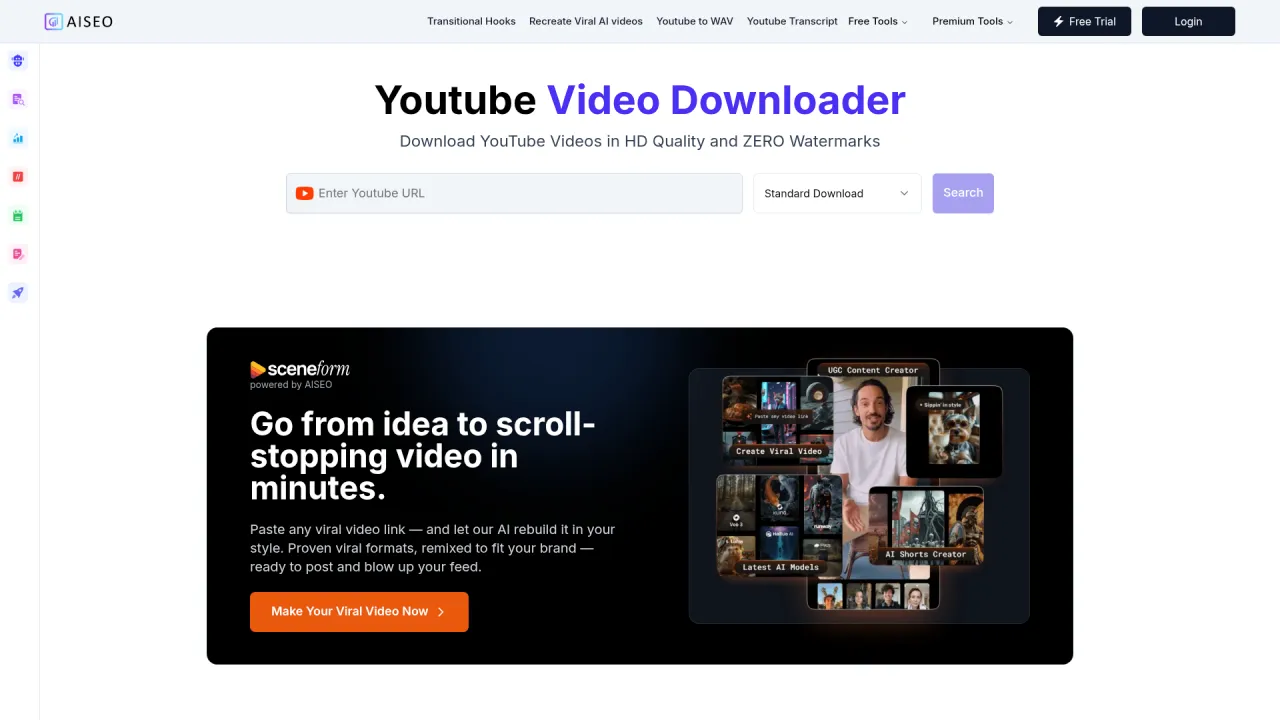
против youtube video downloader
Сравнить →
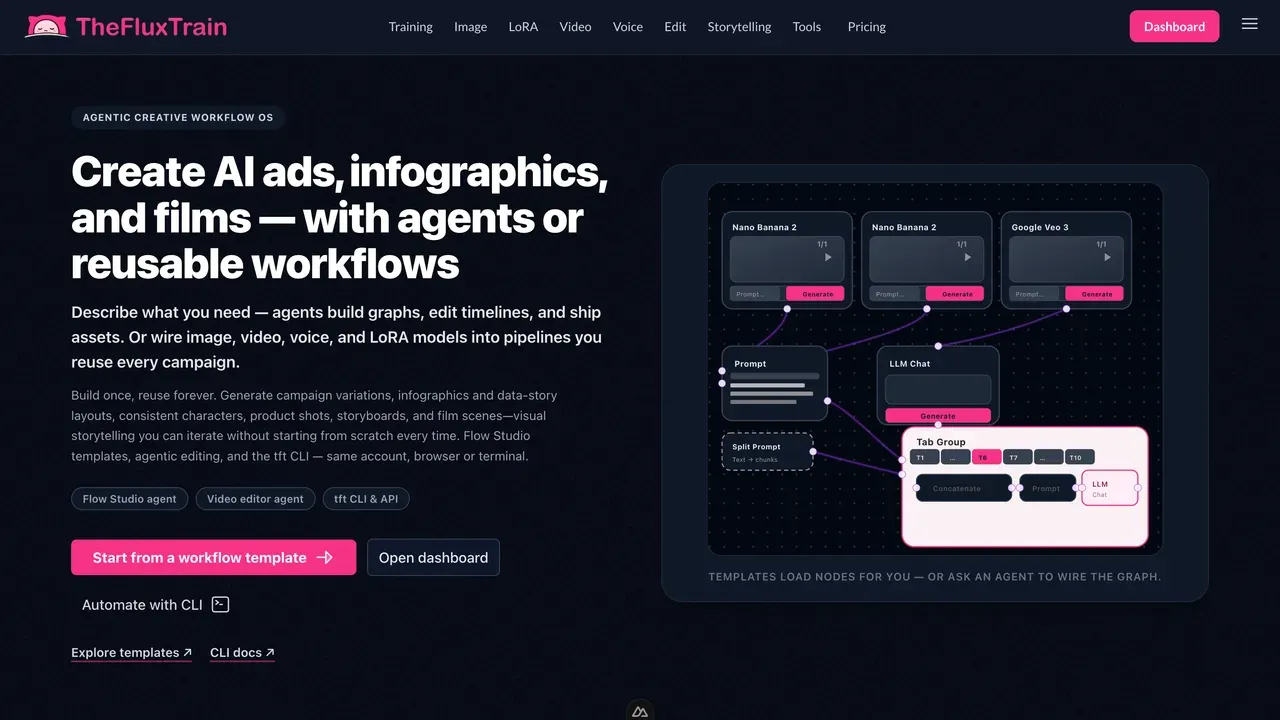
против TheFluxTrain
Сравнить →
против SellerPic AI
Сравнить →
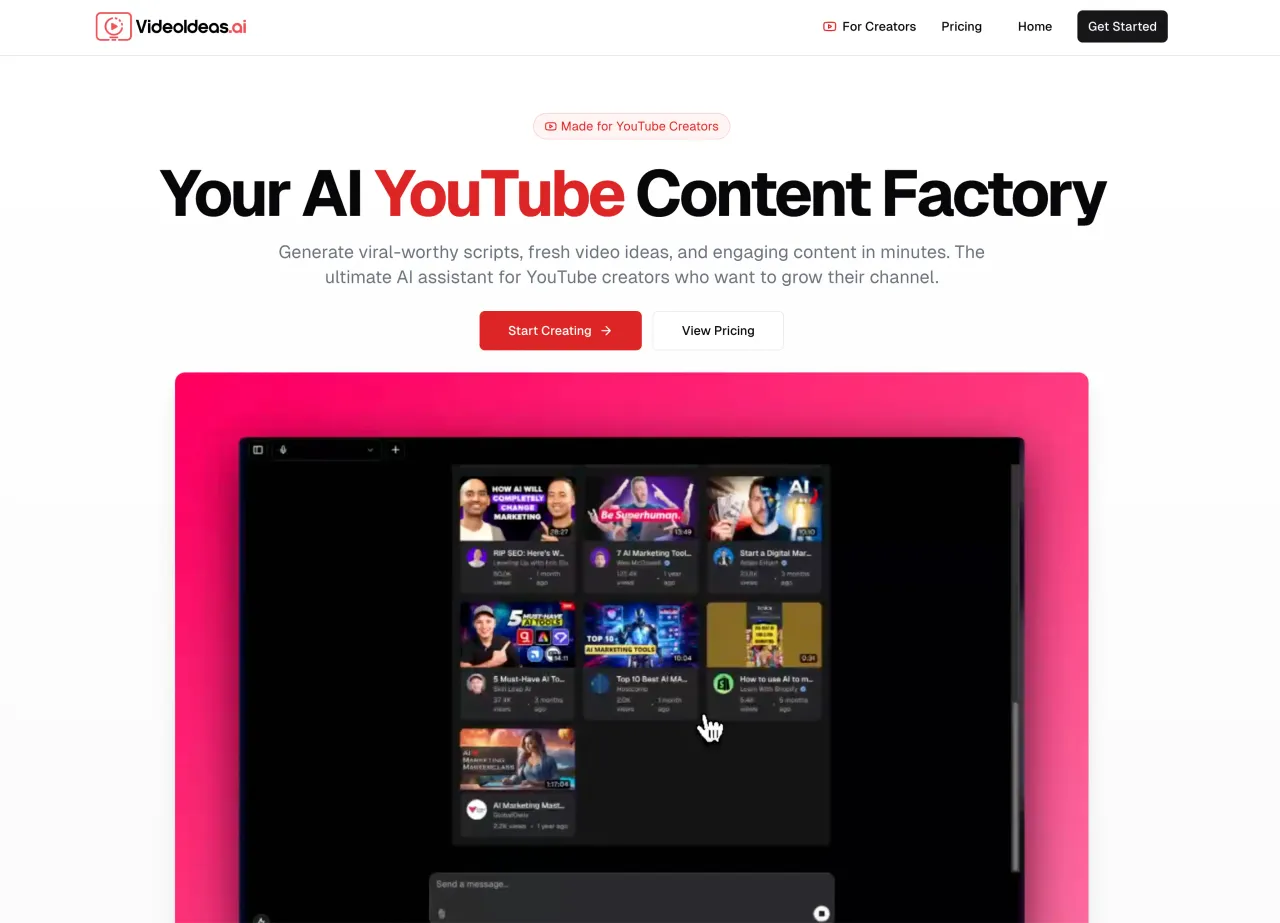
против VideoIdeas AI
Сравнить →
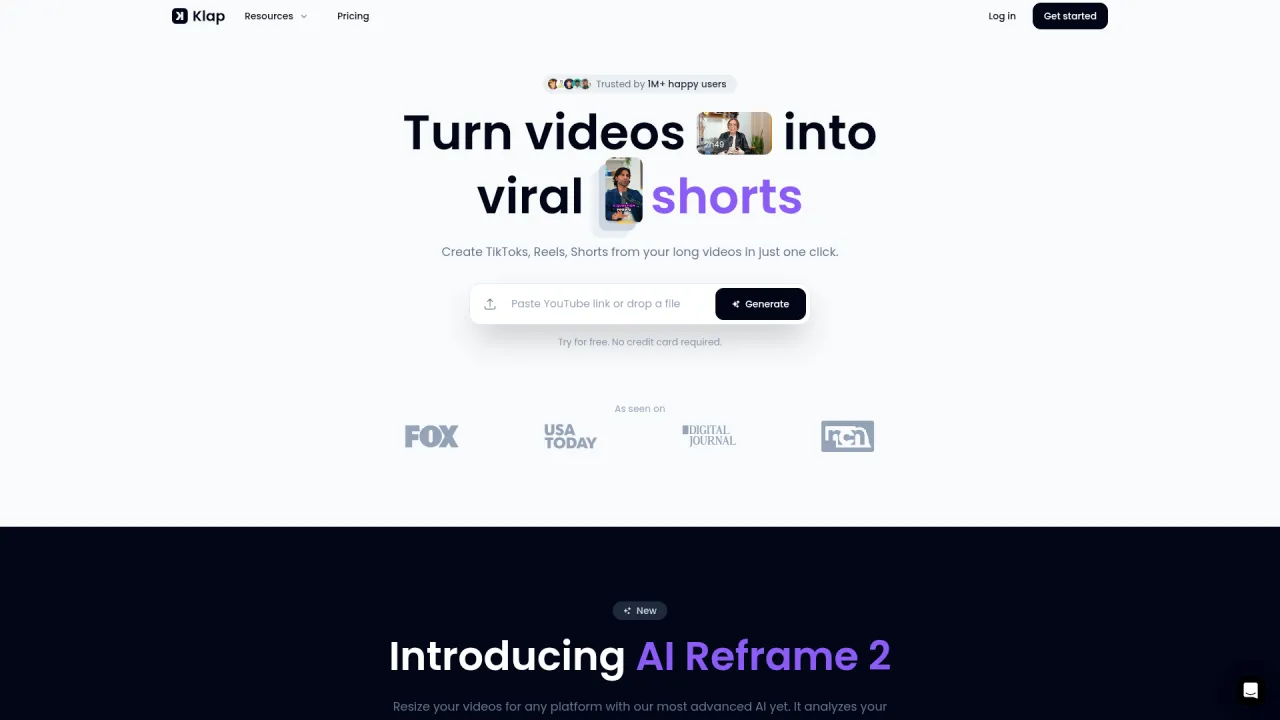
против Klap App
Сравнить →
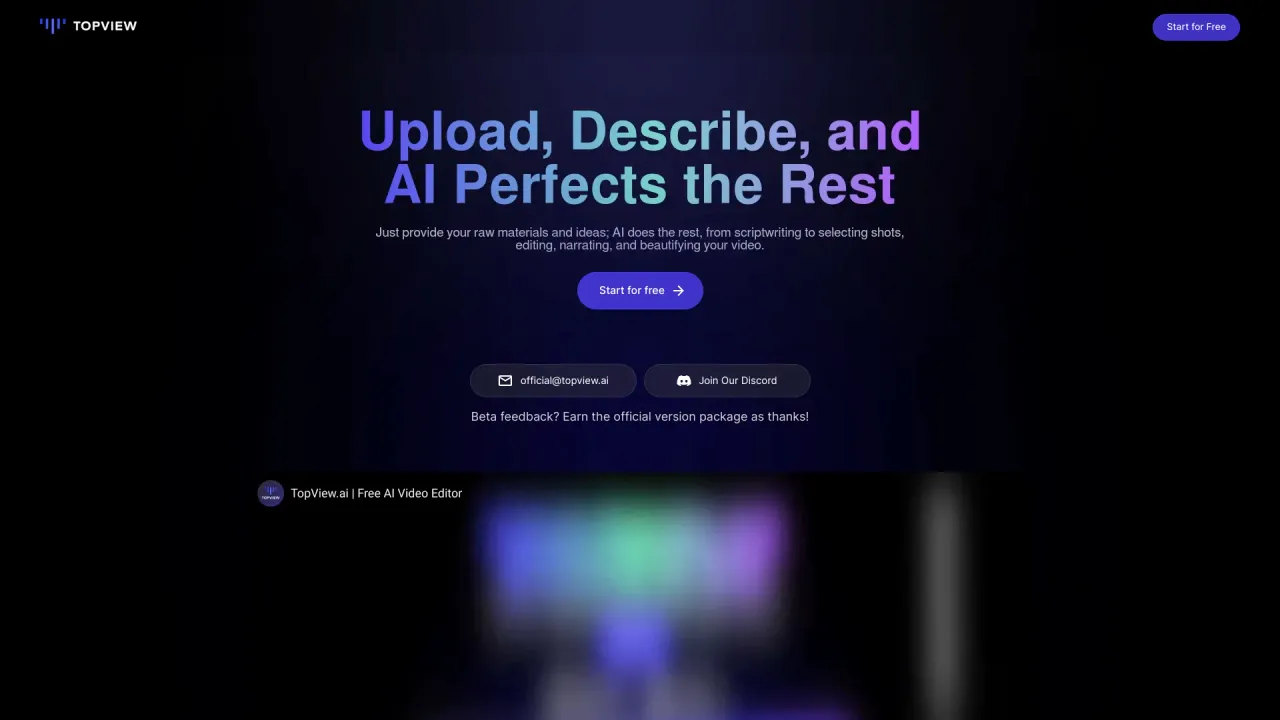
против AI video editor
Сравнить →
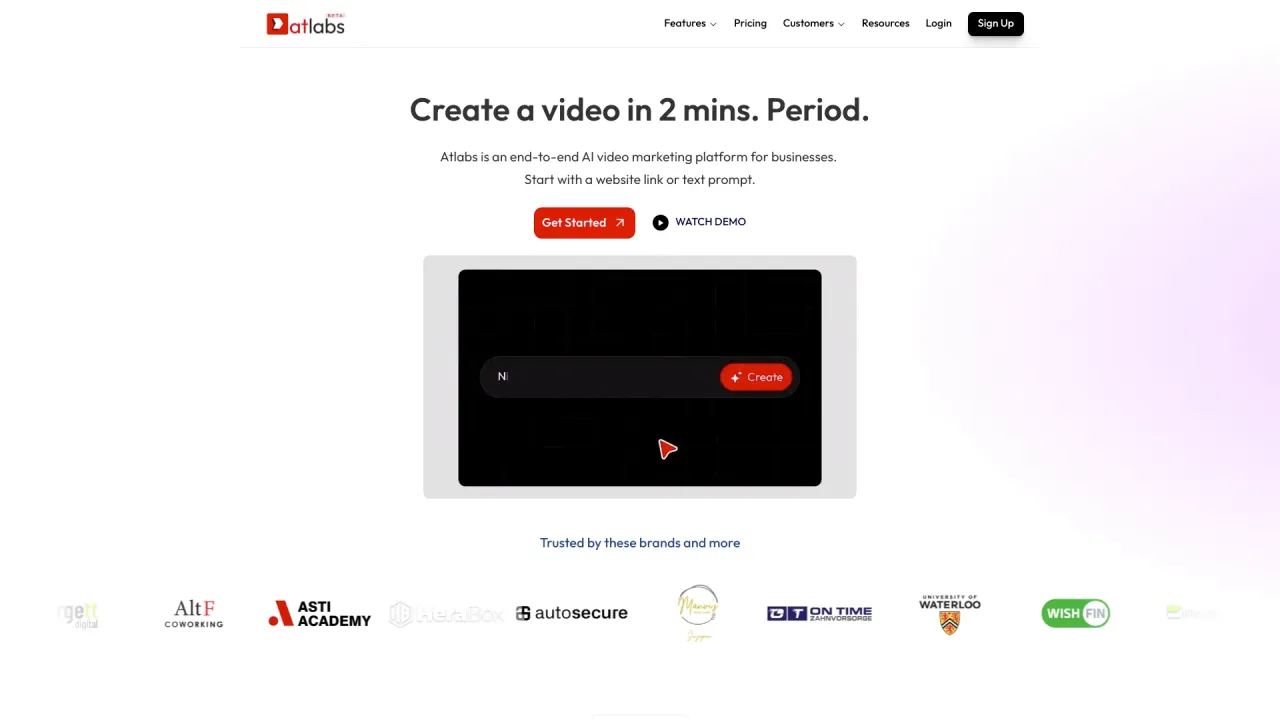
против Atlabs AI
Сравнить →
против Topview AI URL to Video
Сравнить →