Лучшие AI-генераторы песен и музыки в 2026 году
By: AI Collection
At a glance





Создавать музыку с помощью ИИ раньше означало одно текстовое поле и один вид результата. В 2026 году категория разделилась на чёткие задачи: генераторы полноценных песен, инструменты с роялти-фри лицензией для видео и подкастов, MIDI-генераторы для продюсеров и сочинители текстов. То, что вам подойдёт, зависит не столько от того, какая модель лучше звучит на демо, сколько от того, что вам нужно получить на выходе: лицензируемый MP3, стемы для микширования, MIDI-файл или музыкальное видео для публикации.
Это наш рейтинговый список AI-инструментов для создания песен и музыки из каталога с описанием того, в чём каждый из них хорош и кому подходит.
Как мы выбирали
Эти подборки взяты из нашего собственного каталога: редакционный рейтинг музыкальной категории в сочетании с данными каталога каждого инструмента и изучением его главной страницы, если сайт был доступен. Мы не проводили тест прослушивания и не оценивали качество звука, поэтому воспринимайте это как карту того, для чего создан каждый инструмент, а не как ранжированное сравнение звука. Цены указаны там, где инструмент их публикует.
BeatViz
BeatViz построен вокруг одной идеи, которую большинство генераторов упускают: видео. Он превращает текстовый запрос одновременно в трек и синхронизированное музыкальное видео, так что результат — это то, что можно сразу публиковать, а не просто WAV-файл. Сайт объединяет функции в небольшой набор, включая режим директора в стиле чата, редактор рабочих процессов, генерацию видео на заказ и музыкальные инструменты для создания, расширения, кавер-версий или добавления треков к существующей песне. Также есть анализатор музыки и генератор начального и конечного кадров для формирования визуального ряда.
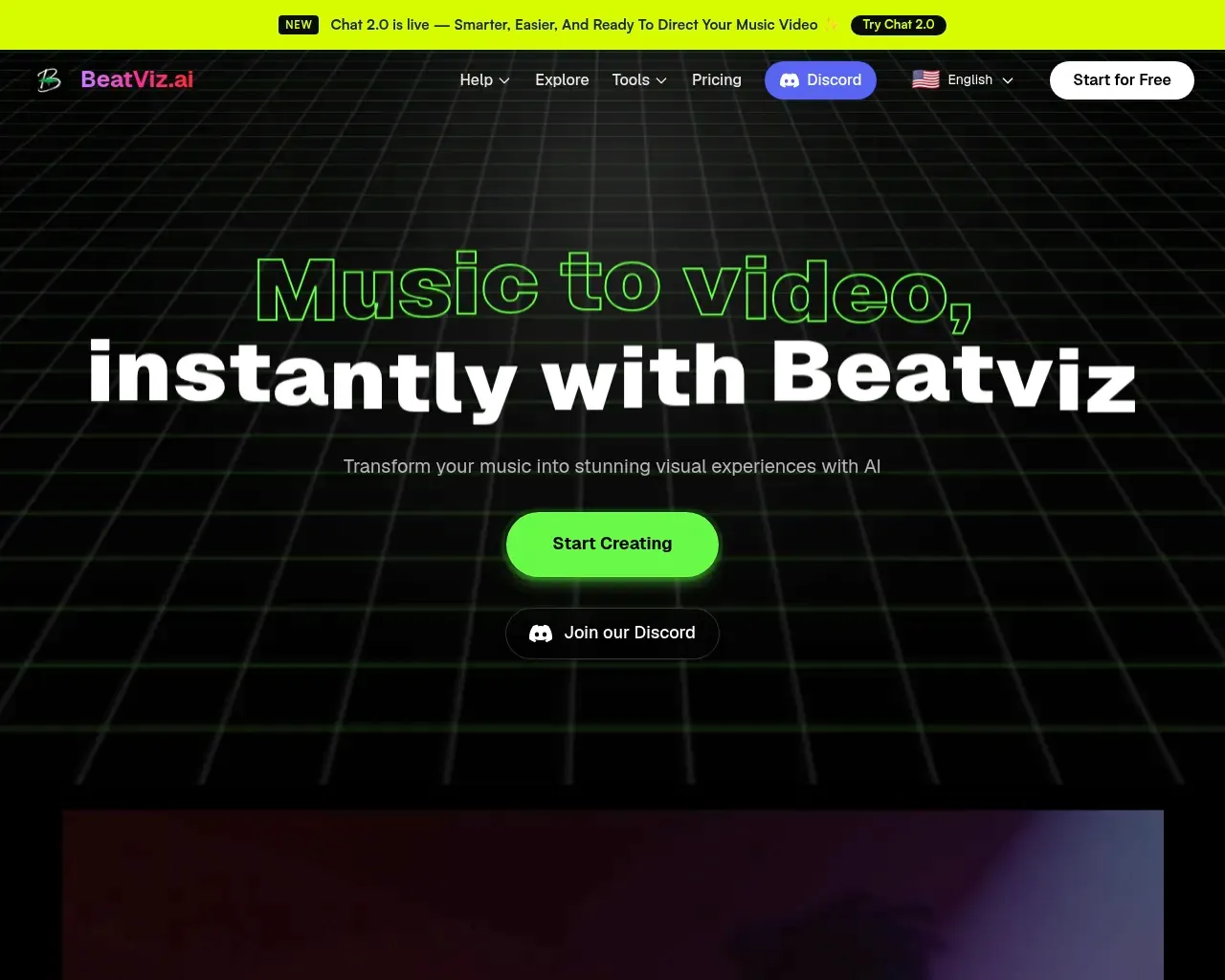
Это делает его подходящим для музыкантов и создателей контента, которым важно, как выглядит релиз, а не только как он звучит, и которым в противном случае пришлось бы добавлять отдельный видеоинструмент в рабочий процесс. Можно начать бесплатно; платные планы и их ограничения находятся на странице с ценами, а не сразу, поэтому проверьте текущие уровни перед тем, как принять решение.
Audjust
Audjust находится между редактированием и генерацией. Он решает практические аудиозадачи, с которыми сталкиваются видеомонтажёры: укорачивание песни под монтажный стык, удлинение клипа и поиск чистых петель без неловкого затухания, которое обычно выдаёт редактирование. Он также генерирует треки из текста или текстов песен.
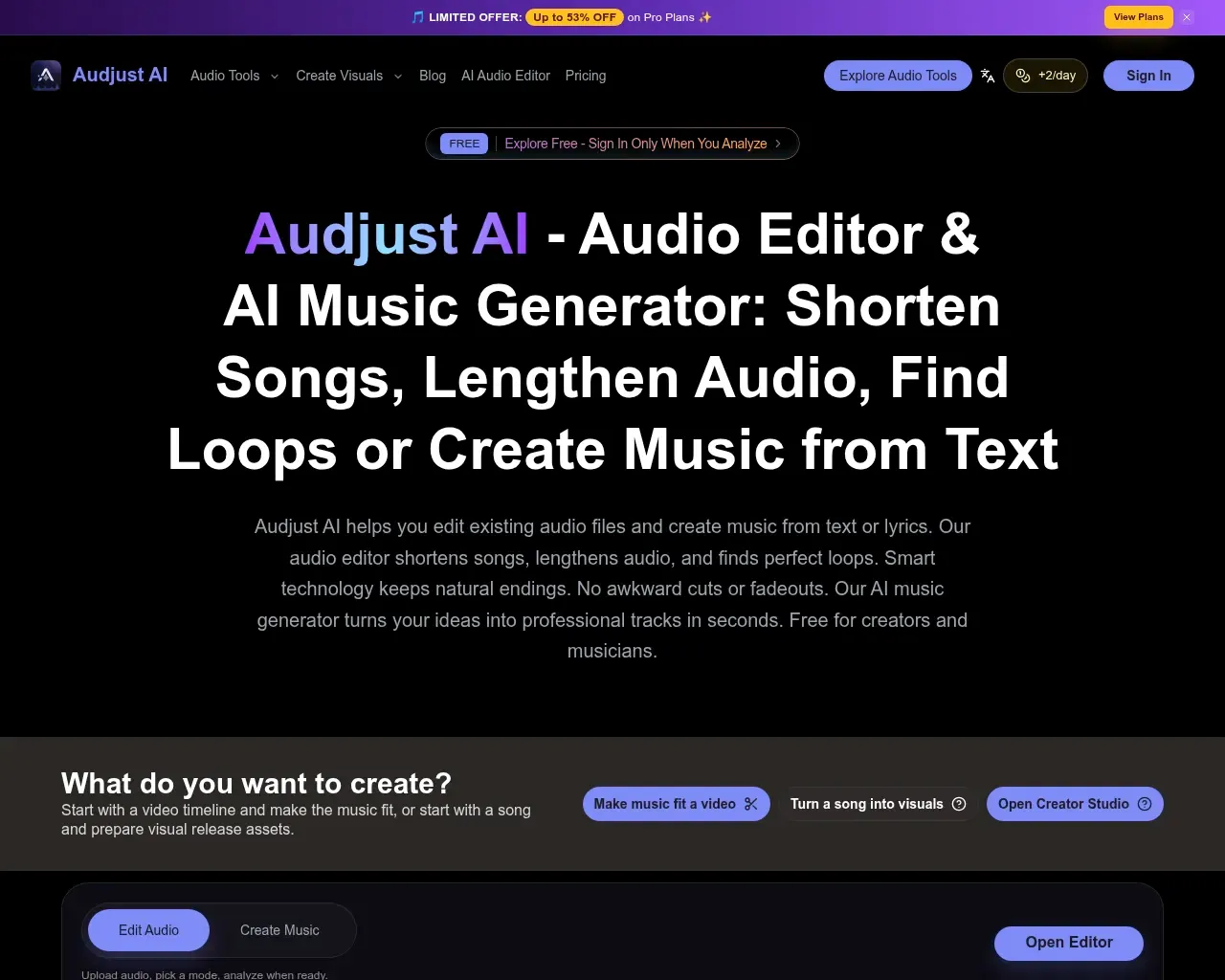
Можно попробовать пару бесплатных действий в день и войти в аккаунт только при анализе, что позволяет легко протестировать на реальном файле перед оплатой. Лайт-план стоит $14 в месяц. Целевой пользователь — тот, кто монтирует видео или подкасты и которому нужна музыка определённой длины, а не музыкант, стремящийся к оригинальной композиции.
AI-генератор текстов песен
These Lyrics Do Not Exist делает ровно одно: пишет оригинальные тексты. Задайте тему, жанр и настроение — и получите полный набор слов с припевом и куплетами. Темы могут быть самыми разными: одно слово, имя или даже эмодзи. Это бесплатно и работает в браузере без привязки к аудио, поэтому воспринимайте это как подсказку для написания песни, а не как готовую песню. Для тех, кто смотрит на пустую страницу, — это быстрый способ получить черновик на экране и затем отредактировать его.
Riffusion
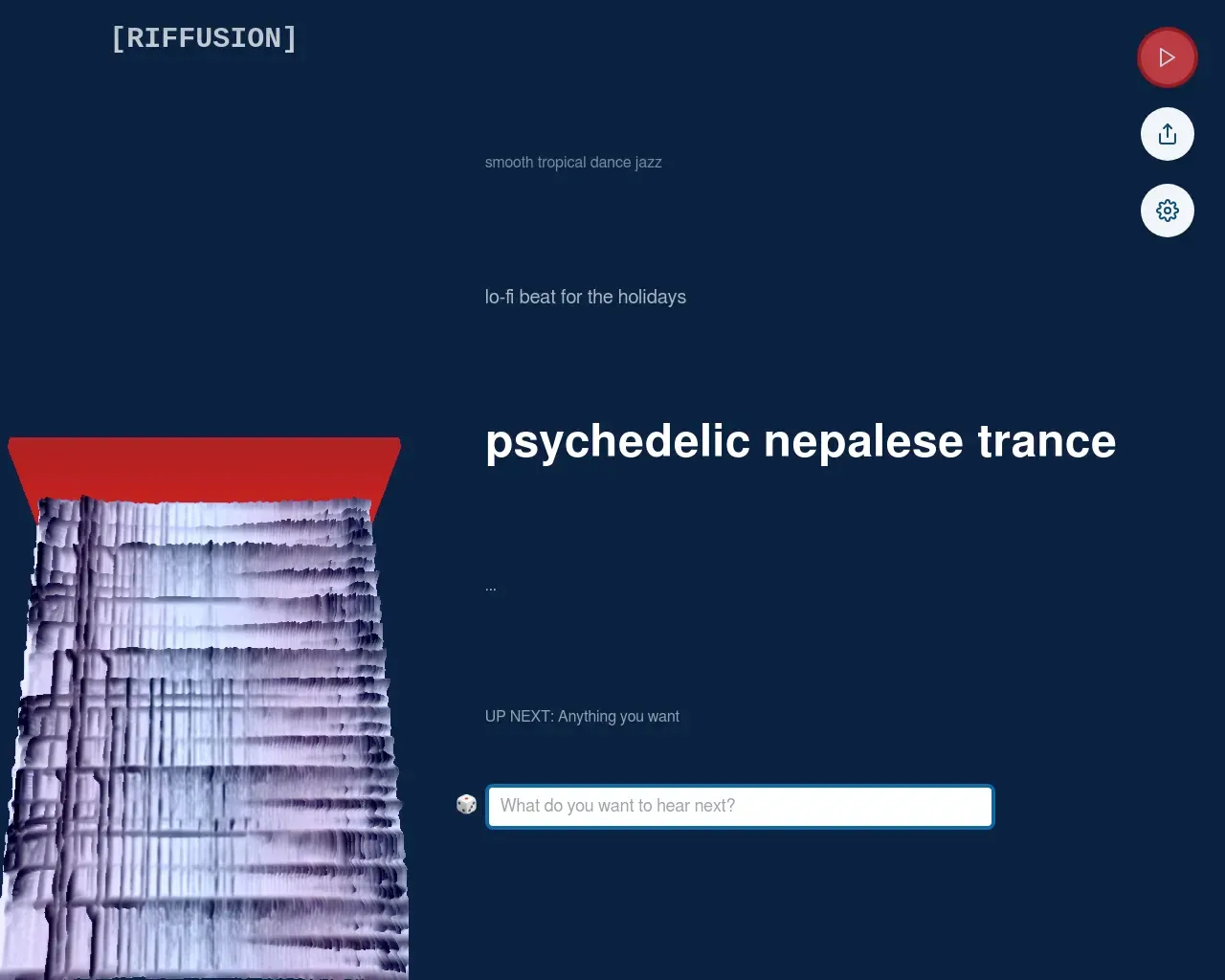
Riffusion заработал репутацию как ранний, действительно новаторский подход к генерации музыки, использующий методы диффузии изображений для создания аудио практически в реальном времени. Это имя стоит знать всем, кто следит за развитием AI-музыки. Прежде чем полагаться на него, важно учесть одну оговорку: на момент написания оригинальный веб-адрес переадресует на другой музыкальный продукт, поэтому убедитесь, куда реально ведёт ссылка и кто её обслуживает, прежде чем регистрироваться или загружать что-либо.
Musico
Musico занимает иную позицию по сравнению с большинством инструментов в этом списке. Он генерирует MIDI, а не готовое аудио, и построен на том, что компания называет ручным AI, обученным на собственных человеческих данных, а не на открытом интернете. Задача — подлинный, контролируемый музыкальный материал, а не общее рендеренное аудио, а MIDI-результат ориентирован на композиторов, игровое и интерактивное аудио, а также адаптивные саундтреки, которые должны реагировать на происходящее на экране.
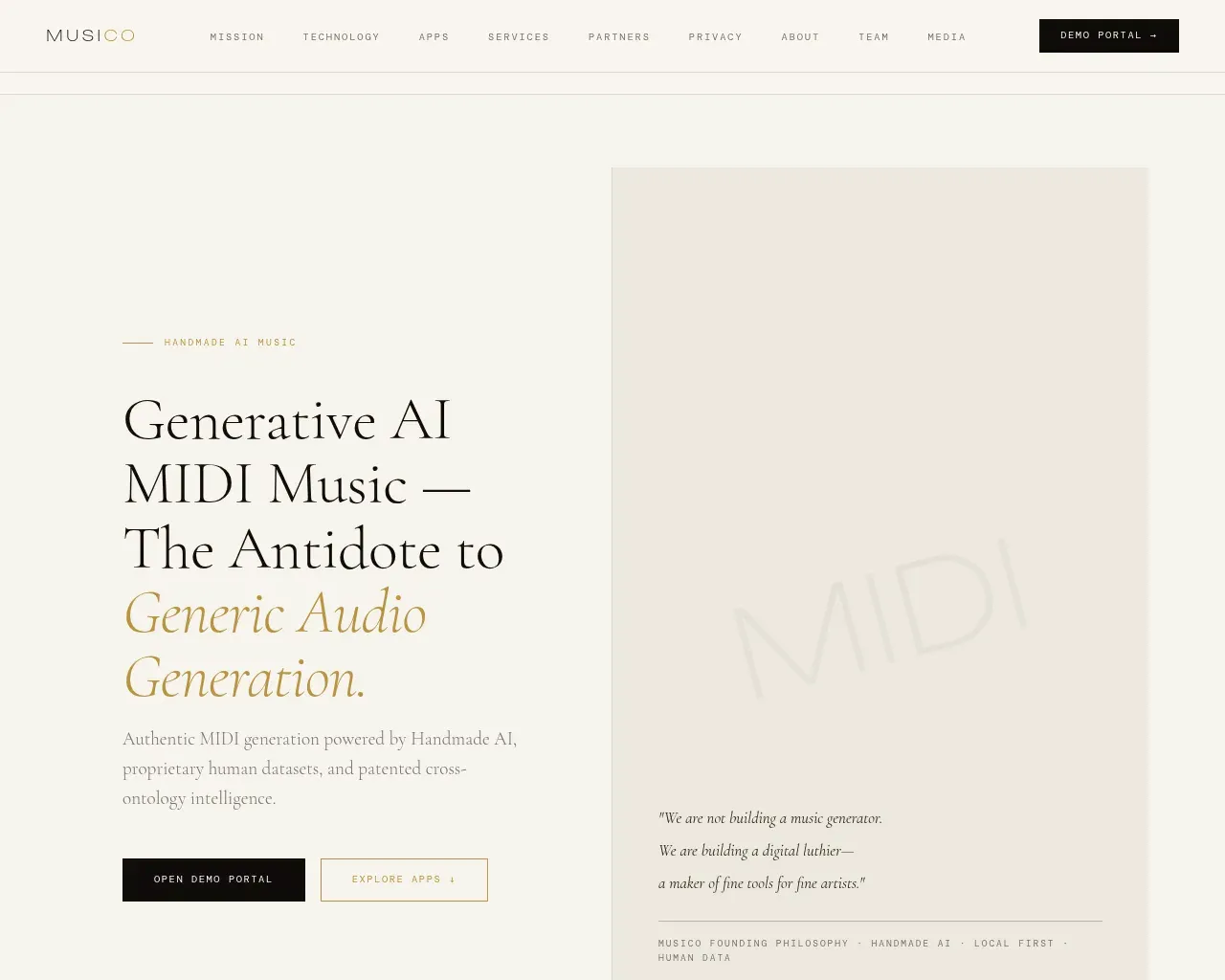
Публичных цен нет; доступ осуществляется через демо-портал и контактную форму, а не через самообслуживание, что говорит о том, что предполагаемый клиент ближе к студии или продуктовой команде, чем к любителю. Если вам нужны ноты, которые можно открыть в собственных инструментах и самостоятельно аранжировать, MIDI-первый подход — реальное преимущество перед закрытым аудиофайлом.
Soundraw
Soundraw — наиболее универсальный выбор для распространённого случая: роялти-фри музыка для видео, подкастов и контента в социальных сетях. Его главное достоинство — юридическая безопасность. Компания утверждает, что её ИИ обучен только на музыке собственного производства, без скачанных песен, поэтому создаваемые биты принадлежат вам: их можно использовать, монетизировать и делиться ими без риска получить страйк за авторские права.
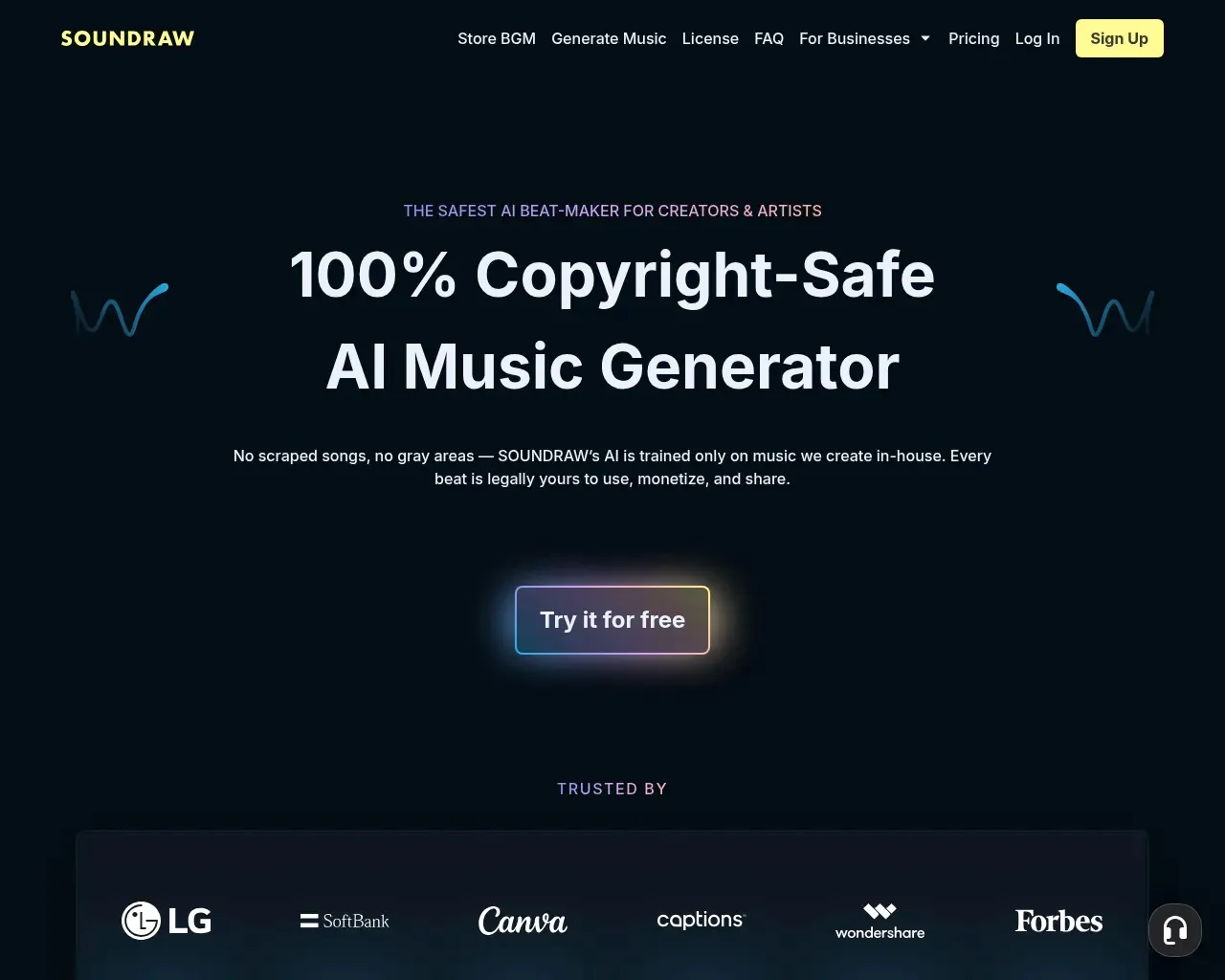
Помимо этого, инструмент действительно редактируемый. Микшер позволяет переключать инструменты, регулировать интенсивность и задавать точную длину, а жанры можно смешивать, чтобы получить что-то менее шаблонное, чем стоковая петля. Цены прозрачны: можно попробовать бесплатно, план Creator за $19.99 в месяц охватывает использование контента с неограниченными загрузками, а уровни Artist начинаются от $39.99 в месяц (Artist Starter, 10 загрузок в месяц) и переходят к Artist Pro и Artist Unlimited, которые добавляют загрузки WAV и стемов. Каждый платный план позволяет распространять треки на таких сервисах, как Spotify и Apple Music, и сохранять 100% роялти, что превращает его из инструмента для фоновой музыки во что-то ближе к релизному конвейеру.
Какой выбрать
Для большинства людей вопрос в том, куда пойдёт музыка. Если вы озвучиваете видео, подкасты или короткие клипы для социальных сетей и вам нужны треки, которые можно безопасно монетизировать, Soundraw — наиболее полный выбор с прозрачными ценами и реальным контролем редактирования. Музыканты, которым нужен релиз сразу с видео, должны начать с BeatViz, поскольку он рассматривает визуальное оформление как часть работы. А если вашим узким местом являются слова, а не звук, генератор текстов песен — это бесплатный способ избавиться от творческого ступора перед открытием DAW.
FAQ
Являются ли AI-сгенерированные песни роялти-фри и безопасными для монетизации? Это зависит от лицензии инструмента, а не от факта создания с помощью ИИ. Soundraw прямо заявляет, что его результаты роялти-фри, поскольку его модель обучена на собственной музыке, и он позволяет сохранять 100% роялти с треков, которые вы распространяете. Всегда читайте лицензию конкретного плана перед публикацией.
Генерируют ли эти инструменты вокал и тексты? Некоторые да, некоторые нет. Soundraw генерирует инструментальные биты, к которым вы можете добавить собственный вокал, а These Lyrics Do Not Exist пишет только тексты без аудио. Многие генераторы сосредоточены на инструментальных битах, поэтому проверьте, включён ли вокал, если это важно.
Есть ли по-настоящему бесплатный вариант? Да. У Soundraw есть бесплатный уровень для генерации и добавления в закладки песен, Audjust даёт пару бесплатных действий в день, а генератор текстов бесплатен в браузере. Бесплатные уровни обычно ограничивают загрузки или коммерческое использование, поэтому уточните условия перед тем, как полагаться на них.
Что если мне нужен только MIDI? Тогда генератор полноценных песен — не тот инструмент. Musico выводит MIDI, который можно аранжировать в собственном программном обеспечении, что лучше, чем трек-генератор, когда вам нужен исходный материал, а не готовый микс.
Published on: October 9, 2026