TopView AI 的链接转视频工具:几分钟内将产品 URL 变成广告
By: AI Collection
At a glance

Topview AI URL to Video
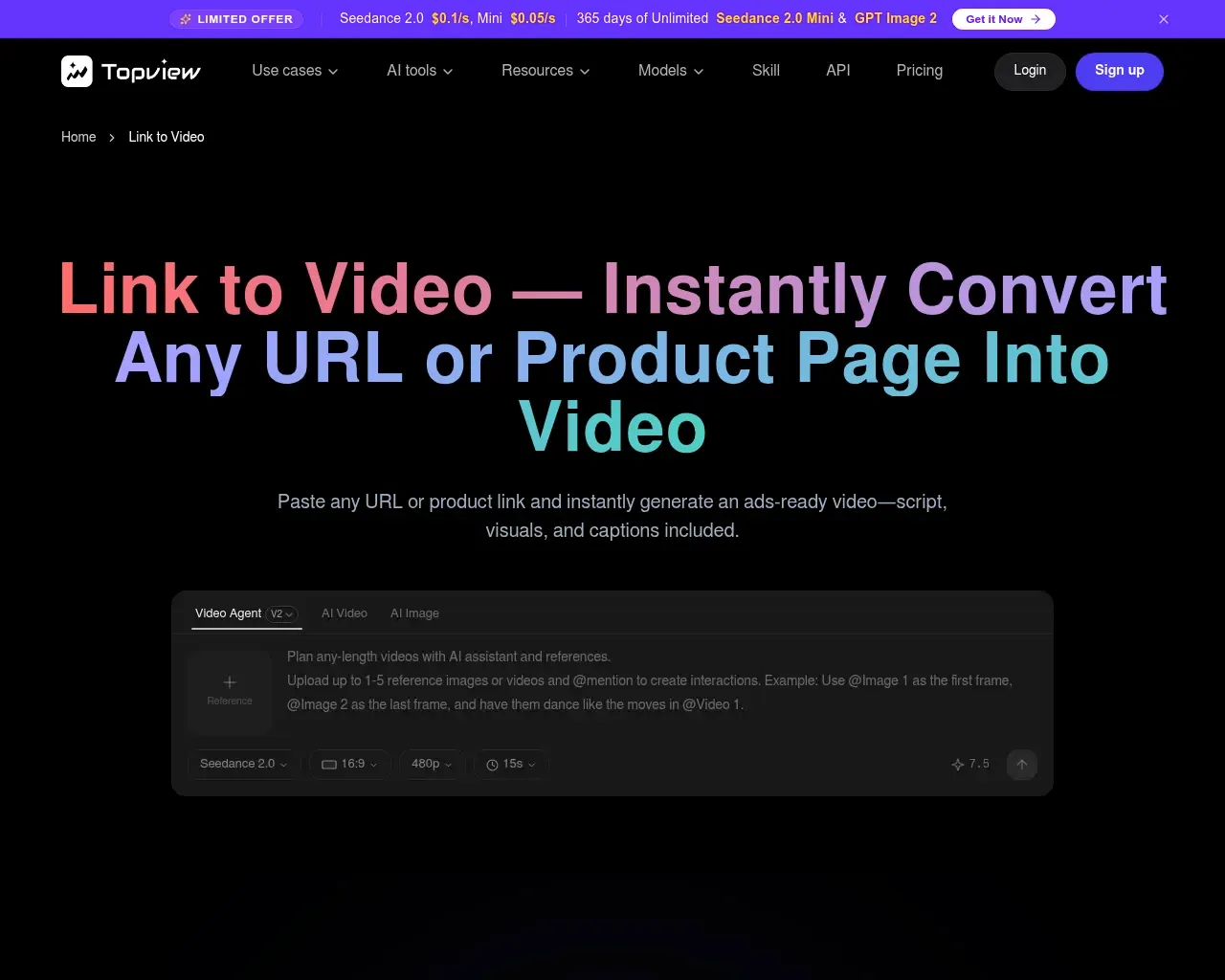
Freemium你粘贴一个产品页面的 URL。几分钟后,你就得到一段带有脚本、字幕、配音和素材风格 B-roll 的竖屏视频,可以直接当作 TikTok 或 Instagram 广告投放。这就是 TopView 的 Link to Video AI Agent 的全部卖点,它是更大的 TopView AI 视频平台中的一个工具,专为没有时间为每个 SKU 简报剪辑师的电商卖家、营销人员和代理商打造。
它实际能做什么
给它一个 URL——一个商品列表、一篇文章、一个亚马逊页面——智能体会抓取该页面,围绕它起草脚本,挑选视觉素材(自有素材库、你上传的照片,或 AI 生成的 B-roll),并组装出带有 AI 配音或朗读脚本的会说话 AI 头像的成片视频。它专门为「我有 200 个 SKU,需要 200 个广告变体」这类问题而设计,而不是为一部精心做艺术指导的品牌大片。
同一平台还提供视频脚本提取器(从竞争对手现有视频中提取脚本)和照片说话头像功能,可将一张静态照片动画化为朗读你文案的主持人——这两者都汇入同一条链接转视频流水线,而不是独立产品。
定价:积分制,不是固定座位
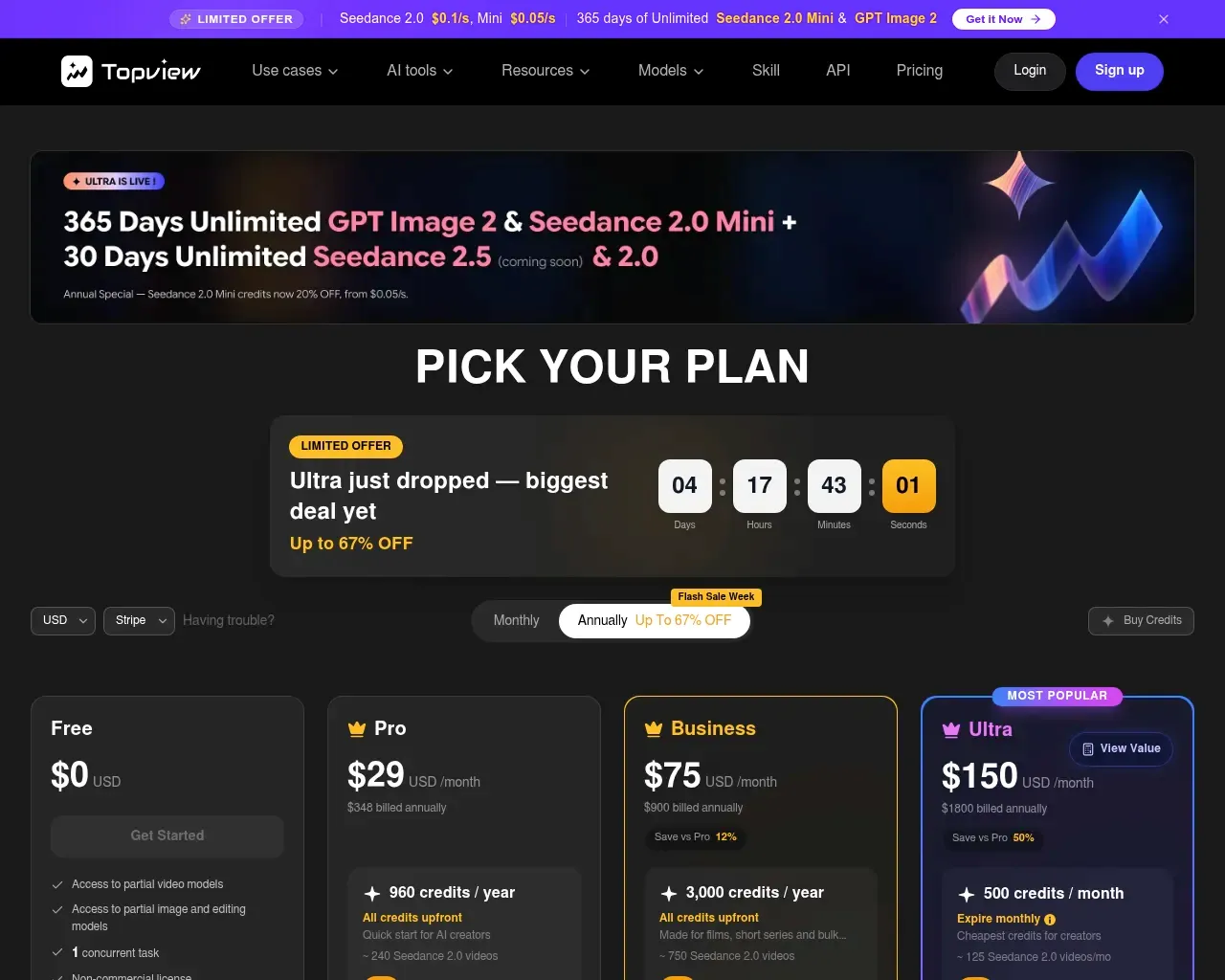
TopView 采用积分系统,而不是无限生成。根据其当前的定价页面和现有套餐数据:
| 套餐 | 价格(按年计费) | 积分 | 大致相当于 |
|---|---|---|---|
| Free | $0 | 10/month | ~2 个视频,带水印 |
| Starter | $14.70/mo ($176/yr) | 600/year | ~120 个视频,无水印,Photo Talking 最长 60s |
| Business | $49.90/mo ($599/yr) | 3,000/year | ~600 个视频,Photo Talking 最长 120s,优先支持 |
| Enterprise | Custom | Custom | 定制座位、头像、配音 |
按套餐不同,这大致相当于每个成片视频 $0.83–$1.47,而且还没算上重新渲染的成本。这就引出了一个值得指出的真实注意事项。
老实说的局限:预览也会消耗积分
从 Trustpilot 和 G2 汇总的独立评价都指向同一个反复出现的摩擦点:积分不仅会因最终导出而扣除,测试生成和重新生成同样会扣积分。如果你在调整某个头像的口型,或者在满意之前把脚本改了三次,你花掉的积分和一段成片视频的成本一样多——这在 Free 或 Starter 套餐上比在 Business 套餐上要重要得多。TopView 自己的条款规定,购买后三天内可以退款,但前提是该笔付款的积分尚未被使用,因此值得在承诺年度套餐之前先做几次便宜的测试,而不是事后再做。
这并非 TopView 独有的问题——每个按积分计量的 AI 视频工具都有某种版本的这种紧张关系——但这类细节不会出现在营销文案里,所以事先了解一下是值得的。
一个真实案例:面向 80 多名学生的培训视频
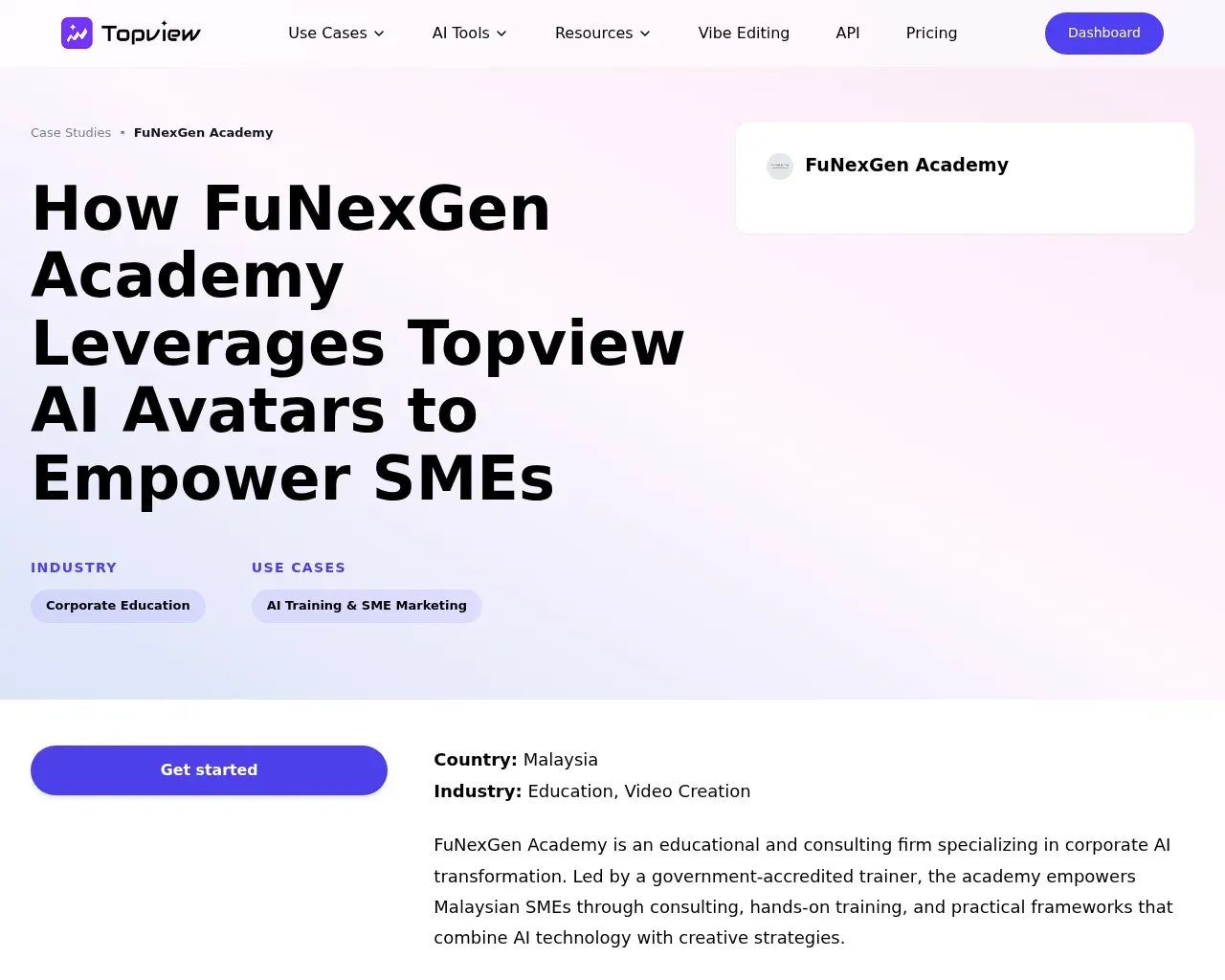
TopView 发布的是客户案例研究,而不只是简单的客户证言,其中一个案例足够具体,值得在这里提一下:FuNexGen Academy 是马来西亚一家专注于中小企业的培训机构,利用 TopView 的 AI 头像和换脸功能,为 80 多名学生制作了企业培训视频,在不为每一批学员重新拍摄素材的情况下替换出本地化的主持人面孔。这与主页上以电商广告为框架的用例不同——提醒我们,底层的头像/语音引擎本质上是通用的,即便链接转视频这个入口点是为产品营销而优化的。
这究竟适合谁
- 电商卖家和代发货商,他们需要大批量的广告变体,但没有内部视频团队。
- 代理商和营销人员,他们投放付费社媒广告,想要快速出一个初稿,然后在真正的剪辑软件里打磨,而不是从空白时间线开始。
- 任何需要说话头像讲解视频的人,只凭一段脚本或一张照片就能完成,不必雇用主持人。
如果你需要的是一部打磨精致、专属品牌的核心视频,它就不太合适——链接转视频流程是为速度和数量而设计的,不是为定制化艺术指导而设计的,如果你把它当作沙盒而不是生产工具来用,积分成本会很快累积起来。
参考来源
- Link to Video AI Agent - Convert URL to Video | TopView —— 产品描述、核心机制
- TopView pricing page —— 套餐结构与积分框架
- Case Study: How FuNexGen Academy Uses AI Avatars to Empower SMEs —— 客户用例(80 多名学生、AI 头像、换脸)
- TopView sitemap 和 case studies sitemap —— 客户案例研究的发现来源
- 汇总自 Trustpilot 和 G2 的评价主题的网络搜索 —— 积分消耗投诉与退款政策
- Wayback Machine availability check —— 确认这是一个被持续抓取、长期运营的网站
Published on: June 26, 2026
在寻找 Topview AI URL to Video 的替代品? 查看所有 Topview AI URL to Video 替代品 →
Have an AI tool of your own? Submit it below and get a free, in-depth product review article — just like this one.
几秒钟添加您的 AI 工具
粘贴 URL,我们将起草列表。提交前您可以审阅并编辑每一个字段。