HitPaw Online Video Enhancer
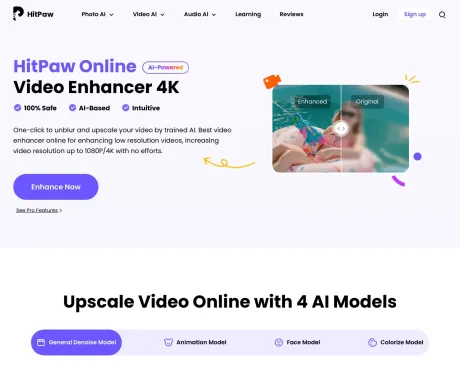
Un clic pour débloquer et mettre à l''échelle votre vidéo par une IA formée.
- Catégorie
- Montage vidéo
- Tarifs
- Paid
- Alternatives
- 6 outils similaires
- Mis à jour
- il y a 3 semaines
- Source
- Site officiel ↗︎
AI Collection Meilleurs choix

TheFluxTrain
Studio de production d'IA agentic pour des personnages, des flux de travail et des vidéos cohérents
Montage vidéo Choix de catégories

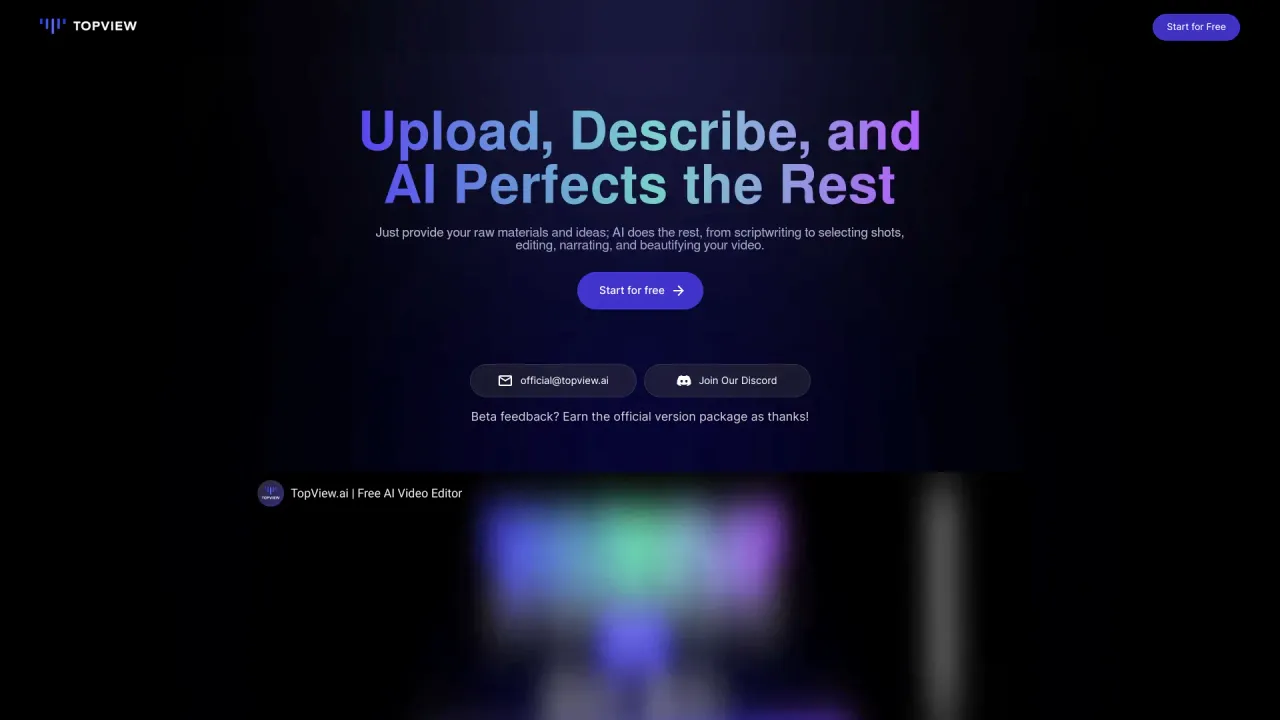
L'IA continue de modifier la façon dont nous réalisons une vidéo. L'une des dernières innovations dans ce domaine est TopView.ai, un éditeur vidéo basé sur l'IA en ligne qui exploite la puissance de l'IA pour rationaliser

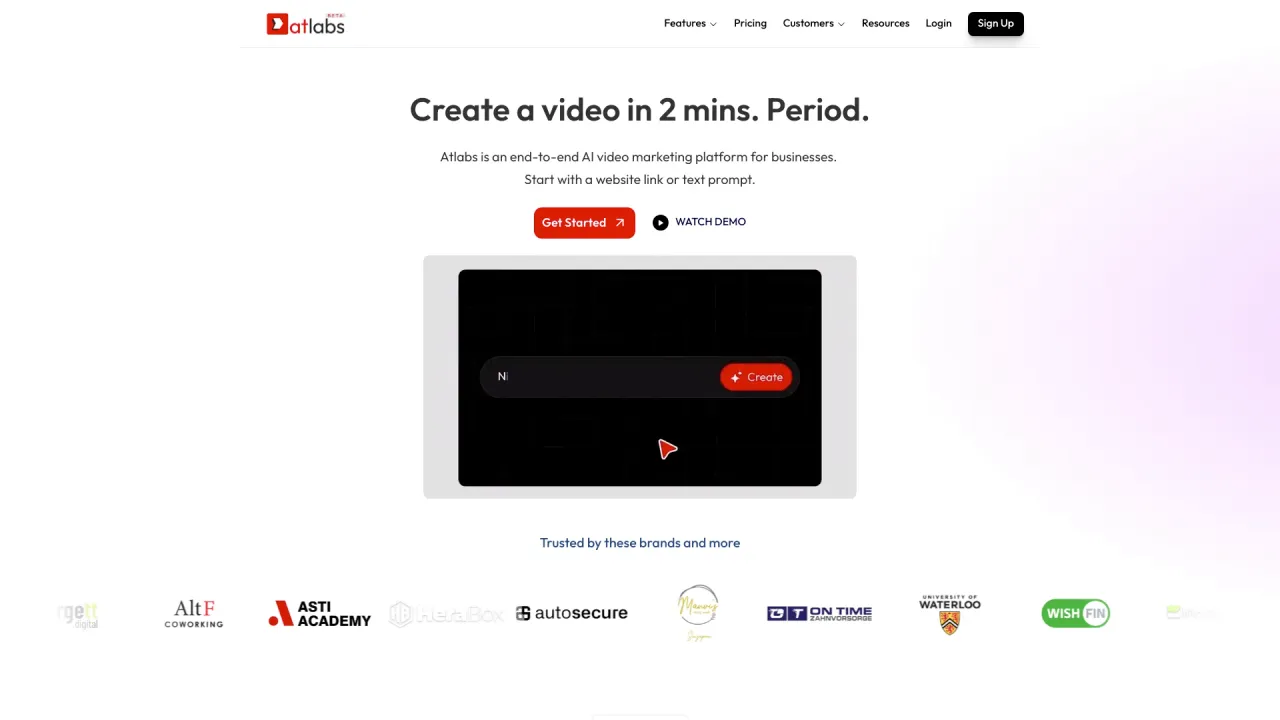
Plateforme de marketing vidéo basée sur l'IA. Créez des vidéos captivantes en quelques minutes.

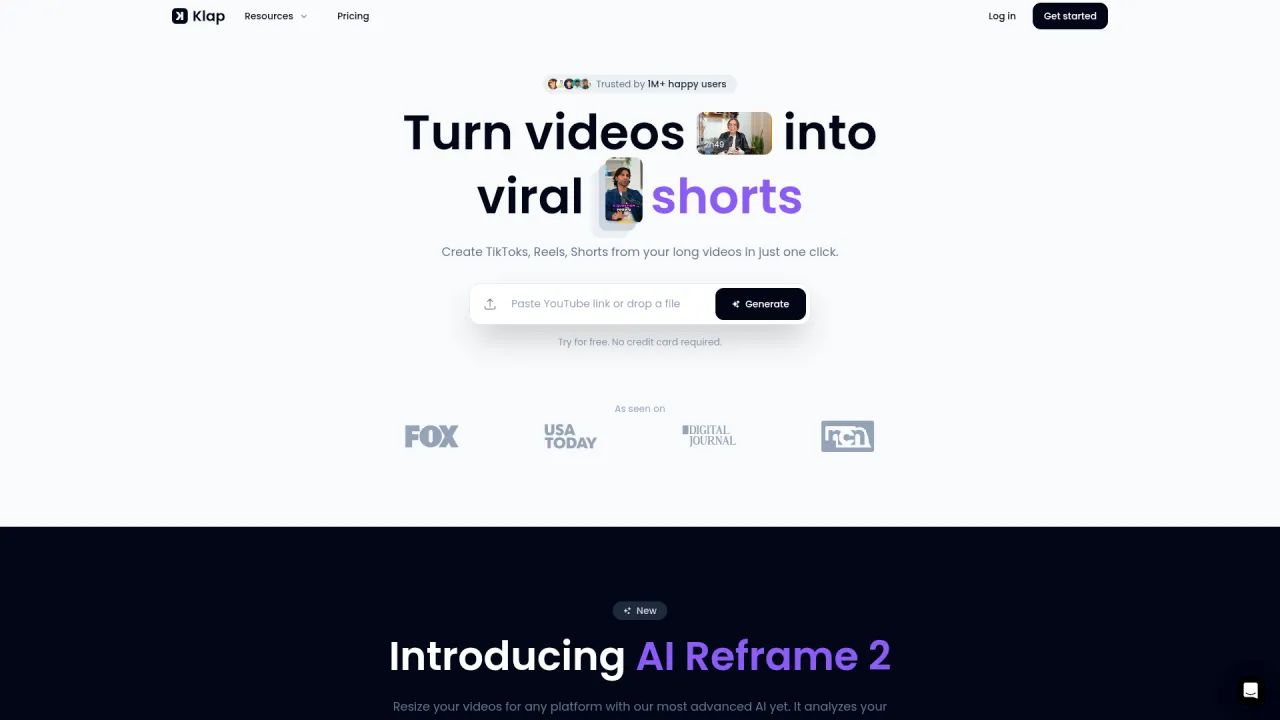
Une application de montage basée sur l'IA pour transformer de longues vidéos en clips viraux
À propos de HitPaw Online Video Enhancer
HitPaw Online Video Enhancer est la meilleure solution pour les vidéos basse résolution, augmentez la solution vidéo jusqu''à 1080P/4K sans effort.
HitPaw Online Video Enhancer's Forfaits tarifaires
HitPaw Online Video Enhancer peut modifier ses prix à tout moment. Voici nos dernières informations :
Pricing
Default
$0.99
per month
Ce que vous obtenez
Informations Complémentaires
HitPaw Online Video Enhancer is a powerful web-based tool designed for users who want to improve the quality of their videos effortlessly. By utilizing advanced AI technology, it is capable of upscaling low-resolution footage to full 4K resolution, guaranteeing sharpness and clarity without distorting the original content. This service is perfect for individuals, content creators, and educators who require enhanced video quality for various purposes, from online sharing to professional presentations.
The product supports a variety of video formats including MP4, MOV, MKV, M4V, and AVI, making it highly compatible with most devices. Users can choose from specialized AI models suited for different types of videos, such as face enhancement, animation, and low-light adjustments. This flexibility allows for tailored improvements based on specific requirements, ensuring optimal results with each enhancement.
Additionally, HitPaw offers both free previews and upgraded plans for those who wish to remove limitations such as watermarks and resolution caps. This makes it accessible for casual users while still catering to professionals needing higher-quality exports. With intuitive usage steps and no software installations required, HitPaw Online Video Enhancer stands out as an essential tool for video enhancement tasks, whether for personal memories or business promotion.
Users can enhance family videos, social media content, or even classic films, reviving old footage with improved visuals. This AI-enhanced service is set to deliver significant improvements in visual quality with ease of access, ensuring that users can achieve stunning results without extensive editing knowledge.
Foire aux questions
What is HitPaw Online Video Enhancer used for?
Un clic pour débloquer et mettre à l''échelle votre vidéo par une IA formée.Is HitPaw Online Video Enhancer free?
HitPaw Online Video Enhancer is a paid product. See the Pricing section for current plans.What are alternatives to HitPaw Online Video Enhancer?
Top alternatives to HitPaw Online Video Enhancer include Klap App, AI video editor, Atlabs AI, Topview AI URL to Video, Colossyan.Where can I get HitPaw Online Video Enhancer?
HitPaw Online Video Enhancer is available at https://online.hitpaw.com/online-video-enhancer.html.What category is HitPaw Online Video Enhancer in?
HitPaw Online Video Enhancer is listed in Montage vidéo.What is the Maximum Resolution I Can Achieve with HitPaw Online Video Enhancer?
You can upscale any low-res footage to full 4K resolution. Our AI doesn't just stretch pixels; it uses deep learning to predict and fill in missing details, ensuring a crisp, native-looking output.Is HitPaw Online Video Enhancer Free to Use?
Users can enhance video online free with preview, then upgrade for full exports. Exported videos may have limitations on resolution, length, or watermark. Upgrading to a paid plan unlocks full-quality exports and higher output limits.What Video Formats are Supported?
HitPaw Online Video Enhancer supports common video formats, including MP4, MOV, MKV, M4V, and AVI. This ensures compatibility with most cameras, phones, and editing tools.What is the Difference between HitPaw Online Video Enhancer and the Desktop Version?
HitPaw Online Video Enhancer is a web-based tool, ideal for quick and simple video enhancements without downloading software. However, it’s better suited for smaller files and basic tasks. HitPaw VikPea Video Enhancer (desktop version) is more powerful, offering advanced AI upscaling to 4K, batch processing, and support for larger files, making it perfect for professional or high-quality video upscaling.Can I Enhance Videos for YouTube or Social Media?
Yes. HitPaw Online Video Enhancer can improve clarity and resolution for videos uploaded to platforms like YouTube, Instagram, and TikTok. For best results, enhance videos before uploading to avoid additional compression.Can I improve blurry or low-quality videos online?
Yes. HitPaw Online AI Video Enhancer instantly sharpens blurry videos, enhances clarity, and upscales low-resolution clips—all directly in your browser, no downloads required. Perfect for restoring old videos or improving footage for social media.Can I export 4K videos without a watermark?
Yes. With HitPaw video quality enhancer 4k online free without watermark, you can preview results for free, while upgrading enables 4K export without watermark.What video formats do you support, and what is the maximum resolution?
Our online enhancer is highly compatible and supports all mainstream video formats, including MP4, MOV, MKV, AVI, and FLV. In terms of output, our AI super-resolution technology can upscale your standard-definition (SD) or 1080p footage up to breathtaking 8K resolution.How long does it take to enhance a video online?
Thanks to our powerful cloud-based server infrastructure, processing is incredibly fast. Most short clips take only a few seconds to a few minutes to render.Is my uploaded video content secure on your website?
Your privacy is our top priority. HitPaw Online employs bank-grade encryption protocols to protect your data.
Comparer HitPaw Online Video Enhancer avec…
Choisissez un outil pour voir une comparaison structurée côte à côte : tarifs, déploiement, capacités et politique de contenu.