Ebsynth
преобразуйте видео, рисуя поверх одного кадра.
- Категория
- Анимация изображения в видео
- Цены
- Free
- Альтернативы
- 6 похожих инструментов
- Обновлено
- 1 нед. назад
- Источник
- Официальный сайт ↗︎
AI Collection Лучшие подборки

TheFluxTrain
Студия Agentic AI Production для создания одинаковых персонажей, рабочих процессов и видео
Анимация изображения в видео Выбор категории

Размещение фотографий в, озвученные вертикальные барабаны — агент по катушкам с искусственным интеллектом для агентов по недвижимости.


Об инструменте Ebsynth
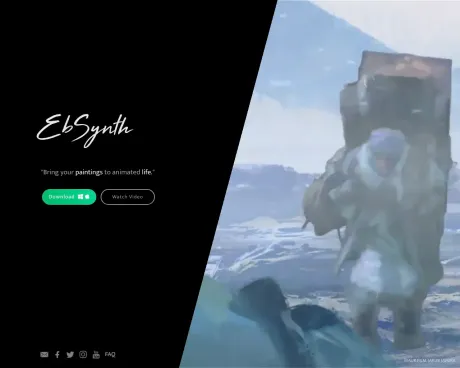
Воплотите свои картины в анимированную жизнь. Вы рисуете один кадр, а EBSynth переносит его на остальную часть отснятого материала. EBSynth создан для того, чтобы сделать искусство и анимацию более доступными для всех. Он ускоряет процесс, но не берет управление в свои руки. То, что вы создаете с его помощью, по-прежнему остается вашим оригинальным произведением искусства
Что вы получите
Дополнительная информация
EbSynth allows users to change their videos by editing a single frame, utilizing a texture-synthesis algorithm to propagate keyframes across the timeline. This makes it ideal for artists and creators looking to produce hand-drawn animations and modify video content efficiently without the need for extensive manual tracking.
With EbSynth, you can paint over your videos to turn performances into animated sequences. The software facilitates quick video touch-ups, digital makeup, and colorization, allowing creators to focus on their artistic vision rather than getting bogged down with tedious technical processes.
The platform supports a variety of outputs, including 720p HD video and higher resolutions with its Pro plan. Users can experience all core functions without limitations under the Free plan, making it accessible to anyone interested in video creation and transformation.
EbSynth is developed by Šárka Sochorová and Ondřej Jamriška, aimed at empowering artists with the tools they need to unlock new storytelling possibilities while maintaining full control over their creative projects.
Часто задаваемые вопросы
What is Ebsynth used for?
Ebsynth - преобразуйте видео, рисуя поверх одного кадра.Is Ebsynth free?
Ebsynth is free to use.What are alternatives to Ebsynth?
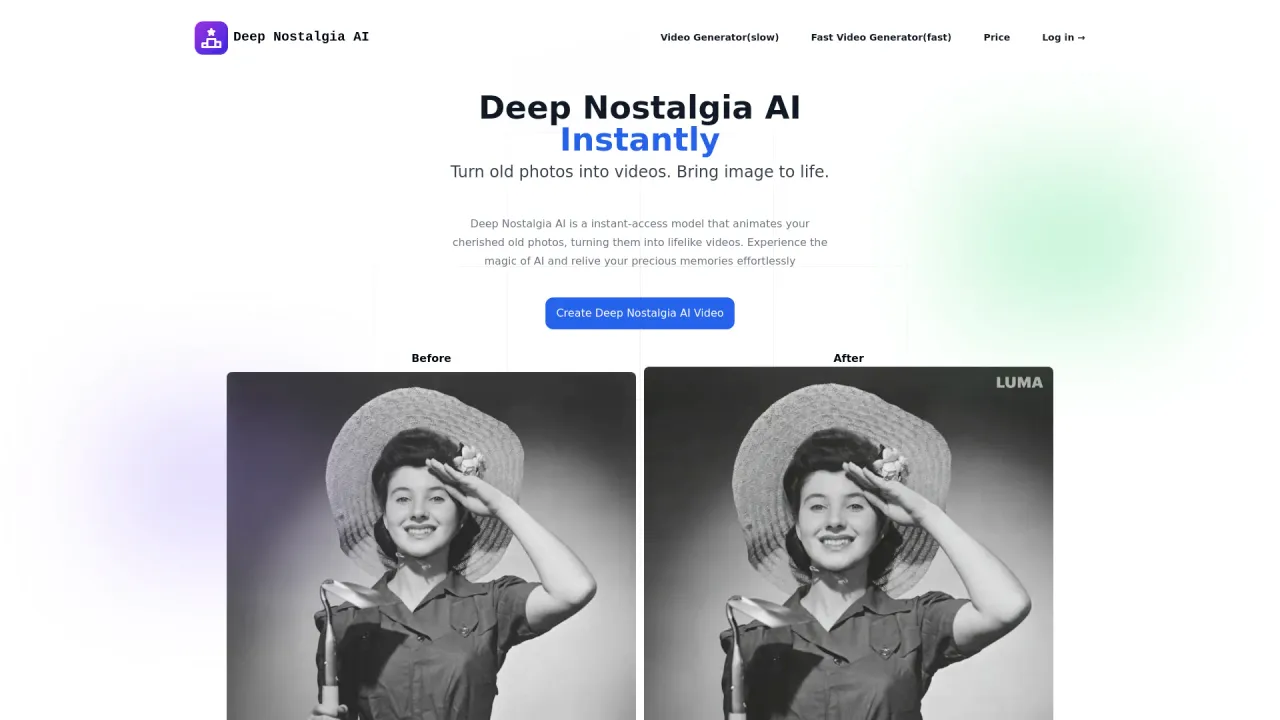
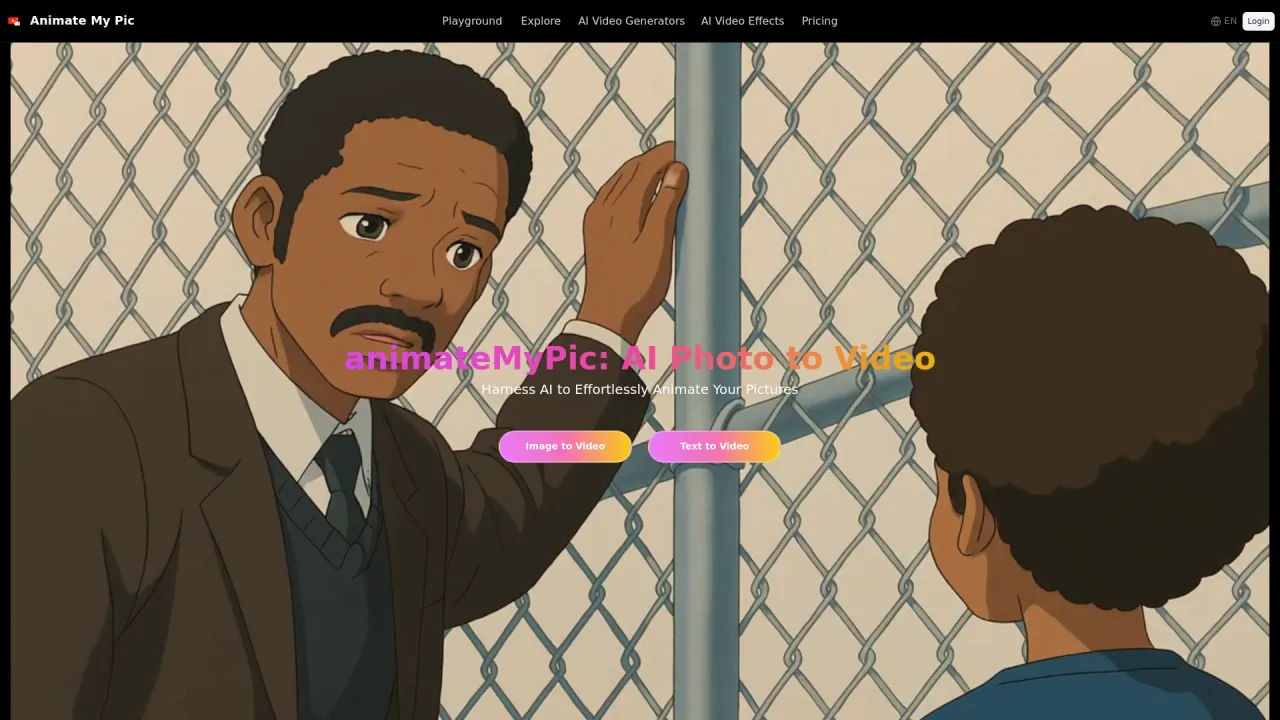
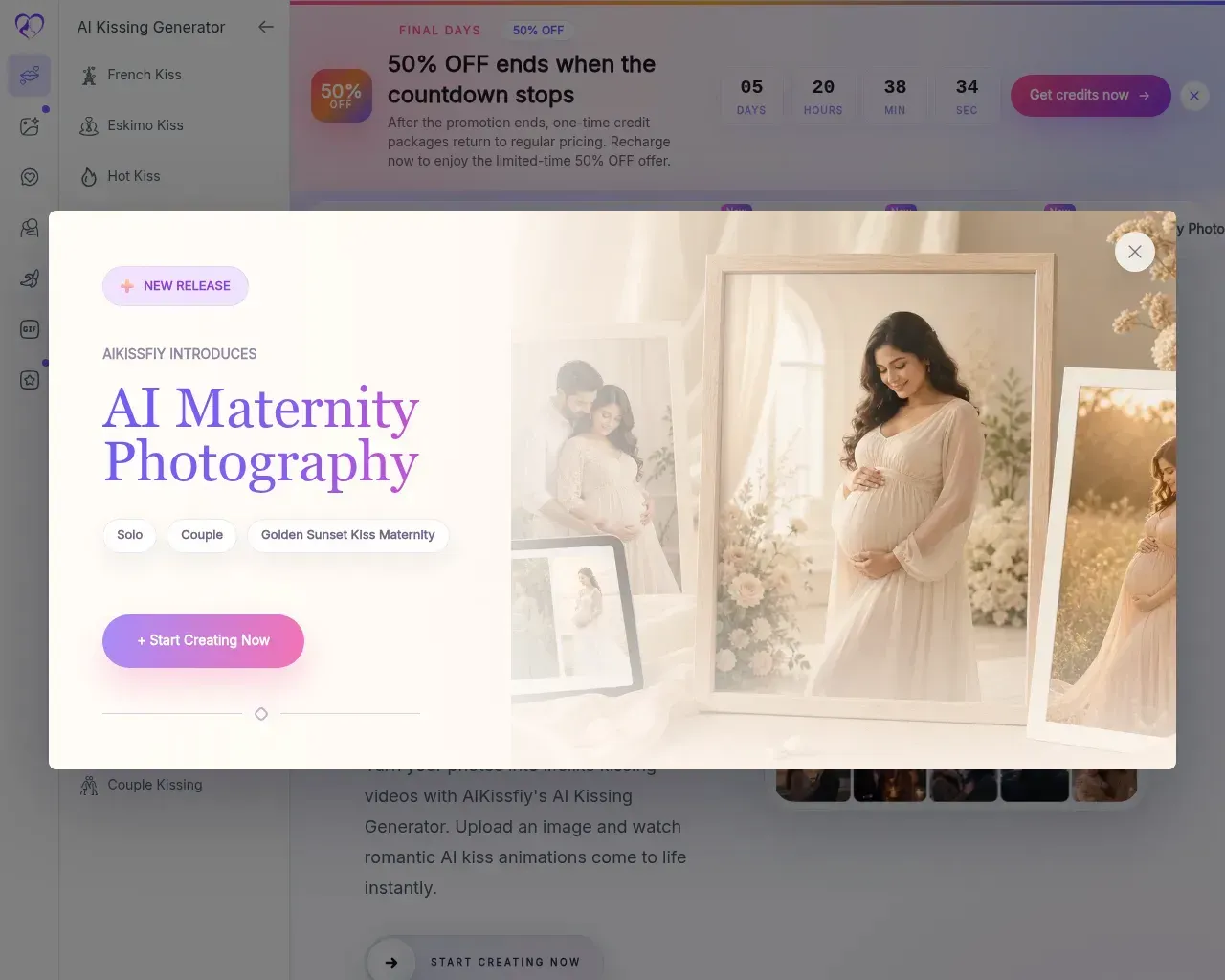
Top alternatives to Ebsynth include Kadapt, Deep Nostalgia AI, Deep Nostalgia, AnimateMyPic, AIKissfiy.Where can I get Ebsynth?
Ebsynth is available at http://ebsynth.com.What category is Ebsynth in?
Ebsynth is listed in Анимация изображения в видео.Is EbSynth AI?
The propagation of keyframes across the timeline doesn't use AI. It's a texture-synthesis algorithm that only uses your video and keyframes to produce the final result, it doesn't use generative models trained on external datasets. There is an optional AI feature 'Generate Image' in EbSynth that lets you generate your keyframes.What browser should I use?
We recommend Chrome for the best experience, especially for large projects with long or high-resolution videos. Chrome handles memory-intensive processing most reliably. On laptops, make sure it uses your dedicated graphics card for optimal performance.Do you store my projects?
No, your projects stay on your computer. We temporarily upload your video and keyframes to our servers to render your animation, then immediately delete them once results are sent back. We never share your files or use them for any internal purposes. For fully offline processing with no uploads, consider our Studio Plan.Can I use EbSynth for free?
Yes, we offer a Free plan to anyone who wants to try it out. There are no time or functional limitations, you get to experience the whole EbSynth. If you need advanced features like high-resolution render, PNG sequence output, or more keyframe generations, you can upgrade to our Pro plan.How do I cancel my subscription?
Click the user menu in the top right corner and select 'Manage Subscription' to cancel. Your plan stays active until the end of your current billing period.How do I get best results?
Start with a single keyframe. Create additional keyframes by fixing broken areas in already synthesized frames. Choose the timing of your keyframes carefully. Select frames that show the most content and clear poses, not the middle of movements. Align the shapes in your keyframes to the shapes of the videoframes. If they don't match, you might end up with stretchy, ripple-like artifacts.
Сравнить Ebsynth с…
Выберите любой инструмент, чтобы увидеть структурированное сравнение: цены, развертывание, возможности и контент-политика.