
AI Collection Лучшие подборки

TheFluxTrain
Студия Agentic AI Production для создания одинаковых персонажей, рабочих процессов и видео
Редактирование видео Выбор категории
Искусственный интеллект продолжает менять то, как мы создаем видео. Одна из последних инноваций в этой области — TopView.ai, онлайн-редактор видео с искусственным интеллектом, который использует возможности искусственного интеллекта для оптимизации

Платформа видеомаркетинга с искусственным интеллектом. Создавайте интересные видеоролики за считанные минуты.
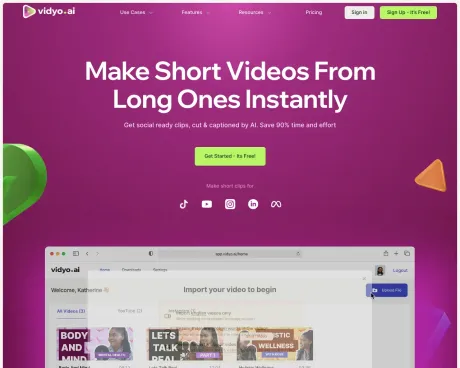
Об инструменте Vidyo
Создавайте короткие клипы из ваших видео с помощью искусственного интеллекта ✨ Экономьте 90 % времени и усилий
Что вы получите
Дополнительная информация
quso.ai is a comprehensive AI-powered video repurposing and social media scheduling tool that enhances the content creation process for coaches, podcasters, and business owners. With its array of features, users can generate short video clips from longer content, automate social media posting, and analyze engagement across various platforms all within a unified dashboard.
The platform offers a multitude of tools, including an AI Clips Generator, AI Subtitle Generator, and a Social Media Manager that allows users to schedule and manage their posts across multiple channels simultaneously. Users can import videos from platforms like YouTube or upload their own, with support for various video formats. Additionally, quso.ai features a B-roll library for adding engaging visuals to content enhancement.
Beginners will find quso.ai particularly user-friendly, with a straightforward interface designed to simplify the workflow of content creation, scheduling, and management. The software is suitable for individuals, small businesses, and larger agencies alike, offering tailored workflows that cater to specific needs across different industries, including e-commerce, healthcare, and education.
Furthermore, quso.ai allows for the application of branding elements within videos, making it simple for users to create on-brand content without extensive editing knowledge. Users can also watch their growth through integrated analytics, ensuring they can adjust strategies based on performance insights.
Часто задаваемые вопросы
What is Vidyo used for?
Перепрофилирование контента на основе ИИ - vidyo.ai.Is Vidyo free?
Pricing for Vidyo varies — see the Pricing section for details.What are alternatives to Vidyo?
Top alternatives to Vidyo include Klap App, AI video editor, Atlabs AI, Topview AI URL to Video, Colossyan.Where can I get Vidyo?
Vidyo is available at http://vidyo.ai.What category is Vidyo in?
Vidyo is listed in Редактирование видео.Is vidyo.ai now quso.ai?
Yes, vidyo.ai is now a part of quso.ai. While vidyo.ai focused primarily on AI video editing and AI clipping along with social media management, quso.ai has expanded into a complete Social Media AI suite. We now offer a suite of tools for content creation, scheduling, analytics, and video editing, making it an all-in-one solution for managing your social media presence.Can I use quso.ai for free?
You can create professional-looking social media content without a subscription at zero cost using quso.ai.How does quso.ai work?
You simply sign up, choose your workflow from AI Video Clipping, AI text-to-video, AI Avatar, social media management, or more, and the AI helps you automate your workflows.Why should I choose quso.ai?
quso.ai is a Social Media AI suite that helps you grow online. As your complete AI marketing team, we understand and deliver everything you need for social media success. Our AI Content Creator, AI Social Media Manager, and AI Video Editor work together to drive your growth through engaging content creation, strategic scheduling, and comprehensive social media management.I am a beginner, can I use quso.ai?
quso.ai is known for its user-friendly interface, especially for newcomers to AI technology. The software has an intuitive workflow, making it easy for beginners to navigate.What types of videos can I upload on the quso.ai app?
quso.ai lets you import a video from YouTube or upload a full video in mp4, m4v, mov & webm formats. Free users can upload 5GB, and paid users can upload 15GB files.What languages are supported by quso.ai?
quso.ai currently supports English, Spanish, German, French, and 12 other global languages for AI video clipping and 99 more languages for AI captions. We will soon be adding more languages to cater to a wider audience.Do you have stock video and audio?
Yes, quso.ai has an integrated B-roll library that allows you to enhance your storytelling with our royalty-free stock images, videos, and audio.What is AI video clipping?
AI video clipping uses AI to find the highest-performing moments in a long video and turn them into short, vertical clips — automatically reframed and captioned. quso.ai's AI video clipping scores every moment by virality, so you publish only the clips most likely to perform.How do I turn one long video into clips for every platform?
Upload a video, podcast, or stream and quso.ai's AI content repurposing turns it into a week of short clips — captioned, resized, and ready for TikTok, Reels, Shorts, and LinkedIn.Can quso.ai add captions and subtitles automatically?
Yes. quso.ai adds word-level animated captions and AI subtitles in 100+ languages, plus filler-word removal — no manual transcription needed.Which platforms can I publish and schedule to?
Publish or schedule posts to TikTok, Instagram Reels, YouTube Shorts, LinkedIn, Facebook, and X — all from one calendar.Do I need video editing skills?
No. quso.ai automatically finds the best moments, reframes them vertically, adds captions, and applies your brand kit — no editing experience required.Is quso.ai free?
Yes — you can get started for free, no credit card required. Paid plans start at $29/mo.What can I import into quso.ai?
Import from YouTube, Vimeo, X, Facebook, Twitch, Rumble, Loom, LinkedIn, and Zoom, plus Google Drive, Dropbox, or a local upload. Every source works on the free plan, on every entry point, desktop and mobile.What is quso.ai for?
quso.ai turns a long video, podcast episode, or stream into short captioned clips you review before posting, plus an editable transcript and text posts, and schedules the approved clips. It is built for people who record regularly: coaches, churches, podcasters, small businesses, and agencies. Paste a link or upload a file to start.
Сравнить Vidyo с…
Выберите любой инструмент, чтобы увидеть структурированное сравнение: цены, развертывание, возможности и контент-политика.
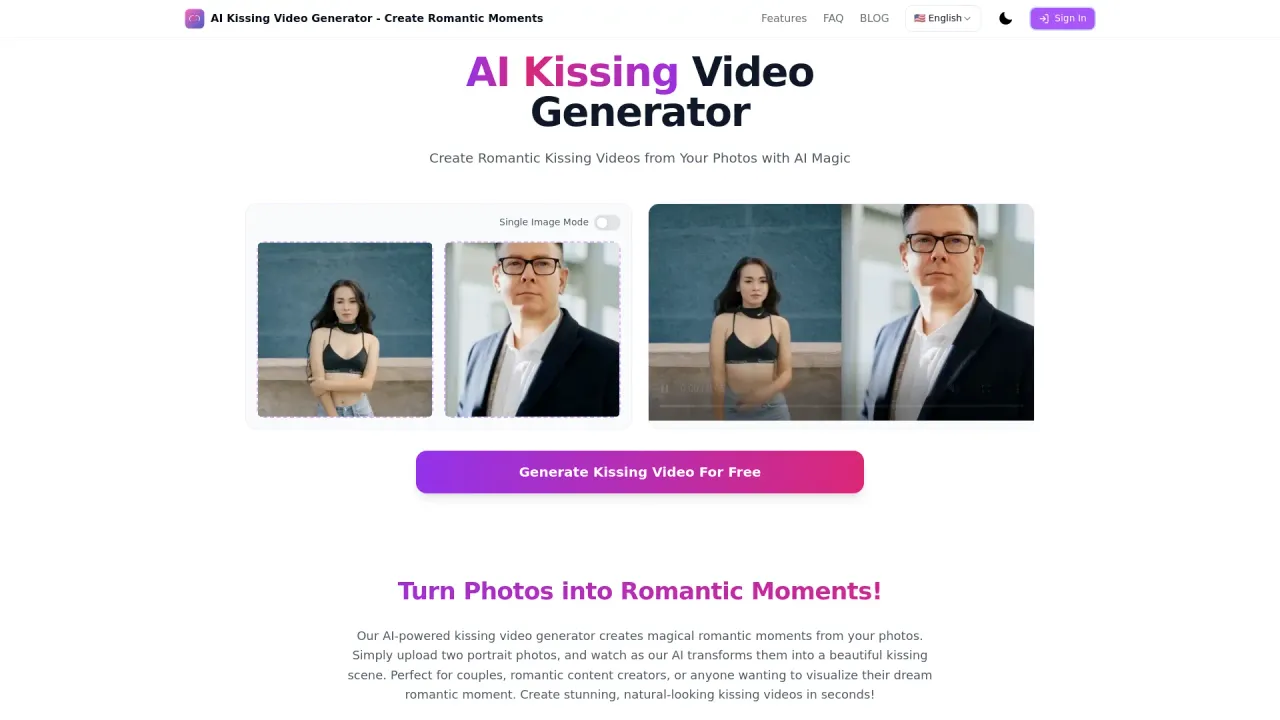
против Free AI kissing video generator
Сравнить →
против youtube video downloader
Сравнить →
против TheFluxTrain
Сравнить →
против SellerPic AI
Сравнить →
против VideoIdeas AI
Сравнить →
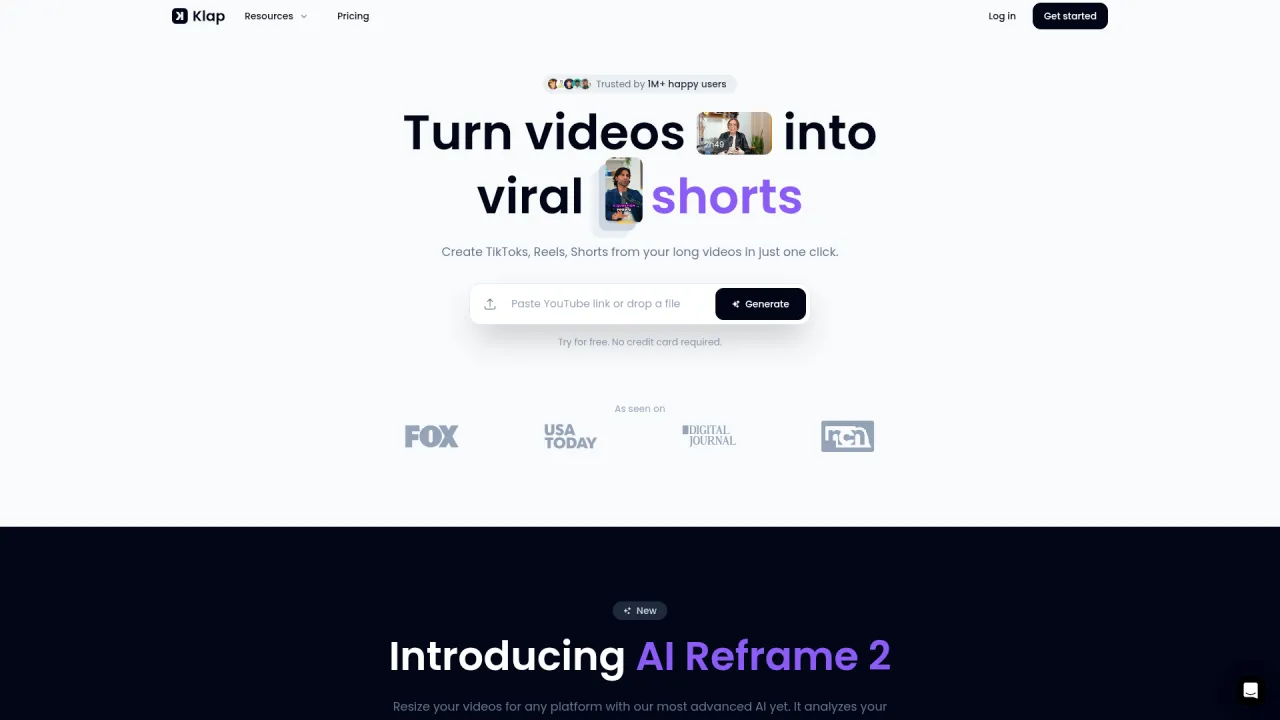
против Klap App
Сравнить →
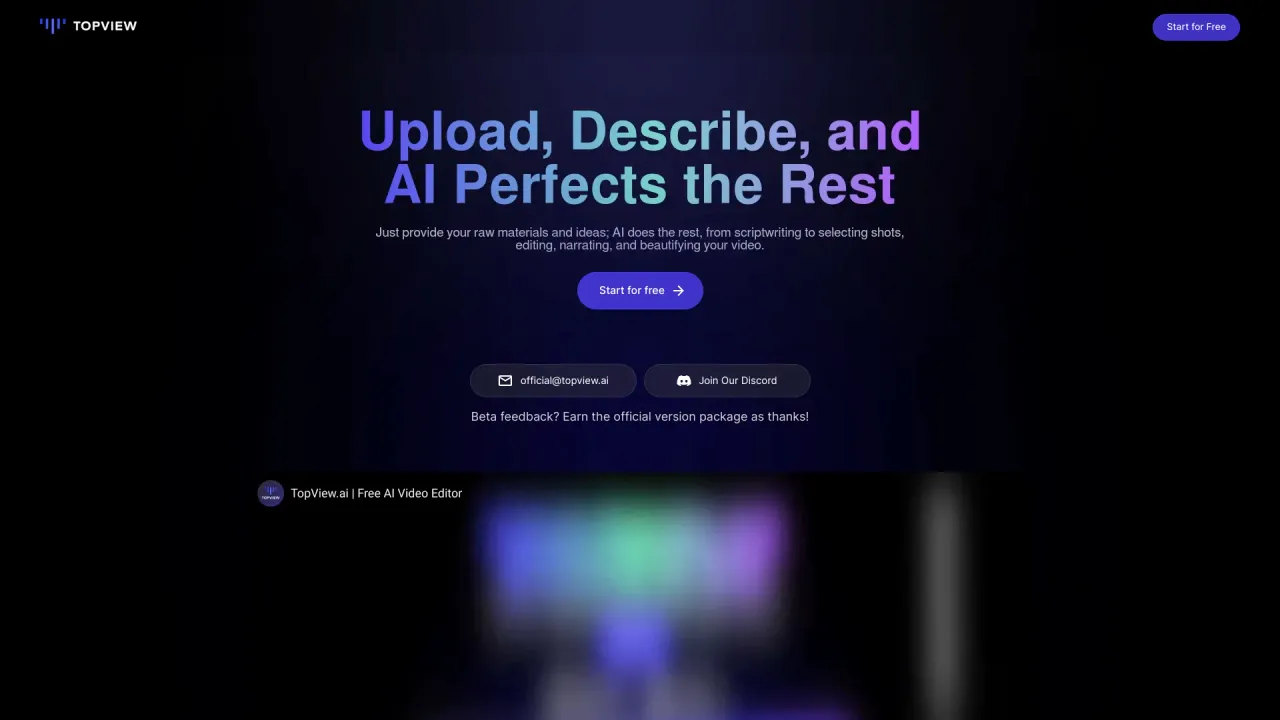
против AI video editor
Сравнить →
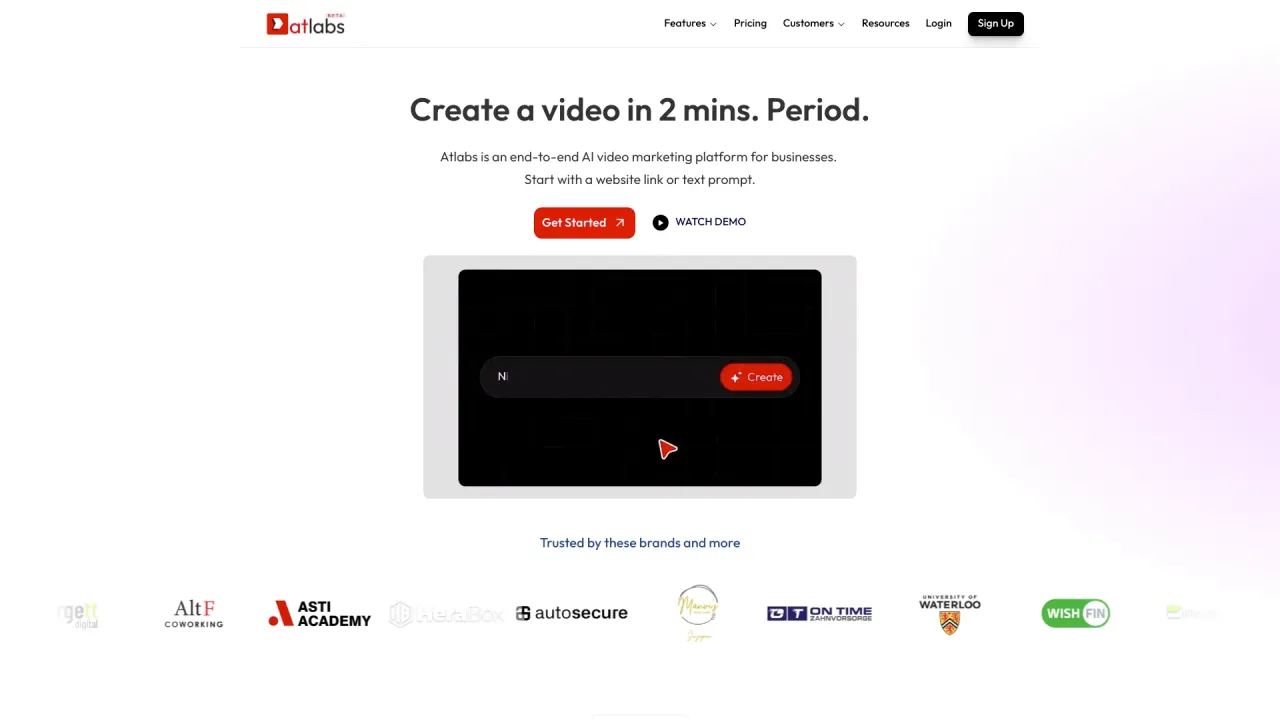
против Atlabs AI
Сравнить →
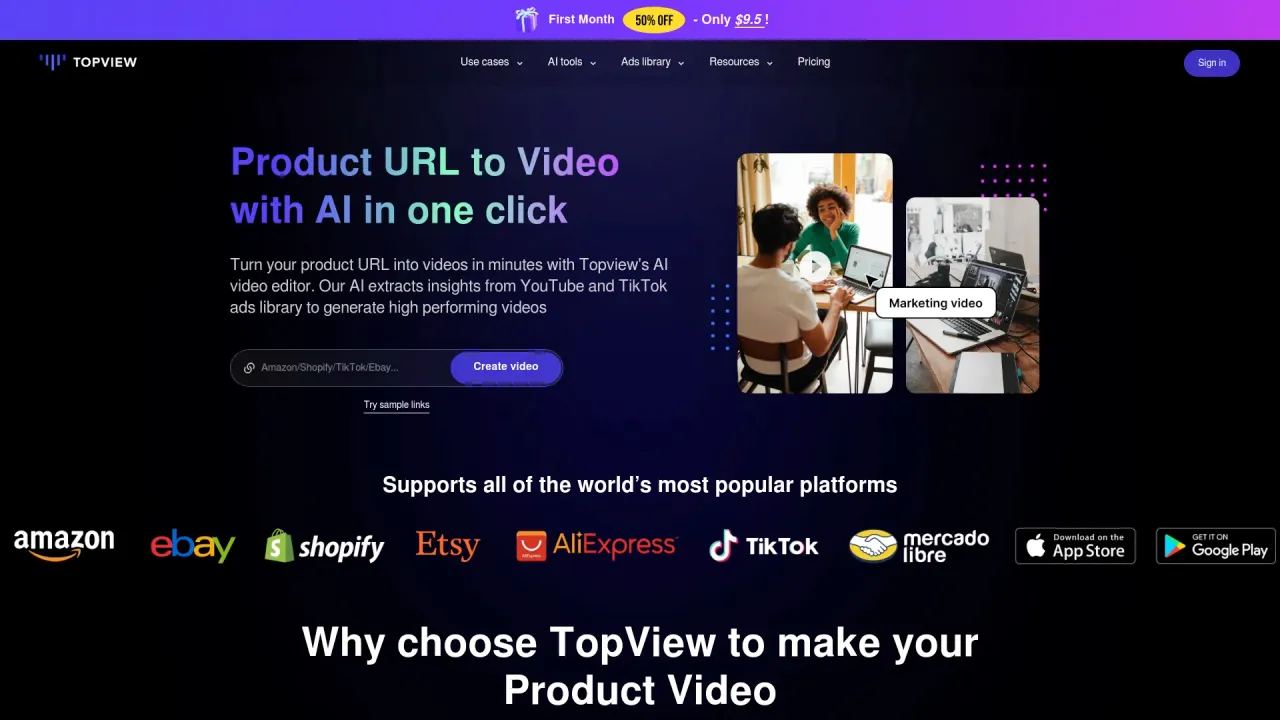
против Topview AI URL to Video
Сравнить →