Leap AI Detector review: a free, private AI checker that admits its limits
By: AI Collection
At a glance
4.0 / 5AI Content Detector by Leap AI
FreeMost AI detectors want three things before they'll tell you anything: an account, a word limit you'll bump into, and your text uploaded to their servers. Leap's AI Detector asks for none of that. You paste a draft, press one button, and get a 0-to-100 score plus a sentence-by-sentence read of which lines look machine-written. The whole thing runs in the browser tab, so the text never leaves your machine. That design choice shapes everything else about the tool, including what it can and can't tell you.
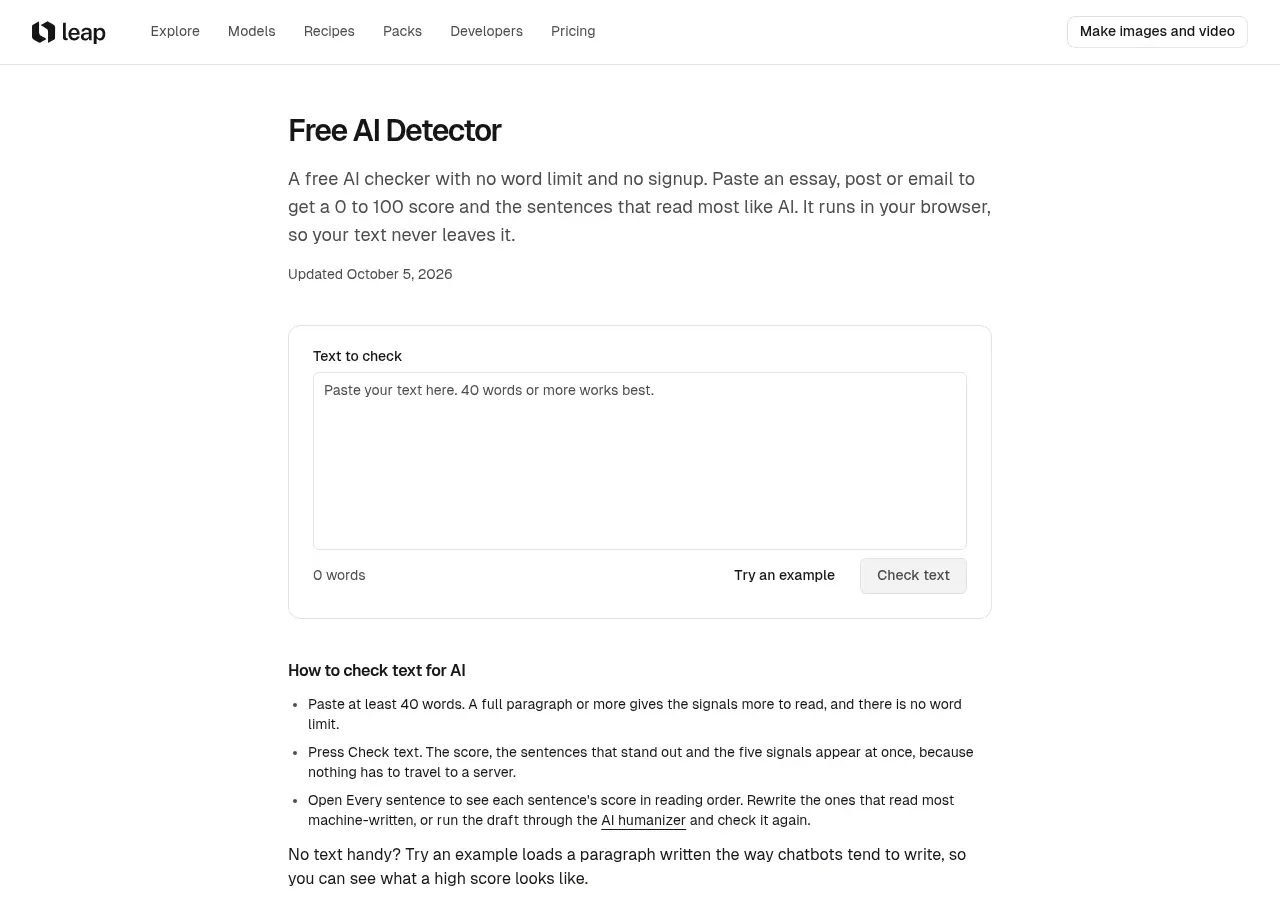
It comes from Leap, a studio better known for AI image and video generation. The detector and its companion humanizer are free utility tools the studio puts out alongside the paid creative work, which is the usual reason a tool like this stays genuinely free: no signup, no word limit, no daily cap. Leap earns its money on the image and video side.
What it actually measures
This part is worth understanding before you trust a number from it. Leap's detector does not run a language model and does not measure perplexity, the predictability-of-each-word signal that detectors like GPTZero lean on. Instead it reads style, scoring five habits that AI-written text tends to share:
- Even rhythm: how much sentence length varies. Chatbot drafts tend to march along at one medium length; people swing between short and long.
- Stock phrases: lines like "in today's fast-paced world" or "it is important to note", counted per 100 words.
- Hedging and transitions: the "furthermore", "moreover", "ultimately" connective tissue that holds machine text together.
- Em dashes: how heavily the text leans on them or on double hyphens.
- Repeated words: how often the same longer words come back.
The score is a weighted mix of those five, and every sentence gets its own score from the same signals. The practical upshot is that this reads writing style, not authorship. It can say a passage carries the habits of AI text; it can't say ChatGPT versus Claude versus a careful human who writes in a formal register. Leap is upfront about this: the headline on the tool is "a signal, not proof", and that framing is accurate rather than marketing modesty.
The score, and why the sentence view matters
The overall number lands in one of four bands: 0-29 reads human, 30-59 is mixed signals, 60-84 is likely AI, and 85-100 is strongly AI. The band labels are hedged on purpose. A 20 doesn't prove a person wrote it, and even an 85 is described as a strong signal rather than a confession.
The more useful output is the per-sentence breakdown. A high score on a few sentences inside an otherwise human draft usually points to a pasted or AI-polished passage, and that's a far more actionable result than one blended percentage for a whole document. "These three paragraphs read as AI" is a conversation; a single 72% is an argument. For a teacher or an editor triaging submissions, the sentence-level view is the feature that earns the tool a place in the workflow.
Where it admits it gets things wrong
This is where Leap's detector separates itself from the tools that oversell. The page spends real space on its own failure modes rather than burying them.
Short inputs are unreliable for every detector, and Leap says so: under roughly 50 words there isn't enough signal to separate styles, and false positives climb. Formal academic prose, lists and short answers trip detectors because that writing already shares a lot with AI output. And non-native English writers get flagged more often. The page cites a 2023 Stanford study in which seven detectors labelled, on average, 61% of TOEFL essays by non-native English speakers as AI-written. It also notes that OpenAI withdrew its own text classifier in 2023 for low accuracy, and that even Turnitin reports some share of the sentences it highlights are human-written.
A tool that volunteers the Stanford number and the OpenAI retirement is not trying to win your trust with a fake accuracy figure. For a routine or a review, that honesty is the strongest thing the product has going for it, because the quiet failure mode of AI detectors is overconfidence.
The humanizer that ships with it
Alongside the detector, Leap offers a free AI Humanizer that runs the same browser-only way. It's a cleanup pass rather than a rewrite: it strips stock AI phrases, removes em dashes and invisible characters, adds contractions, and marks same-length sentences so you can vary them yourself.
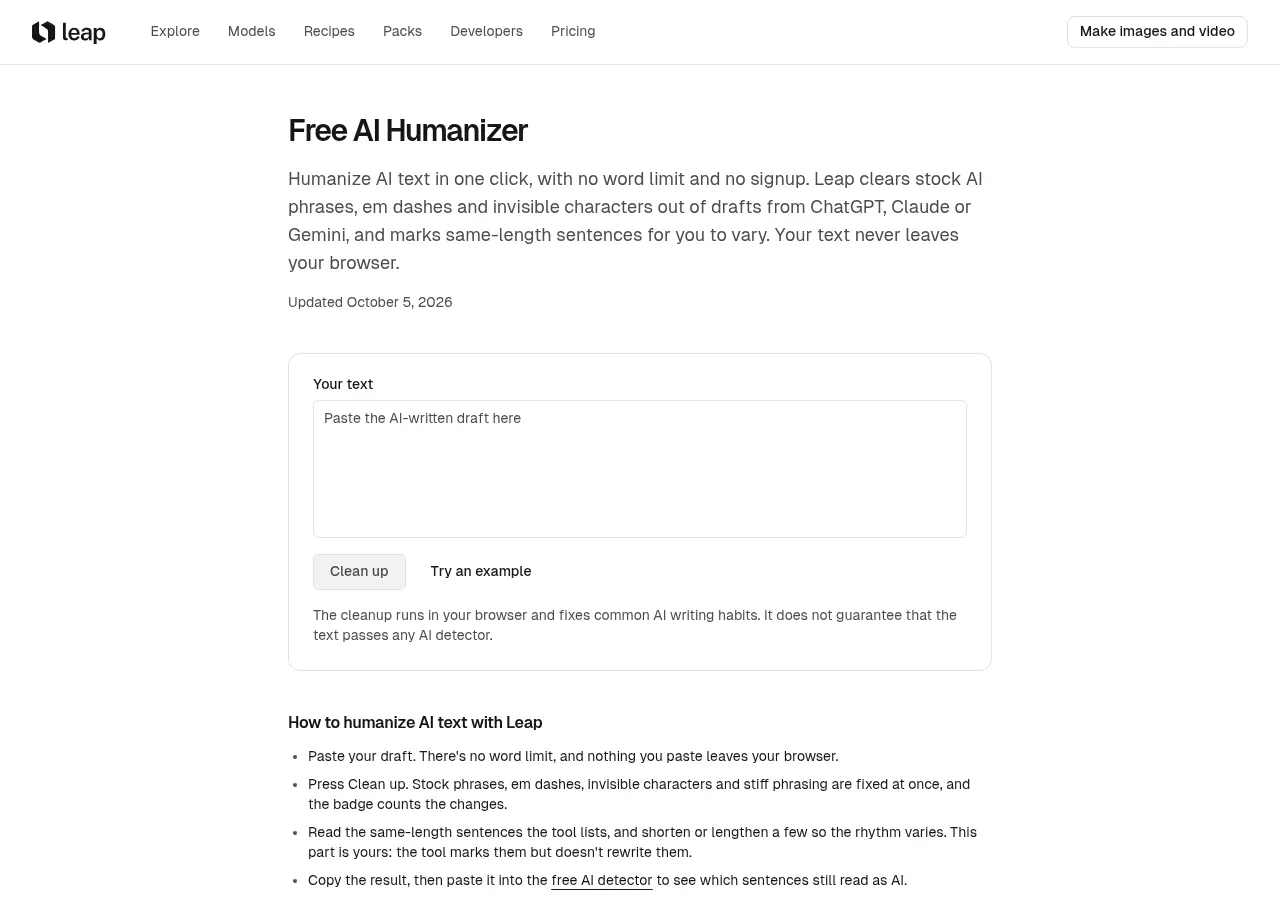
Credit where it's due: the humanizer carries its own disclaimer that the cleanup "does not guarantee that the text passes any AI detector." Plenty of paid humanizers sell exactly that guarantee. The honest framing here is that it makes writing read more naturally and leaves the judgment calls, like which same-length sentences to rework, to you.
How it compares to the paid detectors
Leap isn't trying to replace Turnitin. It positions itself as a quick, private check of your own draft, and the comparison it draws is a fair one. Turnitin lives inside school integrity systems, licensed to institutions, where teachers see the AI score and students usually don't. GPTZero and Copyleaks serve classrooms and companies with free tiers that cap your words and paid plans above them, often wired into an LMS like Canvas or Blackboard. Those tools train classifiers on large sets of human and AI writing and report a probability.
Leap is deliberately simpler than all of them. That's the trade: you give up the machine-learning classifier and the institutional reporting, and you get a fast, free, private first read that you can run on your own work as many times as you like. If the question is high-stakes, Leap itself recommends checking with a second detector, which is the right advice.
Who it's for
If you're a writer or student who wants to sanity-check a draft before you submit it, especially if you write in a formal style that detectors tend to over-flag, this is a sensible first stop. The privacy angle is real, the sentence-level feedback is genuinely useful, and nothing about it costs money or asks for an email. If you need an authoritative, defensible verdict for an academic-integrity decision, no free style-based checker fills that role, and Leap doesn't pretend to.
Overall I'd put it at 4/5 for its actual niche: a free, private first-read for AI writing. It loses the fifth point to the inherent ceiling of a non-ML style heuristic and to the lack of independent accuracy testing on Leap's specific tool, not to any dishonesty in how it's presented.
Sources consulted
- Leap Free AI Detector — the detector's features, scoring bands, the five signals, stated limitations, and comparison claims; the primary source for this review.
- Leap Free AI Humanizer — the companion humanizer's cleanup behaviour and its own no-guarantee disclaimer.
- Hacker News (Algolia search) — checked for independent discussion; confirmed tryleap.ai as an AI image/video studio, with no substantive detector threads.
- Web search: Leap AI detector accuracy — confirmed no independent accuracy review of Leap's specific detector exists, which informed the verdict's caveat.
Published on: October 31, 2026
Ищете альтернативы AI Content Detector by Leap AI? Все альтернативы AI Content Detector by Leap AI →
Have an AI tool of your own? Submit it below and get a free, in-depth product review article — just like this one.
Добавьте свой AI-инструмент за секунды
Вставьте URL — мы подготовим черновик. Вы проверяете и редактируете каждое поле перед отправкой.