- 类别
- AI 探测器和人性化器
- 替代品
- 6 个类似工具
- 最后更新
- 2 周前
- 来源
- 官方网站 ↗︎
AI Collection 热门精选

AI 探测器和人性化器 类别精选
关于 CopyChecker
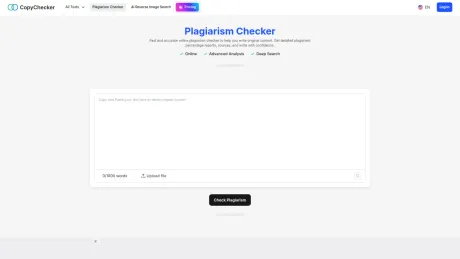
使用我们的免费抄袭检查器检测抄袭行为,确保您的内容是原创的。复制并粘贴您的文本,即可获得快速、准确、详细的结果。
你能获得什么
附加信息
CopyChecker is a powerful online tool designed to help users detect and avoid plagiarism in their content. With a user-friendly interface, it allows individuals to simply paste their text or upload documents, and initiate a scan across a vast database to identify similarities. The tool also offers a 'Deep Plagiarism Check' for more advanced content analysis leveraging AI technology.
The plagiarism checker provides detailed reports that include duplicate content percentages and matching source links, enabling users to understand where their text may overlap with existing material. CopyChecker supports diverse user needs, from students checking essays to professionals reviewing reports, ensuring content authenticity and academic integrity.
In addition to plagiarism detection, CopyChecker offers a suite of writing tools including a grammar checker and paraphrasing tool, making it a versatile solution for writers across various domains. Its security features guarantee that uploaded content is not stored, ensuring user privacy. Whether for academic submissions or professional documents, CopyChecker keeps your work original and free from unintended plagiarism.
常见问题
What is CopyChecker used for?
CopyChecker:100% 免费抄袭检查器在线工具.Is CopyChecker free?
Pricing for CopyChecker varies — see the Pricing section for details.What are alternatives to CopyChecker?
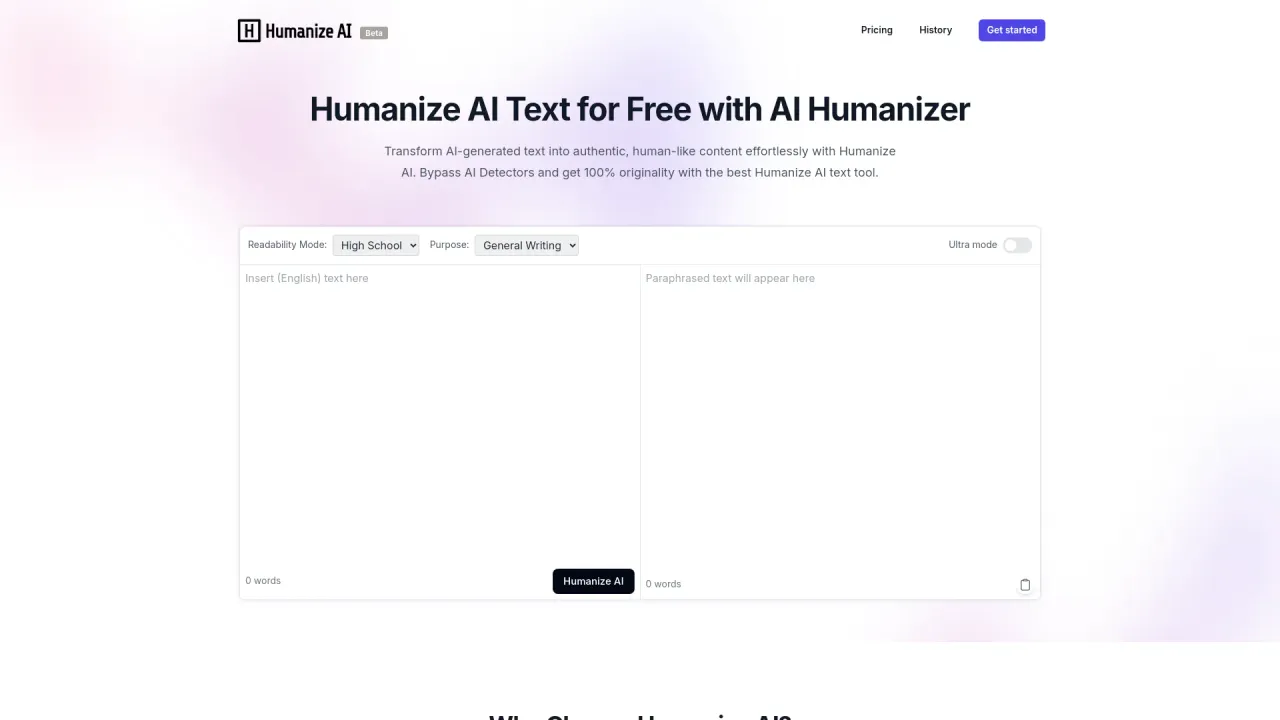
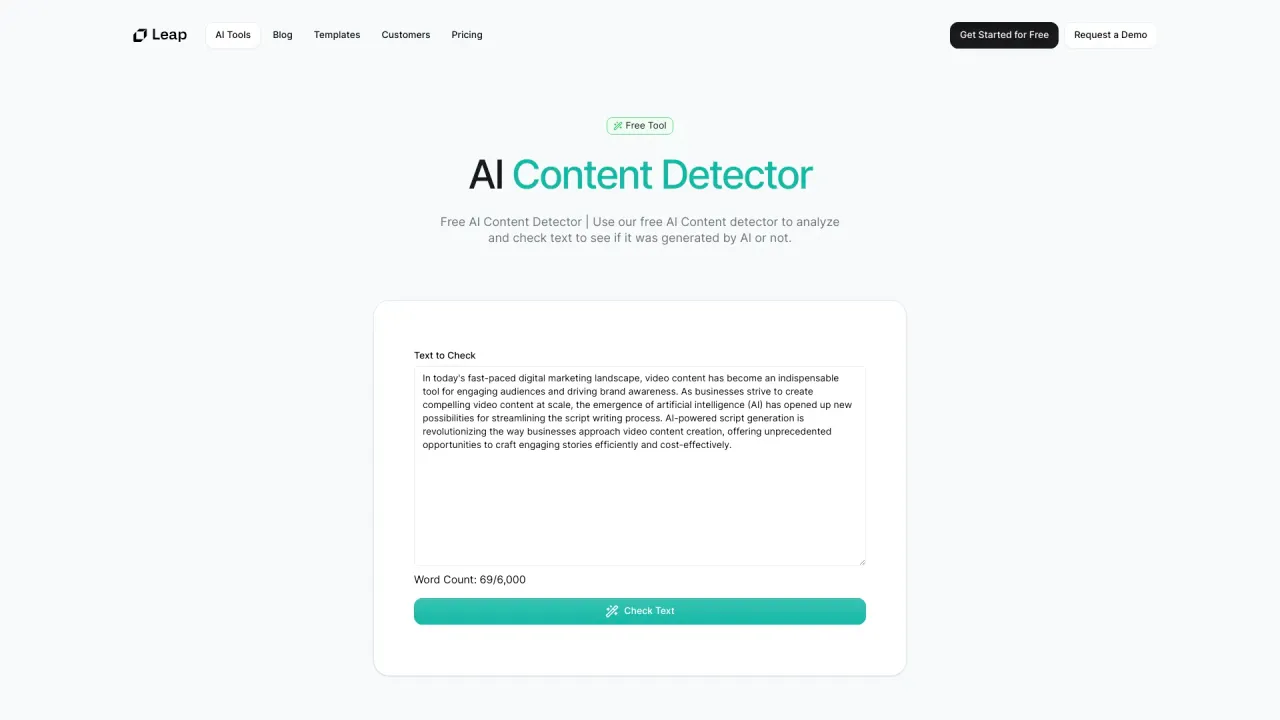
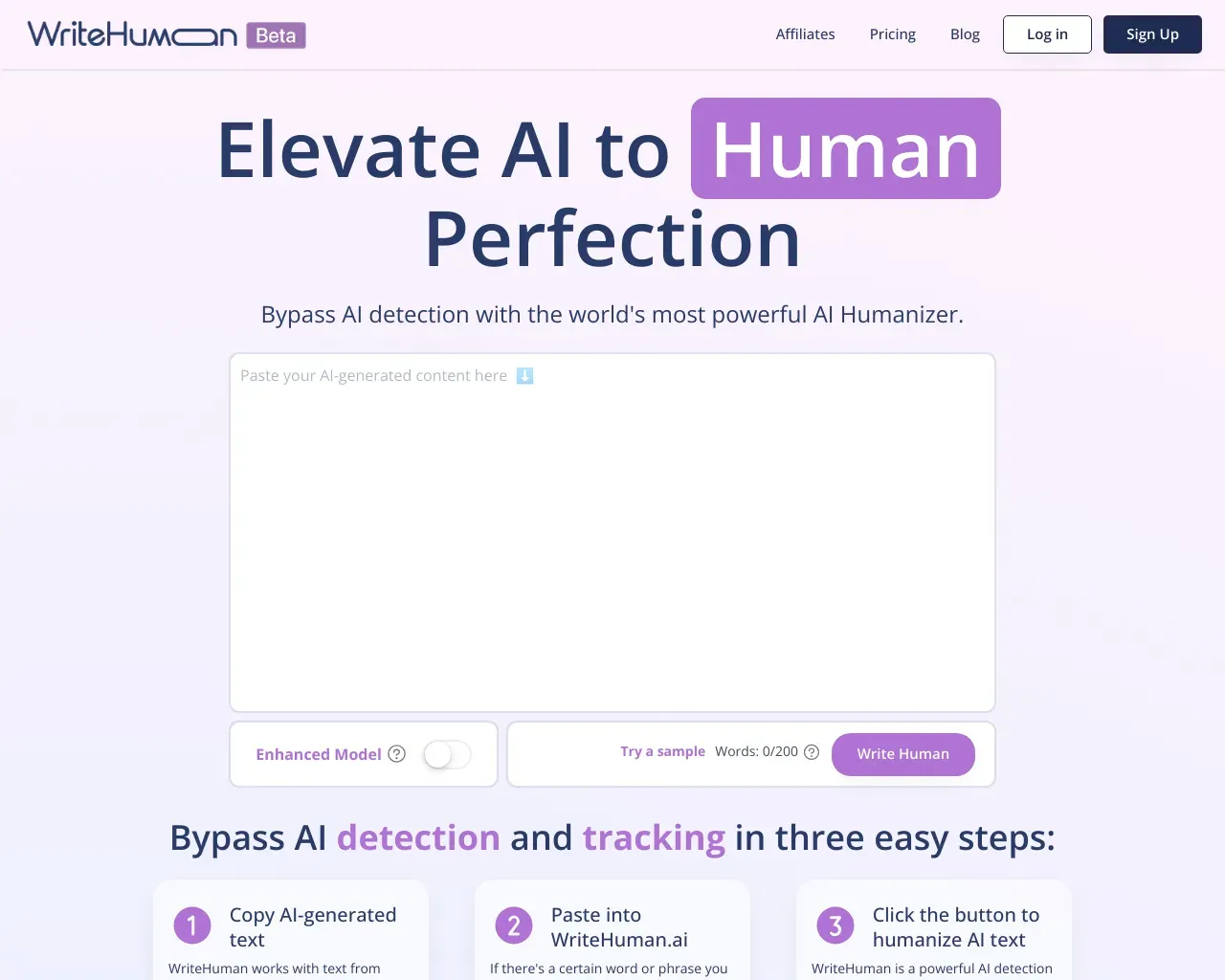
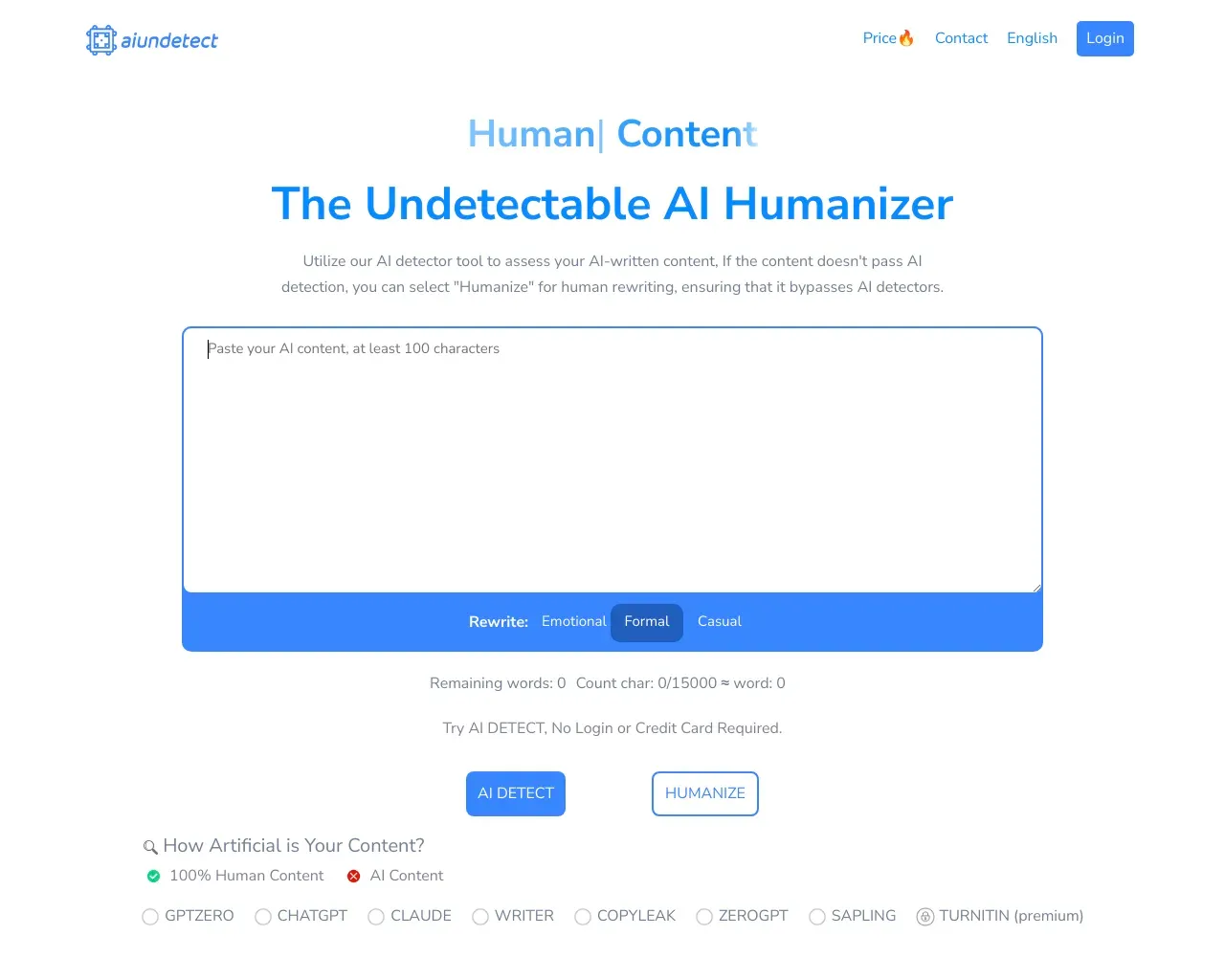
Top alternatives to CopyChecker include HumanizeAI.com, AI Content Detector by Leap AI, WriteHuman, GPTZero AI, aiundetect.Where can I get CopyChecker?
CopyChecker is available at https://copychecker.com/.What category is CopyChecker in?
CopyChecker is listed in AI 探测器和人性化器.How Do I Check Plagiarism in my text?
Our tool makes it super easy to check plagiarism. Simply paste your content, or upload your file and click the “Check Plagiarism”. Our tool will scan a vast database of content to check for similarities. You can also click “Deep Plagiarism Check” to start advanced content similarity checks with AI.How many times can I check for plagiarism?
You can check for plagiarism as many times as you want for free as long as it’s 1,000 words at a time. Our free plagiarism checker will give you duplicate percentages, and source links as long as your content is less than 1,000 words.Can I check AI-generated content for plagiarism?
Yes! This tool can check plagiarism online in all kinds of content whether it’s written by a human or AI. If the same content exists somewhere else online, our duplicate content checker will find it.Does this work for academic writing and essays?
Absolutely. It’s perfect as a plagiarism checker for essays, research papers, and dissertations. You can do a deep search to ensure you are not missing any citations or anything.What kind of plagiarism can this tool check?
You can check all the different types of plagiarism with our online plagiarism checker for free. Whether it’s direct plagiarism, global plagiarism, paraphrasing plagiarism or any other.Do I need to sign up to use the tool?
You can start detecting all kinds of plagiarism in your text without logging in or creating an account. Just paste your text and hit “Check Plagiarism”. After your second time, you need to log in to use this tool.Is the tool safe to use?
Yes. We don’t store your writing to ensure whatever your submit does not fall into the wrong hands. Everything is promptly deleted after checking for plagiarism.Is CopyChecker free to use?
Yes. CopyChecker offers a free account with 1,500 plagiarism words per month. Each plagiarism check supports up to 1,000 words per submission.Do I need an account to check plagiarism?
Yes. You need a free CopyChecker account to run a plagiarism check. This helps manage usage limits and keep your reports connected to your account.What file types can I upload?
You can paste text directly or upload PDF, DOC, DOCX, and TXT files. The maximum file size is 5 MB.Does CopyChecker show plagiarism percentage?
Yes. CopyChecker shows plagiarism percentage and unique content percentage, so you can understand the similarity level of your text.Does CopyChecker highlight plagiarized text?
Yes. The report highlights matched sentences or sections so you can review which parts of your text may need attention.Can I download a plagiarism report?
PDF plagiarism reports are available on paid plans.Can I check plagiarism by URL?
No. CopyChecker currently supports pasted text and document uploads. URL-based plagiarism checking is not available yet.Does CopyChecker store my uploaded document?
CopyChecker processes uploaded documents for plagiarism checking and deletes them after the scan.How many languages does CopyChecker support?
CopyChecker supports plagiarism checking across 13 languages.Is plagiarism checking the same as AI detection?
No. Plagiarism checking finds text that may match existing sources. AI detection estimates whether writing may have been generated by AI. CopyChecker offers both tools separately.
将 CopyChecker 与其他工具比较…
选择任意工具,查看结构化的并排对比:定价、部署、功能和内容政策。