Best Customer Support AI Tools in 2026
By: AI Collection
At a glance





Customer support is where most people actually meet a company's AI. A visitor with a question at 11pm, a caller who can't get through, a shopper stuck at checkout — these are the moments a support tool either saves the relationship or quietly loses it. The category has split into a few distinct shapes over the past two years: website chat agents trained on your own content, AI that picks up the phone, and lighter tools that cut tickets before they're ever opened.
This list pulls the six customer-support tools that rank highest in our directory, in ranked order. A note on method: these picks come from our editorial rankings plus the catalog data we keep on each tool, sharpened by reading each product's current homepage. It's not a lab bake-off with stopwatch benchmarks, so treat it as a shortlist to evaluate against your own stack, not a scoreboard. Pricing is accurate as of October 2026 and worth re-checking before you commit.
Chat Data: the broadest deployment surface
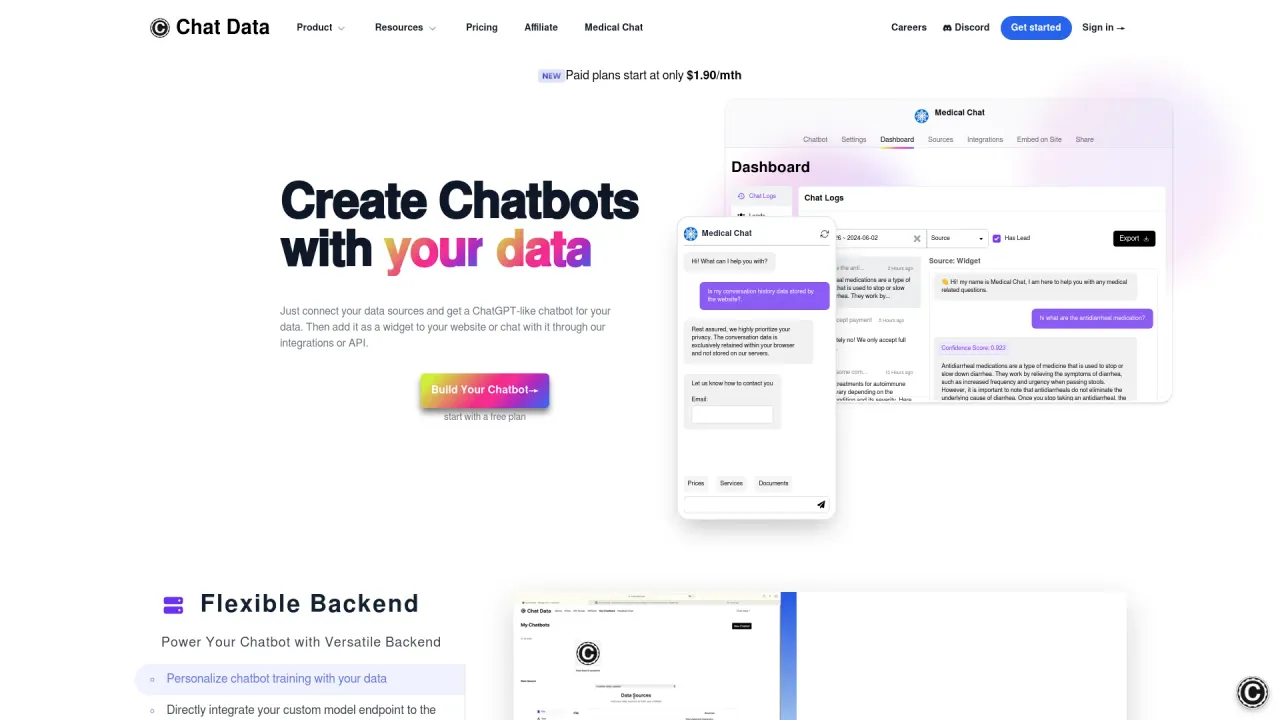
Chat Data is the most feature-dense option here. You connect a knowledge base, it builds a custom agent, and you deploy that agent almost anywhere — a website widget, WhatsApp, Messenger, Instagram, Telegram, Slack, and a long list of commerce and automation integrations including Shopify, Stripe, WooCommerce, Zendesk, Zapier, Make, and n8n. There's even a live AI phone agent you can call to hear how one sounds.
Two things make it stand out for bigger or regulated teams. First, it's HIPAA compliant and offers a BAA for customers on the Standard plan or above, which matters if you're in healthcare and most generic chatbots are off the table. Second, the plan ladder is unusually granular: a free tier with 1 chatbot and 20 message credits a month to try it, then Entry at $18.99/month, Standard at $95/month (which adds live chat escalation and webhooks), and Professional at $349.99/month with white labeling and far higher message volume. The breadth is the pitch and also the catch — if you only need a single widget on one site, you'll be navigating a lot of options you won't use.
Rosie: when the channel is the phone, not the chat box
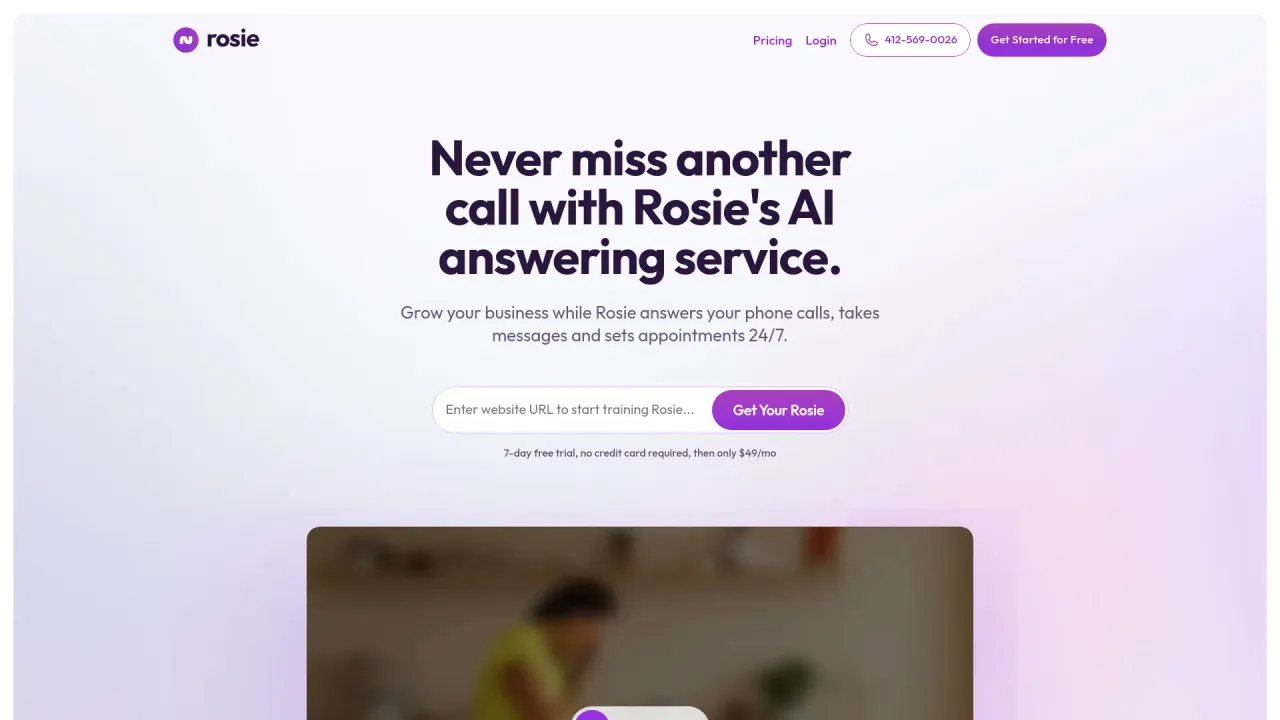
Most of this category assumes support happens in a chat window. Rosie assumes it happens on the phone, and that's a deliberately different bet. It's a 24/7 AI answering service aimed at small and local businesses — home services, auto shops, anyone who loses money when a call goes to voicemail.

Setup leans on what a small business already has: Rosie trains on your Google Business profile and website, so there's no scripting project to run. It answers questions, books appointments, transfers to a human when a call needs one, and texts you a summary, transcript, and recording of every call. Pricing starts at $49/month with a 7-day free trial, and the company says it's used by over 2,000 local businesses. If your support bottleneck is a ringing phone nobody can get to, a chat widget doesn't solve that — this does.
SiteSpeakAI: an agent that acts, plus agency resale
SiteSpeakAI sits in the website-agent lane but pushes harder on doing things rather than just answering. You train it on your site, docs, PDFs, and videos, and it can capture leads, book meetings through Cal.com, look up order status, and hand off to a human through a shared inbox when it hits something it shouldn't decide alone. It supports 95+ languages and detects the visitor's language automatically, which is a real advantage for stores that ship internationally.
Two details are worth flagging. It has a white-label mode built for agencies — you can resell agents under your own brand and domain — so it's a plausible pick if customer support is something you deliver to clients rather than run in-house. And it exposes analytics and answer-gap fixing through MCP, meaning you can read what visitors ask and patch missing answers from an MCP client. SiteSpeakAI lists a paid "Startup" plan to begin with; check the current tiers against your traffic, since the public pricing wasn't detailed enough here to quote a firm number.
FastBots.ai: the fast, no-code starting point
If the goal is simply "get a decent support bot live today," FastBots.ai is built around that. The whole pitch is three steps — import your data (a URL, or PDF, DOCX, TXT, CSV files, even YouTube videos), customize the look and welcome message, then grab a link or embed snippet. No coding, no developer.

It deploys across the usual channels — WhatsApp, Instagram, Messenger, Telegram, Slack, email — and lets you pick the underlying model from OpenAI, Anthropic, or Google, which is a nice touch if you have a preference on quality or cost. There's a 14-day free trial with no card required, then tiered plans as you scale. It covers less ground than Chat Data on integrations and compliance, but that's the trade: it's quicker to understand and quicker to ship.
Chaindesk (now Askli): support on autopilot
Chaindesk has rebranded to Askli, so expect to see that name on the site. The product is a no-code platform for training a ChatGPT-style chatbot on your company data — Notion, Google Drive, help-center content, files, or any public URL — then deploying it across embeddable widgets, WhatsApp, Slack, and Telegram.
Its framing leans on a familiar claim for this space: resolving a large share of routine queries automatically so your team's ticket volume drops, with safeguards that keep answers tied to your knowledge base instead of wandering off-topic. Beyond the bot, it bundles a shared inbox and AI-assisted email support, and lets a human take over a conversation when needed. It's free to start. The rebrand is the main thing to keep in mind — make sure any documentation or community posts you're relying on match the current Askli product.
MotionShot: deflect tickets before they're opened
MotionShot is the odd one out, and it's here on purpose. It isn't a chatbot or a phone agent — it's a tool for building step-by-step visual guides from screenshots, exported as a shareable link, MP4, GIF, PDF, or embed. The customer-support angle is deflection: a clear walkthrough of your most-asked "how do I…" questions can stop a ticket from ever being filed.
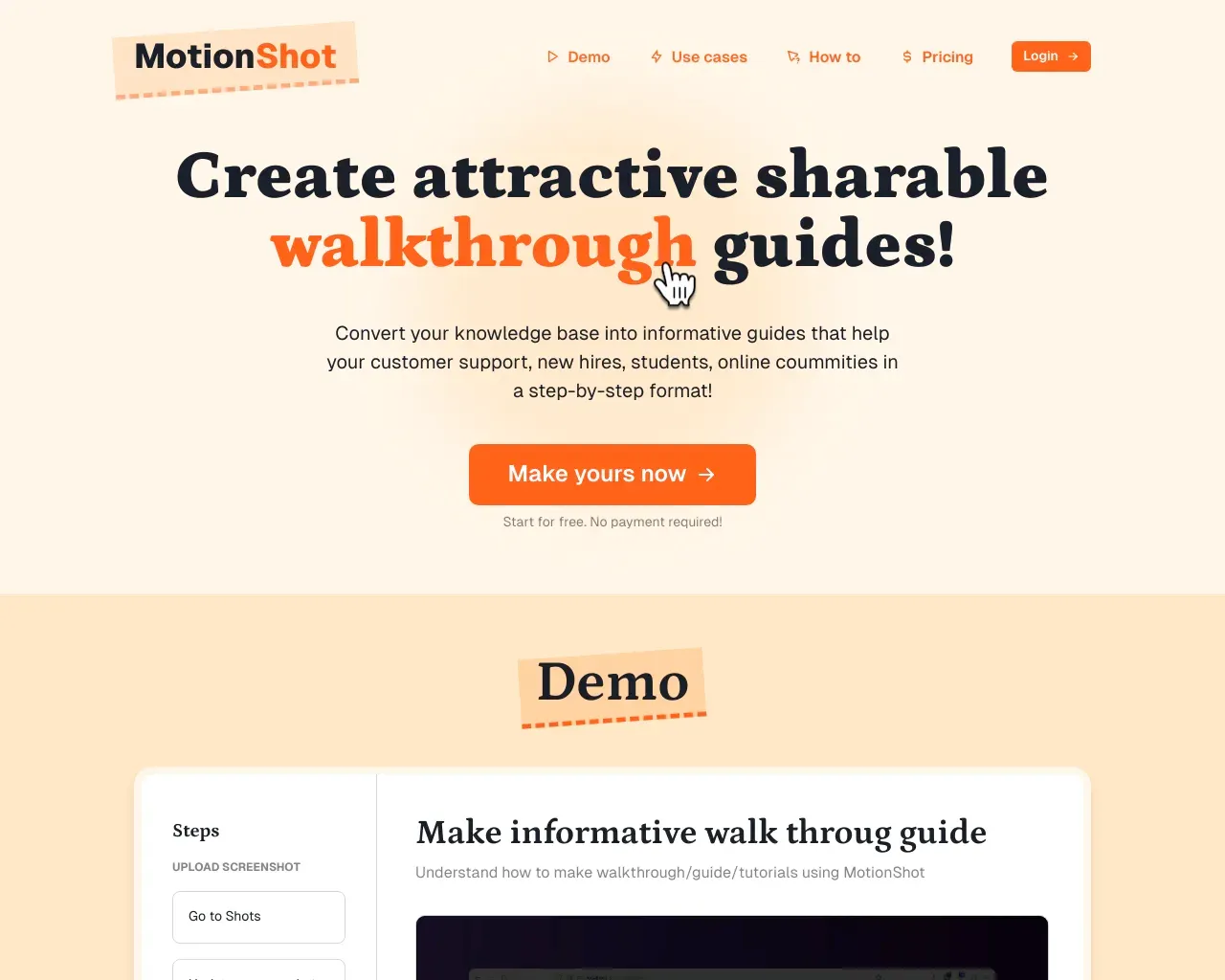
You add screenshots (a Chrome plugin can capture them with your clicks), annotate each step, add a title and CTA, then publish. Teams use it for help-desk articles, onboarding, SOPs, and product walkthroughs. There's a free tier and a paid monthly plan. Pair it with any of the chat tools above and you're covering two different failure modes — the question that needs a conversation, and the one that just needs a good diagram.
Which one to start with
If you want the widest coverage and might need compliance or omnichannel reach, start with Chat Data — its free tier lets you prove it out before you climb the pricing ladder. If your real problem is a phone that rings while everyone's busy, Rosie is the clearer fit and nothing else on this list competes on that front. For agencies reselling support, SiteSpeakAI's white-label mode is the differentiator, while FastBots.ai is the fastest route to a working bot for a single site.
The honest caveat for all of them: a support AI is only as good as the content you feed it. Every tool here trains on your own docs, so the before-work — clean help articles, accurate policies, up-to-date pricing — is what separates a bot that deflects tickets from one that generates them. Budget time for that, not just the subscription.
FAQ
Do I need a chatbot or a phone-answering tool? They solve different problems. If customers reach you mainly through your website, a trained chat agent (Chat Data, SiteSpeakAI, FastBots, or Chaindesk/Askli) fits. If you lose business from missed calls, a phone service like Rosie addresses that directly. Some businesses run both.
Do any of these require coding? No. All six are no-code to set up — you import your content or connect an existing profile and deploy through a widget, link, or embed. Developer options (APIs, deeper integrations) exist on several, but they're optional.
Will a bot really reduce my ticket volume? It can, but the result depends on the quality of the content it learns from and how clearly you scope what it's allowed to answer. Tools with human-handoff (SiteSpeakAI, Chaindesk/Askli, Chat Data) matter here: the goal is deflecting the routine questions while routing the rest to a person, not replacing your team outright.
Sources consulted
- Chat Data homepage — features, integrations, compliance, phone agent
- Rosie homepage — phone-answering positioning, setup, pricing, customer count
- SiteSpeakAI homepage — agent actions, languages, white-label, MCP analytics
- FastBots.ai homepage — setup flow, channels, model choice, free trial
- Chaindesk / Askli homepage — rebrand, data sources, shared inbox, email support
- MotionShot homepage — guide creation, use cases, Chrome plugin
Published on: November 6, 2026