Assista AI
Assista: dirige todos los departamentos en piloto automático.
- Categoría
- Flujo de trabajo y automatización
- Alternativas
- 6 herramientas similares
- Actualizado
- hace 1 semanas
- Fuente
- Sitio oficial ↗︎
AI Collection Mejores opciones
TheFluxTrain
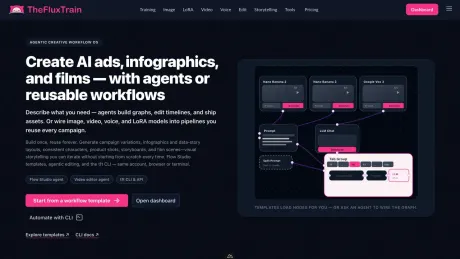
Estudio de producción de IA de Agentic para personajes, flujos de trabajo y vídeos coherentes
Flujo de trabajo y automatización Selecciones de categoría


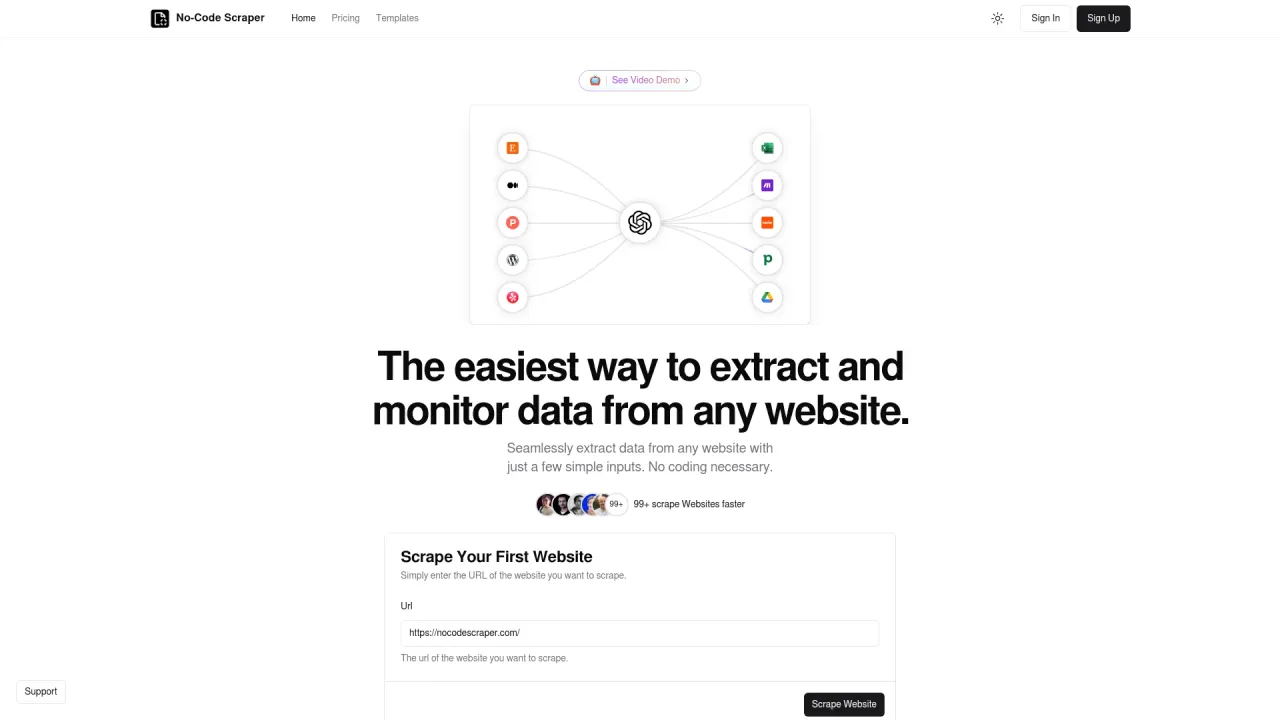
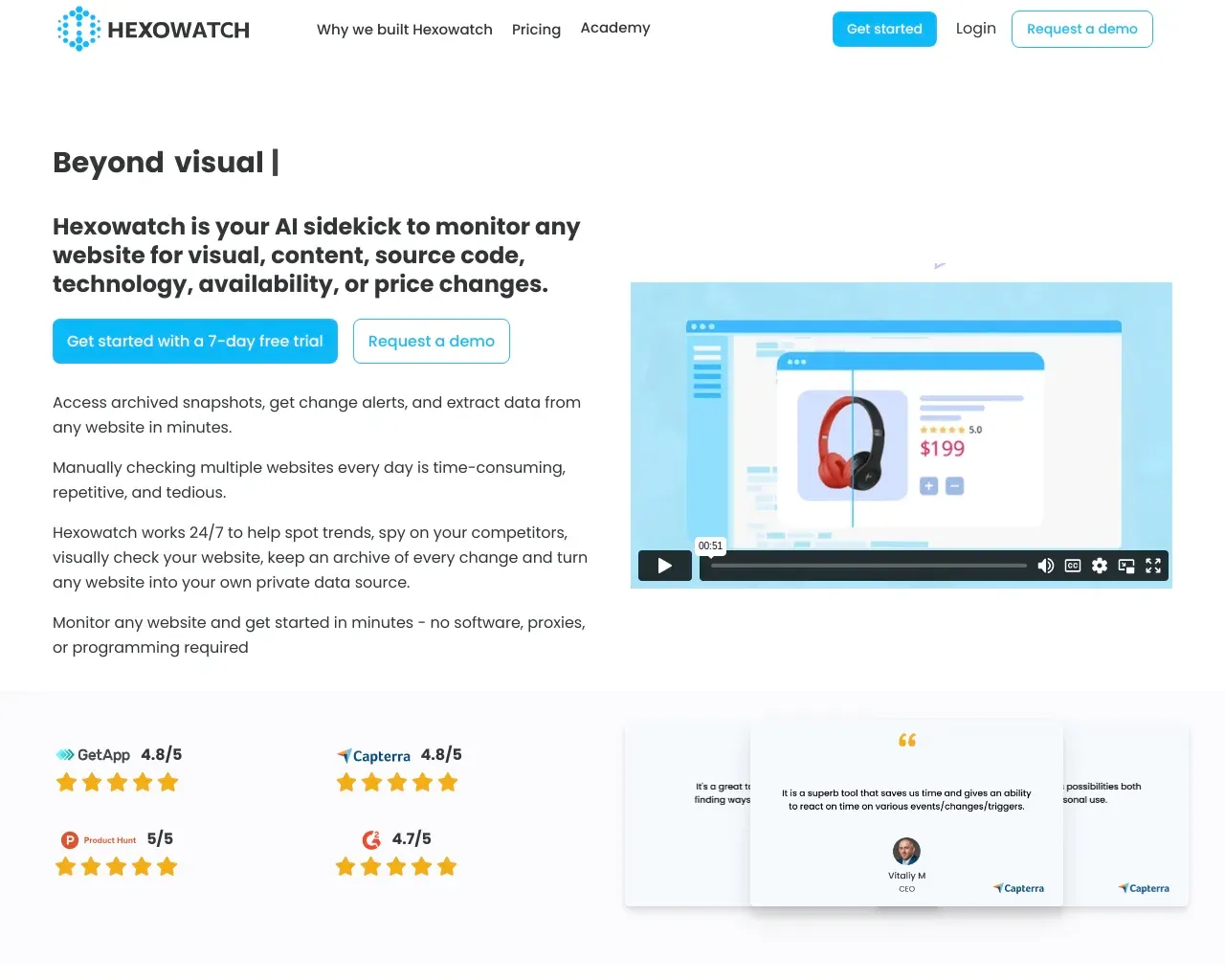
Extrae datos sin problemas de cualquier sitio web con solo unos pocos datos sencillos.
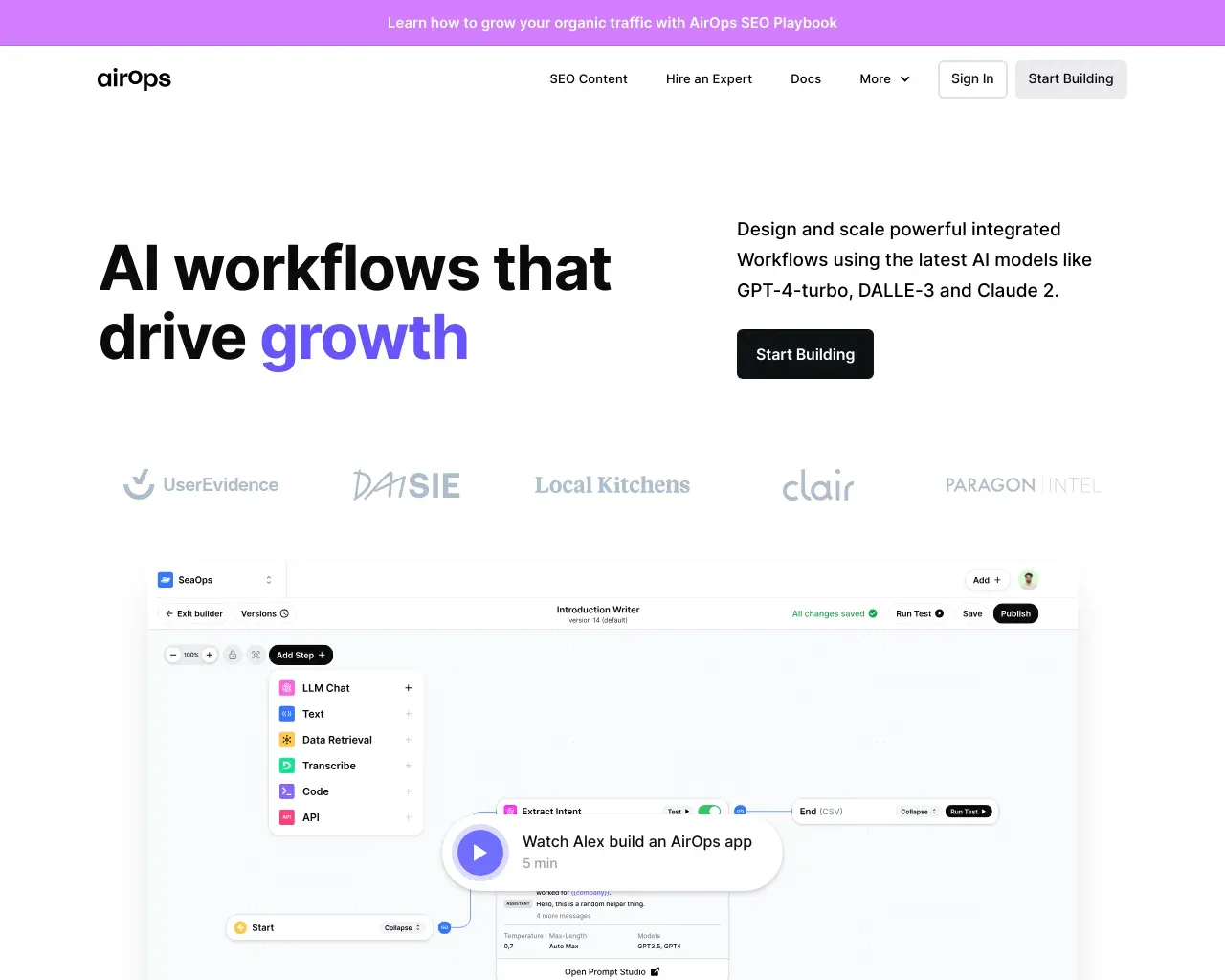
AirOps (flujos de trabajo de IA que impulsan el crecimiento) Crea, prueba, despliega y escala aplicaciones de IA con AirOps Studio.
Acerca de Assista AI
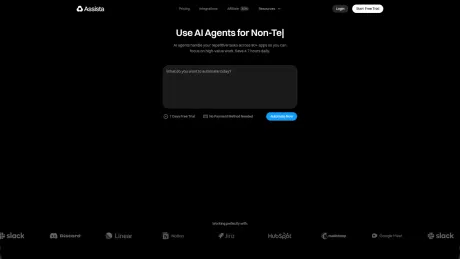
Assista es un equipo operativo de IA que convierte los objetivos en trabajos terminados. Fija un objetivo y un agente del CEO reúne al equipo de especialistas, conecta tus aplicaciones y mantiene la ejecución en marcha, según lo previsto, según lo previsto, con tu aprobación cuando importa.
Lo que obtienes
información adicional
Assista operates as an intelligent team of AI agents that can autonomously complete tasks based on goals you set in plain English. When a user sets a goal, Assista assembles a specialized team consisting of various roles—such as SDRs and support staff—each with the necessary tools and scopes to achieve the goal. The process is simple: set a goal, the AI team goes to work, and users can monitor the progress in real time through an intuitive interface.
The platform integrates with over 1,000 applications, including Gmail, Slack, GitHub, and more, making it versatile for various business needs. Users can monitor tasks on a Kanban board, ensuring transparency on what each AI agent is working on, and can approve or adjust sensitive actions that require human oversight. Assista also features templates and automation tools to improve efficiency across departments like sales, marketing, and support.
With a pricing model based on task credits, users are billed only for what they actually use. The service starts with a three-day free trial, after which users can choose from several plans tailored to different needs, such as solo tasks or team collaborations. This flexibility allows businesses to scale their AI-powered operations effectively while managing costs according to their specific workload and budget requirements.
Preguntas frecuentes
What is Assista AI used for?
Assista: dirige todos los departamentos en piloto automático.Is Assista AI free?
Pricing for Assista AI varies — see the Pricing section for details.What are alternatives to Assista AI?
Where can I get Assista AI?
Assista AI is available at https://www.getassista.com/.What category is Assista AI in?
Assista AI is listed in Flujo de trabajo y automatización.What actually happens after I set a goal?
A CEO reads the goal, breaks it into workstreams, and picks the specialists you’d hire — CMO, SDR, support, CTO, ops, finance. Each spins up with the right tools and scopes, then starts working on a Kanban board you can inspect at any moment.How is this different from a chatbot or AI workflow builder?
A chatbot answers questions. A workflow builder runs a flow you designed. Assista is an operating team — it decides what work needs to happen, assigns it to specialist teammates, executes across your apps, and wakes up on triggers and schedules to keep moving. You stay in the loop on what matters.Which apps do the teammates work inside?
1,000+ apps — Gmail, Slack, GitHub, Stripe, Calendar, Notion, Linear, HubSpot, LinkedIn, Reddit, Drive, and more. Connect once with OAuth. Each teammate gets a scoped token, least privilege per role.Do teammates act on their own, or do I approve everything?
Autonomous where useful, controlled where it matters. Teammates draft, prepare, research, update, and suggest on their own. For sensitive actions — sending external messages, changing shared state, posting publicly — they wait for your approval before anything goes out.Can teammates react to events and run on a schedule?
Yes.How do I connect my own Claude?
You connect your Claude account to enable your teammates to think and write using Claude while ensuring you pay Anthropic directly for that functionality.Does Assista post without me?
No. Every post waits for your decision. You can edit it, skip it or say Not me. Not answering never approves a post.Will it sound like me?
That is the whole job. I keep a written Voice Brief of how you write: rhythm, phrases, stories and the words you never use. You can read and correct it. Every draft gets two separate verdicts before you see it.What do I need to start?
Three posts you wrote, your LinkedIn export, or one line about what you do. Your first post is ready in about a minute.Can you make graphics too?
Yes. Give me your website and I pick up your colours, fonts and logo, and I only use the images you approved. Daily posts come with a graphic in your brand when it helps, and a campaign brief gives you designs to compare, as a square graphic or a carousel, ready to download. Short video is in testing.Which networks?
After you approve, I publish to your connected LinkedIn, Instagram, Facebook and X accounts. Instagram needs an image or video. Threads is ready to paste. Short video and TikTok are in preview; TikTok publishing is currently limited to private posts until app approval.Can I talk to Assista in Slack?
Yes. Connect your workspace with your Slack account, then mention Assista in a channel or send a direct message. Ask for today’s post, talk through ideas or change your posting preferences. Drafts return to the same thread for your review. Only the person who asked can approve. Slack is included on Starter and up.I already use Claude. Why pay?
You do not have to. Connect Claude, Codex or Cursor and your tool does the writing. I check it, keep your approvals and publish what you approve, for free on one channel. Pay when you want me to write for you.Can you read my past LinkedIn posts?
Not by myself: LinkedIn does not give me access to them. Paste a few, or upload the data export LinkedIn lets you download. I can also read what you posted on Instagram, Facebook or X once you connect them, or your website. The more of your writing I see, the closer the drafts get.Do you train on my writing?
No. Your posts are used to write for you and nothing else. I never sell your data.Can I stop?
Any time. Pause from the app, switch a channel off, or disconnect it, and I stop immediately.
Comparar Assista AI con…
Elige cualquier herramienta para ver una comparación estructurada lado a lado: precios, implementación, capacidades y política de contenido.