- Categoría
- Edición de vídeo
- Alternativas
- 6 herramientas similares
- Actualizado
- hace 1 semanas
- Fuente
- Sitio oficial ↗︎
AI Collection Mejores opciones

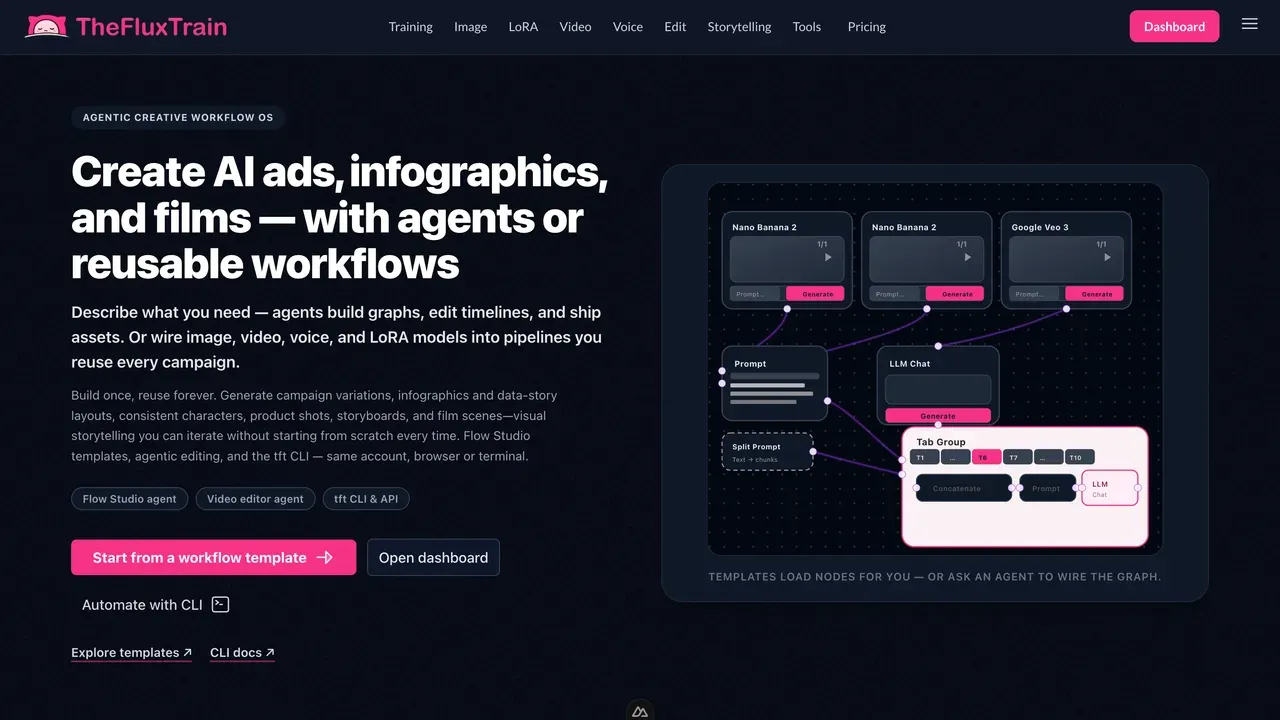
TheFluxTrain
Estudio de producción de IA de Agentic para personajes, flujos de trabajo y vídeos coherentes
Edición de vídeo Selecciones de categoría
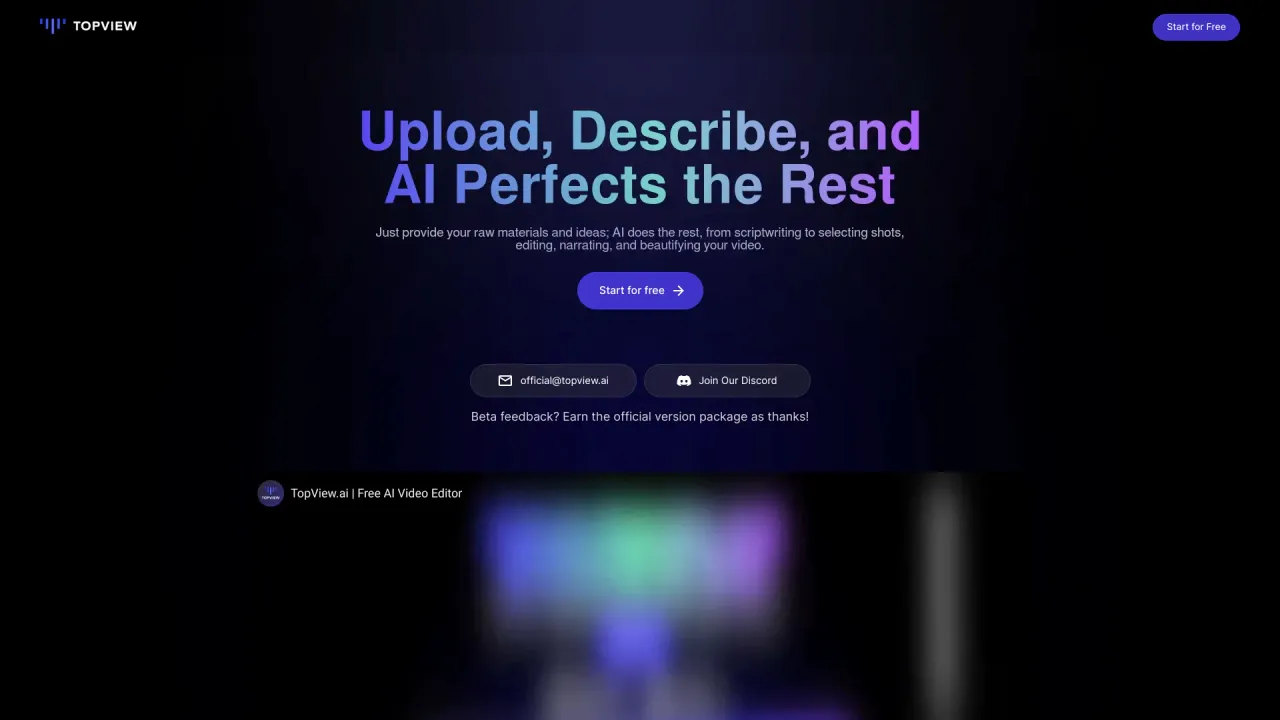
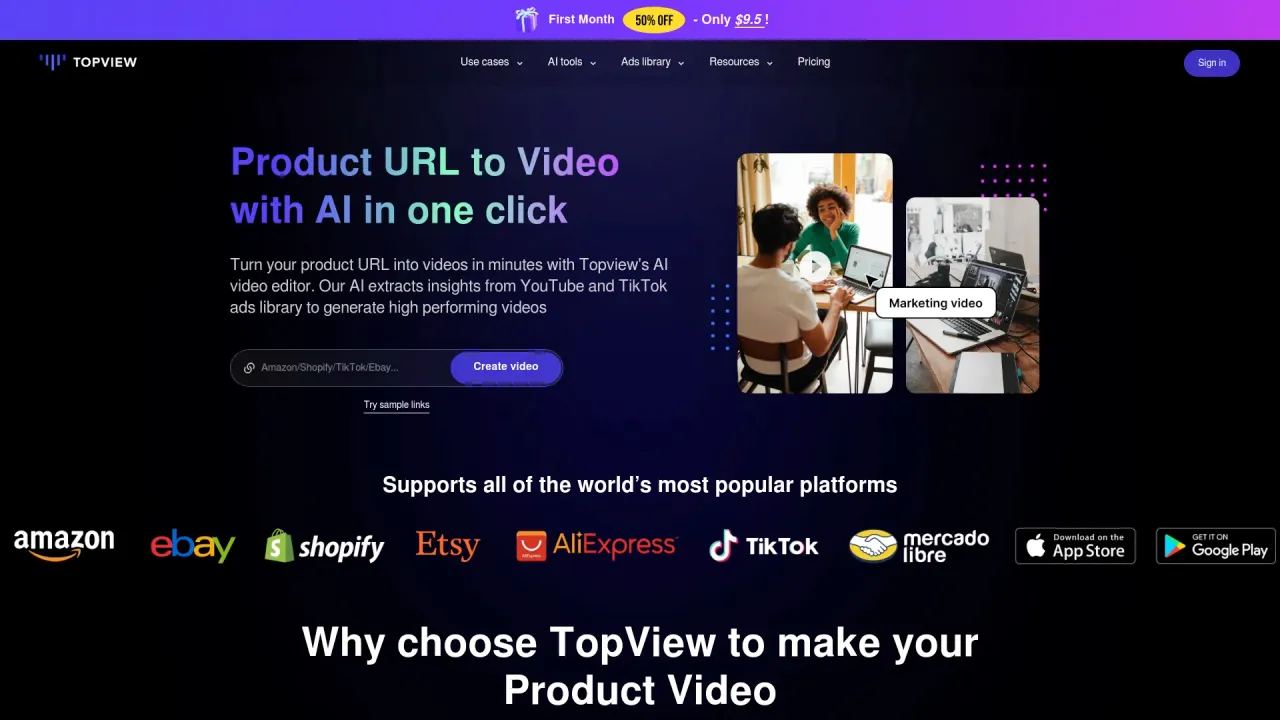
La IA sigue remodelando la forma en que hacemos un vídeo. Una de las últimas innovaciones en este ámbito es TopView.ai, un editor de vídeo de IA en línea que aprovecha el poder de la IA para racionalizar
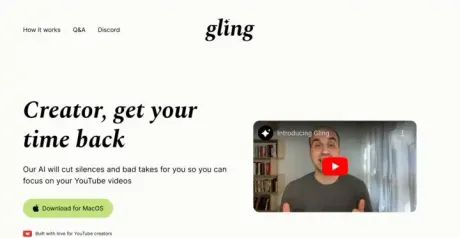
Acerca de Gling
Nuestra IA eliminará los silencios y las malas tomas por ti para que puedas concentrarte en tus videos de YouTube.
Lo que obtienes
información adicional
Gling is an AI-powered video editing tool tailored specifically for YouTube creators. It streamlines the editing process by automatically removing unwanted elements from videos such as bad takes, silences, and filler words. This allows creators to focus on producing quality content without the tedium of traditional editing. Gling supports various video and audio file types, making it versatile for different content formats.
The platform also provides features like AI captions, auto framing, and video suggestions, ensuring creators can enhance their videos to maximize audience engagement. Gling's integration with popular editing software like Final Cut Pro and Adobe Premiere allows for seamless exporting, whether for straightforward uploads or more complex editing workflows.
Gling is ideal for YouTube creators who want to save time in post-production and produce more polished videos. Its user-friendly interface helps users of all skills refine their content while automating many of the labor-intensive aspects of video editing, making it a valuable sidekick for anyone looking to elevate their YouTube presence.
Preguntas frecuentes
What is Gling used for?
Creador, recupera tu tiempo.Is Gling free?
Pricing for Gling varies — see the Pricing section for details.What are alternatives to Gling?
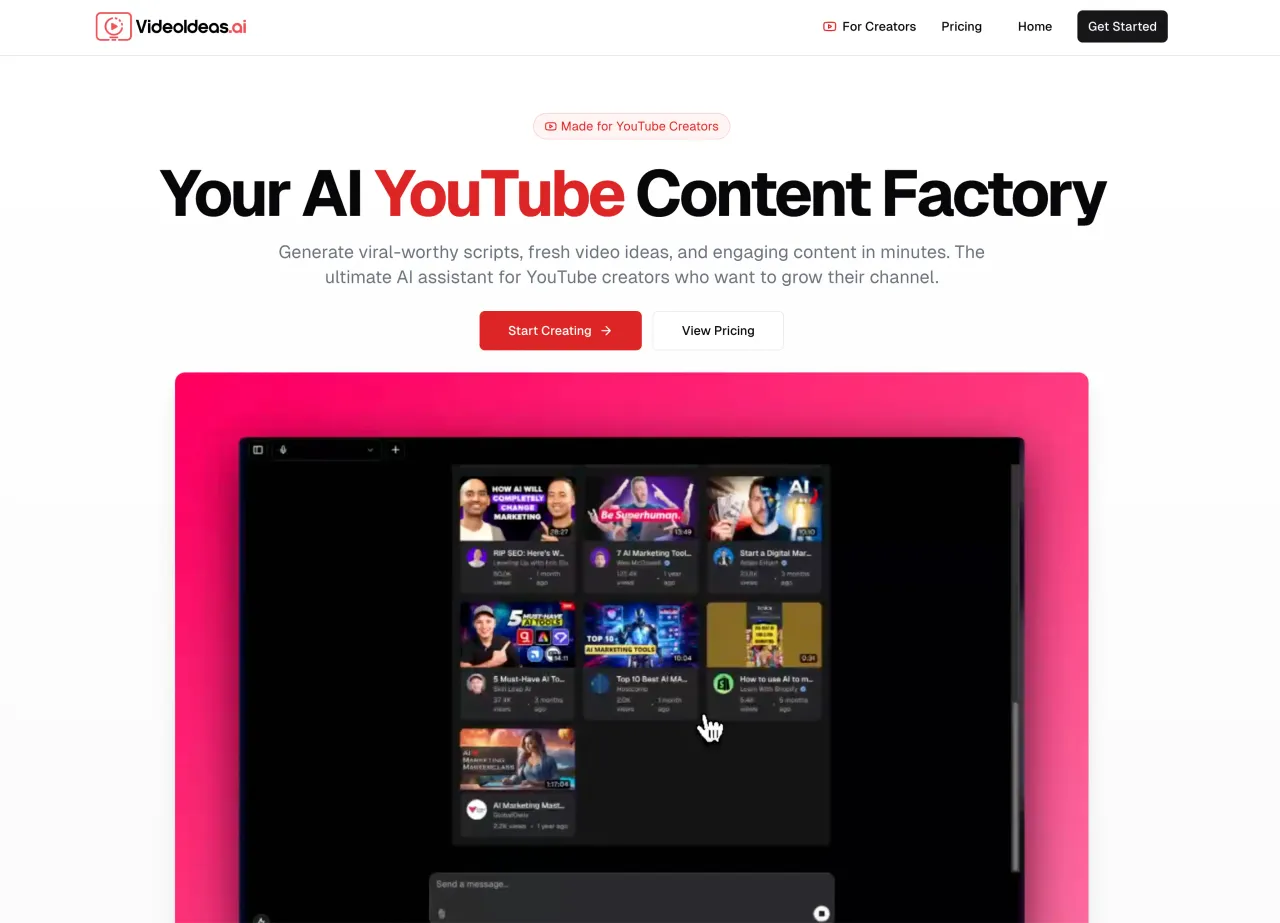
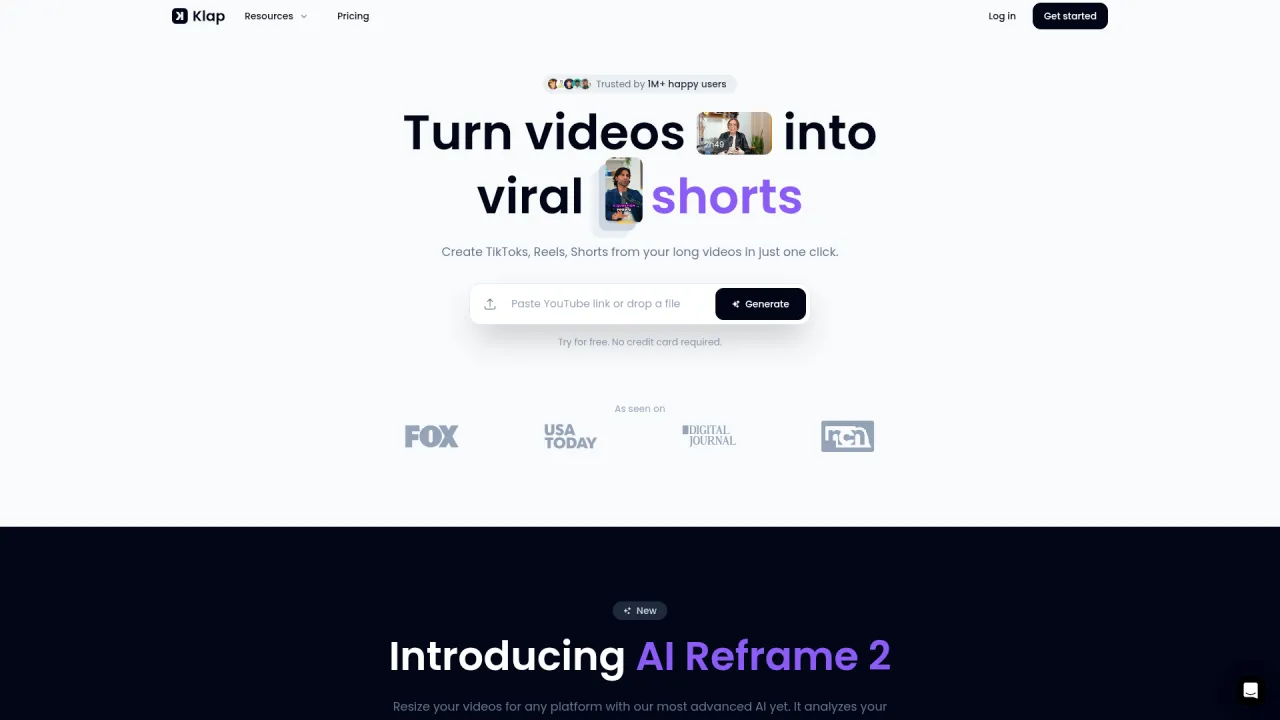
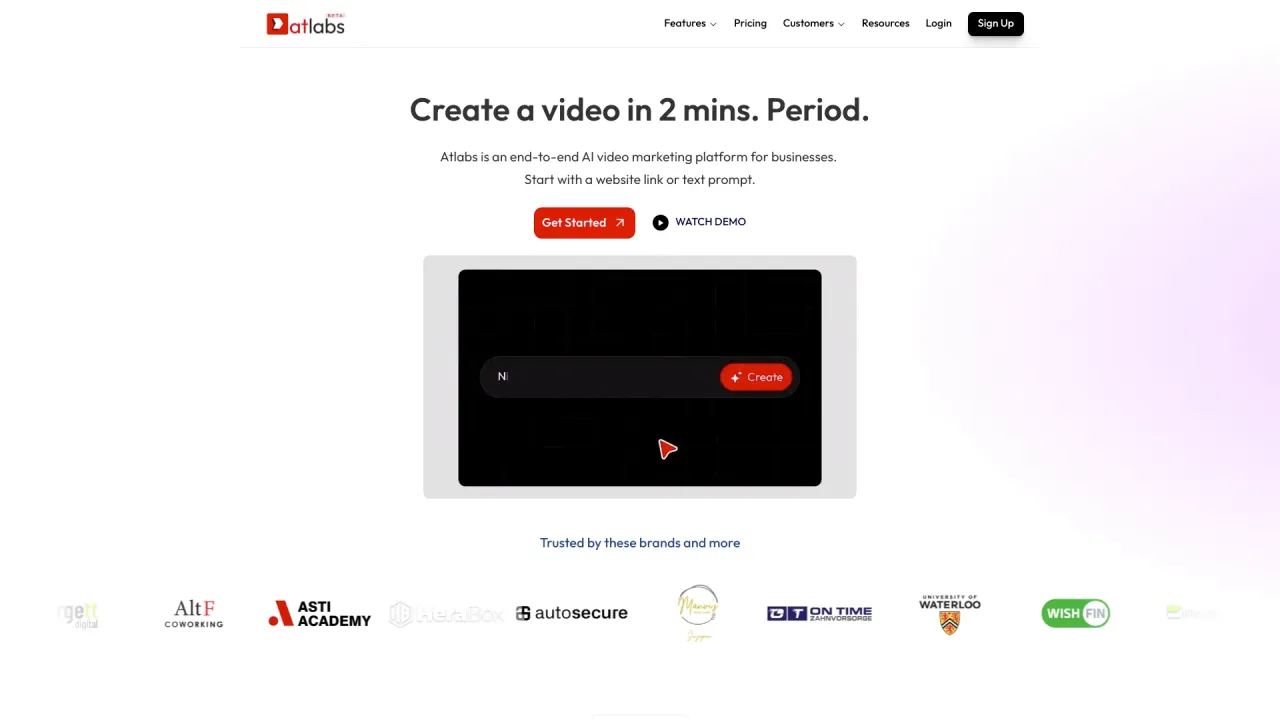
Top alternatives to Gling include Klap App, AI video editor, Atlabs AI, Topview AI URL to Video, Colossyan.Where can I get Gling?
Gling is available at https://www.gling.ai.What category is Gling in?
Gling is listed in Edición de vídeo.Is Gling free to use?
Yes, you can use Gling to edit videos for free. However, in the free version your exported videos will include a watermark and you won’t be able to export to Premiere, Final Cut or Resolve.Do I need to enter a credit card to try Gling?
Nope. You’ll only be asked for your payment information when purchasing a subscription.What are the limits of the paid subscription?
The Plus plan is limited to 10 hours of footage that can be uploaded to Gling each month. This limit is raised to 30 hours in the Pro plan.How do I cancel or downgrade?
You can cancel or downgrade at any time. Just click on the main menu (top-right corner of the Gling app) and click 'Billing'. You’ll still be able to use Gling for the remaining subscription period.What kind of files are supported?
Gling supports both audio and video files. You can upload multiple files to the same project.Can I export a separate subtitle file?
Absolutely. Just click export and choose the .srt option.Do you offer support for billing questions or issues?
Sure. Send us an email at info@gling.ai or reach out in our Discord server, and we’ll be happy to help.What languages are supported in Gling?
The interface of the app is in English, but you can upload files that contain speech in various languages including English, Spanish, Portuguese, French, German, and more.My videos don’t contain any speech in them. Is Gling the right tool for me?
If your videos don't include any speech, Gling may not be the best fit for your needs.I work with multiple cameras, is Gling the right tool for me?
We support a multiple-camera workflow, but only if you aim to export your file to either DaVinci Resolve or Final Cut Pro.I work with a separate mic, is Gling the right tool for me?
We support a separate-mic workflow, but only if you aim to export your file to either DaVinci Resolve or Final Cut Pro.
Comparar Gling con…
Elige cualquier herramienta para ver una comparación estructurada lado a lado: precios, implementación, capacidades y política de contenido.