ScreenApp
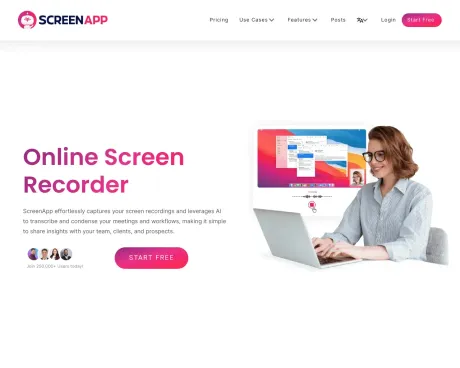
Grabador de pantalla en línea: la forma más rápida y eficiente de grabar su pantalla y extraer información valiosa, compartir y resumir.
- Categoría
- Traducción y Transcripción
- Precios
- Paid
- Alternativas
- 6 herramientas similares
- Actualizado
- hace 1 semanas
- Fuente
- Sitio oficial ↗︎
AI Collection Mejores opciones

TheFluxTrain
Estudio de producción de IA de Agentic para personajes, flujos de trabajo y vídeos coherentes
Traducción y Transcripción Selecciones de categoría
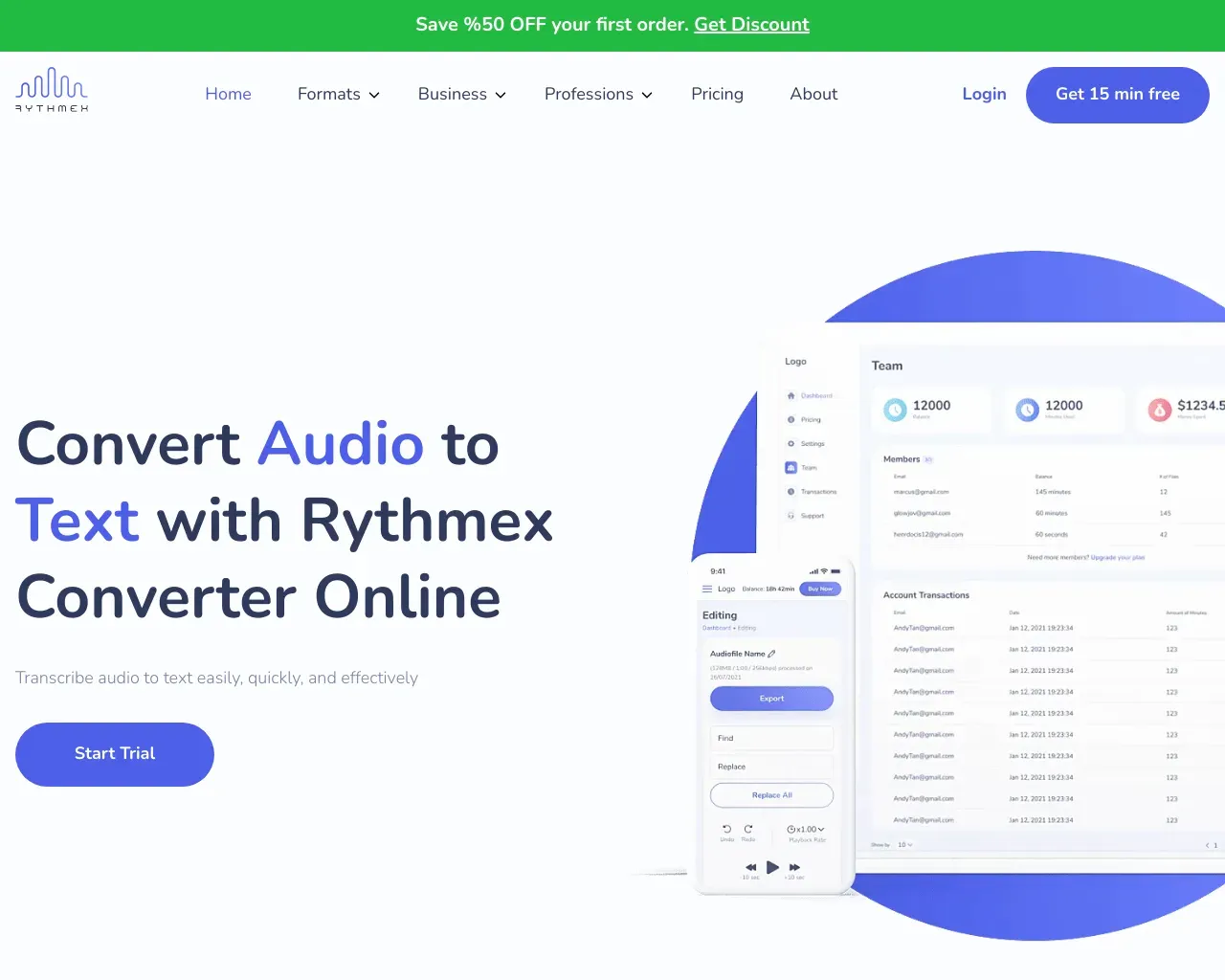
Transcripción de audio y vídeo. Impulsado por IA. Transcribe audio y vídeo a texto con una precisión del 99%. Disponible en más de 100 idiomas y de forma gratuita.
Acerca de ScreenApp
Con solo unos pocos clics, puede grabar su pantalla, transcribirla y transformar su contenido en conocimiento valioso. Di adiós a las tediosas tomas de notas y hola a la productividad. Pruebe ScreenApp hoy y revolucione la forma en que aprende y trabaja
ScreenApp's Planes de precios
ScreenApp puede cambiar los precios en cualquier momento. Aquí está nuestra información más reciente:
Precios simples y transparentes (el plan anual ahorra ~20 %)
Crecimiento
Para individuos: perfecto para grabar y almacenar videos personales.
$9/user
/mes
- Hasta 100 vídeos
- Descargas
- Transcripciones
- 20 avisos de ChatGPT/mes
Negocio
Para equipos: perfecto para equipos y empresas para potentes grabaciones de pantalla e IA
$19/user
/mes
- Hasta 1000 Vídeos
- Descargas ilimitadas
- soporte prémium
- 100 avisos de ChatGPT/mes
Último
Para empresas: aloje ScreenApp localmente en sus propios servidores y controle su seguridad.
Contact
- Autohospedado
- Componentes del código
- Plataforma SDK y Complemento
- Marca blanca
Lo que obtienes
información adicional
ScreenApp is an AI-powered meeting assistant that enables users to automatically record, transcribe, and summarize meetings, lectures, and conversations. It captures audio and video effortlessly, allowing users to search through their recordings instantly. The platform provides features such as generating professional PDFs, translating recordings, and analyzing content, making it ideal for anyone looking to enhance their productivity and streamline their workflow.
With ScreenApp's technology, users can absorb information faster by generating structured notes with key points and action items in real-time. This is beneficial for professionals who need to keep track of important discussions without the hassle of manually sifting through hours of content. The AI ensures over 99% accuracy in transcription, providing reliable summaries and insights.
ScreenApp is designed for ease of use, requiring no installations, as it operates directly within browsers or through available mobile and desktop apps. This accessibility makes it suitable for a wide range of users including project managers, educators, and content creators, who need a reliable tool for recording and summarizing insights.
The platform supports integration with major video conferencing tools like Zoom and Google Meet, allowing seamless import of recordings. Security is prioritized with encrypted data storage and transfer, ensuring users maintain control over their content while benefiting from AI capabilities to enhance productivity.
Preguntas frecuentes
What is ScreenApp used for?
Grabador de pantalla en línea: la forma más rápida y eficiente de grabar su pantalla y extraer información valiosa, compartir y resumir.Is ScreenApp free?
ScreenApp is a paid product. See the Pricing section for current plans.What are alternatives to ScreenApp?
Where can I get ScreenApp?
ScreenApp is available at https://screenapp.io/.What category is ScreenApp in?
ScreenApp is listed in Traducción y Transcripción.How does the AI Notetaker work?
ScreenApp automatically captures, transcribes, and transforms your conversations into structured notes with key points, action items, and decisions - all in real-time.What makes the AI Summarizer different?
Our AI extracts the most important insights from hours of content in seconds. Get executive summaries, key decisions, and action items without watching entire recordings.How accurate is the transcription and summarization?
ScreenApp delivers up to 99% transcription accuracy with clear audio. Summaries capture key points, action items, and decisions.Do I need to install anything?
No. You can use ScreenApp directly in your browser. If you prefer, you can also install our mobile app or Chrome extension.Can I use ScreenApp for dictation and document creation?
Yes. Convert any audio or video recording into formatted documents, PDFs, or text files. Perfect for creating meeting minutes, interview transcripts, and professional reports.Can I import from Zoom, Google Meet, or YouTube?
Yes. Upload recordings from any platform, import directly via URL, or use our meeting bots to automatically capture sessions.Is my data secure?
Yes. All recordings and transcripts are encrypted during transfer and storage. You control who can access your content.What's included in the free plan?
The free plan includes limited transcription minutes, basic summaries, and core recording and upload features.Can I cancel anytime?
Yes. You can cancel or downgrade your plan anytime in your account settings.
Comparar ScreenApp con…
Elige cualquier herramienta para ver una comparación estructurada lado a lado: precios, implementación, capacidades y política de contenido.