The Best Text to Image AI Tools in 2026
By: AI Collection
At a glance


Typing a sentence and getting a finished picture back still feels a little improbable, but the field has settled into something practical. Text to image generators now sit behind product mockups, social posts, blog headers, anime avatars, and the occasional tattoo idea. The hard part is no longer whether the output looks good. It's matching a tool's pricing, model lineup, and workflow to what you're actually making.
This list covers the text to image tools in our directory, in the order we rank them for this category. We picked and described each one from its catalog entry plus a visit to its homepage in October 2026, not from a scored lab test, so treat it as a shortlist to try rather than a benchmark. Free-tier limits and prices change often, so confirm the numbers on each site before you pay.
Playground
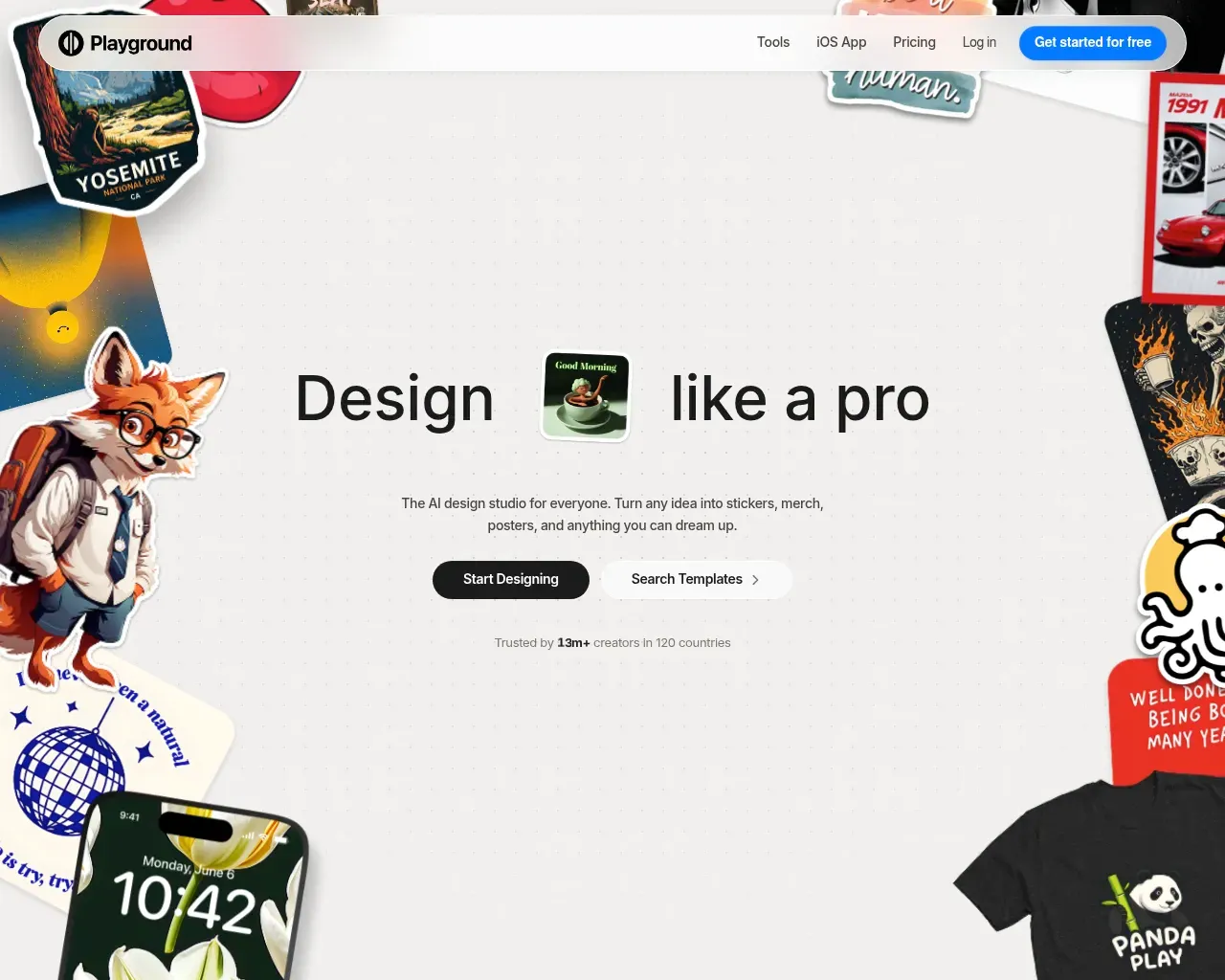
Playground began as a place to run image models and has grown into a full design studio. The homepage leads with outputs rather than prompts: stickers, merch, posters, logos, social graphics, and wallpapers, built on thousands of templates across 24 categories that you customize instead of starting from blank. The company says more than 13 million creators in 120 countries use it.
The reason it earns the top slot in 2026 is that it's a multi-model front end. One account gives you Muse Image, Nano Banana, GPT Image 2, GPT Image 2.5, and Seedream, so you aren't locked into a single model's look. The free plan allows ten images every three hours and three monthly generations across those premium models, with a worldwide royalty-free license even at that tier. Pro is $15 a month, or $12 a month billed annually ($144 for the year), and lifts you to 75 images every three hours, 150 monthly model credits, the full premium template library, upscaling, background removal, and editing up to 2048 by 2048 pixels. A higher Pro Plus tier adds unlimited generation for people who live in the tool.
Playground suits anyone who cares more about a finished design than a raw render: a shop owner producing product images, or a creator who needs a steady run of social posts without opening Photoshop.
Lexica Aperture
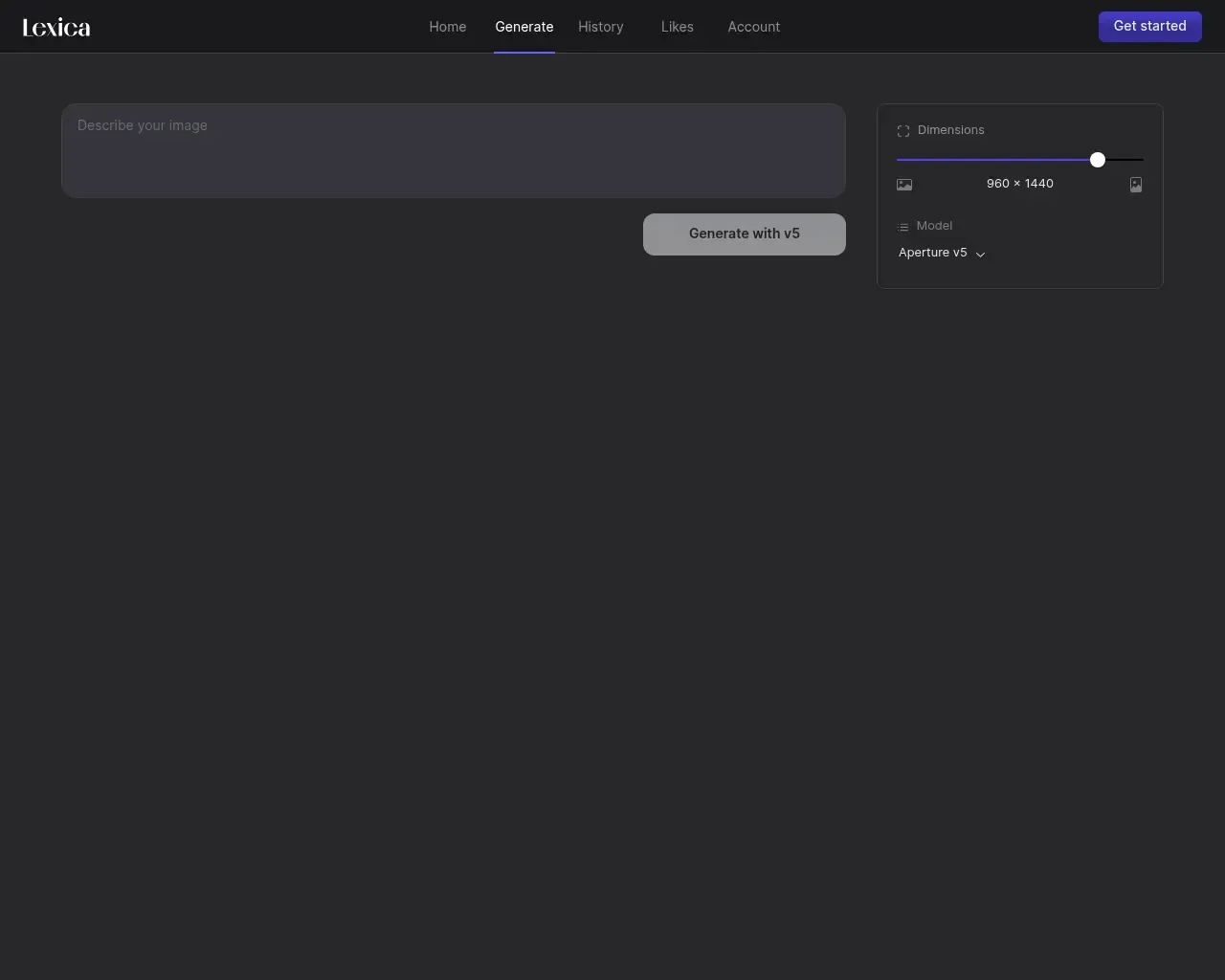
Lexica Aperture comes from Lexica, which plenty of people first met as a searchable gallery of AI images. Aperture is its own model line aimed at photorealism, and the generator now runs on Aperture v5. The interface stays deliberately plain: a prompt box, a dimensions slider (the default preset is a tall 960 by 1440), and a generate button.
The gallery heritage is the quiet advantage. Browsing other people's prompts and results is one of the quickest ways to learn what phrasing gets you the photo you're picturing, and Lexica keeps your own history and likes in the same place. If you want believable photographs, portraits, interiors, or product shots rather than illustration, this is the entry built for that.
AI2image
AI2image takes the opposite stance to a studio. It's a free generator you can browse with no sign-up, and it hands you one free image to start without a credit card. Its own framing points at the styles people actually search for: Ghibli-inspired scenes, anime, logos, and headshots.
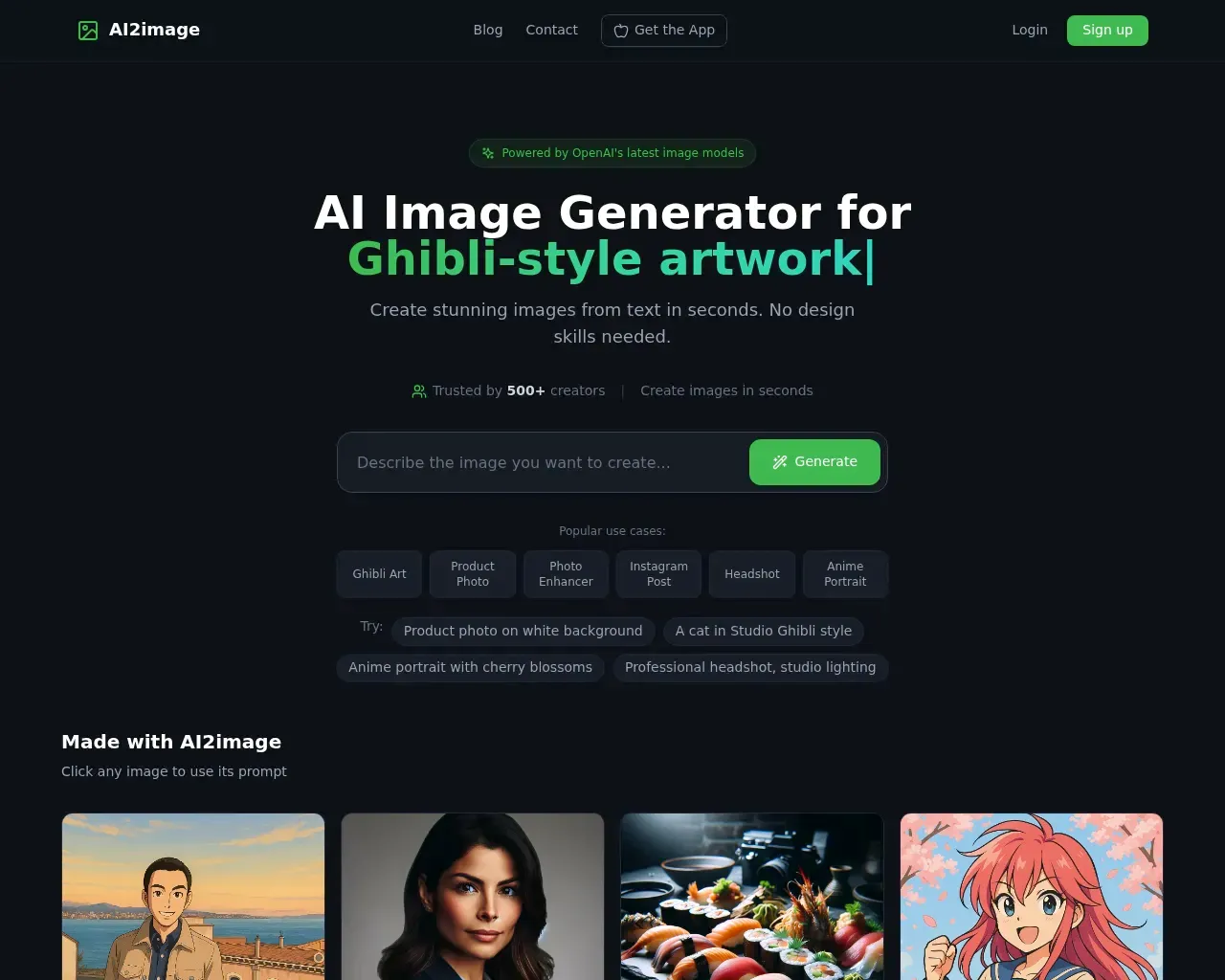
That low commitment is the whole point. If you want to see whether AI art can do the thing in your head before handing a card number to anyone, AI2image is a sensible first stop. It carries fewer advanced controls than Playground or Lexica, so think of it as a quick-try tool rather than a daily driver for client work.
Imaginator
Imaginator is a smaller, independent generator with a clear pitch: turn text into images, now with Flux support. Flux is one of the better-known open image models heading into 2026, so a simple wrapper around it is a real draw for anyone who wants that output without running anything locally. Its sample gallery shows the usual range, from concept art to a far-future cityscape to stylized portraits.
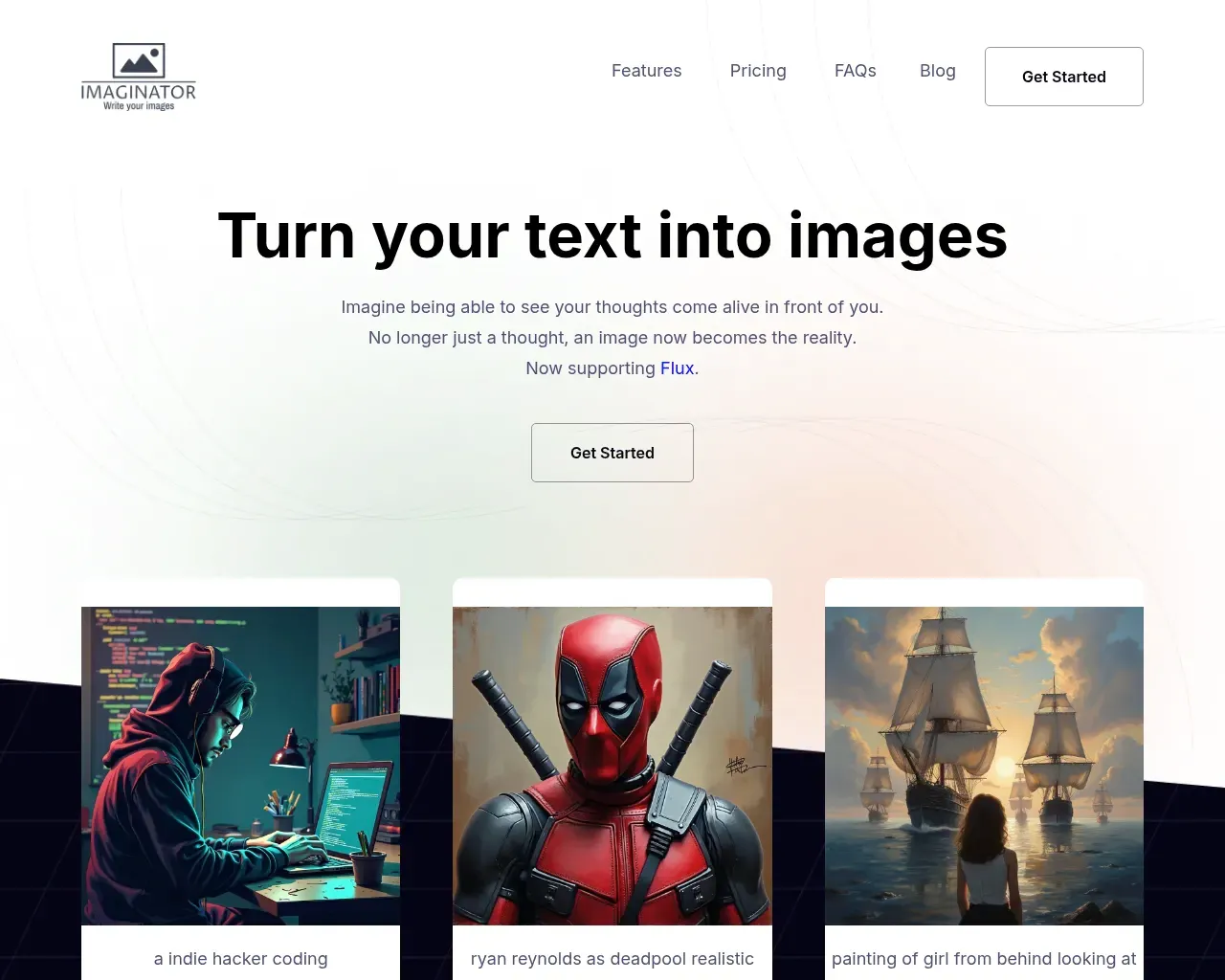
It's the most bare-bones option here, with a standard features, pricing, and FAQ layout behind a Get Started button. If you already know you want Flux and don't need templates or a design suite wrapped around it, it's worth a look. Check the current plan details on the site, since they weren't available when we visited.
DrawAnyone
DrawAnyone is the most specialized tool on the list. The name is the product: it's built for generating images of people and characters, any way you want them.
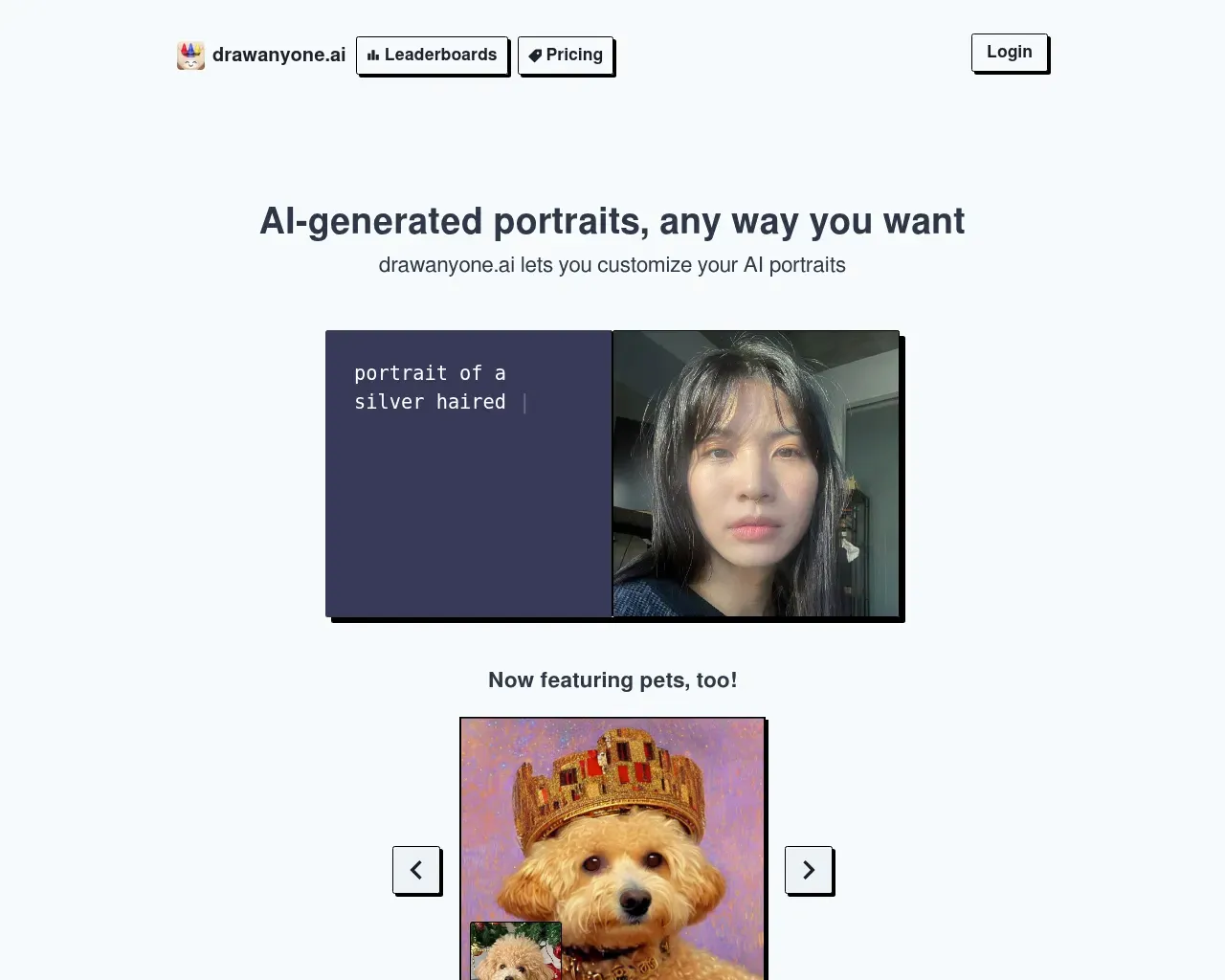
Pricing is pay-as-you-go instead of a subscription, which fits occasional use. Credits come in packs: 40 for $4.99, 100 for $9.99, 250 for $15.99, and 500 for $24.99, so the per-image cost falls from about 12.5 cents to 5 cents as you buy larger bundles. Paid credits skip the queue and drop the watermark. If your work is portrait- or character-heavy and you'd rather not pay monthly for something you use in bursts, that credit model is the appeal.
Our pick
For most people, Playground is the one to start with. The free tier is generous enough to get real work done, the template library shortens the gap between a prompt and something you'd actually post, and routing five models through one account lets you match the tool to the job. If photorealism is your priority, make Lexica Aperture the runner-up, and keep AI2image bookmarked for the no-sign-up quick test.
FAQ
Which of these can I use for free?
AI2image lets you browse and generate with no sign-up and one free image to start. Playground has a free plan with ten images every three hours. Lexica Aperture and Imaginator gate most use behind a paid plan, so check their current limits.
Which is best for realistic photos?
Lexica Aperture is the one built for photorealism, and it now runs on its Aperture v5 model.
Subscription or pay-as-you-go?
DrawAnyone sells credit packs, which is friendlier for occasional projects. Playground is subscription-based with a free tier. Pick based on how often you'll really generate.
Can I use the images commercially?
Playground states a worldwide royalty-free license, including on its free plan. For the others, read each tool's current terms before using an image in paid work.
Published on: October 30, 2026