Fabric: the self-organizing second brain, reviewed
By: AI Collection
At a glance
4.0 / 5
Fabric
PaidMost knowledge tools quietly hand you a second job: filing. Notion wants databases and templates; Obsidian wants a folder structure and a plugin list; even a humble bookmarks bar eventually becomes a graveyard of tabs you meant to read. Fabric's pitch is the opposite. Drop things in, and it does the sorting for you.
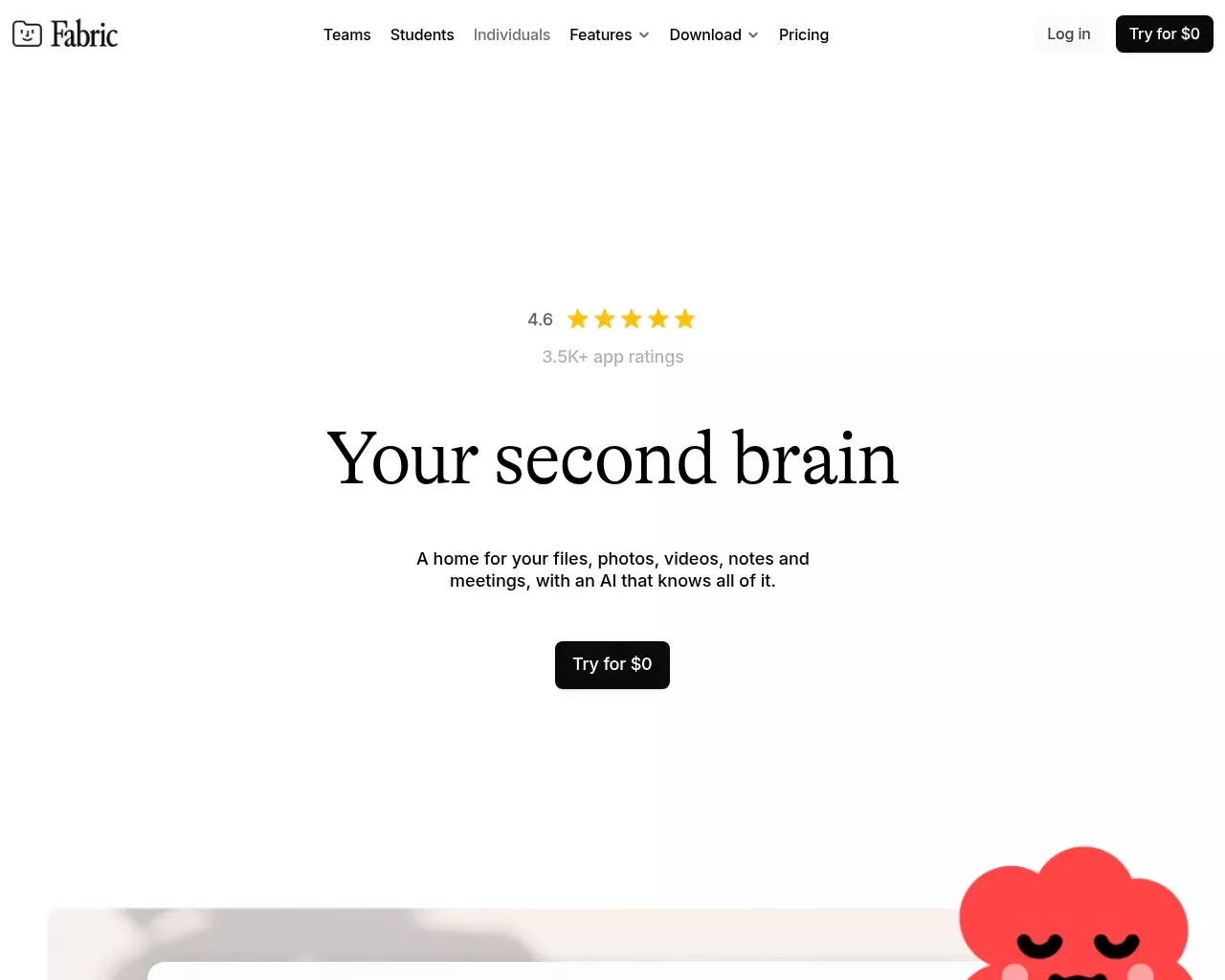
Fabric calls itself "your second brain," a home for files, photos, videos, notes and meetings with an AI that knows all of it. In practice it's two products stitched together: a cloud drive and an AI workspace. That combination is what makes it more interesting than another Notion clone.
A drive that behaves like your hard disk
The storage side surprised me most. Fabric mounts as a drive on your computer and streams files on demand, so your whole library shows up locally without filling the disk. The company says it streams "exactly what you need," to the point that you can edit a video without downloading it first. Everything syncs across web, mobile and desktop, and works offline. If you've ever juggled Dropbox, iCloud and a Downloads folder that is 80GB of chaos, the appeal is obvious: one drive instead of four half-full ones.
On top of that sits the "autonomous knowledge base." You drop in bookmarks, screenshots, voice notes, PDFs and web clippings — there's a browser extension, a CLI and an email-to-Fabric address — and Fabric indexes and links related material automatically. Search is natural-language: you describe what you're after rather than remembering which folder it's in. Its own documentation frames the difference bluntly, pitching Fabric instead of Notion "when you want AI to automatically organize your content instead of manually building databases," and instead of Obsidian "when you want automatic linking without manual graph building."
The AI actually does things
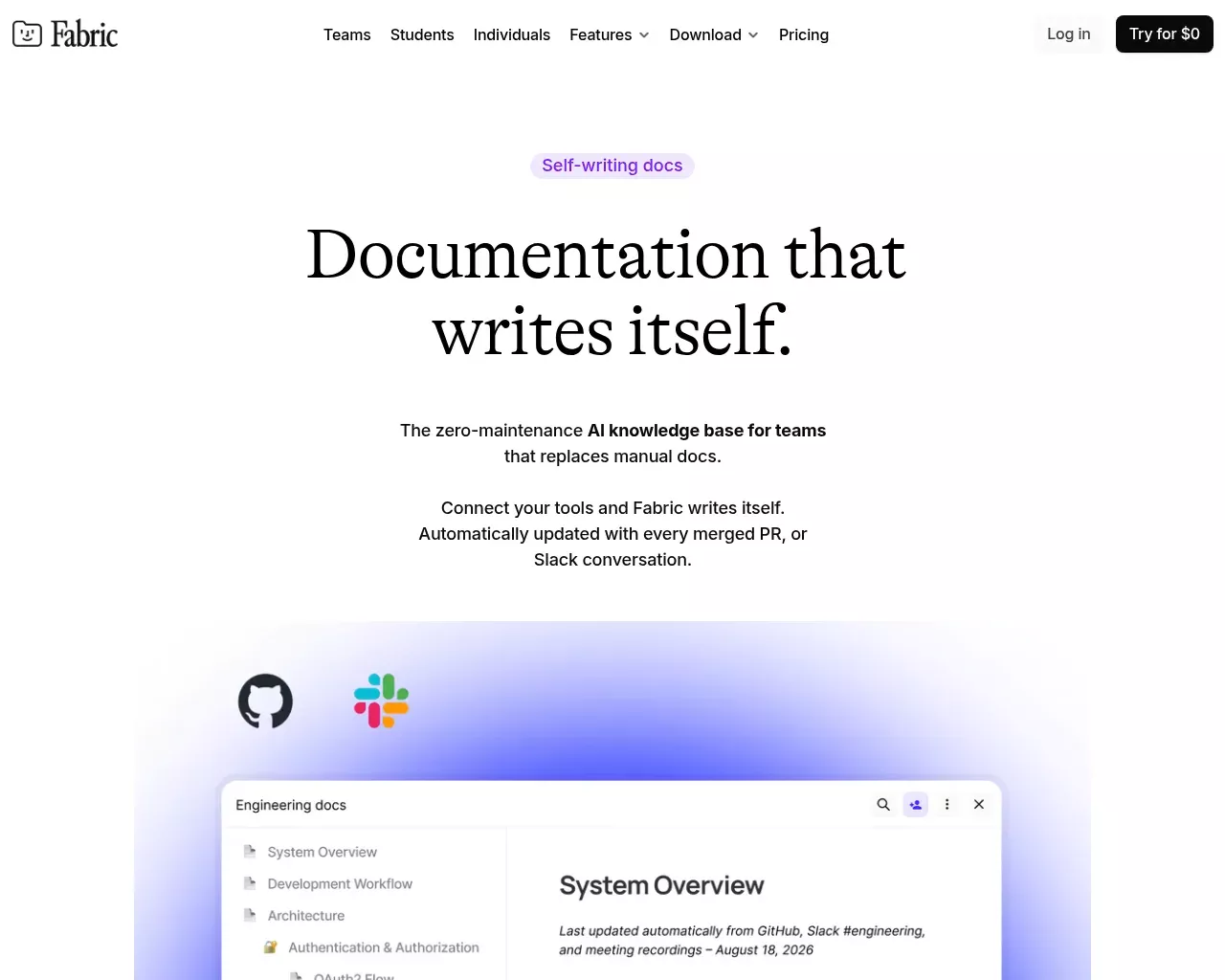
Where Fabric gets ambitious is the assistant. Beyond chat-with-your-files, it ships named agents that carry out multi-step tasks. Fabric's own examples describe one reading weekend notes and moving three Linear tickets into the week, another drafting a client reply "in your voice" into Gmail drafts, and another turning scattered notes into an essay outline. For teams there's a knowledge base that writes its own documentation, pulling updates from merged GitHub PRs, Slack threads and meeting recordings so the docs stay current without anyone maintaining them.
Rounding it out: an infinite canvas for visual thinking, a minimal notes editor, meeting notes that record and transcribe automatically, tasks with due dates and reminders, and 230+ integrations. You can also publish any space as a password-protected portal with link analytics, which is a useful alternative to firing off raw Google Drive links to clients.
What it costs
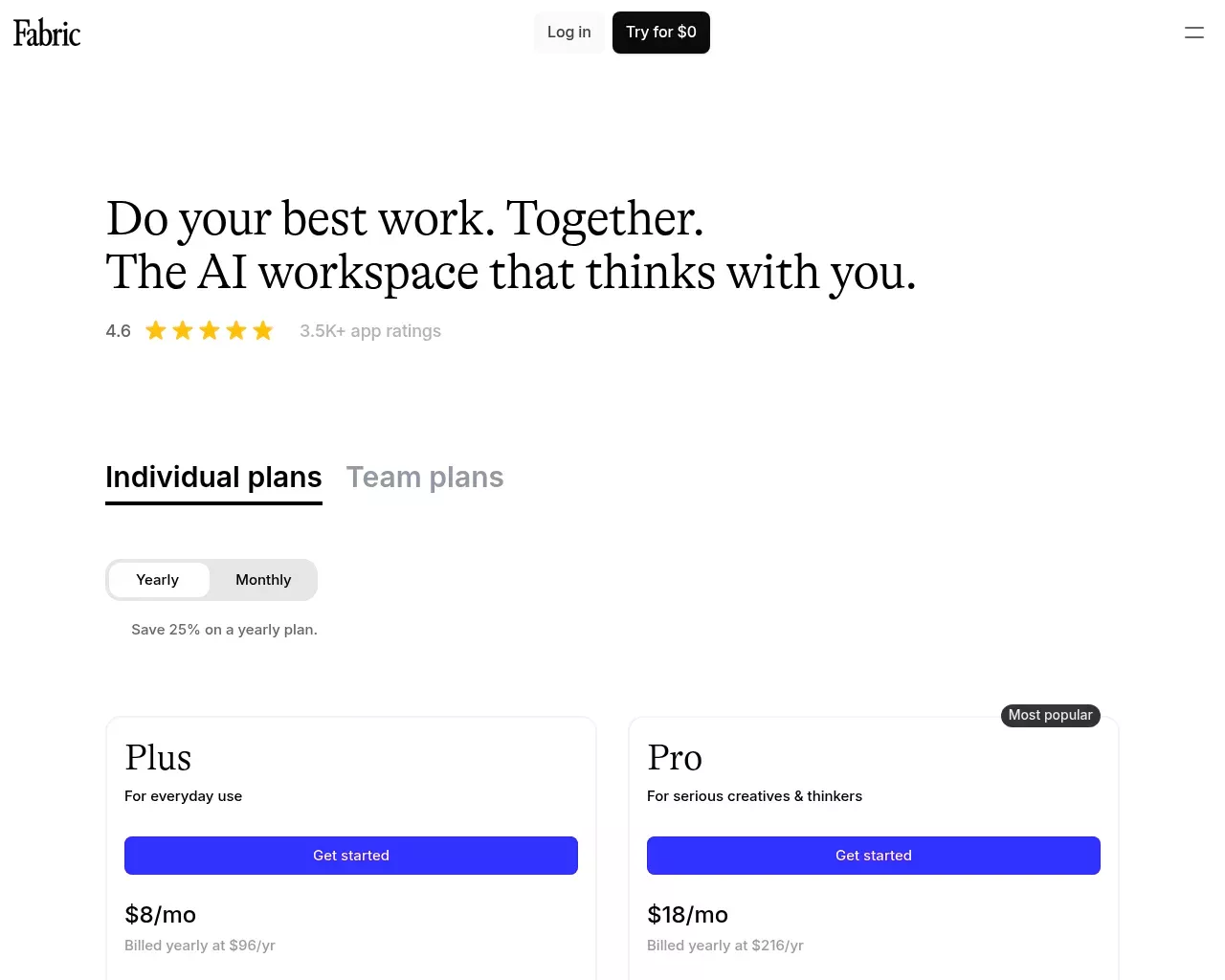
Fabric has a free tier ("Try for $0") and three paid individual plans. As of November 2026, billed yearly: Plus is $8/month ($96/year) with 50GB of storage and the AI notetaker; Pro, marked "most popular," is $18/month ($216/year) and adds 250GB, assistant web search, link analytics, password-protected files and up to 10 scheduled AI jobs; Max is $54/month ($648/year) with 1TB and far higher AI limits. Yearly billing saves about 25%, roughly two months.
Two things to read carefully before committing. AI usage is metered in credits; heavier users top up (you can set automatic top-ups and spending limits), so the sticker price isn't the ceiling. And Fabric's stated policy is no refunds: you can cancel anytime, but you won't get money back for an unused stretch. For a tool you're meant to pour your whole digital life into, that is worth knowing up front.
Who it's for, and the honest caveats
Fabric fits people drowning in scattered inputs: researchers and students connecting sources, creatives hoarding references, and small teams that want shared context without babysitting a wiki. It has been around since 2023 and is clearly under active development; recent changelog entries cover a faster uploader, video-playback improvements and a sustainability program that funds mangrove restoration in Brazil and Kenya.
It isn't friction-free, though. Independent sentiment is thinner than the marketing suggests. There's no active G2 or Capterra listing yet, and the App Store and Product Hunt samples are small. Among those reviews, the recurring complaints are about polish: users describe the app as buggy or laggy and the interface as clean but clunky to navigate. One competitor's review (worth a grain of salt) scored it around 3.6/5, with the AI assistant its weakest axis. None of that is damning for a product this broad, but it does mean you should treat the free tier as a real trial rather than a formality. Load your actual files and see whether the auto-organization and search hold up for your workflow before you pay.
Overall I'd put Fabric at 4/5: a distinctive take on the second brain that earns its keep for the right user, held back by metered AI, some rough edges, and a no-refund policy that rewards testing first.
Sources consulted
- Fabric homepage — product positioning, the drive/streaming model and the AI agents
- Fabric llms.txt — feature list, storage and encryption details, and its own Notion/Obsidian/Evernote comparisons
- Fabric individual pricing — current plan prices, limits, yearly discount and refund policy
- Fabric changelog — recent development activity and the sustainability initiative
- Hacker News (Algolia search) — a save-for-later user mention
- Saner.ai, Honest Fabric.so Review (2026) — third-party (competitor) scoring and the note that there is no G2/Capterra listing
- Product Hunt, Fabric reviews — user sentiment and rating sample
- Internet Archive Wayback Machine — longevity check
Published on: November 27, 2026
¿Buscas alternativas a Fabric? Ver todas las alternativas a Fabric →
Have an AI tool of your own? Submit it below and get a free, in-depth product review article — just like this one.
Añade tu herramienta de IA en segundos
Pega tu URL y prepararemos el borrador. Tú revisas y editas cada campo antes de enviarlo.