Reseña de Kopage: un constructor de sitios web con IA white-label para agencias
By: AI Collection
At a glance
4.0 / 5
Kopage AI Website Builder
PaidLas agencias web y los freelancers se topan con la misma pared a medida que crecen: cada nuevo cliente necesita un sitio, cada uno consume horas para configurar, y ninguno debería llevar el logotipo de otra empresa. Kopage está diseñado exactamente para ese trabajo. Es un constructor de sitios web white-label con un generador de IA en el frente, dirigido a personas que construyen y venden sitios para otros negocios en lugar de para sí mismas.
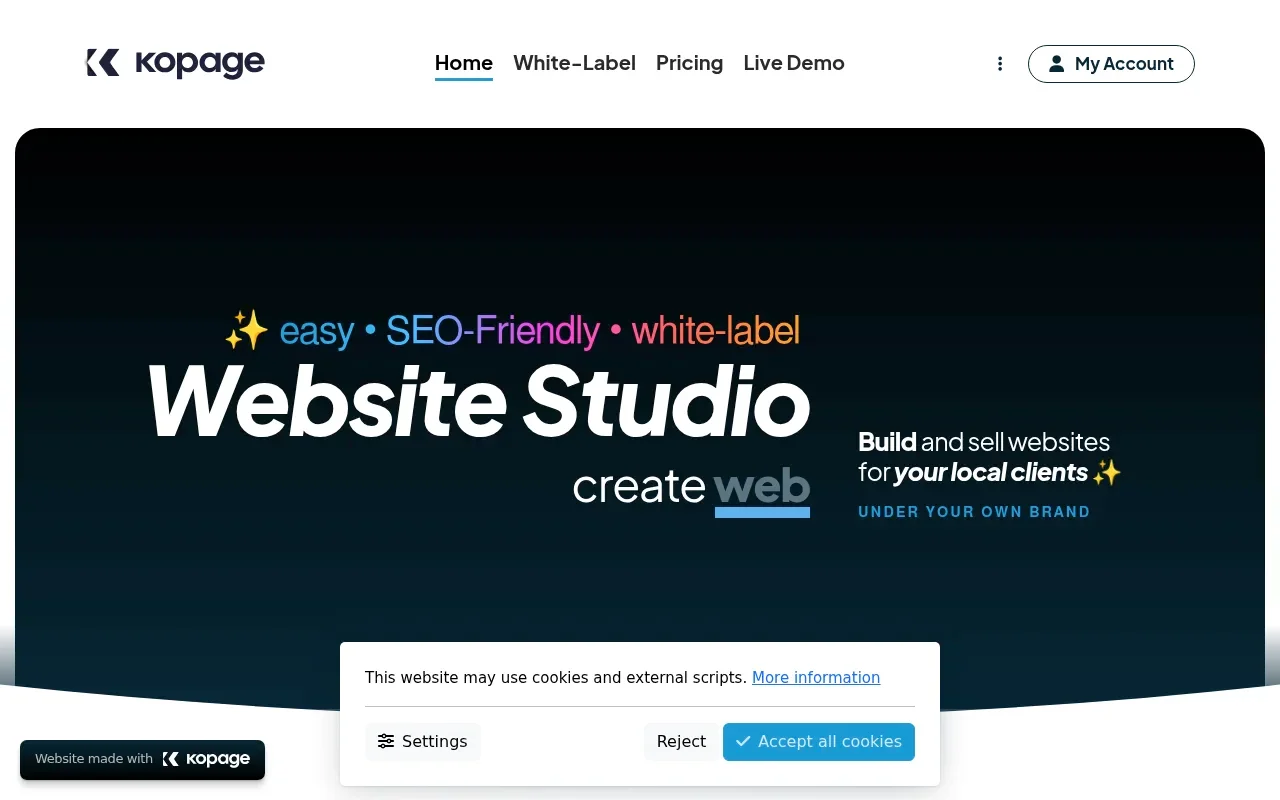
La propuesta es velocidad al principio y control después. Describes para qué es el sitio, la IA ensambla un sitio inicial completo en menos de un minuto, y desde ahí lo moldeas a mano. Kopage tampoco es nuevo. La empresa describe el producto como el resultado de más de diez años de trabajo, así que el constructor que está debajo de la capa de IA es maduro en lugar de ser un experimento de fin de semana.
Cómo funciona la generación de IA
Le dices a Kopage de qué trata el sitio web, eliges si empezar desde el generador de IA o una plantilla prediseñada, y devuelve un sitio completo: páginas, bloques de contenido, texto y un diseño que puedes editar de inmediato. La afirmación en la caja es un sitio funcional en 30 segundos o menos, y puedes probarlo gratis sin tarjeta de crédito antes de registrarte.
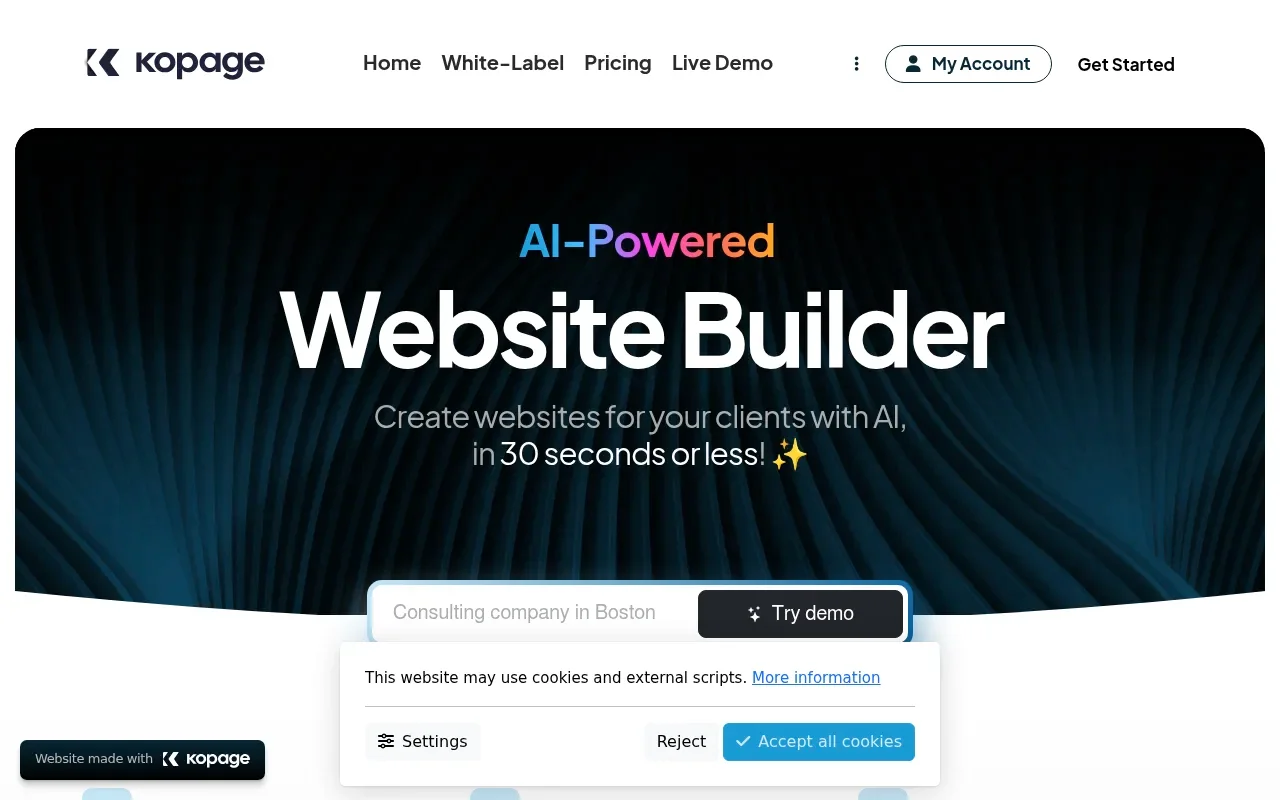
Un detalle que vale la pena conocer de antemano: la IA se mide en tokens. El plan de entrada incluye 10,000 tokens y los planes más altos 100,000, así que el generador es un motor de arranque, no algo en lo que apoyarse para una regeneración interminable. En la práctica, la mayor parte del trabajo ocurre después de la generación, en el editor, que es donde un constructor como este vive o muere.
Lo que realmente obtienes
La edición está basada en bloques. Eliges entre más de cien bloques de contenido prediseñados, los reorganizas arrastrando y soltando, y abres el Block Designer para personalizar un bloque o construir el tuyo propio. Las ediciones de apuntar y hacer clic manejan texto, enlaces y fotos; el diseñador maneja la estructura.
El conjunto de funciones es amplio para el precio. Junto con lo básico obtienes un blog, e-commerce con carrito de compras, galería de fotos, contacto y formularios personalizados, una newsletter, un calendario de eventos, áreas solo para miembros y herramientas para cursos, además de un gestor de archivos, un banner de consentimiento de cookies, análisis e integraciones de terceros. El SEO se maneja a nivel de estructura, con marcado limpio, enlaces amigables para búsqueda y un mapa del sitio y metaetiquetas generados automáticamente. El alojamiento en la nube está incluido, puedes conectar tus propios dominios, y los sitios son responsivos por defecto, con Google Fonts, un gran conjunto de esquemas de colores y animaciones al desplazar para el lado del diseño.
La parte white-label es la razón real para elegir Kopage sobre un constructor de propósito general. Los sitios de los clientes no llevan la marca "powered by Kopage" por defecto, y el plan Pro y superiores añaden marca personalizada, de modo que la experiencia de administrador en la que inician sesión tus clientes también puede ser la tuya.
Qué cuesta
Los planes de Kopage escalan según cuántos sitios web activos gestionas en lugar de por bloqueo de funciones:
- Solo: $49/mes, hasta 5 sitios, 10K tokens de IA. Orientado a freelancers e individuos.
- Pro: $149/mes, hasta 25 sitios, marca personalizada, 100K tokens. Marcado como el más popular.
- Scale: $349/mes, hasta 100 sitios, más una instancia de nube separada.
- Unlimited: $699/mes, sitios ilimitados.
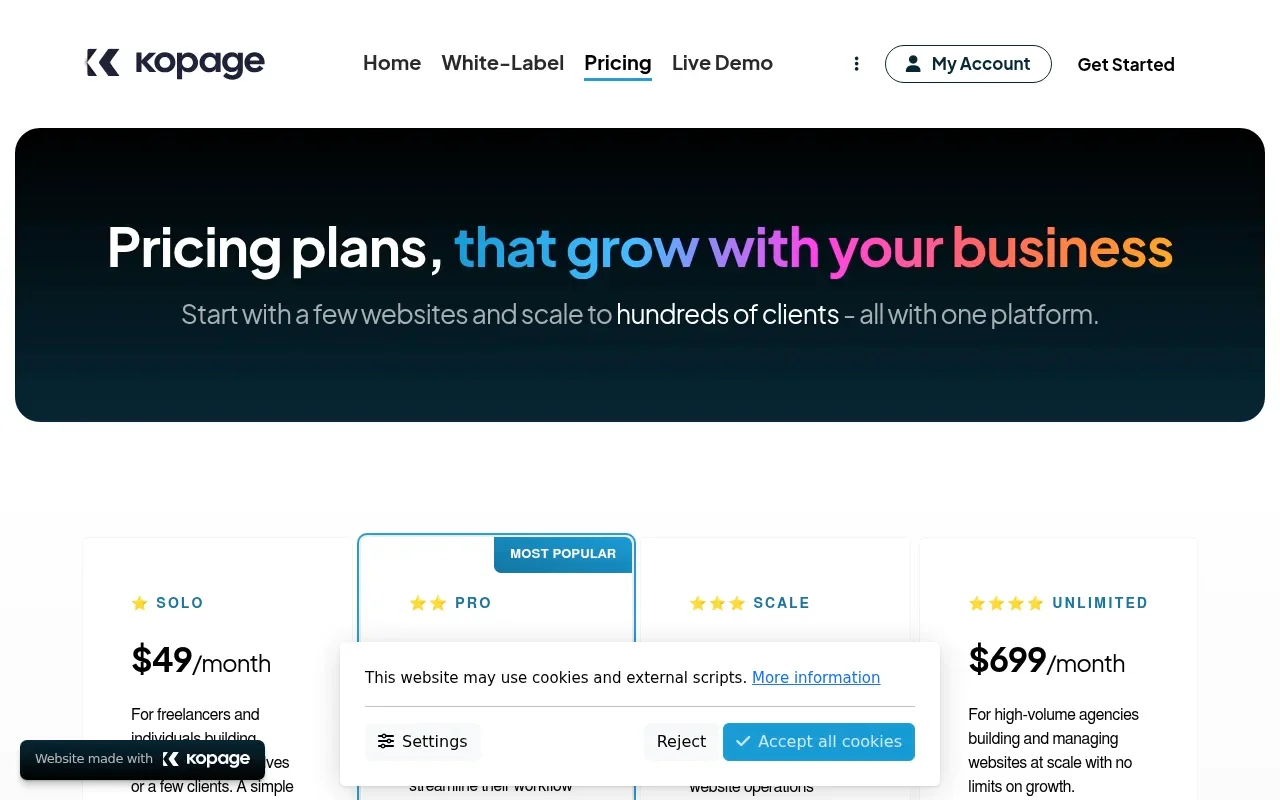
Hay una prueba gratuita de 7 días y puedes empezar gratis sin tarjeta; pueden aplicarse el IVA local o el impuesto sobre las ventas. Si no eres una agencia y solo quieres un sitio, Kopage te dirige a un plan separado de Single Website a $9/mes facturado anualmente, o $19 mes a mes. Esa opción funciona bajo una marca diferente, lo que hace la oferta un poco confusa para un usuario individual que solo quiere un sitio personal.
El paso de Solo a Pro es el número que hay que modelar antes de comprometerse. Triplicar el precio de $49 a $149 eleva el límite de sitios de 5 a 25 y desbloquea la marca personalizada, por lo que un freelancer con un puñado de clientes se queda en un punto intermedio incómodo: demasiados sitios para el límite de Solo, no suficientes para sentirse bien con Pro.
Para quién encaja, y para quién no
Kopage tiene más sentido para una pequeña agencia o freelancer que construye sitios de marketing y pequeñas empresas sencillos y quiere tenerlos bajo su propia marca sin usar WordPress. Se enfoca deliberadamente en esa audiencia no técnica, posicionándose como la alternativa más sencilla para clientes que encontrarían WordPress intimidante.
La honestidad sobre el techo importa aquí. Kopage aparece en comparativas de constructores white-label como una opción reconocida de menor costo, pero las reseñas prácticas en profundidad son escasas; la mayor parte de la cobertura de terceros son listados de directorio en lugar de descripciones probadas. La compensación que esas comparativas siguen rondando es la que esperarías a este precio: un plan white-label genuino con varios sitios incluidos y una interfaz sencilla, frente a un conjunto de funciones más pequeño y un ecosistema más delgado que las plataformas de nivel empresarial para agencias. Renuncias a la vasta biblioteca de plugins y temas de WordPress y al pulido de los constructores alojados más grandes, y a cambio obtienes un sistema white-label más barato, más simple y con alojamiento incluido.
Dos cosas vale la pena comprobar con respecto a tu propio flujo de trabajo antes de comprar. Primero, la asignación de tokens de IA, si planeas generar muchos sitios o regenerar con frecuencia. Segundo, con qué facilidad puedes exportar un sitio si alguna vez te vas, ya que todo se ejecuta en la nube de Kopage. Y como las pruebas independientes son escasas, la prueba gratuita aquí hace más trabajo que con un constructor convencional: pasa la semana construyendo un sitio real de cliente de principio a fin antes de mostrárselo a alguien.
En general llega a un 4 de 5 para agencias y freelancers que quieren sitios de cliente rápidos, simples y white-label a un precio justo, y encaja menos si necesitas un ecosistema de plugins amplio o funciones de nivel empresarial.
Fuentes consultadas
- Kopage homepage — posicionamiento del producto, editor de bloques, valores predeterminados white-label y la afirmación de más de 10 años
- Kopage AI website builder — flujo de generación de IA y lista de funciones incorporadas
- Kopage pricing — niveles de planes actuales, asignaciones de tokens de IA, prueba gratuita y la opción separada de Single Website
- Sotion: best white-label website builder platforms — comparativa que incluye a Kopage entre los mejores constructores white-label para agencias
Published on: October 9, 2026
¿Buscas alternativas a Kopage AI Website Builder? Ver todas las alternativas a Kopage AI Website Builder →
Have an AI tool of your own? Submit it below and get a free, in-depth product review article — just like this one.
Añade tu herramienta de IA en segundos
Pega tu URL y prepararemos el borrador. Tú revisas y editas cada campo antes de enviarlo.