3D House Planner
3डी हाउस प्लानर - वेब पर मुफ़्त 3डी फ़्लोर प्लानर.
- श्रेणी
- वास्तुकला और आंतरिक डिजाइन
- विकल्प
- 6 समान उपकरण
- अंतिम अपडेट
- 2 सप्ताह पहले
- स्रोत
- आधिकारिक साइट ↗︎
AI Collection ऊपर उठाता है
वास्तुकला और आंतरिक डिजाइन श्रेणी चयन
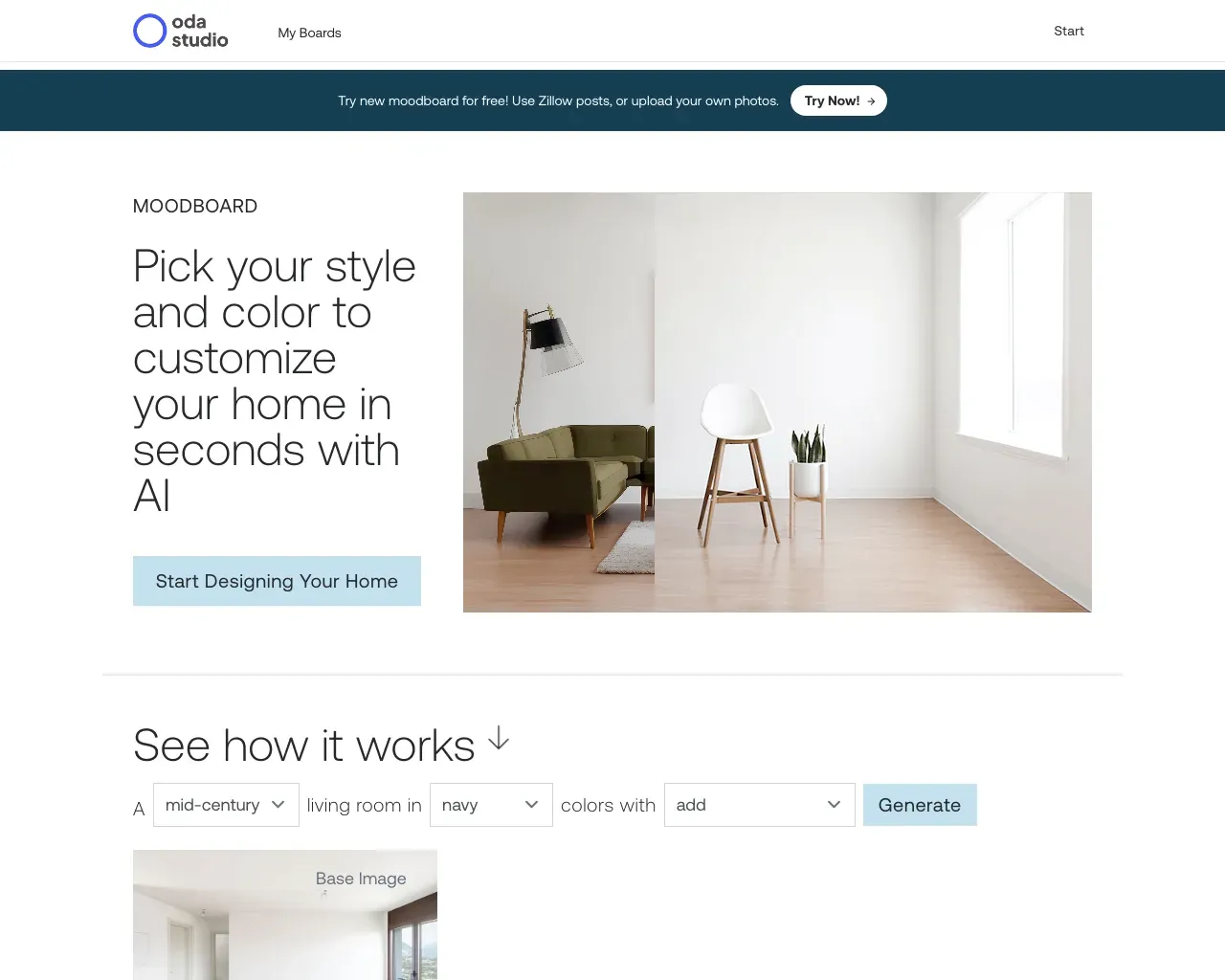
ओडा मूडबोर्ड • ओडीए स्टूडियो - एआई की मदद से कुछ ही सेकंड में अपने घर को कस्टमाइज़ करने के लिए अपना स्टाइल और रंग चुनें।
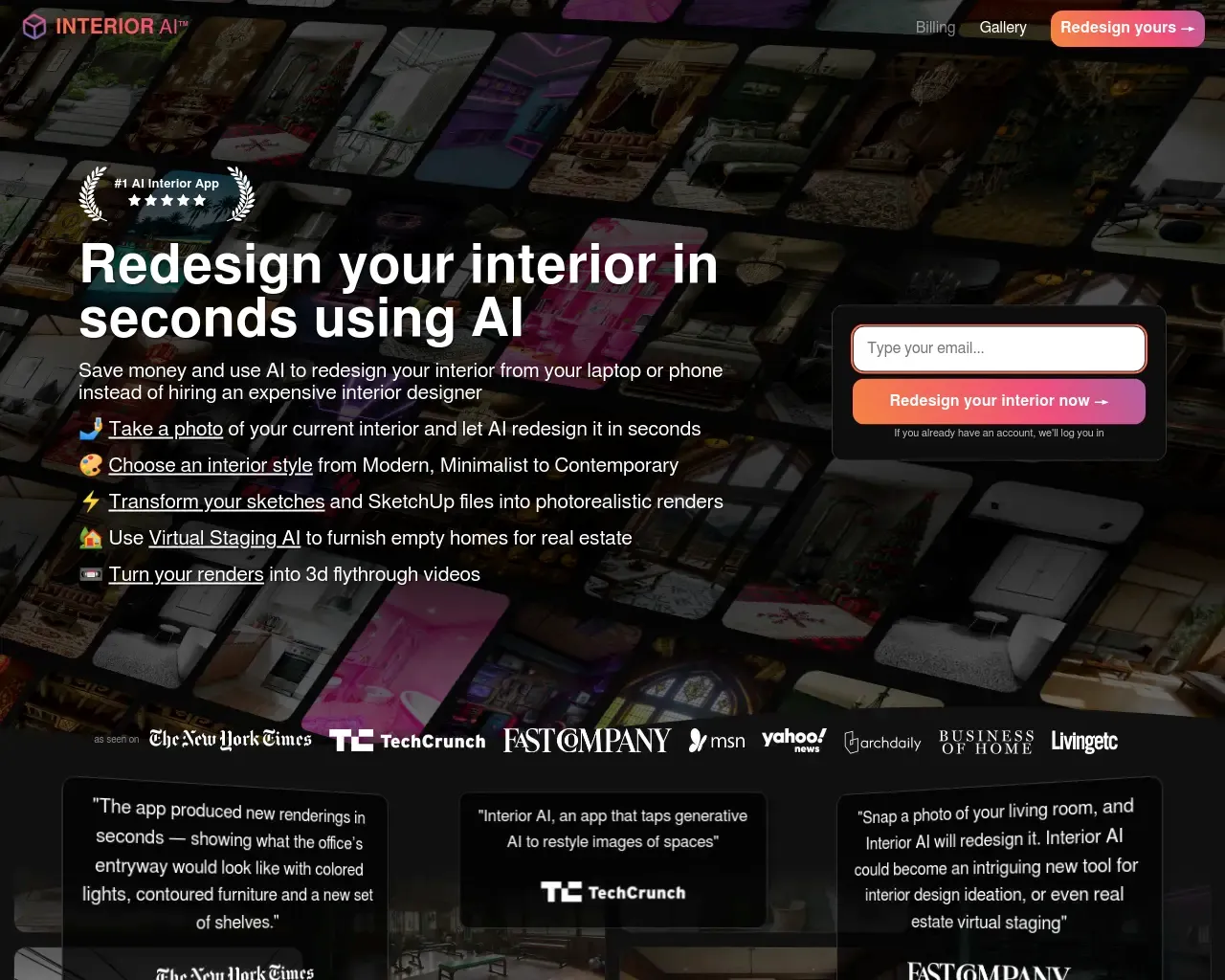
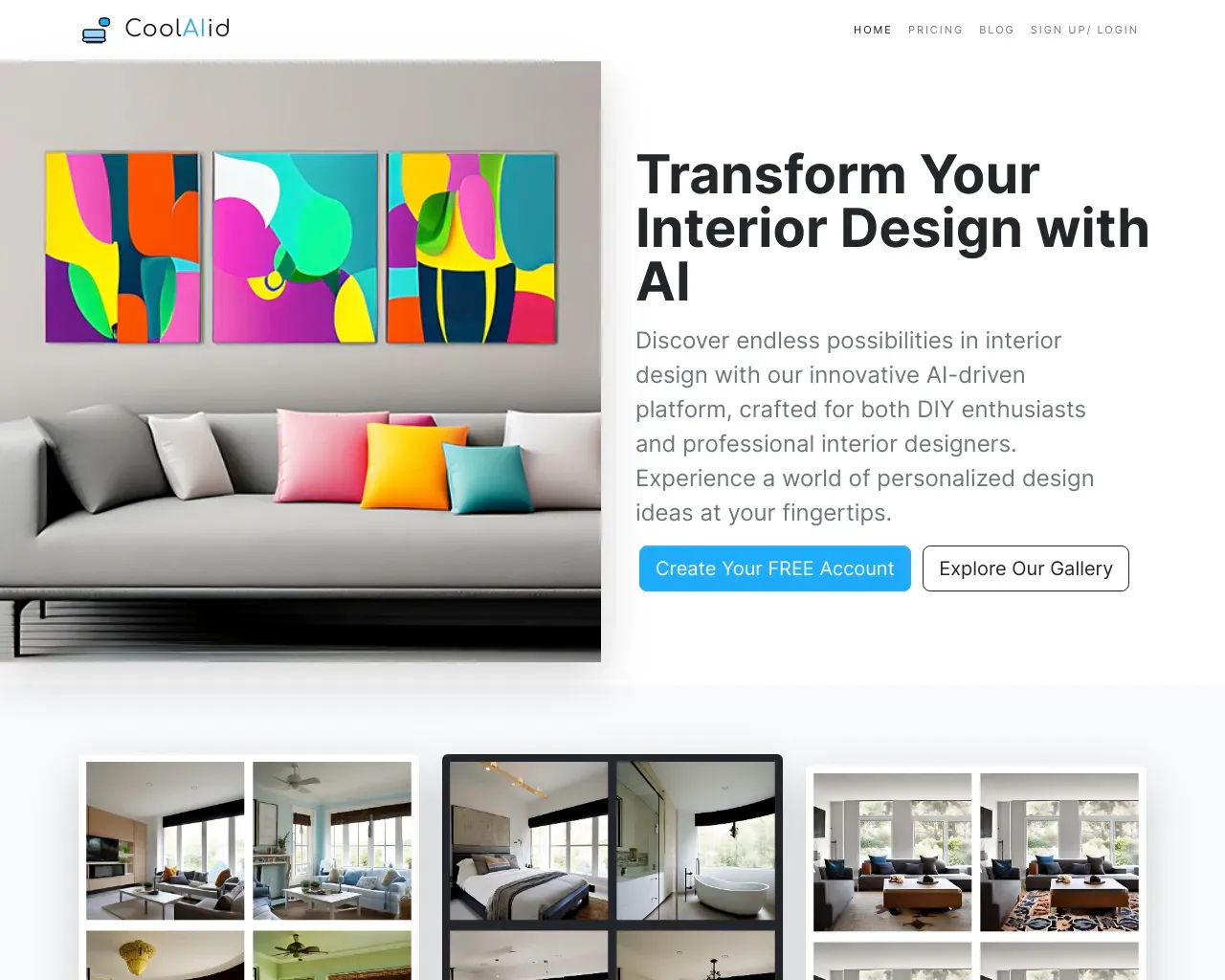
इंटीरियर एआई: आर्टिफ़िकल इंटेलीजेंस का इस्तेमाल करने वाला इंटीरियर डिज़ाइन आइडिया, प्रेरणा और वर्चुअल स्टेजिंग ऐप

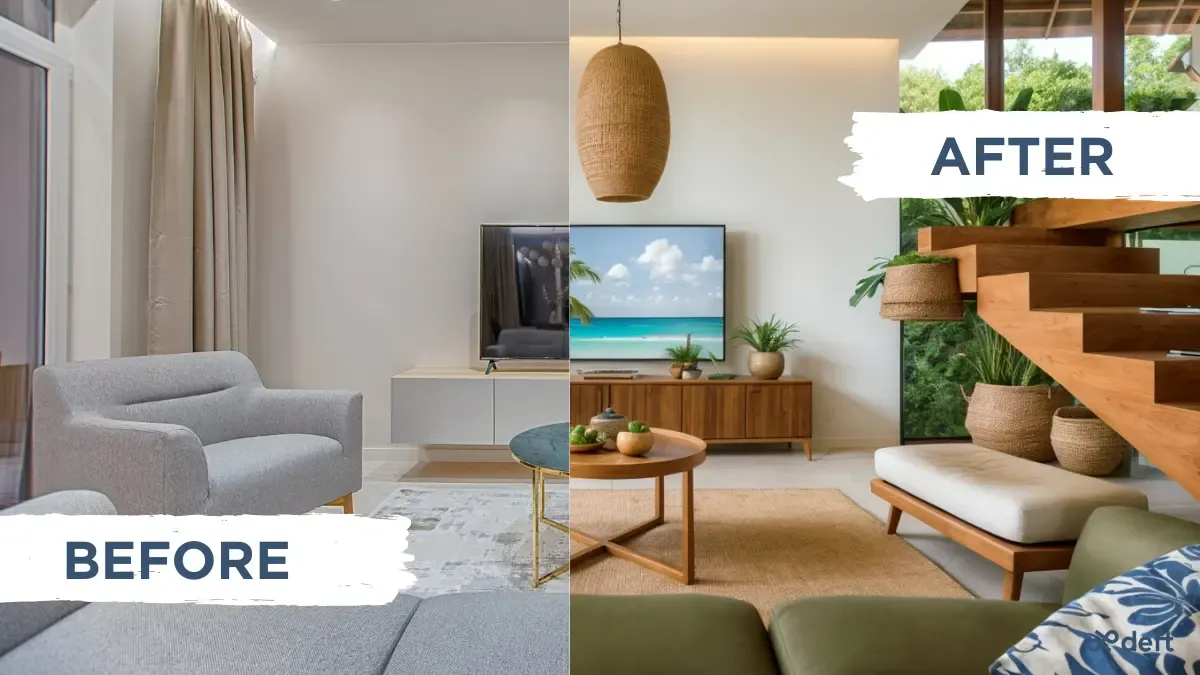
डेफ़्ट इमेजिन - किसी घर को 10 सेकंड या उससे कम समय में रीस्टाइल करें। प्रेरणा, इंटीरियर डिज़ाइन, स्टेजिंग, और बहुत कुछ।
3D House Planner के बारे में
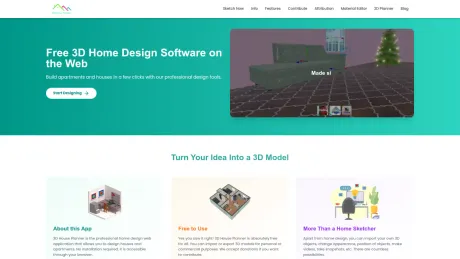
पेशेवर 3D होम डिज़ाइन सॉफ़्टवेयर जिसे तुम्हारे ब्राउज़र के माध्यम से एक्सेस किया जा सकता है। आसानी से मकान और अपार्टमेंट डिज़ाइन करो।
3D House Planner's मूल्य निर्धारण योजनाएँ
3D House Planner किसी भी समय कीमतें बदल सकती हैं। यहां हमारी नवीनतम जानकारी है:
Pricing
Pricing
- 3D House Planner is completely free to use.
आपको क्या मिलता है
अतिरिक्त जानकारी
3D House Planner is a professional home design web application that allows users to design houses and apartments without the need for installation. The platform is entirely free to use, enabling both personal and commercial import/export of 3D models. Its intuitive controls make it simple and quick to sketch 3D models, accommodating designs for up to 50 floors.
The app supports the importation of 3D objects in various formats including GLB, GLTF, OBJ, and Babylon. Users can change the appearance and position of objects, create videos, and take snapshots. The tool also features a catalog filled with thousands of objects, ensuring users have plenty of options to furnish and decorate their spaces.
3D House Planner emphasizes data privacy; users don’t need to log in, and all designs remain private without being stored on the cloud. Users can save their work by exporting 3D models and continue editing by importing saved designs. Additionally, the application includes capabilities for terrain modeling, painting, and applying a wide range of high-quality materials and textures for realistic designs.
The app is required for anyone looking to efficiently create and visualize their architectural designs, offering a story-like development environment that is both powerful and user-friendly.
अक्सर पूछे जाने वाले प्रश्न
What is 3D House Planner used for?
3डी हाउस प्लानर - वेब पर मुफ़्त 3डी फ़्लोर प्लानर.Is 3D House Planner free?
Pricing for 3D House Planner varies — see the Pricing section for details.What are alternatives to 3D House Planner?
Top alternatives to 3D House Planner include Interior AI, Oda Studio, Deft, Image Computer, Dimensions.Where can I get 3D House Planner?
3D House Planner is available at https://3dhouseplanner.com/.What category is 3D House Planner in?
3D House Planner is listed in वास्तुकला और आंतरिक डिजाइन.Is 3D House Planner really free?
Yes. The app is free for personal and commercial use, with no login and no watermark. Donations help us keep improving it.Where are my projects saved?
Projects are saved in your own browser (IndexedDB) with automatic recovery. Nothing is uploaded to our servers, and you can export files at any time.Can I open my project in other BIM or CAD software?
Yes. You can export IFC4, DXF, GLB/glTF, OBJ, STL, SVG and CSV schedules, and import IFC, DXF, GLB, OBJ, STL and images of floor plans.How does the AI assistant work?
Describe what you want, such as a 3-bedroom house with a gable roof, or attach a plan or photo. The assistant builds walls, doors, windows, floors, roofs and furniture with the same tools of the editor, so everything stays editable.Do I need a powerful computer?
No. Pick a visualization mode from Draft, for any laptop, up to Ultra with real-time reflections and ambient occlusion for powerful GPUs.
3D House Planner की तुलना करें…
किसी भी टूल को चुनें और संरचित तुलना देखें: मूल्य, परिनियोजन, क्षमताएँ और कंटेंट नीति।