- श्रेणी
- कोडिंग असिस्टेंट
- मूल्य
- Free
- विकल्प
- 6 समान उपकरण
- अंतिम अपडेट
- 4 सप्ताह पहले
- स्रोत
- आधिकारिक साइट ↗︎
AI Collection ऊपर उठाता है

कोडिंग असिस्टेंट श्रेणी चयन

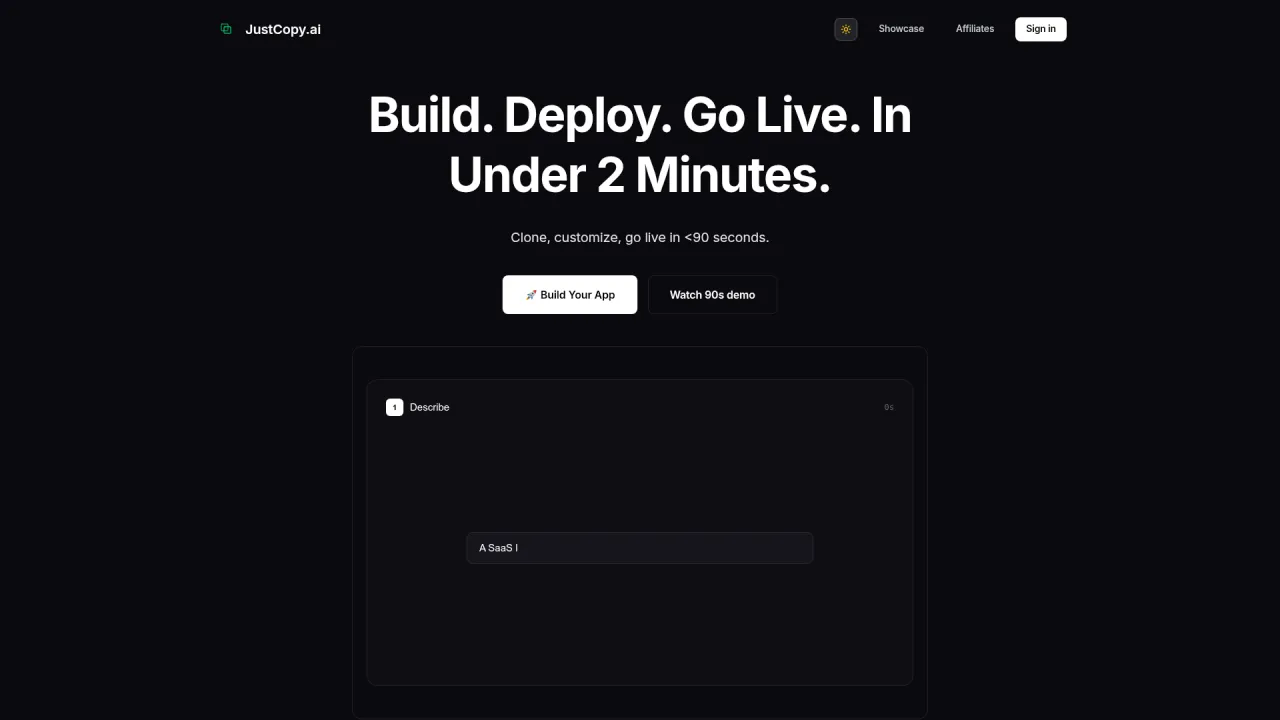
justcopy.ai - AI एजेंट बिना किसी सेटअप के 2 मिनट के अंदर कॉपी करने, कस्टमाइज़ करने और डिप्लॉय करने के लिए


AI Docstrings के बारे में
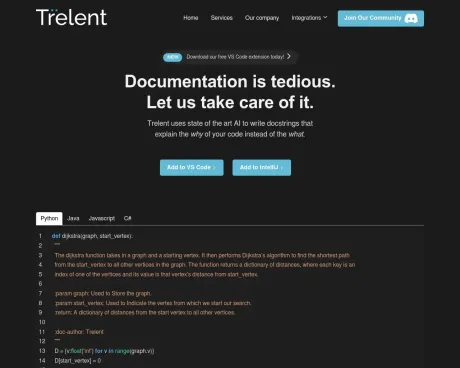
ट्रेलेंट एआई का उपयोग आपके कार्यों के लिए सहायक डॉकस्ट्रिंग्स को तुरंत लिखने के लिए करता है।
आपको क्या मिलता है
अतिरिक्त जानकारी
Trelent is a private AI platform designed to enhance workflows that involve sensitive information, particularly for industries that require high levels of compliance. The platform enables organizations to accelerate processes such as client onboarding, legal reviews, and compliance checks while ensuring strict data privacy.
The core functionality of Trelent is built around the private environment it offers, which consists of three key components: Data Ingestion, Intelligent Search, and Agent Orchestration. These features work together to transform sensitive data into actionable insights, allowing businesses to maintain regulatory compliance while driving efficiency.
Trelent specifically targets regulated industries like Financial Services and Cybersecurity, offering tailored solutions that address unique compliance needs. By assisting clients with complex workflows, Trelent aims to increase operational margins and facilitate faster growth by automating manual tasks and improving overall client relations.
Unlike traditional AI tools that may underdeliver, Trelent focuses on delivering effective systems that reliably solve real problems, thereby ensuring clients gain meaningful value from their investments.
अक्सर पूछे जाने वाले प्रश्न
What is AI Docstrings used for?
डॉकस्ट्रिंग्स को स्वचालित रूप से लिखें.Is AI Docstrings free?
AI Docstrings is free to use.What are alternatives to AI Docstrings?
Where can I get AI Docstrings?
AI Docstrings is available at https://trelent.com.What category is AI Docstrings in?
AI Docstrings is listed in कोडिंग असिस्टेंट.
AI Docstrings की तुलना करें…
किसी भी टूल को चुनें और संरचित तुलना देखें: मूल्य, परिनियोजन, क्षमताएँ और कंटेंट नीति।