AI Writer by Picsart
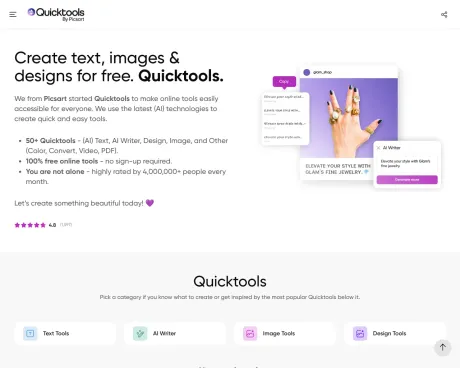
तस्वीरों, वीडियो और दस्तावेज़ों को मुफ़्त में संपादित करें - Quicktools by Picsart.
- श्रेणी
- इमेज एडिटिंग
- मूल्य
- Free
- विकल्प
- 6 समान उपकरण
- अंतिम अपडेट
- 3 सप्ताह पहले
- स्रोत
- आधिकारिक साइट ↗︎
AI Collection ऊपर उठाता है

इमेज एडिटिंग श्रेणी चयन

ProductScope AI ईकॉमर्स ब्रांड्स और मार्केटर्स के लिए दो ज़रूरी टूल प्रदान करता है: एक AI प्रॉडक्ट फ़ोटोशूट टूल और एक लिस्टिंग ऑप्टिमाइज़र।


AI Writer by Picsart के बारे में
अपनी तस्वीरों के लिए पारदर्शी बैकग्राउंड बनाना, वीडियो ट्रिम करना और फ़ाइल टाइप बदलना - यह सब Quicktools की मदद से करें।
आपको क्या मिलता है
अतिरिक्त जानकारी
Quicktools by Picsart offers over 50 free online tools that cater to AI writing, image editing, design, and file conversion, making them accessible without the need for signing up. The tools are designed with the latest AI technologies to help users create content efficiently and easily.
Main features include an AI Writer for generating text, various image editing tools such as a profile picture maker and an image enhancer, and a range of design functionalities. Users can also convert files, edit PDFs, and create videos, all from a single platform.
Quicktools aims to empower creativity by providing user-friendly and modern tools that are continuously updated to meet user needs. It serves as a resource for individuals looking to enhance their creativity and produce professional-looking content without any cost.
अक्सर पूछे जाने वाले प्रश्न
What is AI Writer by Picsart used for?
तस्वीरों, वीडियो और दस्तावेज़ों को मुफ़्त में संपादित करें - Quicktools by Picsart.Is AI Writer by Picsart free?
AI Writer by Picsart is free to use.What are alternatives to AI Writer by Picsart?
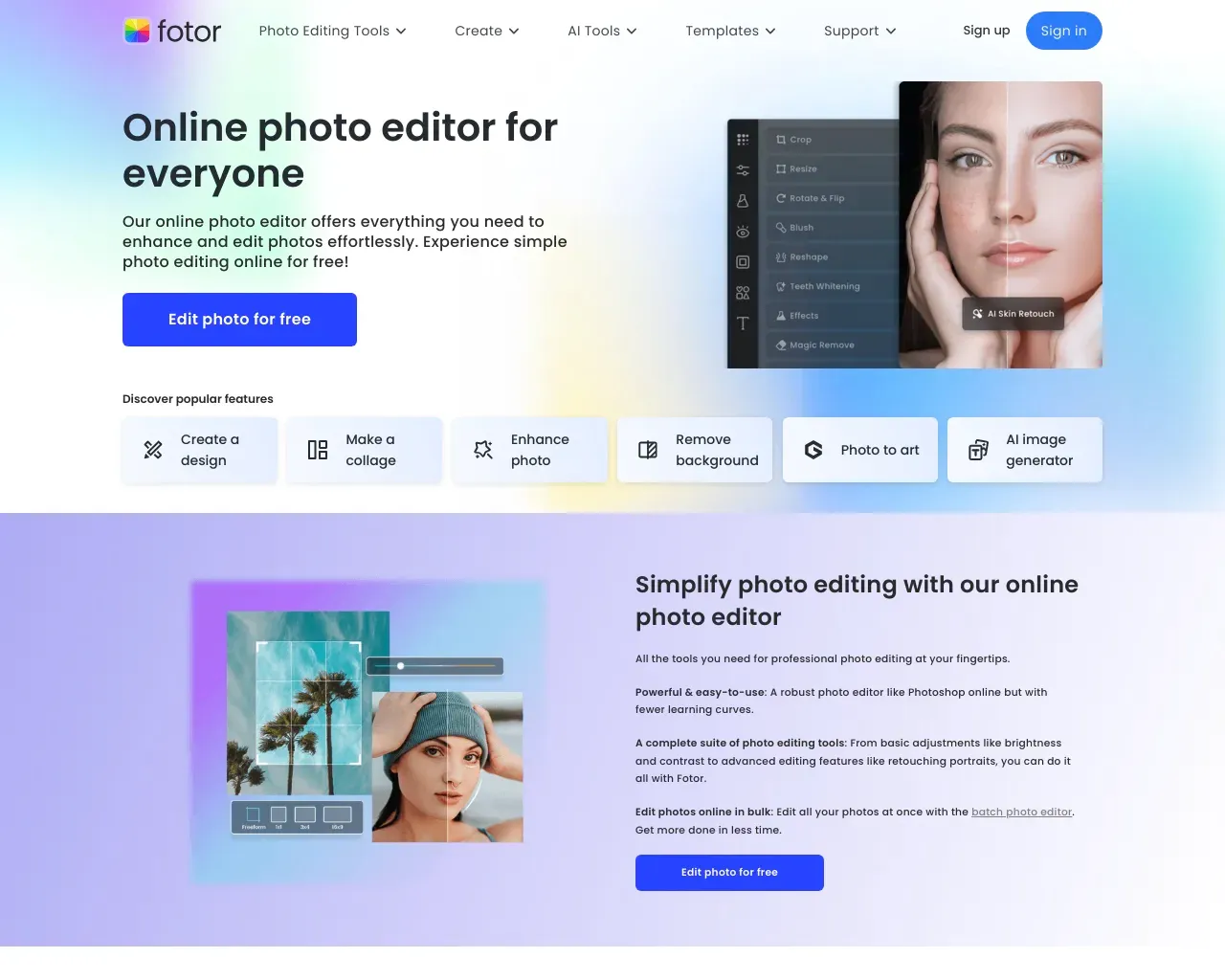
Top alternatives to AI Writer by Picsart include ProductScope AI, PicTools.AI, AI Photos Editor, AVCLabs PhotoPro AI, Fotor.Where can I get AI Writer by Picsart?
AI Writer by Picsart is available at http://tools.picsart.com.What category is AI Writer by Picsart in?
AI Writer by Picsart is listed in इमेज एडिटिंग.
AI Writer by Picsart की तुलना करें…
किसी भी टूल को चुनें और संरचित तुलना देखें: मूल्य, परिनियोजन, क्षमताएँ और कंटेंट नीति।