Assista AI
सहायता — हर डिपार्टमेंट को ऑटोपायलट पर चलाएँ.
- श्रेणी
- वर्कफ़्लो और ऑटोमेशन
- विकल्प
- 6 समान उपकरण
- अंतिम अपडेट
- 3 सप्ताह पहले
- स्रोत
- आधिकारिक साइट ↗︎
AI Collection ऊपर उठाता है

वर्कफ़्लो और ऑटोमेशन श्रेणी चयन

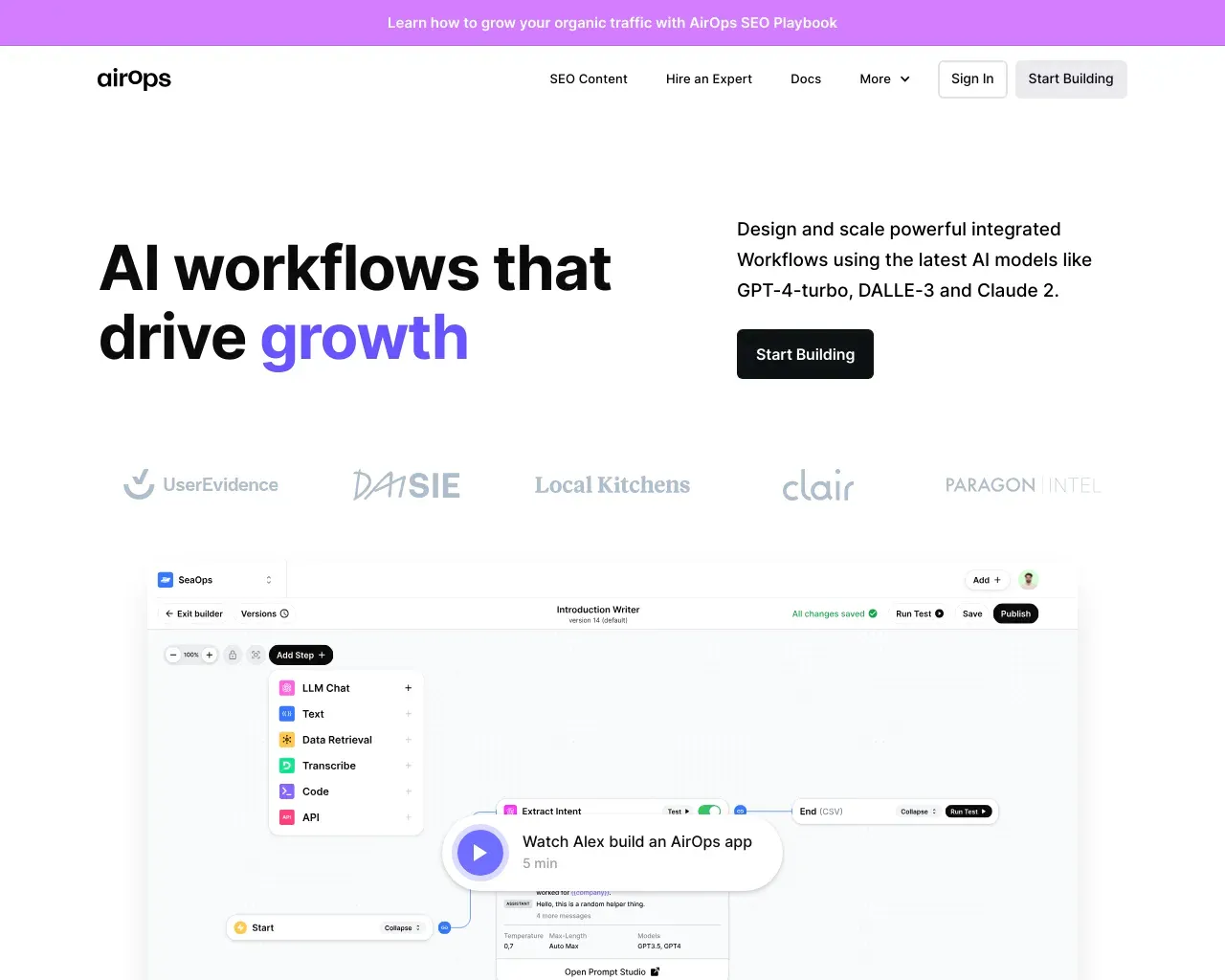
AirOps - AI वर्कफ़्लोज़ जो ग्रोथ को बढ़ावा देते हैं - AirOps Studio के साथ AI ऐप्स बनाएं, उनका परीक्षण करें, उन्हें लागू करें और स्केल करें।
Assista AI के बारे में
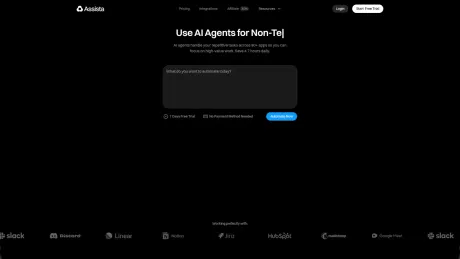
असिस्टा एक AI ऑपरेटिंग टीम है जो लक्ष्यों को तैयार काम में बदल देती है। एक लक्ष्य सेट करें, और एक सीईओ एजेंट विशेषज्ञ टीम को इकट्ठा करता है, तुम्हारे ऐप्स कनेक्ट करता है, और निष्पादन को आगे बढ़ाता रहता है — समय पर, ट्रिगर्स पर, तुम्हारी स्वीकृति के साथ जहाँ यह महत्वपूर्ण है।
आपको क्या मिलता है
अतिरिक्त जानकारी
Assista operates as an intelligent team of AI agents that can autonomously complete tasks based on goals you set in plain English. When a user sets a goal, Assista assembles a specialized team consisting of various roles—such as SDRs and support staff—each with the necessary tools and scopes to achieve the goal. The process is simple: set a goal, the AI team goes to work, and users can monitor the progress in real time through an intuitive interface.
The platform integrates with over 1,000 applications, including Gmail, Slack, GitHub, and more, making it versatile for various business needs. Users can monitor tasks on a Kanban board, ensuring transparency on what each AI agent is working on, and can approve or adjust sensitive actions that require human oversight. Assista also features templates and automation tools to improve efficiency across departments like sales, marketing, and support.
With a pricing model based on task credits, users are billed only for what they actually use. The service starts with a three-day free trial, after which users can choose from several plans tailored to different needs, such as solo tasks or team collaborations. This flexibility allows businesses to scale their AI-powered operations effectively while managing costs according to their specific workload and budget requirements.
अक्सर पूछे जाने वाले प्रश्न
What is Assista AI used for?
सहायता — हर डिपार्टमेंट को ऑटोपायलट पर चलाएँ.Is Assista AI free?
Pricing for Assista AI varies — see the Pricing section for details.What are alternatives to Assista AI?
Where can I get Assista AI?
Assista AI is available at https://www.getassista.com/.What category is Assista AI in?
Assista AI is listed in वर्कफ़्लो और ऑटोमेशन.What actually happens after I set a goal?
A CEO reads the goal, breaks it into workstreams, and picks the specialists you’d hire — CMO, SDR, support, CTO, ops, finance. Each spins up with the right tools and scopes, then starts working on a Kanban board you can inspect at any moment.How is this different from a chatbot or AI workflow builder?
A chatbot answers questions. A workflow builder runs a flow you designed. Assista is an operating team — it decides what work needs to happen, assigns it to specialist teammates, executes across your apps, and wakes up on triggers and schedules to keep moving. You stay in the loop on what matters.Which apps do the teammates work inside?
1,000+ apps — Gmail, Slack, GitHub, Stripe, Calendar, Notion, Linear, HubSpot, LinkedIn, Reddit, Drive, and more. Connect once with OAuth. Each teammate gets a scoped token, least privilege per role.Do teammates act on their own, or do I approve everything?
Autonomous where useful, controlled where it matters. Teammates draft, prepare, research, update, and suggest on their own. For sensitive actions — sending external messages, changing shared state, posting publicly — they wait for your approval before anything goes out.Can teammates react to events and run on a schedule?
Yes.How do I connect my own Claude?
You connect your Claude account to enable your teammates to think and write using Claude while ensuring you pay Anthropic directly for that functionality.
Assista AI की तुलना करें…
किसी भी टूल को चुनें और संरचित तुलना देखें: मूल्य, परिनियोजन, क्षमताएँ और कंटेंट नीति।