PhoText
फ़ोटेक्स्ट - इमेज में टेक्स्ट ऑनलाइन एडिट/जोड़ें/हटाएँ.
- श्रेणी
- इमेज एडिटिंग
- विकल्प
- 6 समान उपकरण
- अंतिम अपडेट
- 2 सप्ताह पहले
- स्रोत
- आधिकारिक साइट ↗︎
AI Collection ऊपर उठाता है

इमेज एडिटिंग श्रेणी चयन


ProductScope AI ईकॉमर्स ब्रांड्स और मार्केटर्स के लिए दो ज़रूरी टूल प्रदान करता है: एक AI प्रॉडक्ट फ़ोटोशूट टूल और एक लिस्टिंग ऑप्टिमाइज़र।

PhoText के बारे में
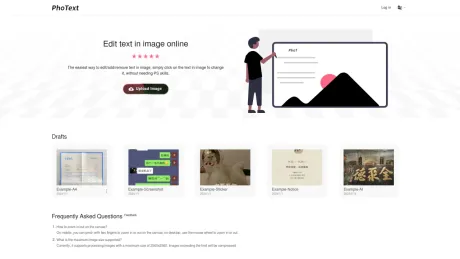
इमेज में टेक्स्ट एडिट/जोड़ने/हटाने का सबसे आसान तरीका, बिना पीएस स्किल्स की ज़रूरत के, इसे बदलने के लिए बस इमेज के टेक्स्ट पर क्लिक करें।
PhoText's मूल्य निर्धारण योजनाएँ
PhoText किसी भी समय कीमतें बदल सकती हैं। यहां हमारी नवीनतम जानकारी है:
Pricing
Pricing
- Basic features are free, and there is a generous free trial quota for advanced features with transparent pricing.
आपको क्या मिलता है
अतिरिक्त जानकारी
PhoText is an AI-driven online image text editor that allows users to easily edit text within images or screenshots without any graphic design skills. Users can upload images in formats including JPG, PNG, JPEG, WEBP, and PDF, and click on the text in the image they wish to modify. PhoText offers an intuitive, user-friendly experience that eliminates complex steps, making it accessible for everyone.
Key features include AI text editing using advanced semantic understanding, smart background repair, and style transfer techniques. The AI recognizes and matches fonts, colors, sizes, and positions seamlessly, ensuring the edits blend perfectly with the original image. The platform also includes high-precision optical character recognition (OCR), which supports multiple languages and can recognize complex designs and layouts.
In addition to text editing, PhoText provides various image editing options, such as filters, stickers, and word art. The platform ensures high-resolution image processing while maintaining the quality of the original content. With a focus on privacy, user photos and data are not collected, and edited images are automatically cleared after three days.
PhoText offers a free tier with basic features and a generous trial quota for advanced options. All fonts and content produced can be used for commercial purposes without copyright issues, making it a versatile tool for both personal and professional use.
अक्सर पूछे जाने वाले प्रश्न
What is PhoText used for?
फ़ोटेक्स्ट - इमेज में टेक्स्ट ऑनलाइन एडिट/जोड़ें/हटाएँ.Is PhoText free?
Pricing for PhoText varies — see the Pricing section for details.What are alternatives to PhoText?
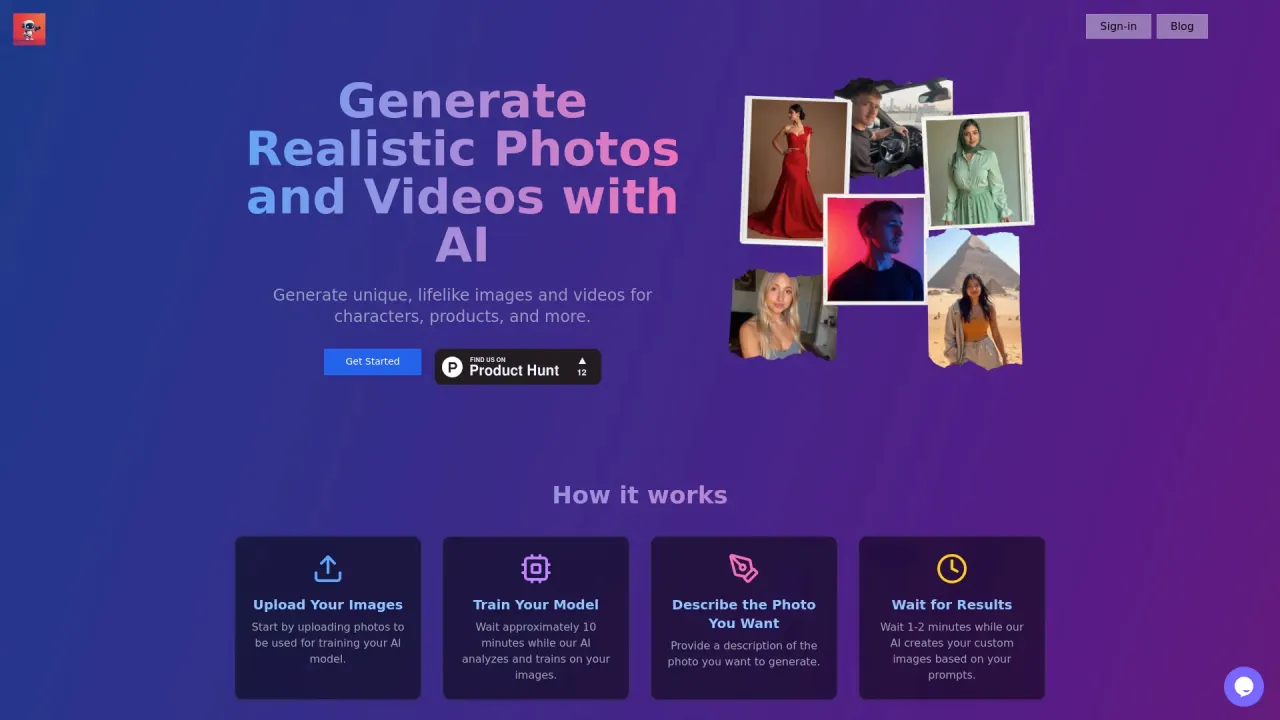
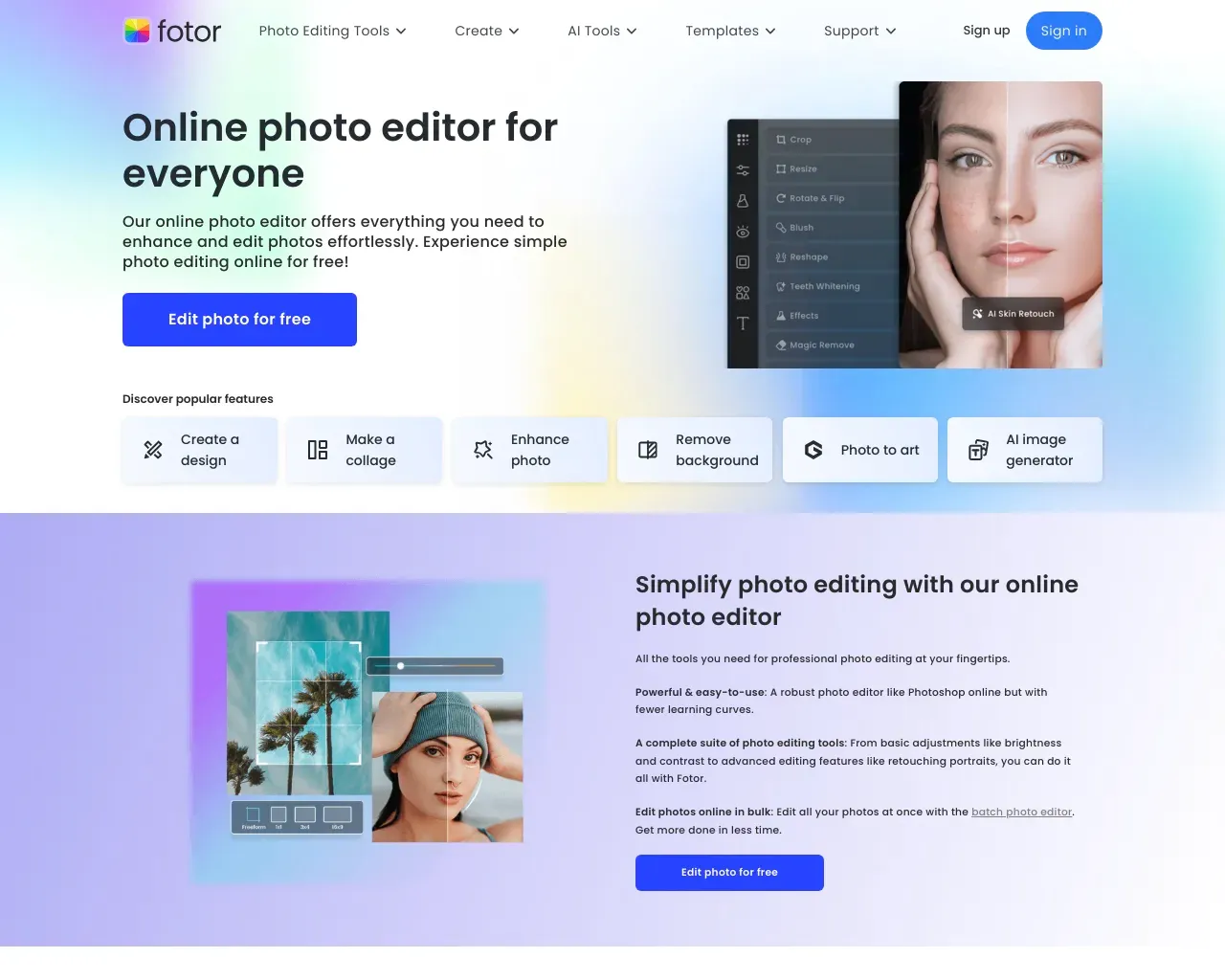
Top alternatives to PhoText include ProductScope AI, PicTools.AI, AI Photos Editor, AVCLabs PhotoPro AI, Fotor.Where can I get PhoText?
PhoText is available at https://photext.shop.What category is PhoText in?
PhoText is listed in इमेज एडिटिंग.How do I match the same font?
After selecting the text, click 'Identify Font' in the font section of the editing panel to recognize and match similar fonts.Spots during manual editing?
When manually editing, the background removal tool offers multiple schemes to achieve the best seamless background restoration. If there are spots, try a different removal result, or use AI conversational editing for a smarter and easier experience, absolutely no spots will appear.How do I fix just one word in a line?
When manually editing, you can precisely select the text in the image to edit it, or manually erase the target text and add new text at the corresponding position. The simplest and fastest way is to use conversational AI editing.How do I match the same font
After selecting the text, click "Identify Font" in the font section of the editing panel to recognize and match similar fonts.
PhoText की तुलना करें…
किसी भी टूल को चुनें और संरचित तुलना देखें: मूल्य, परिनियोजन, क्षमताएँ और कंटेंट नीति।