Sigma AI Browser
Sigma AI ब्राउज़र AI-संचालित सबसे अच्छा प्रॉडक्ट है, जिसमें बिल्ट-इन SigmaGPT तकनीक शामिल है। इसकी मदद से लोग AI से बात कर सकते हैं, इमेज बना सकते हैं, लेखों को सारांशित कर सकते हैं। सब एक ही ब्राउज़र में।.
- श्रेणी
- खोज इंजन
- मूल्य
- Free
- विकल्प
- 6 समान उपकरण
- अंतिम अपडेट
- 1 माह पहले
- स्रोत
- आधिकारिक साइट ↗︎
AI Collection ऊपर उठाता है

खोज इंजन श्रेणी चयन

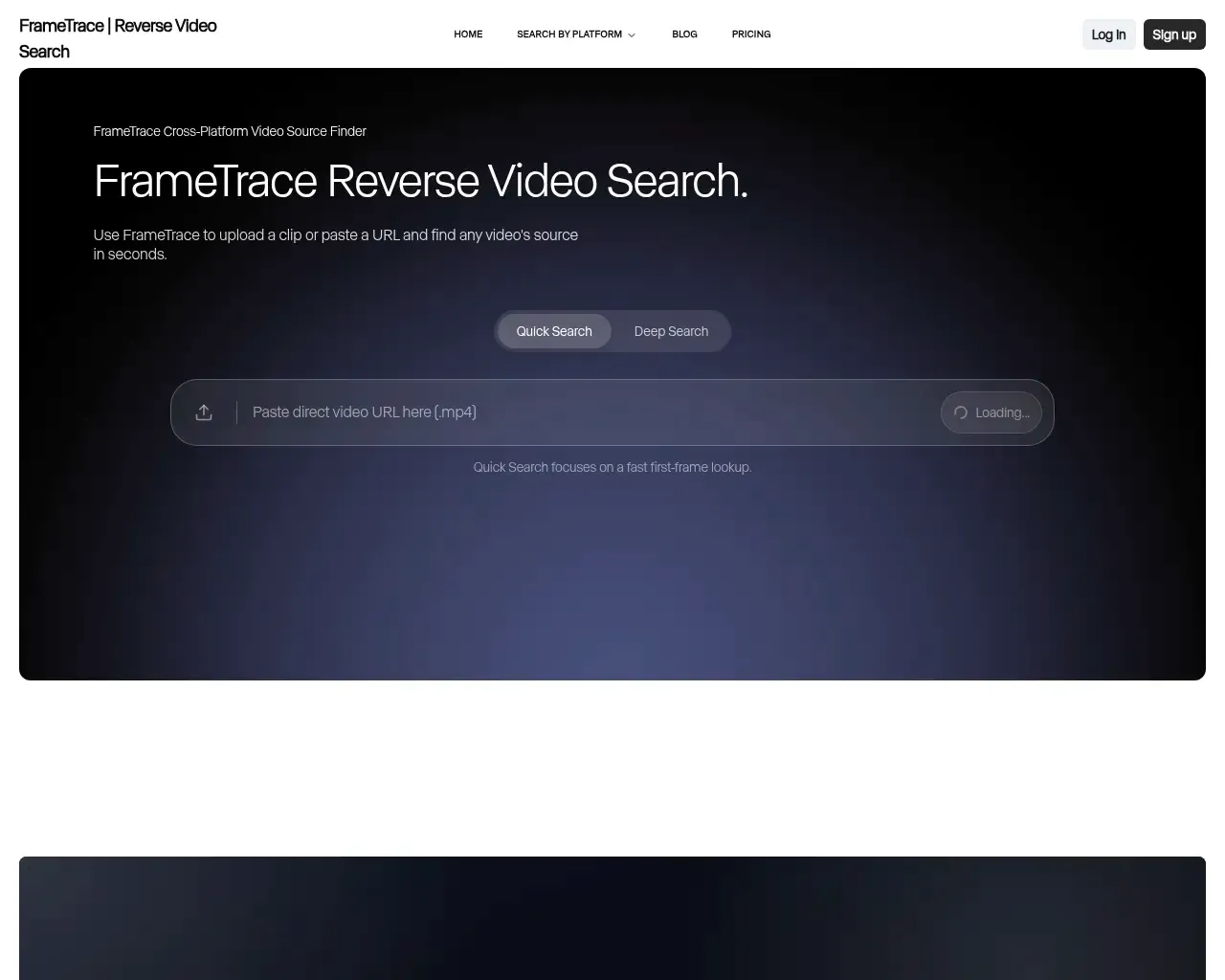
फ़्रेमट्रेस: स्रोत का पता लगाने और प्रामाणिकता की पुष्टि करने के लिए AI-संचालित रिवर्स वीडियो सर्च इंजन

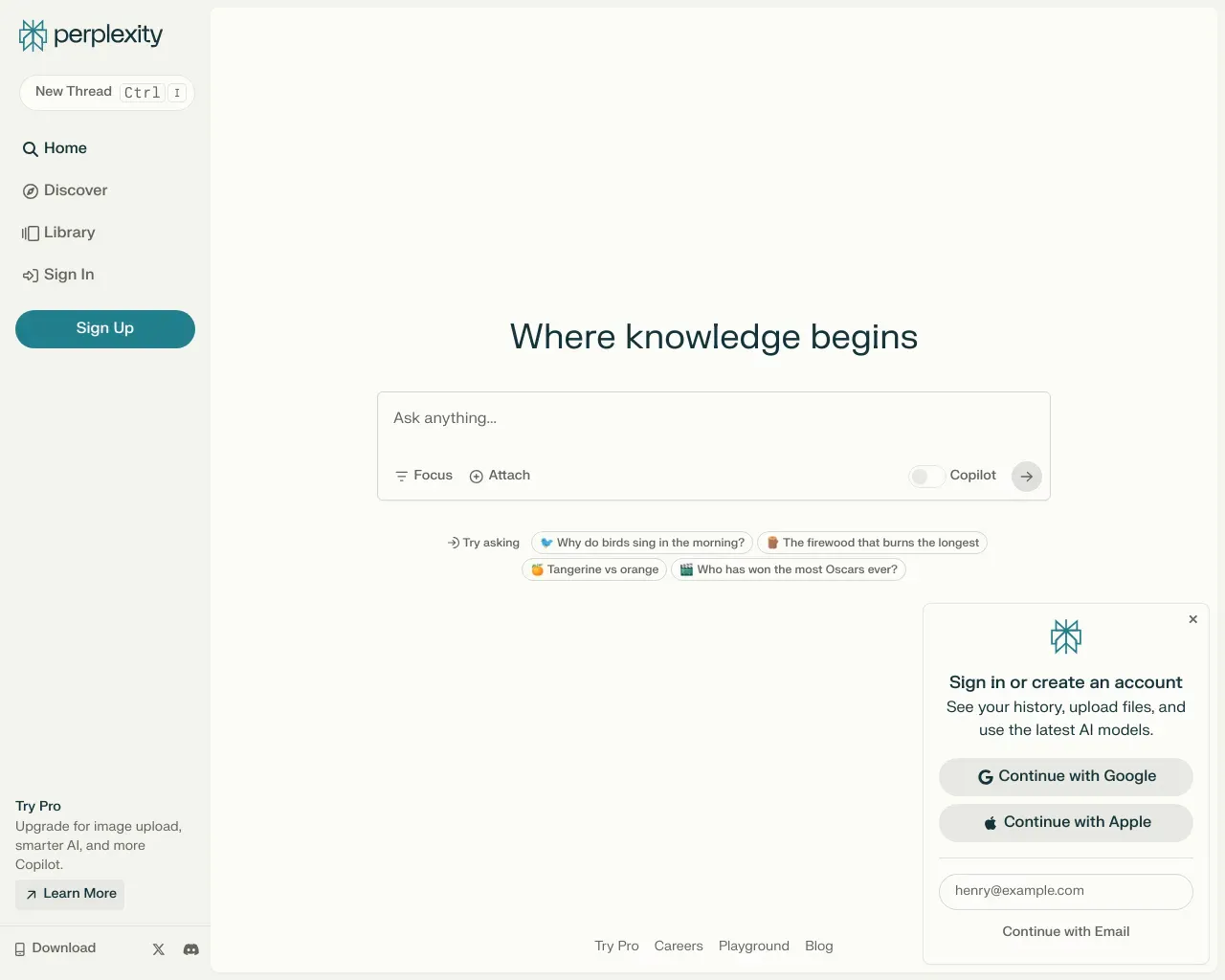
Perplexity AI एक उत्तर इंजन है जो बड़े भाषा मॉडल का इस्तेमाल करके जटिल प्रश्नों के सटीक उत्तर देता है।

Sigma AI Browser के बारे में
मिशन साफ है: पारंपरिक ब्राउज़रों को बदलना, क्योंकि Sigma AI ब्राउज़र आज का भविष्य लेकर आया है। यह सरल और सहज है। यह बाधाओं को नष्ट करता है, तुम्हारे ऑनलाइन स्पेस को एक सुरक्षित और नवोन्मेषी जगह में बदल देता है जहाँ गोपनीयता, गति और तकनीक एक साथ आती हैं।
आपको क्या मिलता है
अतिरिक्त जानकारी
Sigma AI Browser is an innovative browser designed to enhance your online experience by integrating an AI agent that performs tasks on your behalf. From navigating websites to filling forms and managing online tasks, the AI agent acts like a real user, streamlining your workflow without requiring coding or setup.
With features like deep research mode, Sigma allows users to queue sources, cluster information, and generate structured insights, making it perfect for market analysis or academic review. Its local AI, Eclipse, ensures that all data processing occurs on your device, providing enhanced privacy and faster responses.
The browser also includes a built-in ad blocker for a cleaner browsing experience and offers private profiles to separate work and personal browsing. Sigma is powered by blockchain cryptography for user identity security and ensures all communications are encrypted. Additionally, it supports modern extensions and integrates with Web3 applications, catering to a versatile user base.
With advanced privacy measures and a focus on performance, Sigma maintains low memory usage compared to other popular browsers while providing intuitive design elements like bookmarks and password managers.
अक्सर पूछे जाने वाले प्रश्न
What is Sigma AI Browser used for?
Sigma AI ब्राउज़र AI-संचालित सबसे अच्छा प्रॉडक्ट है, जिसमें बिल्ट-इन SigmaGPT तकनीक शामिल है। इसकी मदद से लोग AI से बात कर सकते हैं, इमेज बना सकते हैं, लेखों को सारांशित कर सकते हैं। सब एक ही ब्राउज़र में।.Is Sigma AI Browser free?
Sigma AI Browser is free to use.What are alternatives to Sigma AI Browser?
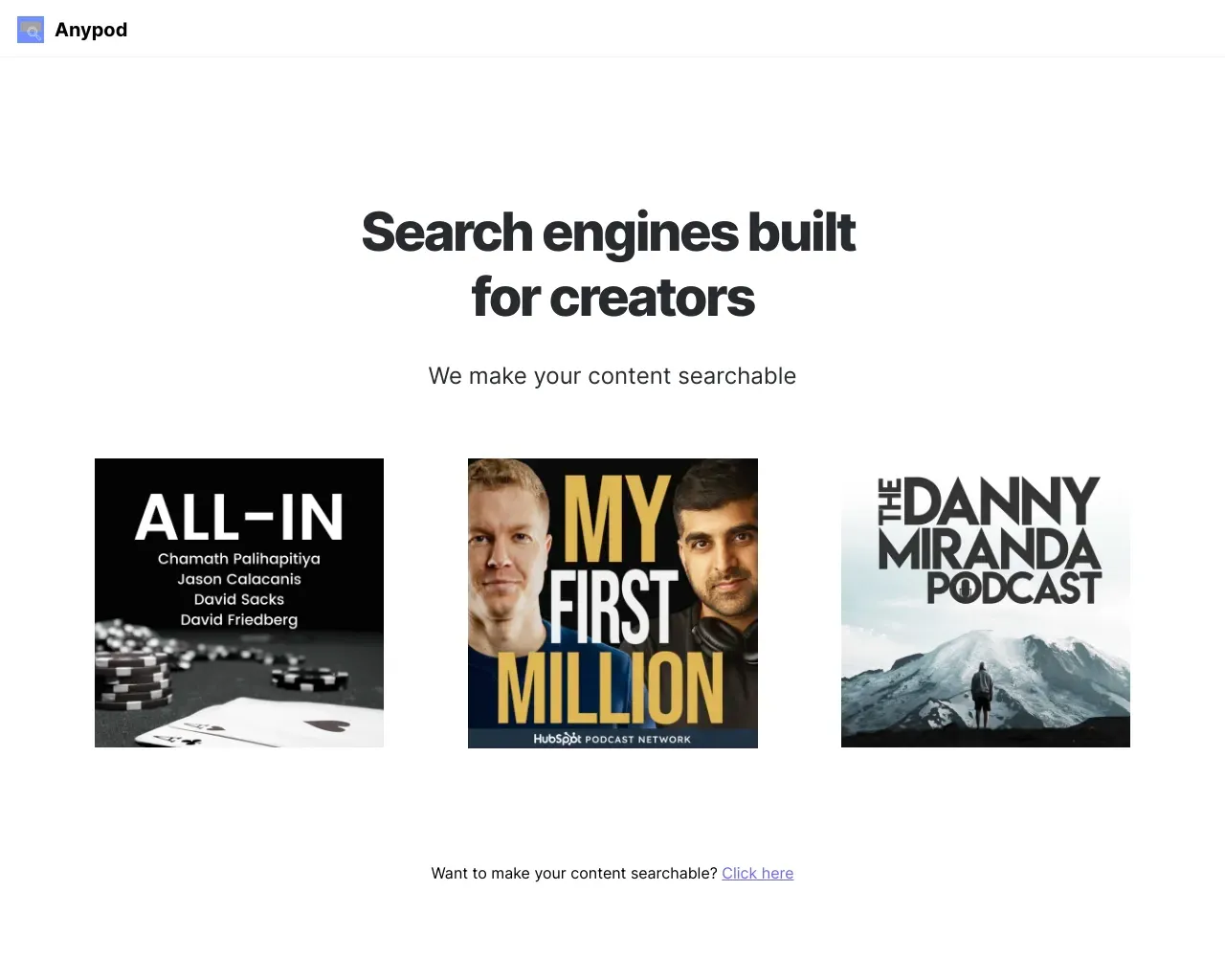
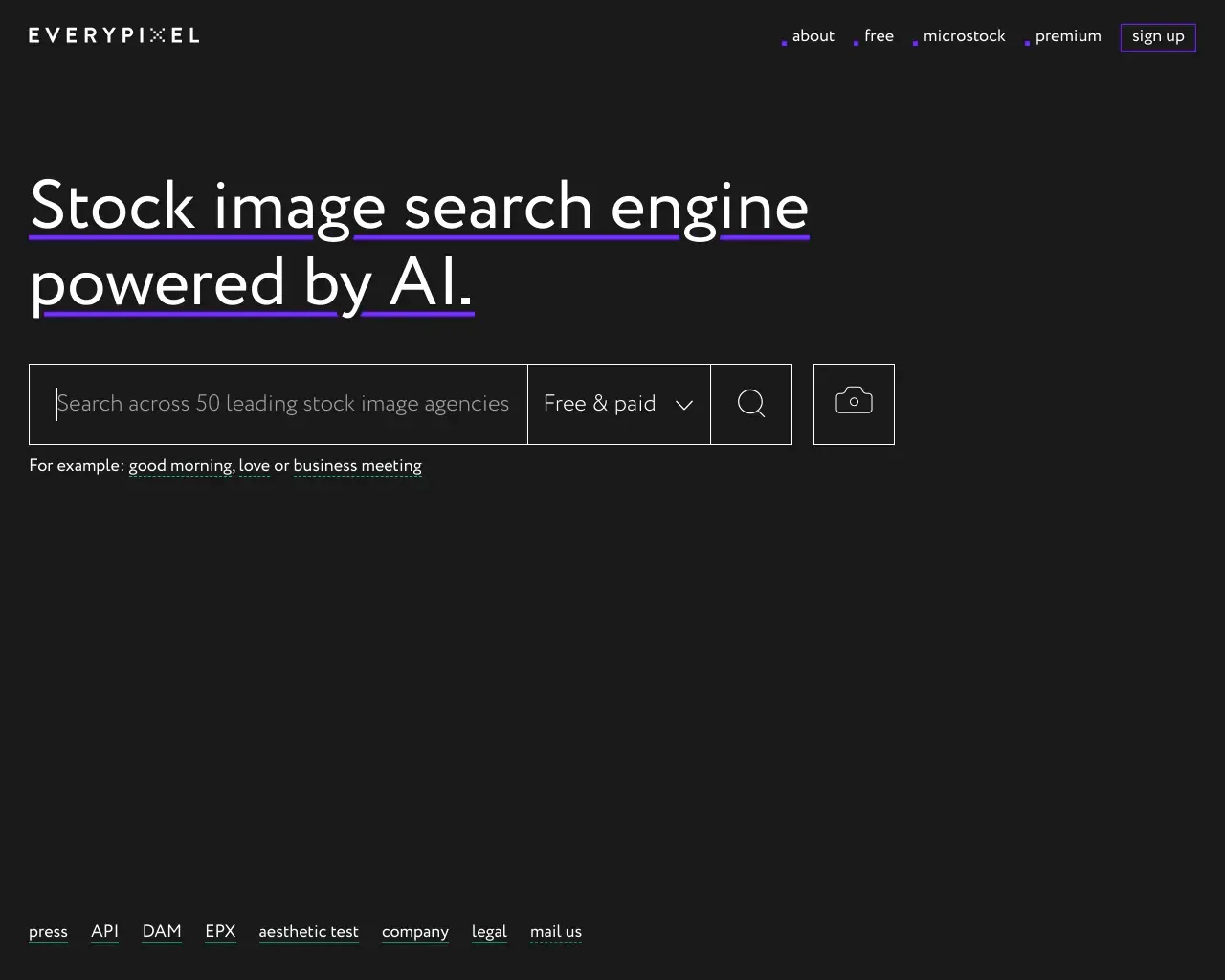
Top alternatives to Sigma AI Browser include FrameTrace | Reverse Video Search, You, Perplexity AI, Andisearch, Anypod.Where can I get Sigma AI Browser?
Sigma AI Browser is available at https://sigmabrowser.com/?utm_source=thataicollection&utm_medium=banner&utm_campaign=backlink.What category is Sigma AI Browser in?
Sigma AI Browser is listed in खोज इंजन.What is Sigma AI Browser?
Sigma AI Browser is an AI‑first agentic browser that combines an AI agent, deep research, and AI tools to help you navigate, create, and automate on the web faster than any traditional browser.What’s a browser‑based AI agent?
It’s an agent that works inside your browser, with no setup or coding required. It interacts with websites like a real user: clicking buttons, filling fields, submitting forms and gathering data on your behalf.How is this different from a chatbot or AI assistant?
A chatbot talks. An AI agent acts. It doesn't just answer questions — it logs in, performs tasks, and brings back results.What kinds of tasks can it do?
From booking tickets to cleaning up your inbox, paying bills, posting on social media or updating spreadsheets — anything repeatable and online.What is Deep Research mode?
Deep Research is a special mode inside the AI browser that lets you queue sources, cluster information, and generate structured insights — perfect for market analysis, academic review or a deep dive in any topic.Is it safe? Will you store my data?
All tasks are processed securely with end‑to‑end encryption. We never store credentials or task data after execution. Everything runs locally or encrypted in‑transit.The browser or AI agent isn’t responding, what should I do?
First, make sure you’re running the latest version. If problem stays, disable third‑party extensions, clear the workspace cache, and relaunch. Contact support@sigmabrowser.com for step‑by‑step help.Where can I learn more or suggest features?
Join the Sigma Community, follow @Sigma_Browser on X, or drop feedback at support@sigmabrowser.com.
Sigma AI Browser की तुलना करें…
किसी भी टूल को चुनें और संरचित तुलना देखें: मूल्य, परिनियोजन, क्षमताएँ और कंटेंट नीति।